Support
Support runs through GitHub Discussions and community organised Meow Events listed on the site. There is no commercial support tier mentioned on the homepage.
Learn moreA Python agent framework for people who learn by building
Own Cheshire Cat AI? Verify ownership to get a dofollow link

Cheshire Cat AI is a developer tool. Cheshire Cat is a pure Python framework for building AI agents from four primitives: agents, tools, directives and hooks. It ships a local web UI, native MCP support, streaming over AG-UI and model swapping across OpenAI, Anthropic, Gemini, Ollama, OpenRouter and vLLM.
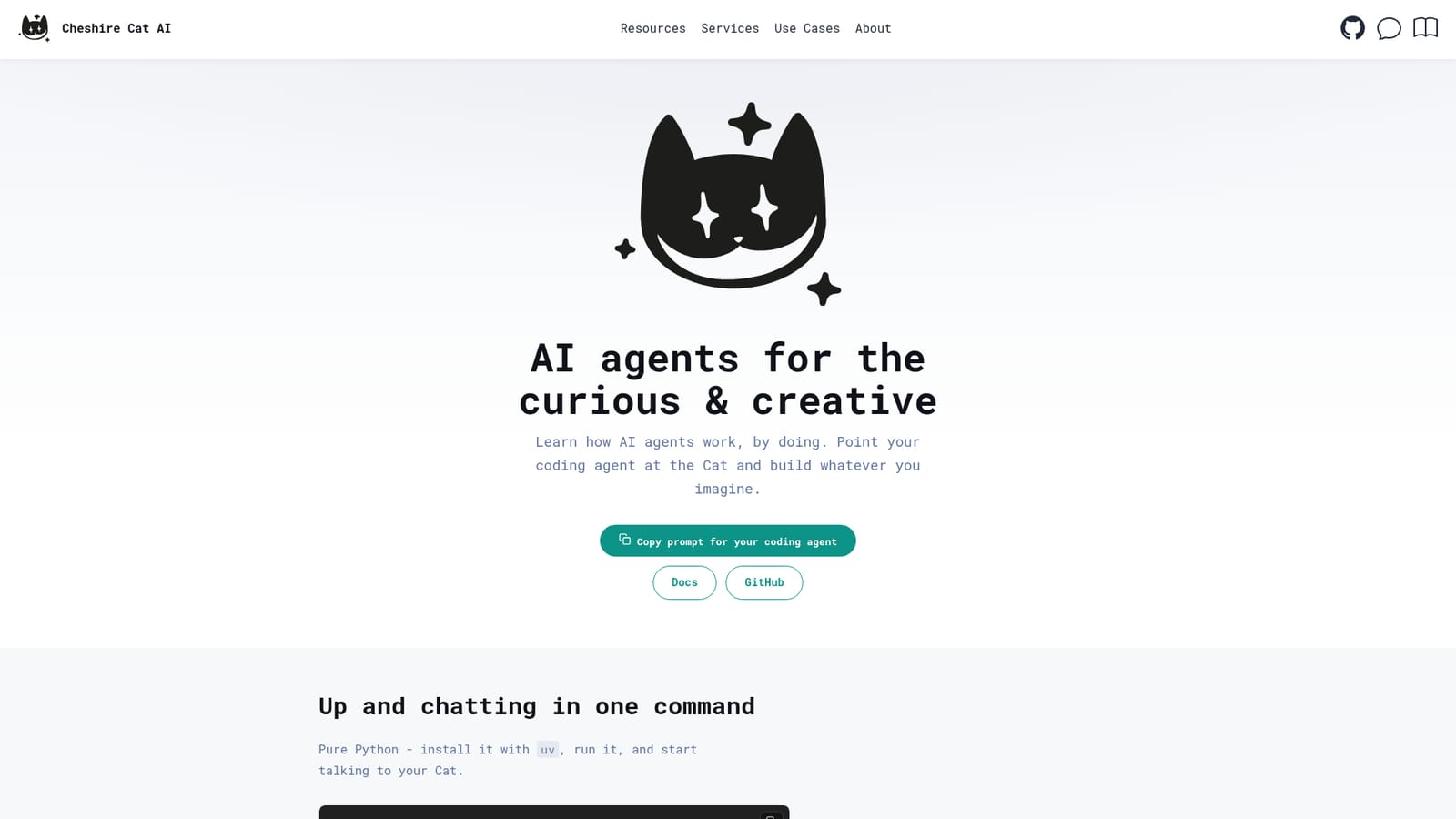
Cheshire Cat is a framework for AI agents written in pure Python. It is aimed at developers, learners and tinkerers who want to understand how an agent actually works rather than configure one through a hosted dashboard. The whole model rests on four primitives that all come from a single import. An Agent is a loop that reads the chat, calls tools and replies; you subclass it, give it a slug, a name and a system prompt, and it exists. A Tool is a method on that agent, type hinted and documented, which the model calls through function calling. A Directive is middleware wrapped around the agent loop, and the project treats retrieval, memory, skills and guardrails as directives too. A Hook is a one argument function that reacts to lifecycle events such as before and after an agent run. In practice the setup is deliberately small. Install the package with uv, run the ccat command, and a multi-chat, multi-agent web interface opens on localhost:1865. The first run walks you through picking a model. From there you either write plugins by hand or hand the repository to a coding agent and describe what you want. Plugins are folders: drop one in and it can contribute agents, tools, directives and endpoints without boilerplate. Model choice is a one line swap across OpenAI, Anthropic, Gemini, Ollama, OpenRouter and vLLM, and the framework speaks the Model Context Protocol natively, so external servers bring their tools, prompts and resources along. Projects that outgrow a single assistant can run several agents in one conversation, picking one per message or letting them call each other. Everything streams in real time over the AG-UI protocol, covering tokens, tool calls and lifecycle events. The HTTP layer is part of the same package: a decorator exposes a route, and role based authentication is built in, so custom endpoints and models do not need extra wiring. Messages reach an agent at a predictable REST path, which makes it straightforward to put your own front end in front of the Cat. Compared with visual agent builders, Cheshire Cat assumes you are comfortable in an editor and would rather read source than click through menus. It sits closest to other code first orchestration libraries, but bundles a running server, a UI and a plugin layout so a working agent is minutes away. The community gathers in GitHub Discussions and at Meow Events.
Support runs through GitHub Discussions and community organised Meow Events listed on the site. There is no commercial support tier mentioned on the homepage.
Learn moreModel providers listed on the homepage are OpenAI, Anthropic, Gemini, Ollama, OpenRouter and vLLM. Model Context Protocol servers can be connected natively so their tools, prompts and resources are available to agents.
Agents, tools, directives and hooks make up the core model, all importable from one module. Multi-agent chats let several agents share a conversation. Model providers include OpenAI, Anthropic, Gemini, Ollama, OpenRouter and vLLM, swappable with one line. Native MCP support, real time streaming over AG-UI, folder based plugins, custom endpoints with built-in role based auth, and a local multi-chat web UI round out the feature set.
 AI Angels400+ customizable AI girlfriends for NSFW chat, voice calls, and roleplay
 Candy AIExperience the future of companionship with AI friends who chat, role-play, and connect with you on a human level.
 ourdream.aiA vast AI roleplay platform with millions of characters for chat, images, video and voiceAI Angels400+ customizable AI girlfriends for NSFW chat, voice calls, and roleplayCandy AIExperience the future of companionship with AI friends who chat, role-play, and connect with you on a human level.ourdream.aiA vast AI roleplay platform with millions of characters for chat, images, video and voice