Integrations
SkaleAgents connects to development environments through MCP (Model Context Protocol) and uses Google sign in for account access; no other integrations are listed on the homepage.
A control plane for running, auditing, and coordinating AI DevOps agents.

SkaleAgents is a control plane for AI DevOps agents that lets teams publish specialist agents, schedule audits, and connect to agents from an IDE via MCP.
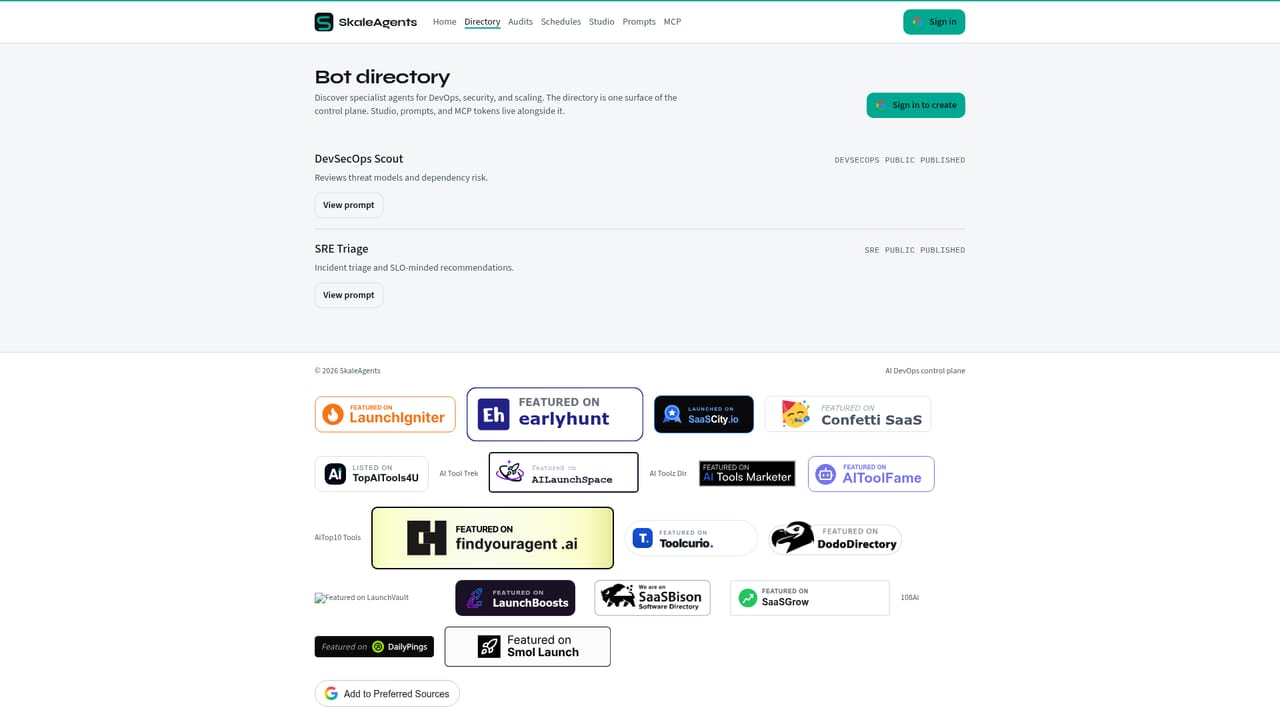
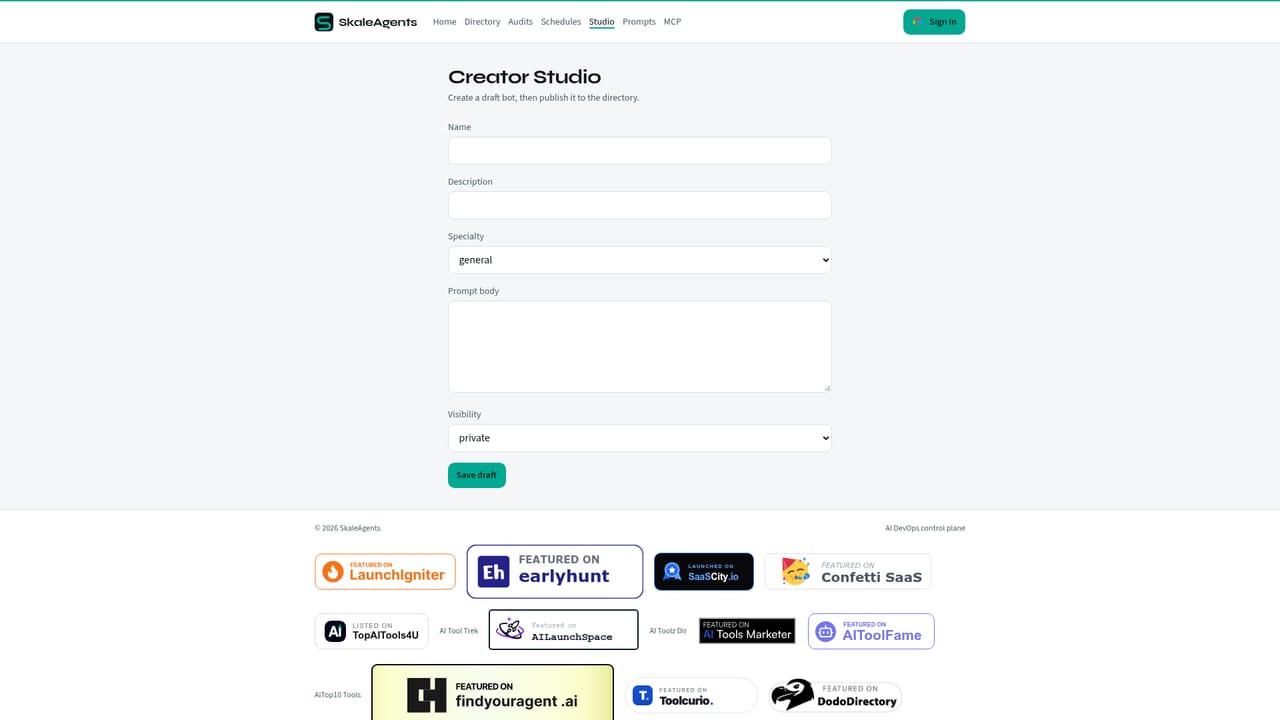
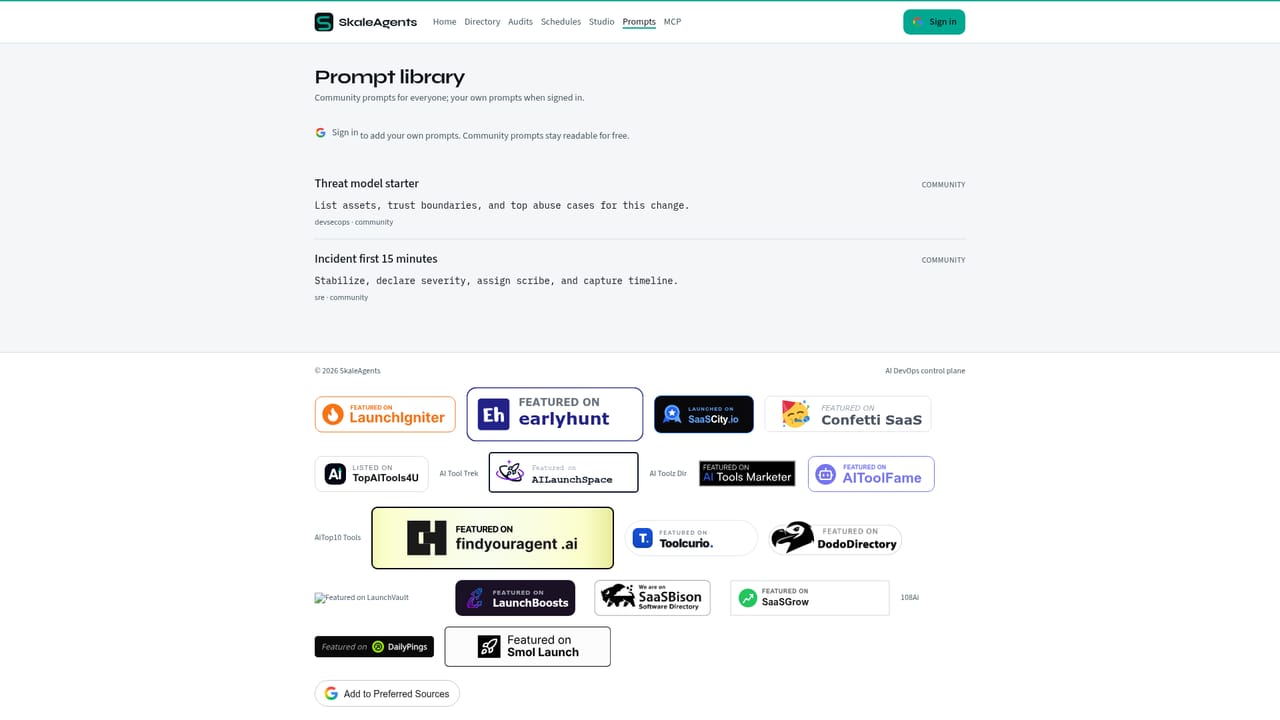
SkaleAgents positions itself as a control plane for AI DevOps agents, built around the idea that infrastructure and operations teams need a single place to publish, schedule, and audit the specialist agents they rely on. Rather than scattering agent logic across scripts, chat windows, and ad hoc automations, the platform centralizes agent definitions, prompts, and execution schedules so DevOps work becomes traceable and repeatable. The product is organized around a small set of core surfaces: a directory of bots, an audits view, a scheduling system, a studio for building and configuring agents, and a prompts library. Access starts with a Google sign in, after which teams can publish specialist agents that handle recurring DevOps tasks, and connect to those agents through MCP (Model Context Protocol) directly from an IDE. This MCP connection is the operational core of the tool: it lets developers interact with published agents from their existing coding environment instead of switching to a separate dashboard for every task. SkaleAgents is aimed at DevOps engineers, platform teams, and technical leads who manage infrastructure automation and want a structured way to deploy AI agents for audits and remediation work rather than relying on one off scripts or manual review. The emphasis on audits and collaborative remediation suggests it is meant for environments where agent actions need to be reviewed and coordinated by more than one person, not just triggered and forgotten. Within the broader landscape of AI developer tooling, SkaleAgents sits closer to an operations and orchestration layer than a general purpose coding assistant. Its value proposition depends on how well the studio, prompts, and scheduling pieces fit into a team's existing DevOps workflow, and on how mature the MCP integration is for the IDEs a team already uses. Teams evaluating it should weigh it against other agent orchestration and DevOps automation platforms rather than against single purpose AI coding assistants.
SkaleAgents connects to development environments through MCP (Model Context Protocol) and uses Google sign in for account access; no other integrations are listed on the homepage.
Core features include a directory of publishable specialist agents, an audits view for reviewing agent actions, a scheduling system for recurring tasks, a Studio for building agents, a prompts library, and MCP connectivity for reaching agents from an IDE.
 AI Angels400+ customizable AI girlfriends for NSFW chat, voice calls, and roleplay
 Candy AIExperience the future of companionship with AI friends who chat, role-play, and connect with you on a human level.
 ourdream.aiA vast AI roleplay platform with millions of characters for chat, images, video and voiceAI Angels400+ customizable AI girlfriends for NSFW chat, voice calls, and roleplayCandy AIExperience the future of companionship with AI friends who chat, role-play, and connect with you on a human level.ourdream.aiA vast AI roleplay platform with millions of characters for chat, images, video and voice


