Free trial
A free starting allowance of 25 credits per day is promoted on the homepage and through a start free link. No separate time limited trial is described.
Learn moreYour AI CTO for codebases
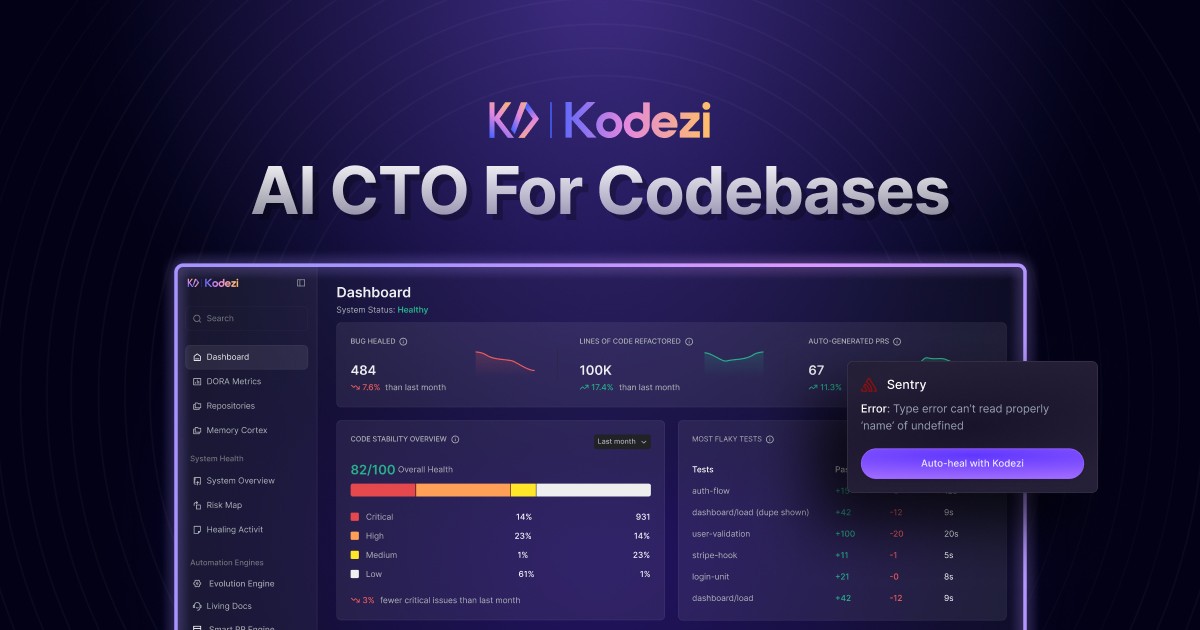
Kodezi is an AI CTO style platform for codebases. It combines a CLI, web tools and autonomous agents that detect bugs, apply fixes, enforce best practices, patch security issues and generate APIs, tests and documentation across JavaScript, TypeScript, Python, Java and other languages.
Kodezi presents itself as an AI CTO for codebases: an autonomous operating system that maintains, evolves and governs software projects. The product is split into several surfaces, including Kodezi OS, a command line tool called Kodezi CLI, Kodezi Code and Kodezi Create. The core pitch is that the system finds bugs, applies fixes, updates documentation and keeps a codebase healthy while development continues, rather than waiting for a manual review pass. The homepage walks through the kinds of changes the tool makes. It shows missing PropTypes being added for runtime validation, redundant markup being replaced with React fragments, naming and state handling being brought in line with best practices, and user input being sanitized to close a potential XSS hole. It also shows an OpenAPI definition being generated alongside code and test coverage, which points to teams that want documentation and tests to travel with the code instead of lagging behind it. In practice, much of the workflow runs from the terminal. Kodezi CLI scans a local codebase, identifies issues and suggests pull ready fixes with explanations, and it can also generate code, build APIs, produce tests and keep docs synced. The homepage lists agentic terminal automation, codebase quality control (linting, formatting, security checks, structure optimization) and long term project memory that learns from past code. JavaScript, TypeScript, Python, Java and other popular languages are named as native targets. Kodezi therefore sits closer to an autonomous coding agent than to a chat assistant: it edits, commits and maintains rather than only suggesting. It fits engineering teams already comfortable with command line tools and version control. Beginners can use the web pieces, but the full maintenance loop assumes a working knowledge of repositories, pull requests and CI habits. Alternatives tend to be either inline autocomplete or code review bots; Kodezi aims at the ongoing upkeep in between, and that broader scope is also where its claims are hardest to verify without a trial.
A free starting allowance of 25 credits per day is promoted on the homepage and through a start free link. No separate time limited trial is described.
Learn moreThe homepage advertises a free starting allowance of 25 credits per day and links to a pricing page for paid plans. It does not list plan names or prices, so exact tier costs and credit consumption need to be checked on the pricing page.
Learn moreA contact page and an FAQ page are linked from the site. No support channels, response times or service level details are stated on the homepage.
Learn moreAutonomous bug fixing, real time code refinement, automatic enforcement of best practices, vulnerability detection and error recovery, intelligent code and API generation with test coverage, and a CLI for debugging, generation, quality control, terminal automation and long term project memory.
Learn more AI Angels400+ customizable AI girlfriends for NSFW chat, voice calls, and roleplay
 Candy AIExperience the future of companionship with AI friends who chat, role-play, and connect with you on a human level.
 ourdream.aiA vast AI roleplay platform with millions of characters for chat, images, video and voiceAI Angels400+ customizable AI girlfriends for NSFW chat, voice calls, and roleplayCandy AIExperience the future of companionship with AI friends who chat, role-play, and connect with you on a human level.ourdream.aiA vast AI roleplay platform with millions of characters for chat, images, video and voice