Free trial
The homepage advertises trying CircleCI for free and starting to build for free, but does not state the length or terms of any trial.
Learn moreContinuous integration and delivery built for the AI era

CircleCI is a CI/CD platform that automatically builds, tests and deploys code changes, with prebuilt images, autoscaling and AI-era validation features. It suits engineering teams that need broad language and workload coverage plus reusable configuration through orbs.
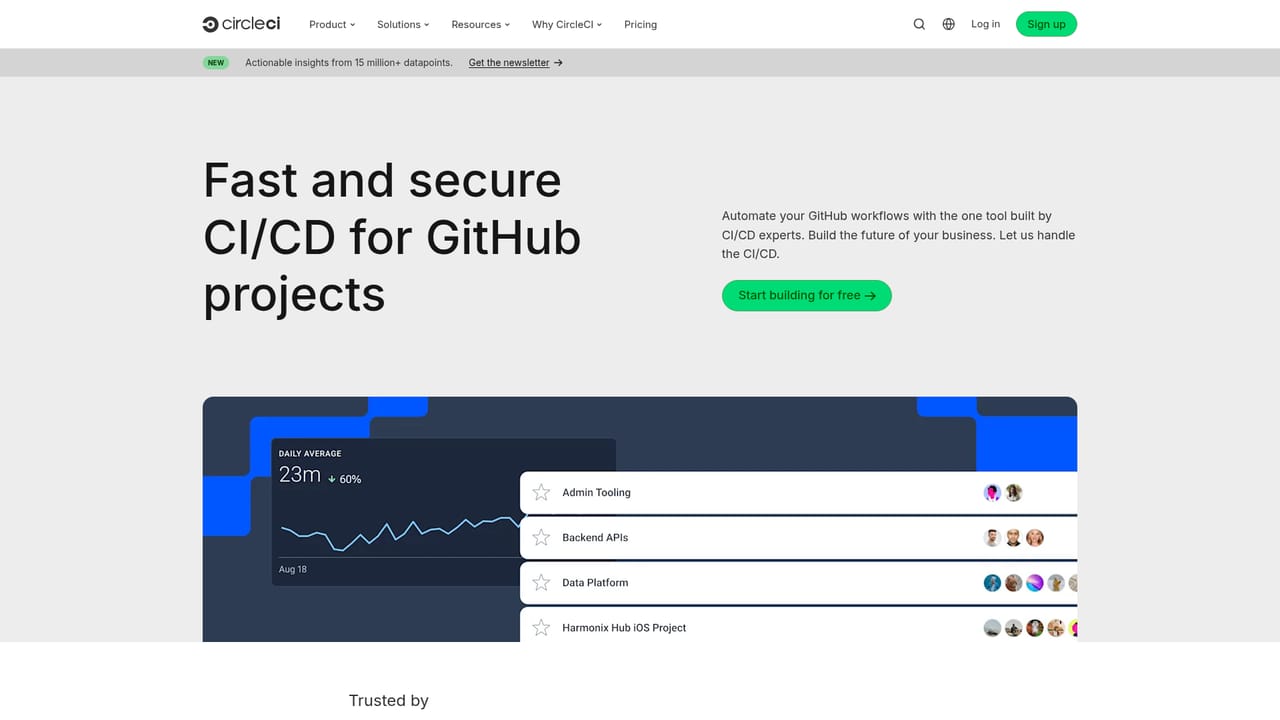
CircleCI is a continuous integration and continuous delivery platform that builds, tests and deploys software changes automatically. The homepage positions it around what the company calls autonomous validation: pipelines that keep code tested and ready to ship around the clock with minimal human oversight. Teams connect a repository, define a pipeline configuration, and every commit or pull request triggers a run that compiles the code, executes the test suite and pushes artifacts toward staging or production. The product pages cover execution environments, prebuilt build images, build optimization, autoscaling and technical services, so the platform aims to cover the whole path from source change to deploy. The tool targets engineering organizations rather than individual hobbyists, with dedicated tracks for developers, platform engineers, security engineers, engineering managers and business leaders. CircleCI also markets itself for small teams and startups, arguing that even small groups face enterprise-grade delivery problems once AI-generated code enters the workflow. Recent additions lean into that story: an MCP server, a product called Chunk, and agent-oriented solutions pages suggest the platform wants to validate changes produced by coding assistants and automated agents as well as by humans. The practical appeal is breadth. The homepage lists an unusually wide range of workloads, from Android and iOS apps through Docker images, Terraform, serverless jobs, Jupyter Notebook pipelines and GPU-backed model evaluation runs. Prebuilt images reduce setup work, autoscaling absorbs bursts of parallel jobs, and the orbs and image registries offer reusable configuration instead of hand-written scripts. That flexibility is the main differentiator against tightly coupled alternatives, and the comparison pages explicitly position CircleCI against GitHub Actions, Jenkins, Buildkite, Harness and Bitrise. Buyers should treat it as infrastructure, not a plug-in. Pipelines require real configuration work, and the value depends on how much of the delivery chain the team is willing to move onto the platform.

The homepage advertises trying CircleCI for free and starting to build for free, but does not state the length or terms of any trial.
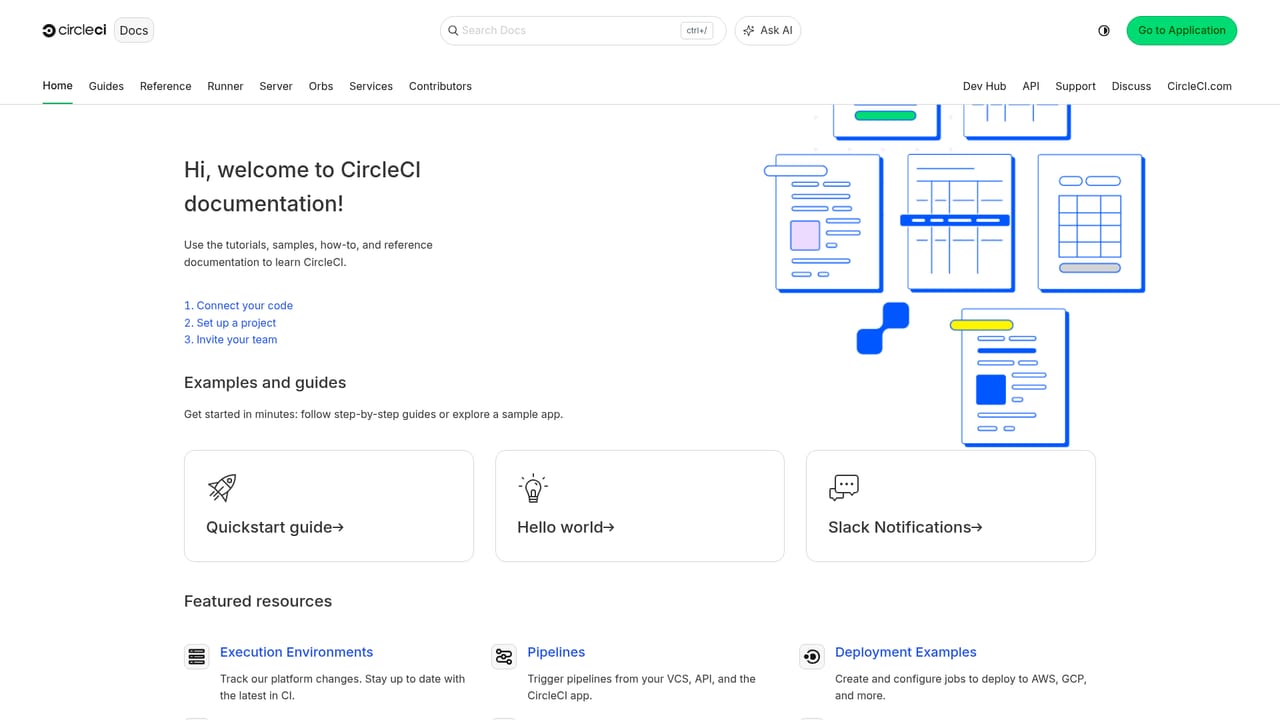
Learn moreDocumentation, a support portal and a technical services offering are listed in the site navigation.
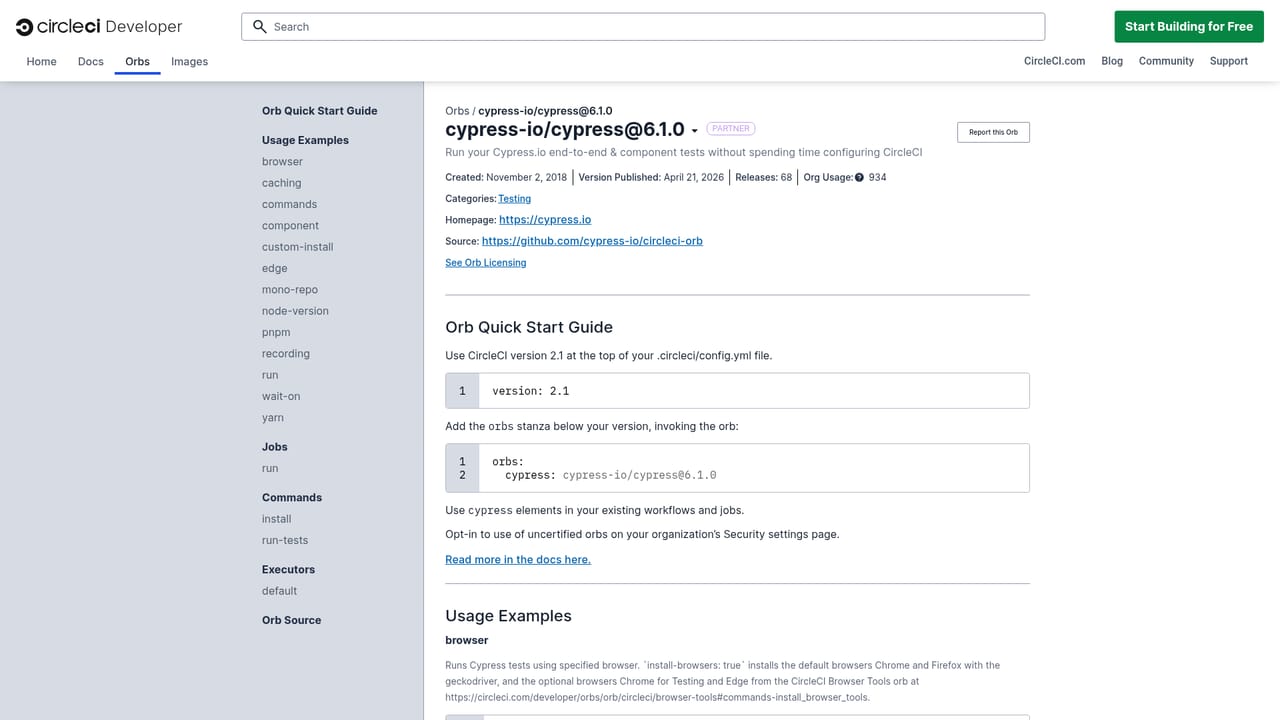
Learn moreConnects with GitHub, GitLab, Bitbucket, Origin, AWS, GCP and Kubernetes, with a broader integrations directory and reusable orbs and images.
Learn moreExecution environments, prebuilt build images, build optimization, autoscaling, an MCP server, Chunk and technical services, plus a CLI installable through Homebrew, WinGet, apt, rpm, Snap and other package managers.
Learn more AI Angels400+ customizable AI girlfriends for NSFW chat, voice calls, and roleplay
 Candy AIExperience the future of companionship with AI friends who chat, role-play, and connect with you on a human level.
 ourdream.aiA vast AI roleplay platform with millions of characters for chat, images, video and voiceAI Angels400+ customizable AI girlfriends for NSFW chat, voice calls, and roleplayCandy AIExperience the future of companionship with AI friends who chat, role-play, and connect with you on a human level.ourdream.aiA vast AI roleplay platform with millions of characters for chat, images, video and voice


