Free trial
A Free tier exists at $0 with 20 credits, browser and terminal coding agent access, and app publishing for 7 days. No separate time limited trial is described.
Learn moreLong horizon coding agent that plans, builds and verifies software

Pre.dev is a long horizon coding agent that plans architecture before writing code, builds, verifies and ships into GitHub. It connects to 25 services, holds project conventions as agent skills, supports MCP servers and ships apps with AI, payments and authentication preconfigured.
Pre.dev is a coding agent built around a single idea: describe the software once and let the agent carry the work through a full cycle rather than prompting it line by line. The homepage splits that cycle into five visible stages. The agent takes a natural language description, drafts architecture and a roadmap before any code is written, then builds and shows its work, verifies the result against checks, and ships it into your GitHub with a live preview. The planning stage is the distinguishing piece: work is decomposed into a dependency graph first, which the agent then walks through on long runs. In practice, the agent connects to tools you already run through one OAuth per service. The homepage lists 25 services across 9 categories, including GitHub, Slack, Notion, Linear, Figma, Vercel, Supabase, Sentry, Jira and Salesforce. Beyond that, standing agent skills (project conventions such as TypeScript only, Tailwind only, or a required API style) are injected into every conversation, and MCP servers can be attached over stdio, HTTP or SSE with whole tool sets exposed. API keys for 195 providers across 22 categories are stored encrypted and injected at build time, so your own billing runs through them. Apps built on Pre.dev start with AI, payments and authentication already wired: models from major labs, checkout and subscriptions with payouts, and email plus Google sign in on a Clerk app you can take over. The vendor publishes Terminal-Bench 2.0 results claiming a full model tier down still outscores Claude Code and OpenCode at roughly a third of the cost, and the agent is model agnostic, so you can pick providers per job. It suits founders shipping MVPs, small engineering teams that want reviewed pull requests instead of live pair prompting, and developers pointing the agent at an existing repository to extend it in its own patterns. Compared with chat style assistants, the trade off is less turn by turn control; compared with fully autonomous coding agents, the planning and verification gates are its main claim to difference.
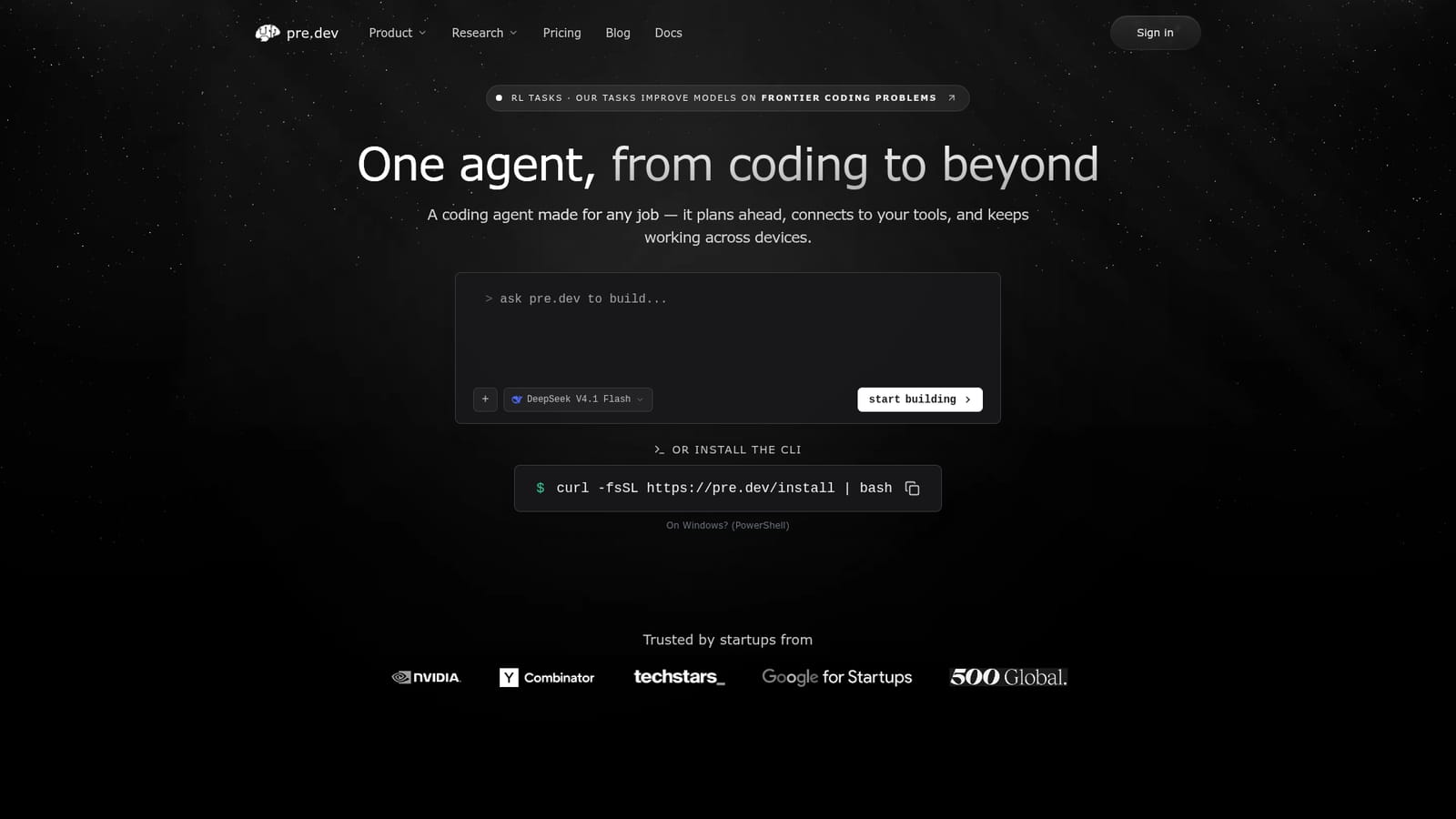

A Free tier exists at $0 with 20 credits, browser and terminal coding agent access, and app publishing for 7 days. No separate time limited trial is described.
Learn moreSix tiers: Free at $0 with 20 credits; Plus at $8 per month ($99 annually) with 100 monthly credits; Premium at $41 per month ($499 annually) with 500 credits, model selection, permanent apps and custom domains; Pro at $166 per month ($1,999 annually) with 2,500 credits; Team at $415 per month ($4,990 annually) with unlimited seats and 5,000 pooled credits; Enterprise with custom pricing.
Learn more25 services across 9 categories via one OAuth each, including GitHub, GitLab, Bitbucket, Slack, Notion, Linear, Jira, Figma, Vercel, Supabase, Sentry, Airtable, HubSpot, Asana, Salesforce, Zoom and Dropbox. API keys cover 195 providers, and MCP servers connect over stdio, HTTP or SSE.
Five stage build cycle (describe, plan, build, verify, ship) with architecture and a dependency graph up front. Agent skills inject standing conventions into every conversation. 25 service connections via single OAuth, encrypted API keys for 195 providers, and MCP servers over stdio, HTTP or SSE. Built in AI, payments and authentication on every app, plus GitHub delivery with live previews.
 AI Angels400+ customizable AI girlfriends for NSFW chat, voice calls, and roleplay
 Candy AIExperience the future of companionship with AI friends who chat, role-play, and connect with you on a human level.
 ourdream.aiA vast AI roleplay platform with millions of characters for chat, images, video and voiceAI Angels400+ customizable AI girlfriends for NSFW chat, voice calls, and roleplayCandy AIExperience the future of companionship with AI friends who chat, role-play, and connect with you on a human level.ourdream.aiA vast AI roleplay platform with millions of characters for chat, images, video and voice


