Support
Questions are handled through the contact page, and educators can request new tools from a button inside the dashboard.
Learn moreAI workspace for lesson plans, quizzes, and grading.

ClassMind is a web workspace for educators that bundles 40+ AI generators for lesson plans, worksheets, presentations, quizzes, book summaries and essay grading, with curriculum alignment, multilingual output and a searchable history of everything created.
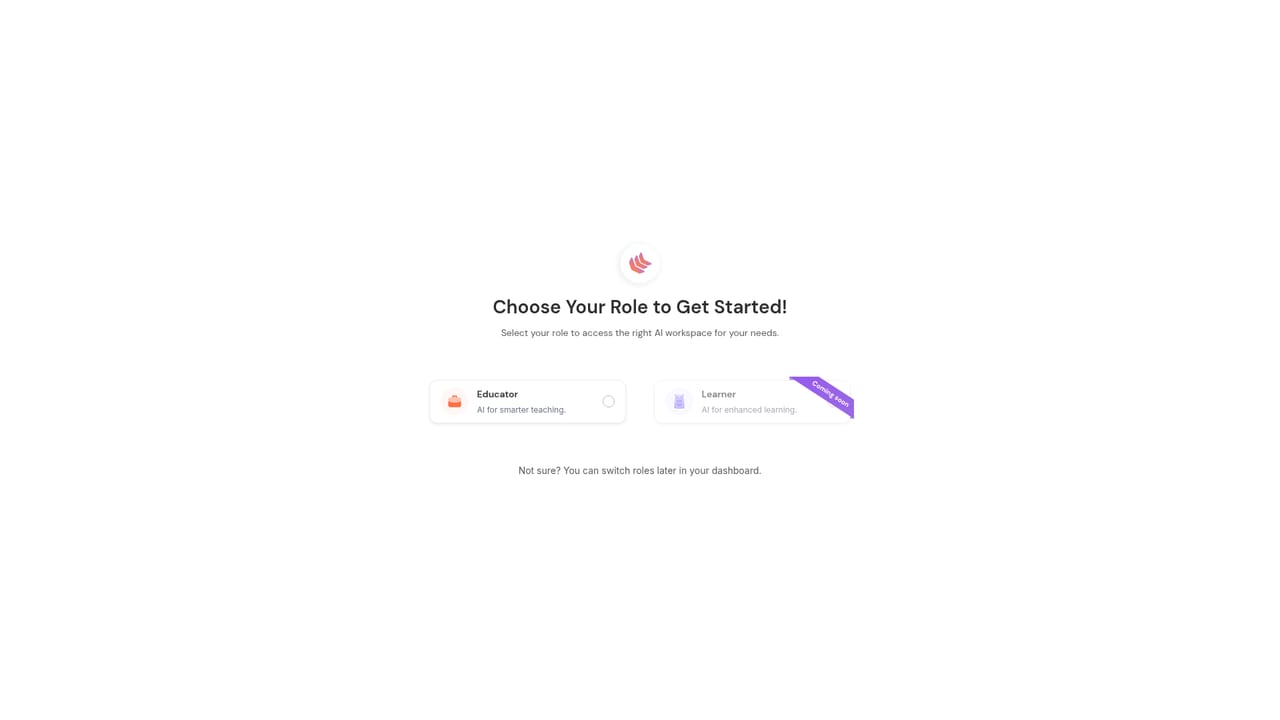
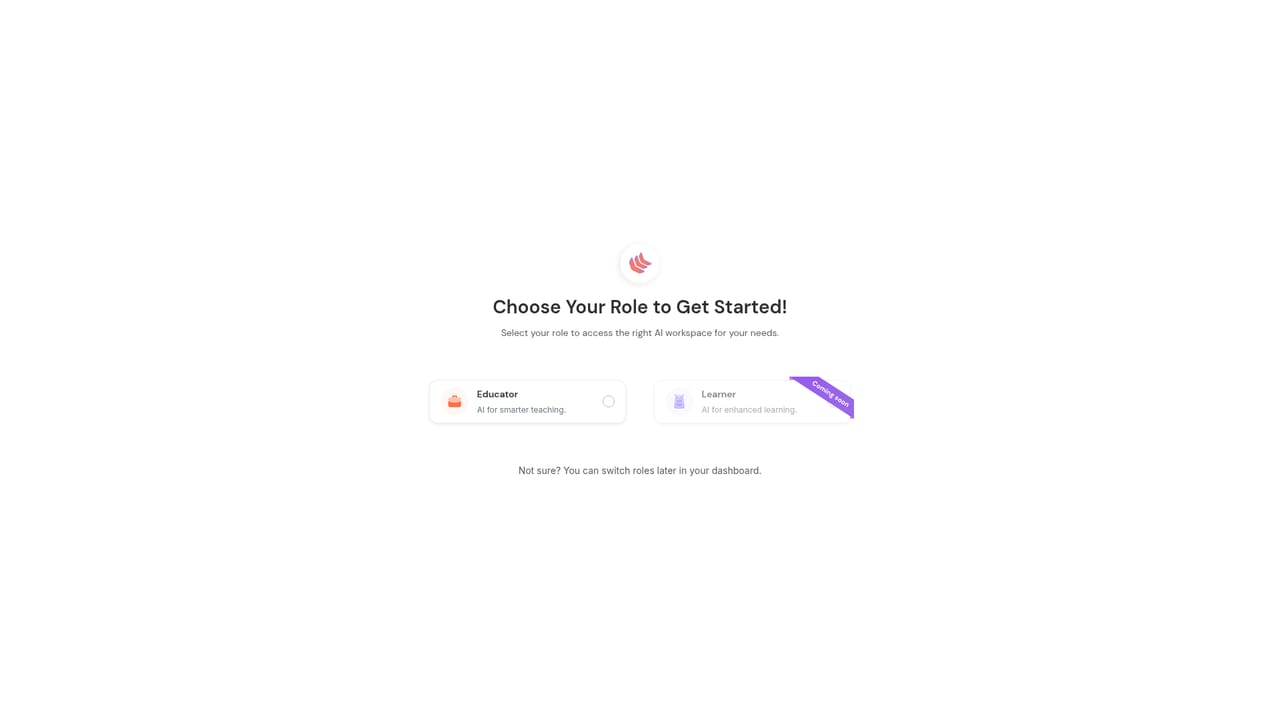
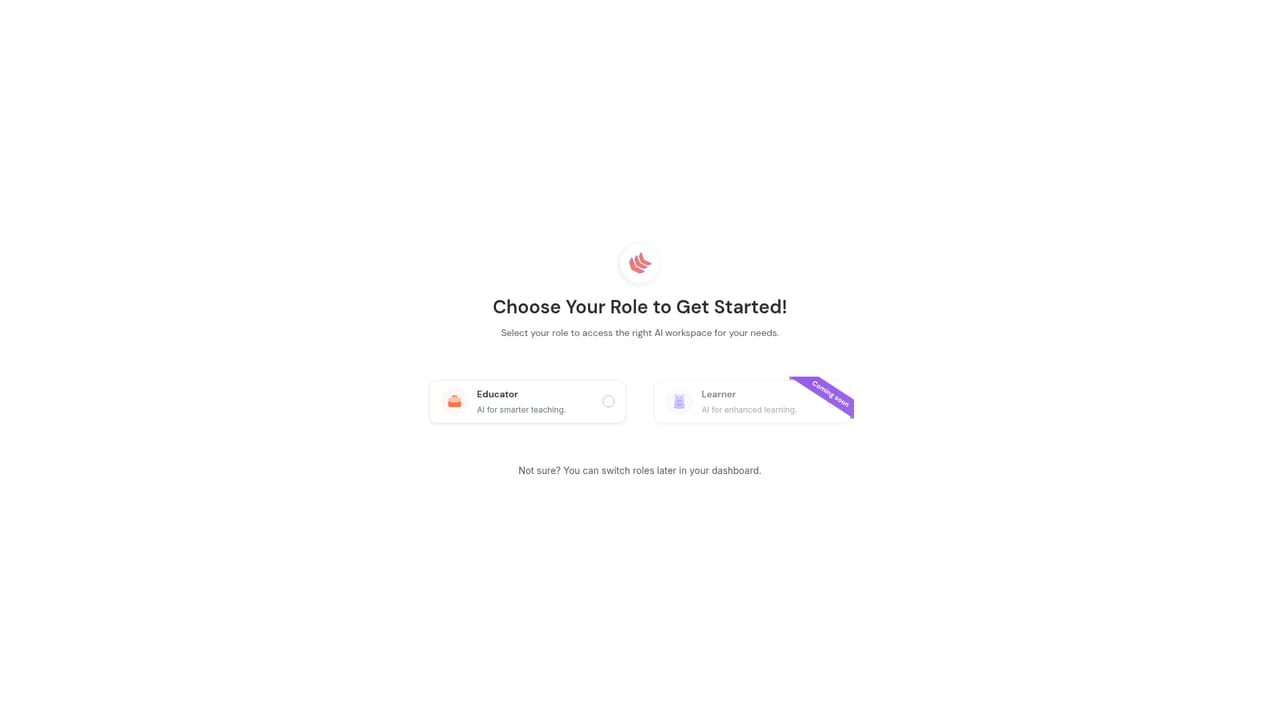
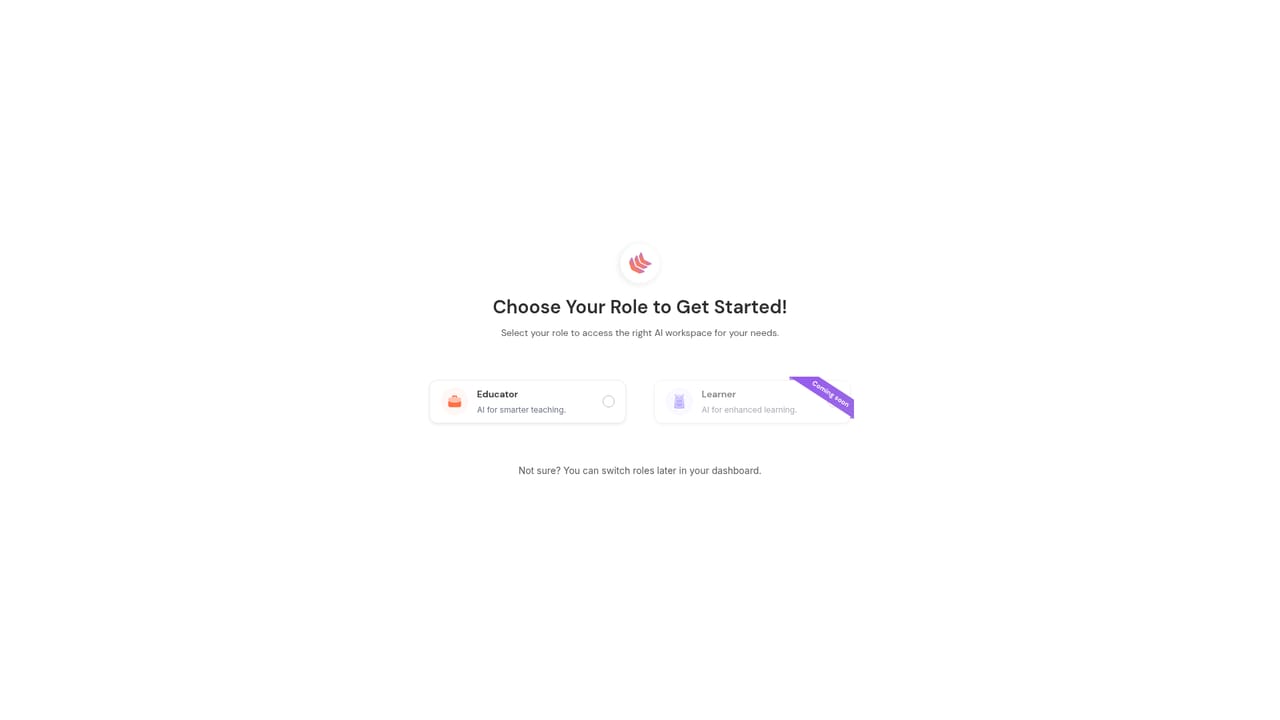
ClassMind is a web based AI workspace built for teachers, bundling more than 40 generation tools into a single educator dashboard. The core set covers lesson plans, worksheets, presentations, multiple choice quizzes, book summaries and essay grading, with each tool opening in its own generation screen where an educator supplies a topic, subject and grade level. Outputs are not one shot only: prompts can be refined with plain instructions such as simplifying the language or adding cultural examples, and every revision is tracked. Because the same workspace holds planning, assessment and feedback tools, ClassMind positions itself as a replacement for a scattered mix of standalone generators rather than a single purpose quiz maker. Curriculum alignment is a stated priority. When creating or refining content, a teacher can specify a framework (the site names US Common Core, the UK National Curriculum, IB, ACARA and Canadian provincial standards as examples) and the AI is said to shape objectives and complexity accordingly. Content can be generated in multiple languages and adjusted for cultural context, which makes the product relevant to international schools and ESL classrooms. Grade level selection is available in every tool, and the site claims coverage from preschool through higher education across all subjects. Day to day, the Output History page acts as the library: all generations are searchable, filterable by tool, date, subject or grade level, and can be duplicated or deleted. The interface is aimed at working teachers rather than developers, and accounts are created through the same login page used by learners. The vendor invites feature requests through an in dashboard button, which suggests the tool list is expected to grow. ClassMind is best understood as a broad lesson preparation and grading assistant, not a dedicated LMS or a student facing platform.
Questions are handled through the contact page, and educators can request new tools from a button inside the dashboard.
Learn moreThe educator dashboard includes 40+ AI tools split into planning, assessment, content generation, text processing, communication, feedback, academic analysis and academic integrity groups. Named tools cover lesson plans, worksheets, presentations, multiple choice quizzes, book summaries and essay grading, each with grade level selection, curriculum notes, iterative refinement and multilingual output. Output History stores every generation with search, filters, duplication and deletion.
Learn more AI Angels400+ customizable AI girlfriends for NSFW chat, voice calls, and roleplay
 Candy AIExperience the future of companionship with AI friends who chat, role-play, and connect with you on a human level.
 ourdream.aiA vast AI roleplay platform with millions of characters for chat, images, video and voiceAI Angels400+ customizable AI girlfriends for NSFW chat, voice calls, and roleplayCandy AIExperience the future of companionship with AI friends who chat, role-play, and connect with you on a human level.ourdream.aiA vast AI roleplay platform with millions of characters for chat, images, video and voice


