Free trial
A free trial is offered: the signup page and the repeated "Try for free" buttons start the trial, and no card details are described on the homepage.
Learn moreAsk your books and papers anything, then listen on the go.

My reader is an academic research tool. Myreader is a document reading assistant that lets you upload books, papers, slides, articles and YouTube links, ask questions across one title or your whole library, get answers with page-level citations, and listen to any document as audio in more than 50 voices.
Myreader is a reading assistant built around a document library rather than a single chat window. You upload the material you are working through (PDFs, EPUBs, AZW files, Word documents, PowerPoint decks, web article links, and YouTube links) and then ask questions against it. Answers come back with in-line citations, and each citation jumps to the exact page or section in the source, so the response can be checked rather than taken on trust. The library keeps everything in cloud storage and lets you split titles into collections such as Philosophy, Finance or Health, which means a question can be pointed at one book, one group, or the whole library at once. The second half of the product is audio. Any document in the library can be converted to spoken form in more than 50 voices across 30 or so languages, which turns a stack of papers into something you can get through while commuting or walking. Documents themselves can be written in 16 supported languages, and a single library can hold material in several of them. Students use it to work through textbooks and build revision summaries, researchers use it to compare published papers and pull out findings, and professionals use it to get through dense reports faster. The fit is closest to other chat-with-your-documents tools; Myreader separates itself through the citation behaviour, the multi-document library model, and the text-to-speech layer that most competitors treat as an afterthought. The site reports more than 100,000 users, and there is an iPhone app for asking and listening away from a desk. The practical ceiling is stated openly: a library tops out at 15,000 pages, so very large corpora need pruning. Publishers, schools and course facilitators can request a custom version with their own content preloaded. Documents are private to each account, are not shared between users, and can be deleted at any time.
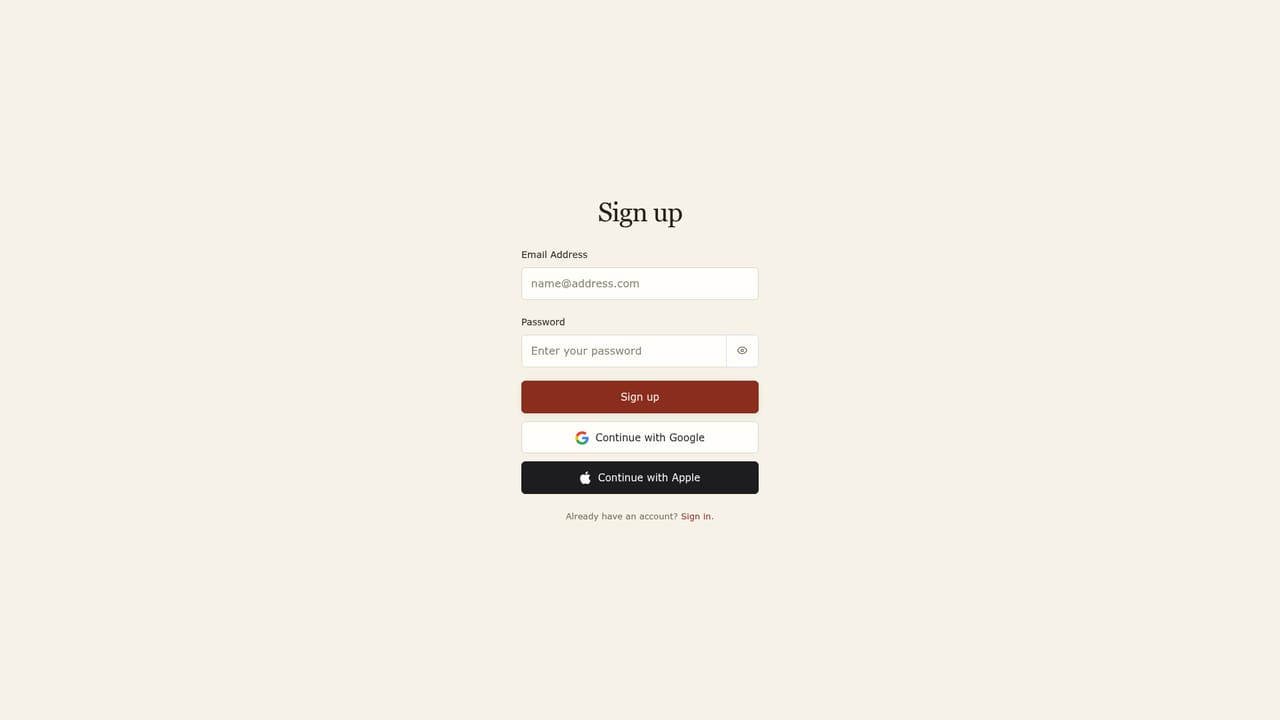
A free trial is offered: the signup page and the repeated "Try for free" buttons start the trial, and no card details are described on the homepage.
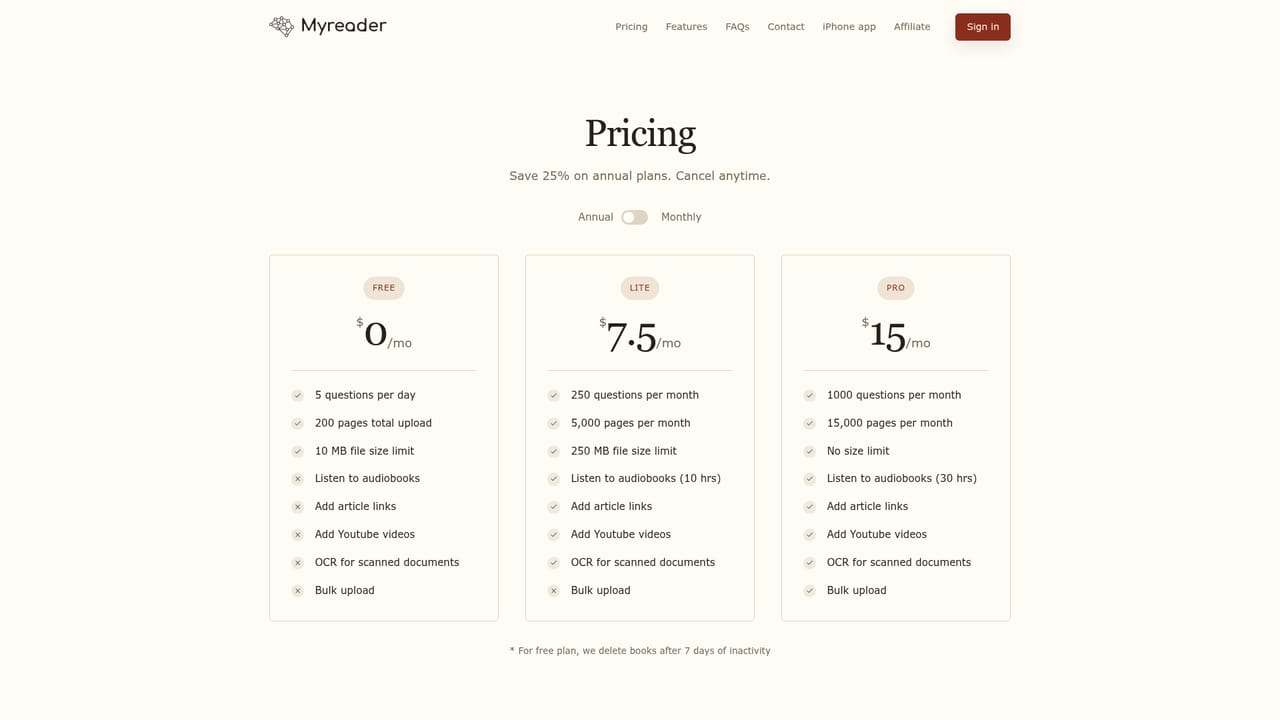
Learn moreThe homepage points to a pricing page for plan details and confirms a 15,000 page library limit, but it does not state prices, tiers or what each plan includes. Treat the pricing page as the source of truth before committing.
Learn moreSupport runs through email at help@myreader.ai, which is also the address given for requesting unsupported upload formats. A calendar link is provided for publishers, schools and teams enquiring about custom deployments.
Document support spans PDF, EPUB, AZW, Word, PowerPoint, web articles and YouTube links. Chat works across one book, a collection or the full library, answers come with page-level citations, any text converts to speech in 50+ voices and 30+ languages, and 16 document languages are supported. The library is organised into collections, synced across devices, private to each account, and capped at 15,000 pages.
 AI Angels400+ customizable AI girlfriends for NSFW chat, voice calls, and roleplay
 Candy AIExperience the future of companionship with AI friends who chat, role-play, and connect with you on a human level.
 ourdream.aiA vast AI roleplay platform with millions of characters for chat, images, video and voiceAI Angels400+ customizable AI girlfriends for NSFW chat, voice calls, and roleplayCandy AIExperience the future of companionship with AI friends who chat, role-play, and connect with you on a human level.ourdream.aiA vast AI roleplay platform with millions of characters for chat, images, video and voice


