Pricing
Pay per book: the homepage lists $2.99 per book at the primary call to action and repeats the price lower down. No subscription tiers or usage limits are described on the page.
Learn moreTurn a premise into a full novel in minutes

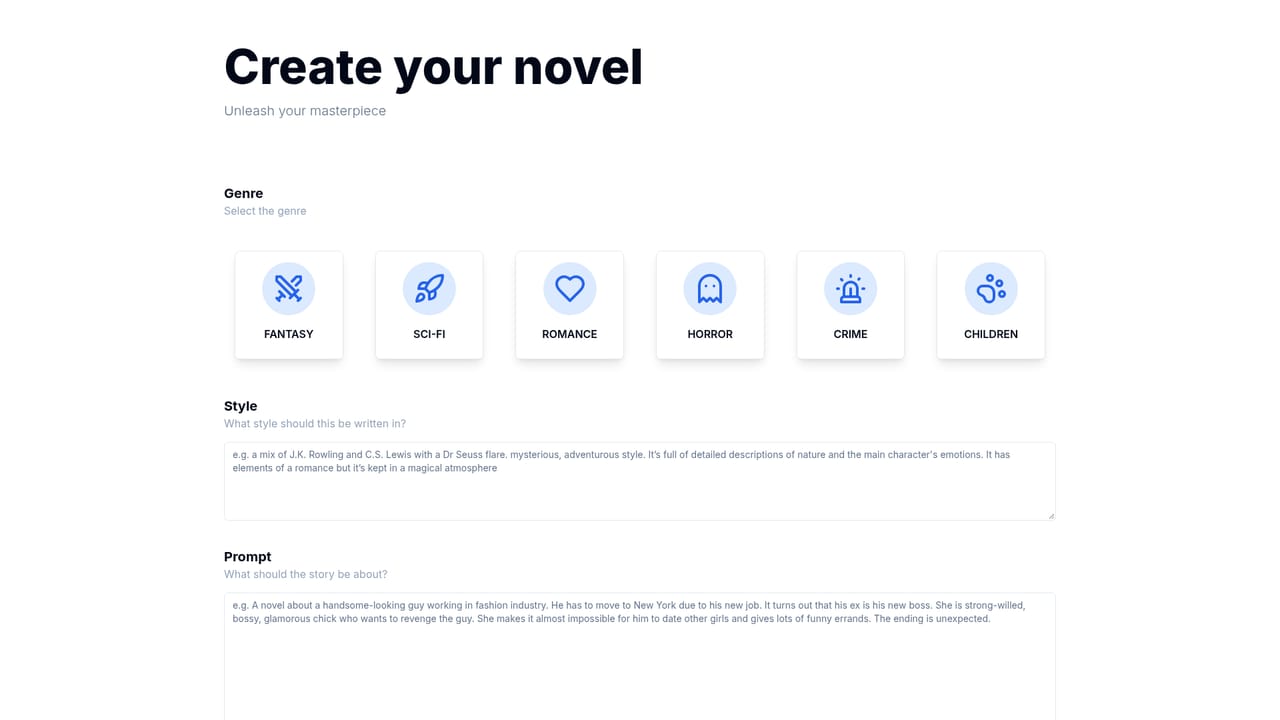
AuthorGPT is an AI book generator tool that turns a premise into a full novel in minutes. AuthorGPT by Wordware generates complete novels from a short premise. Pick a genre (fantasy, sci-fi, romance, horror, crime or children's), describe your world and characters, and the tool writes the book and publishes it to a shareable page for $2.99 per book.
AuthorGPT is a browser-based writing tool from Wordware that produces complete books from a short prompt. Instead of helping you draft a paragraph at a time, it asks for a premise, a setting and characters, then assembles a full manuscript with chapters and a generated cover. The homepage positions it as the answer to the blank page: you describe the world you have in mind, and the system writes the story. The tool is organized around genres rather than templates. Fantasy, sci-fi, romance, horror, crime and children's fiction each get a short pitch on the site, and the framing is deliberately reference-driven: Tolkien for fantasy, Lovecraft for horror, Conan Doyle for crime. That tells you the intended output is genre fiction in familiar shapes, not experimental literary work. The children's option is the most distinctive, since the homepage suggests a parent or a child can be placed at the center of the story. In practice the workflow is prompt-first. You pick a genre, describe the setting and the cast, and let the model generate the book. The site's sample shelf shows the range it aims for: a magical Japanese village, a New York fashion house romance, a grief-driven cabin-in-the-woods tale and a picture-book style space adventure with a bear. Finished works are published at public view links, so results can be shared before or without any export step. It sits in a different slot from word processors with AI helpers or chat assistants you steer line by line. Those give control and a slower pace; AuthorGPT trades fine control for volume, which suits people who want a complete readable draft fast, whether as a gift, a personal project or a starting point for revision. Pricing is per book rather than monthly, which keeps experimentation cheap for one-off projects but less predictable for anyone producing at scale.
Pay per book: the homepage lists $2.99 per book at the primary call to action and repeats the price lower down. No subscription tiers or usage limits are described on the page.
Learn moreFull book generation from a written premise, with genre selection across fantasy, sci-fi, romance, horror, crime and children's fiction. Output includes a cover and a hosted public view page. The children's mode can place your child as the protagonist. No export, editing or collaboration features are described on the homepage.
 AI Angels400+ customizable AI girlfriends for NSFW chat, voice calls, and roleplay
 Candy AIExperience the future of companionship with AI friends who chat, role-play, and connect with you on a human level.
 ourdream.aiA vast AI roleplay platform with millions of characters for chat, images, video and voiceAI Angels400+ customizable AI girlfriends for NSFW chat, voice calls, and roleplayCandy AIExperience the future of companionship with AI friends who chat, role-play, and connect with you on a human level.ourdream.aiA vast AI roleplay platform with millions of characters for chat, images, video and voice


