Free trial
Individuals can sign up and use COACH for free according to the homepage, which links to an individual signup flow. No time limit is stated.
Learn moreA nonprofit-built AI career coach for students, job seekers and workforce programs

COACH is a free AI career coach from nonprofit CareerVillage.org, offering career readiness activities, resume help and coaching for high school students, college students and job seekers, plus institutional deployment for colleges and workforce programs.
COACH is an AI career coach built by the nonprofit CareerVillage.org together with a coalition of educators, nonprofits and workforce boards. It is designed less as a standalone chatbot for casual career questions and more as a career readiness platform that institutions can deploy at scale. Learners work through coaching activities, and the site reports that 90 percent of them say their career readiness improved after using it. College career centers, workforce boards, online learning platforms and community organizations make up the core institutional audience, which shows in how the product is framed: guidance that stretches limited advisor time rather than replacing advisors outright. For individuals, COACH is a free web app reached through a signup flow, with dedicated entry paths for high school students, college students and job seekers. Resume help is one of the named areas of support, and the broader promise is help closing skill gaps and preparing for the next step in a career path. The coaching is described as research-backed and co-designed with career experts, which matters for anyone comparing it to general purpose AI assistants that answer career questions without any structured framework behind them. In practice, the tool sits between a self-serve career quiz and a human advisor. Institutional partners use it to scale guidance across a cohort, boost job readiness and produce measurable impact, and the site includes a page on measuring career readiness for programs that need to report outcomes. A separate track covers workforce development, and there are landing pages aimed at career services teams and at partners who want to bring COACH into their own programs. Alternatives fall into two camps: generic AI chatbots that handle resume drafts and interview prep conversationally, and traditional career readiness curricula that are not adaptive. COACH positions itself in the middle, pairing structured activities with AI coaching and an institutional layer. Buyers should note that the public material emphasizes mission and outcomes more than feature inventories, so detailed capability comparisons take some digging.
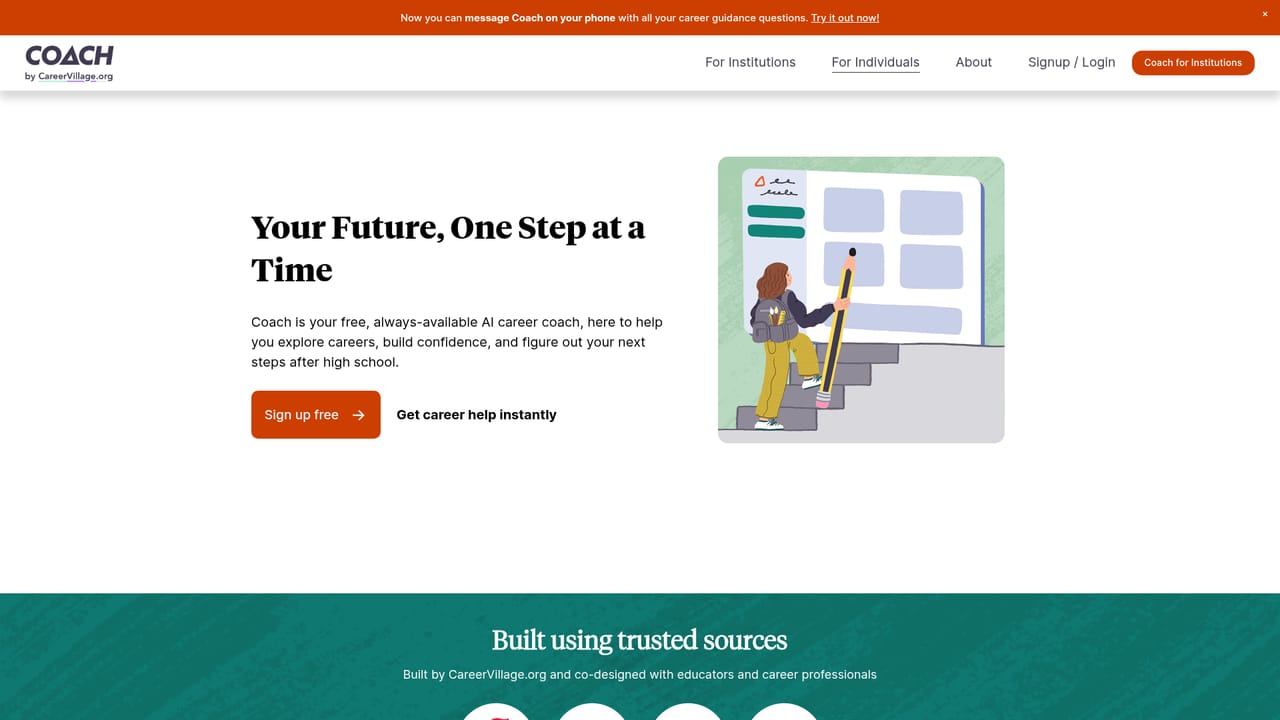
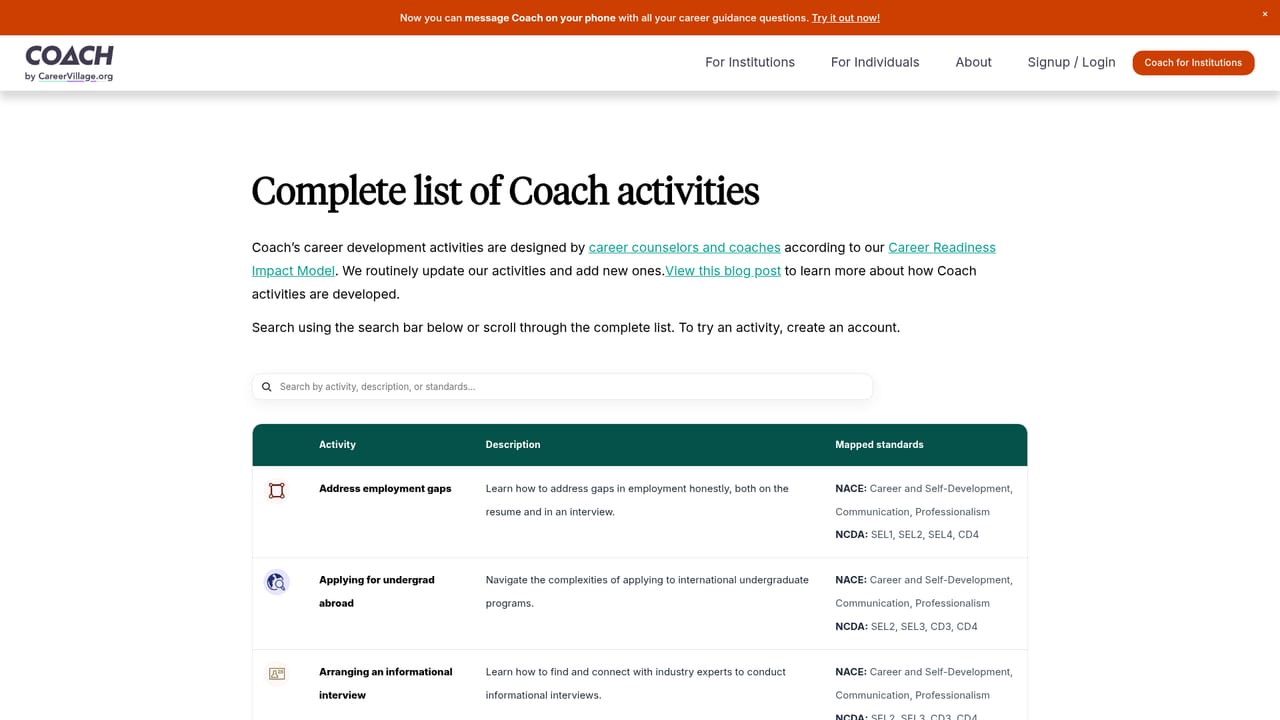
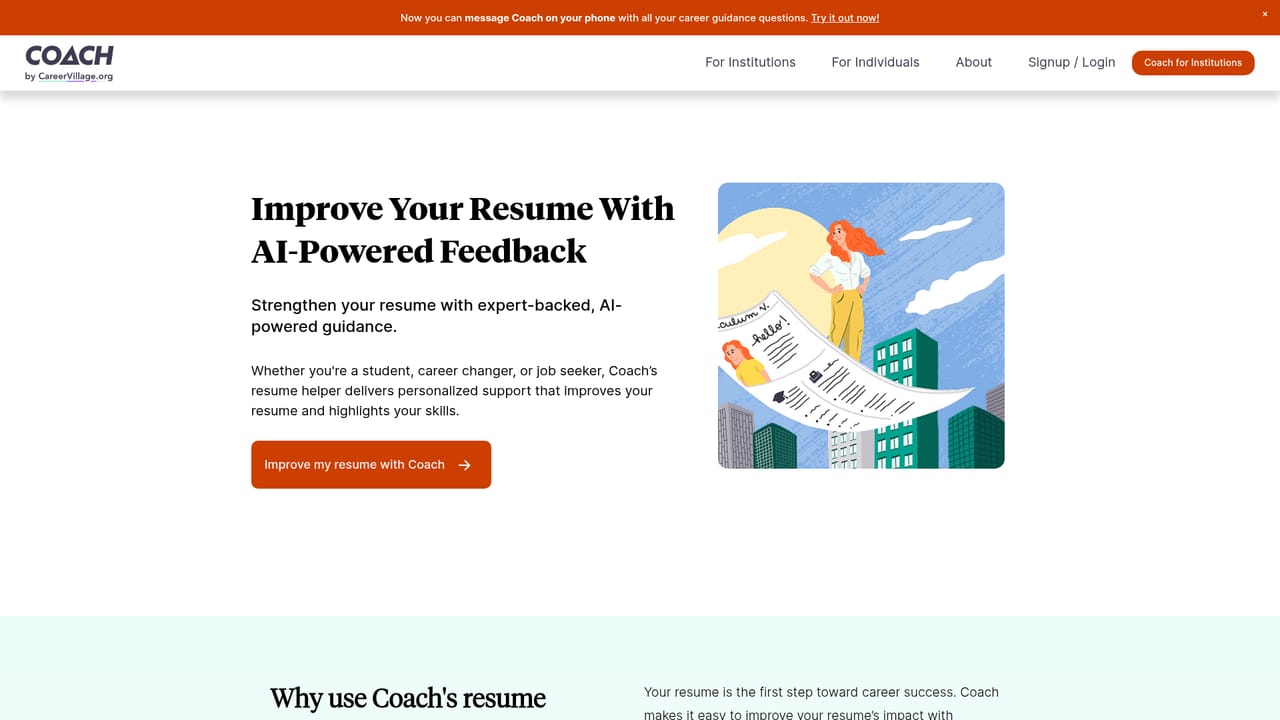
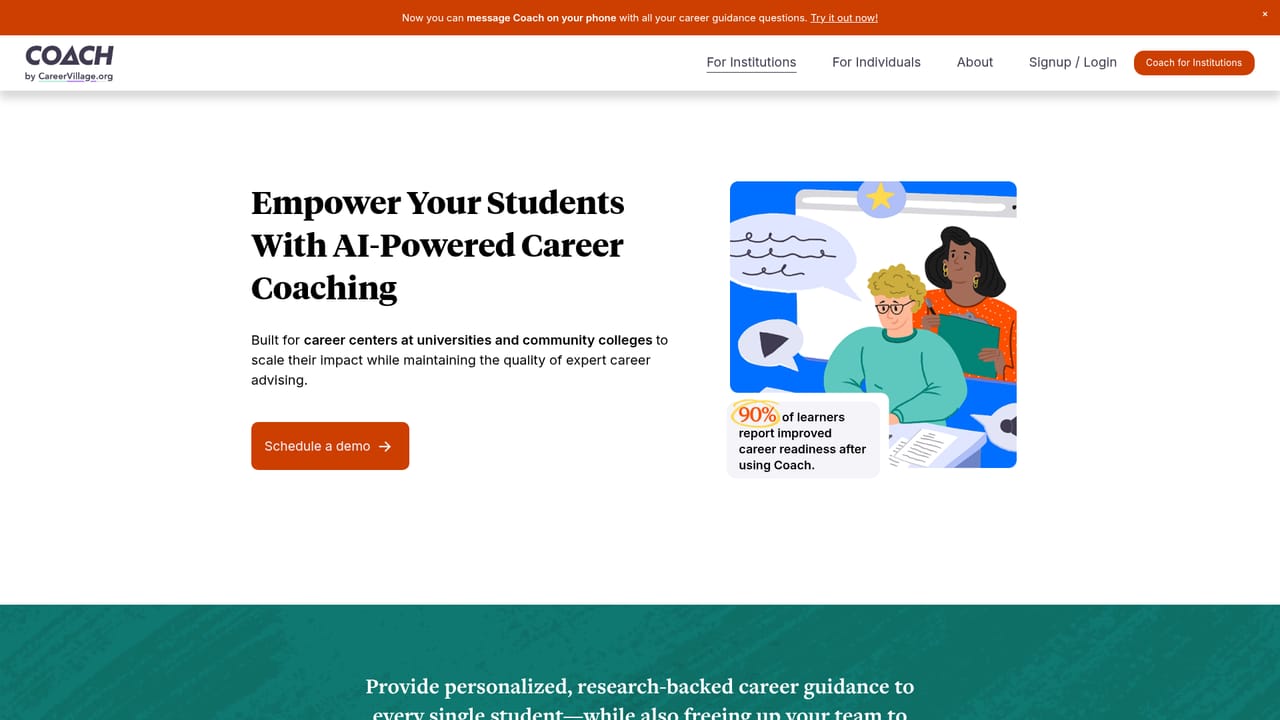
Individuals can sign up and use COACH for free according to the homepage, which links to an individual signup flow. No time limit is stated.
Learn moreThe homepage offers individuals a free way to try COACH but does not publish subscription or institutional pricing figures. Organizations are directed to an explore-for-institutions path instead of a price list.
Learn moreThe site includes an FAQ plus pages on safety, quality assurance and the advisors behind the product. No dedicated help center or support channel is named on the homepage.
Learn moreCOACH provides AI career coaching and career readiness activities for high school students, college students and job seekers, including resume help. Institutions use it to scale advising, close skill gaps and measure career readiness outcomes. The coaching is described as research-backed and co-designed with career experts.
Learn more AI Angels400+ customizable AI girlfriends for NSFW chat, voice calls, and roleplay
 Candy AIExperience the future of companionship with AI friends who chat, role-play, and connect with you on a human level.
 ourdream.aiA vast AI roleplay platform with millions of characters for chat, images, video and voiceAI Angels400+ customizable AI girlfriends for NSFW chat, voice calls, and roleplayCandy AIExperience the future of companionship with AI friends who chat, role-play, and connect with you on a human level.ourdream.aiA vast AI roleplay platform with millions of characters for chat, images, video and voice


