Pricing
A dedicated human coach is quoted at $150 to $200 per month, against CoachArc from $22.50 per month. Every app update, including scans, labs and wearable support, is included at the same price.
Learn moreAdaptive fitness coaching that adjusts your plan when life gets messy.

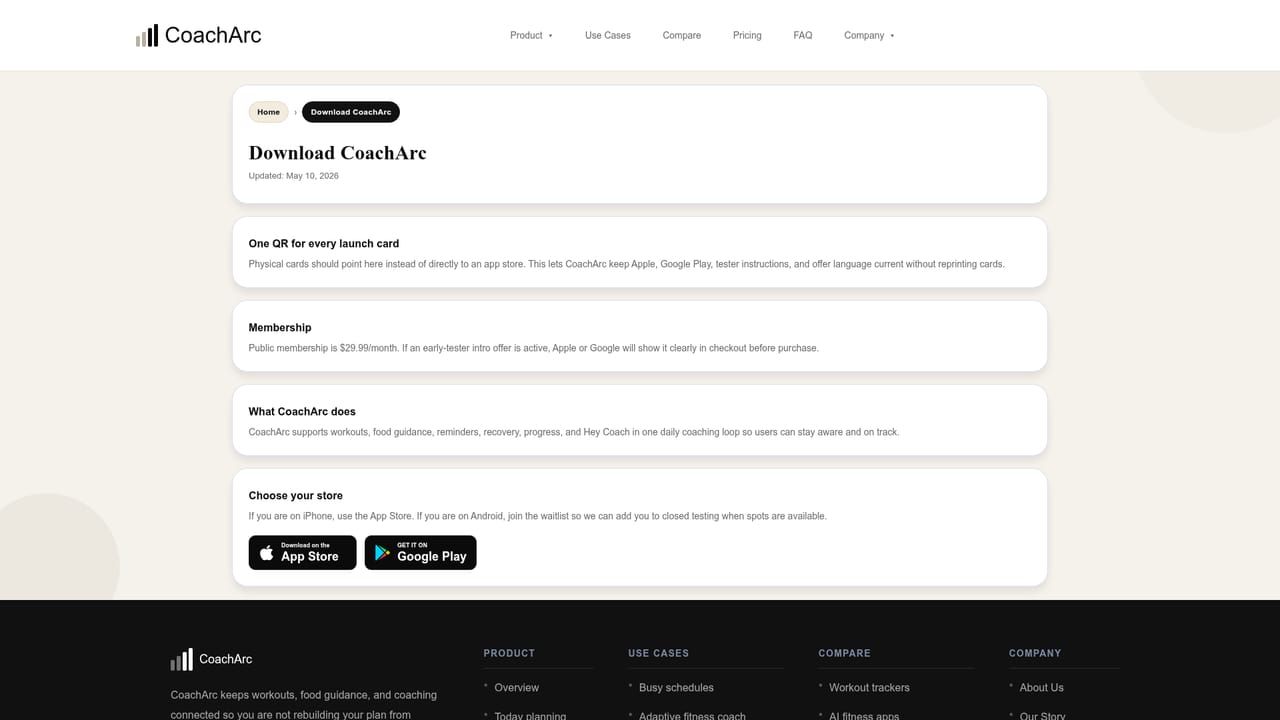
CoachArc is a body analyzer tool. CoachArc combines adaptive workout planning, food guidance, recovery monitoring and progress tracking in one mobile app. It reads wearable data, body scans and bloodwork, then proposes plan changes for your review.
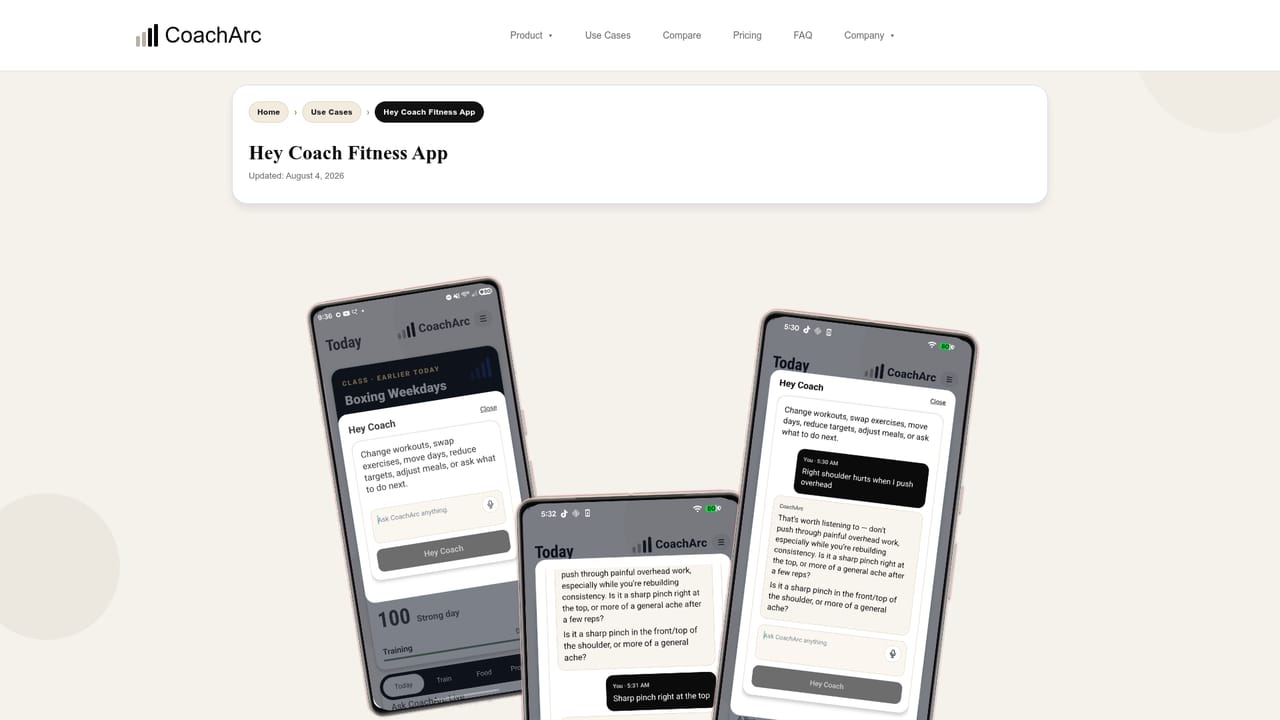
CoachArc is an adaptive fitness coaching app that keeps training, food, and recovery in one system and responds when your week stops going to plan. Instead of holding you to a fixed schedule, it reads what you actually logged, notices when sleep and recovery slip, and proposes a lighter or different session before a missed day turns into another full restart. Every adjustment is shown to you first with what changed and why, and anything you accept can be undone. The app works in two directions. It pulls health data from Apple Health on iPhone and Health Connect on Android, covering sleep and its stages, HRV trend, resting heart rate, steps and active calories, then turns that into a single daily call: ease off, keep an eye on it, or stay quiet. It also accepts body composition scans such as DEXA and blood panels, reading markers alongside your training history and flagging what is worth raising with a provider. Load recommendations arrive per movement with the reasoning attached, so you are approving a coaching decision rather than accepting a number from a black box. Day to day, the Today screen answers what you are doing now, with sessions built around the equipment, schedule, and energy you have. Food guidance sits beside the workout that was written for the same goal, so meals move with your training load instead of living in a separate app. Hey Coach handles direct questions and can suggest concrete edits to your plan rather than general advice. Goal tracks cover lean cut, lean bulk, strength, longevity, athletic conditioning, and a return to consistency path for people who need to get moving again without pretending the last month went well. It suits people whose problem is a moving calendar rather than motivation: busy professionals, anyone caught in the all or nothing cycle, and lifters who want strength, cardio, and recovery to work together. Compared with plain workout trackers, CoachArc is built around the next decision rather than the record of the last one; compared with generic AI fitness chats, it holds your plan, history, goal and schedule as context. A human coach tier called CoachArc Live is listed as coming soon, and the product is built by a single developer who reads feedback directly.
A dedicated human coach is quoted at $150 to $200 per month, against CoachArc from $22.50 per month. Every app update, including scans, labs and wearable support, is included at the same price.
Learn moreMessages go directly to the person building CoachArc rather than a support queue, and requested fixes often ship in the next release. A support page is published on the site.
Learn moreApple Health on iPhone and Health Connect on Android pull in sleep stages, HRV trend, resting heart rate, steps and active calories from watches and apps such as Samsung Health and Fitbit.
Today planning gives a clear next step each day. Hey Coach answers questions from your plan, history, goal and schedule. Food guidance tracks the same goal as the workout. Progress shows what is improving and what is slipping. DEXA and body composition scans, blood panels, and Apple Health or Health Connect data each trigger a reviewed plan adjustment, and accepted changes can be undone.
Learn more AI Angels400+ customizable AI girlfriends for NSFW chat, voice calls, and roleplay
 Candy AIExperience the future of companionship with AI friends who chat, role-play, and connect with you on a human level.
 ourdream.aiA vast AI roleplay platform with millions of characters for chat, images, video and voiceAI Angels400+ customizable AI girlfriends for NSFW chat, voice calls, and roleplayCandy AIExperience the future of companionship with AI friends who chat, role-play, and connect with you on a human level.ourdream.aiA vast AI roleplay platform with millions of characters for chat, images, video and voice