Free trial
The free trial runs for one hour from the first app launch. Continuing posture monitoring afterward requires a monthly or annual subscription bought through the Mac App Store.
Learn moreOn-device slouch detection for Mac, built by a former Apple ML engineer
Own Posture Reminder App? Verify ownership to get a dofollow link

Posture Reminder App is a body analyzer tool. A Mac-only posture monitor that uses on-device AI to detect slouching from your webcam and send reminders. Calibration is personal and sitting and standing modes are handled separately. Requires macOS 26 or later and a camera with your face and shoulders in view.
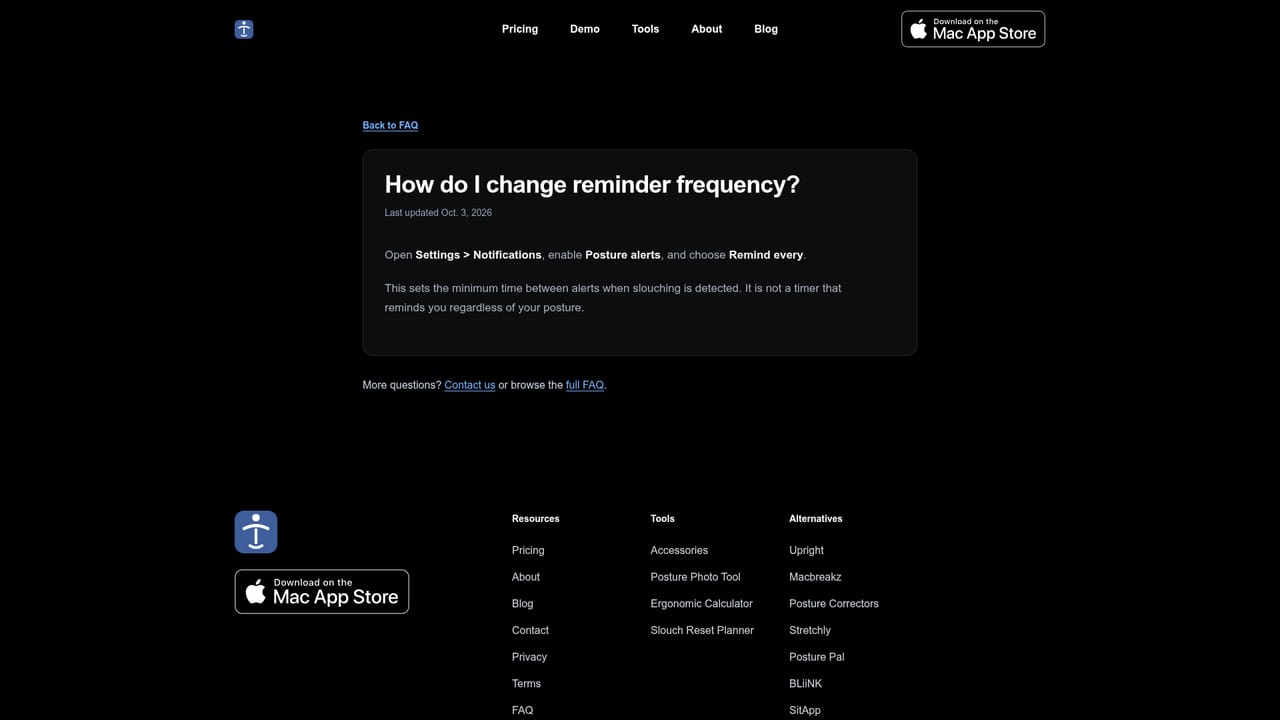
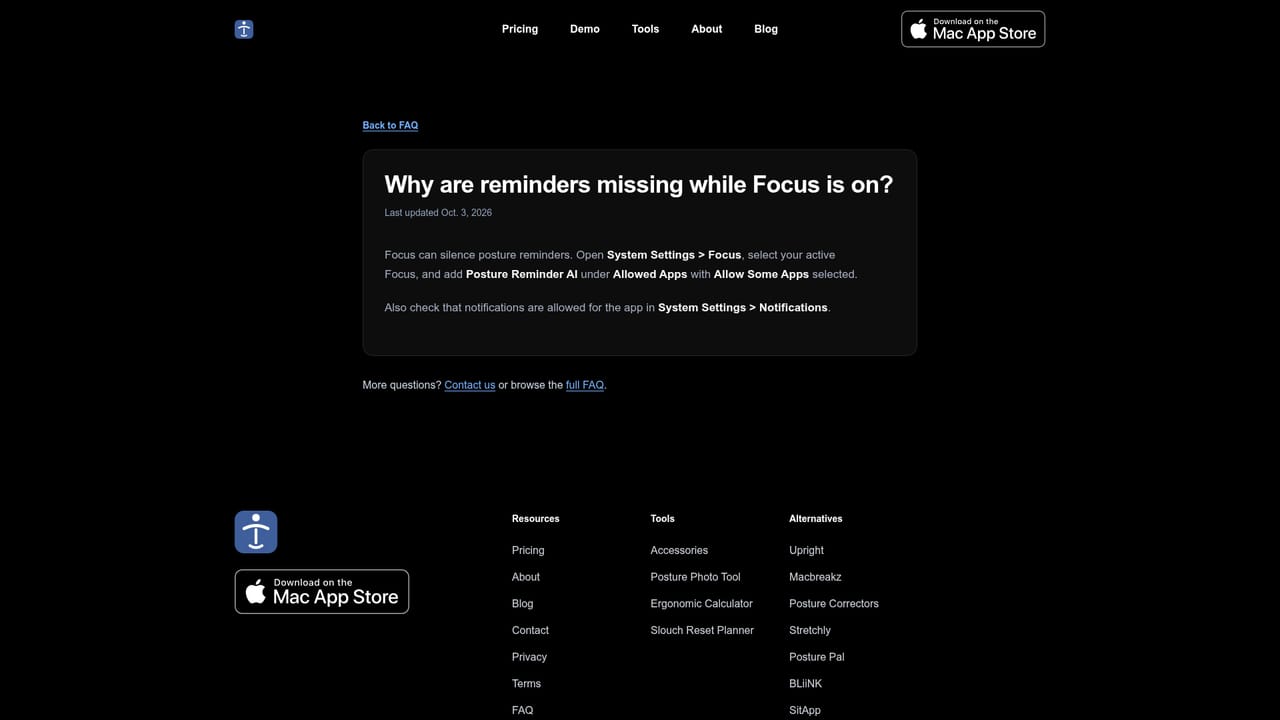
Posture Reminder AI is a Mac utility that watches for slouching through your webcam and nudges you back to an upright position while you work. The detection model runs entirely on the machine, so camera frames are never recorded or uploaded. Calibration data is stored locally as well. The app was built by Leon Wei, a former Apple machine learning engineer, and is distributed through the Mac App Store. Setup is built around two short captures rather than a generic posture template. You first record the way you want to sit (relaxed and upright), then show the position you usually drift into. The app compares live frames against that personal reference and surfaces a risk score: green when you hold your baseline, red with a slouch warning when you drift. Sitting and standing each keep their own calibration, and you can switch between the two modes without restarting. Changing cameras, alert frequency or Launch at Login also applies immediately, though a newly selected camera needs its own calibration before monitoring resumes. The audience is desk workers, remote employees and anyone told by a physiotherapist to stop collapsing forward. Because reminders are triggered by detected slouching rather than a fixed timer, the app stays quiet when your posture is fine. Reminder frequency sets a minimum gap between alerts, which keeps it from nagging. An Energy Saver mode lets monitoring continue in the background with the window closed, and the Dock icon or menu bar brings it back. The tradeoffs are narrow. There is no Windows, iPhone or Android version, and nothing works below macOS Tahoe (26.0). A Mac camera or a Continuity Camera iPhone must have your face and shoulders in frame, so monitor-mounted webcams are the practical setup. The free trial lasts one hour from first launch, which is enough to test the idea but not to judge long-term habit change. Against wearables and generic break timers, this is the more direct option for people who already sit at a Mac all day, and the least useful for anyone who splits time across devices.

The free trial runs for one hour from the first app launch. Continuing posture monitoring afterward requires a monthly or annual subscription bought through the Mac App Store.
Learn moreUS pricing is $9.99 per month or $99.99 per year. The annual plan saves roughly two months of the monthly rate and includes Family Sharing, which the monthly plan does not. Apple processes payments and subscriptions, and prices vary by region.
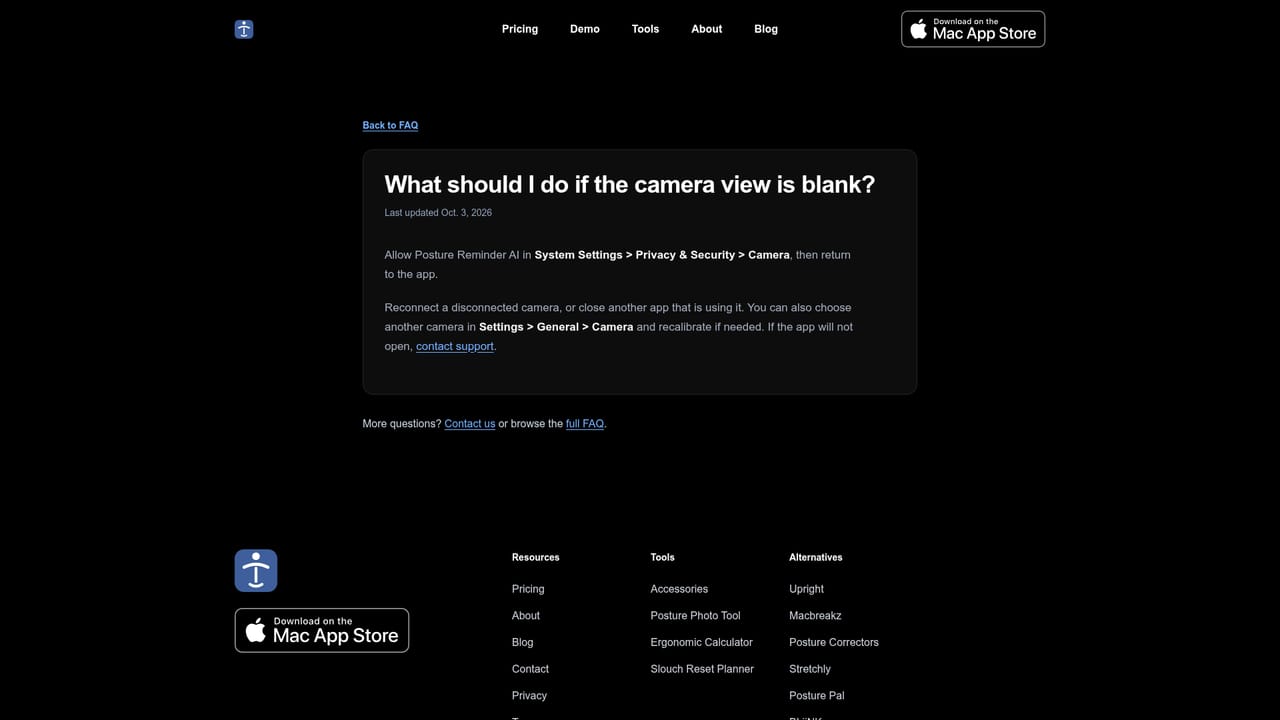
Learn moreSupport is by email, and the site carries an extensive FAQ covering setup, privacy, pricing, system requirements, Focus mode conflicts and camera troubleshooting.
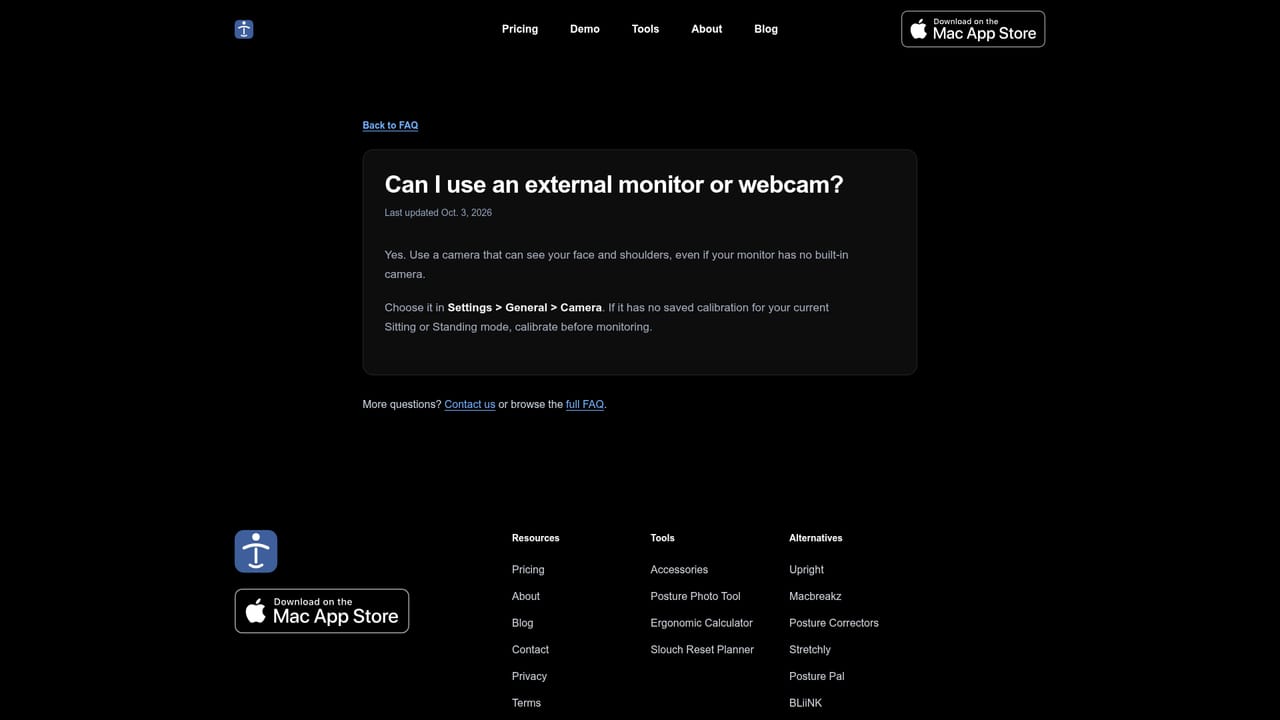
Learn moreWorks with built-in Mac cameras, external webcams and a compatible iPhone used as a camera through Continuity Camera. Payments and subscriptions are handled by Apple through the Mac App Store.
Posture detection runs on-device using a personal, two-capture calibration (upright reference plus your own slouch). A live risk score shows upright versus slouched states, reminders fire when slouching is detected, and reminder frequency is adjustable. Sitting and Standing modes hold separate calibrations. Camera selection, Launch at Login and Energy Saver background monitoring are included.
Learn more AI Angels400+ customizable AI girlfriends for NSFW chat, voice calls, and roleplay
 Candy AIExperience the future of companionship with AI friends who chat, role-play, and connect with you on a human level.
 ourdream.aiA vast AI roleplay platform with millions of characters for chat, images, video and voiceAI Angels400+ customizable AI girlfriends for NSFW chat, voice calls, and roleplayCandy AIExperience the future of companionship with AI friends who chat, role-play, and connect with you on a human level.ourdream.aiA vast AI roleplay platform with millions of characters for chat, images, video and voice