Free trial
A 7 day free trial is offered, promoted on the homepage and started through the download page.
Learn moreTurn a phone video of your swing into named faults and a drill plan.

GolfWiz AI is a body analyzer tool that turns a phone video of your swing into named faults and a drill plan. AI golf swing and putting analyzer that reads a phone video, names your specific swing faults, and builds a follow-along drill plan around them.
GolfWiz AI is a phone-based golf swing analyzer built by Yukta AI LLC. The premise is simple: film your swing from face-on or down-the-line, upload the clip, and the app breaks it down frame by frame to identify specific faults. It reports those faults by name rather than as vague scores, and then hands back a set of follow-along drills aimed at the errors it detected. Putting gets the same treatment, with checks on ball position, eye position, shoulder tilt, takeaway path, head movement and wrist flexion. The fault library is unusually granular for a mobile app. Setup posture issues are catalogued separately (grip, stance width, knee flex, arm position, shaft angle, feet alignment), and the down-the-line and face-on sets cover the usual suspects: over the top, early extension, casting, flipping, chicken wing, sway, loss of spine angle and locked trail knee. A bump and run set rounds out the short game coverage. Left-handed golfers are supported, which is not a given in this category. In practice the workflow is three taps: record or upload, run the analysis, then work through the AI-assisted drill plan. The app also lists auto swing capture, a swing tracer, a rhythm and tempo trainer, voice assistance and progress tracking. The marketing positions GolfWiz as a companion between lessons rather than a replacement for an instructor, which is the honest framing for a tool that diagnoses positions from video without force plates or launch monitor data. Golfers already using a launch monitor or a coach with video software are the closest alternatives, and those options carry hardware cost or hourly fees that GolfWiz avoids. The trade is that everything here rests on the quality of the clip you provide and on trusting the model's read of it. It is aimed at recreational and improving players who want structured feedback at the range without booking a session.
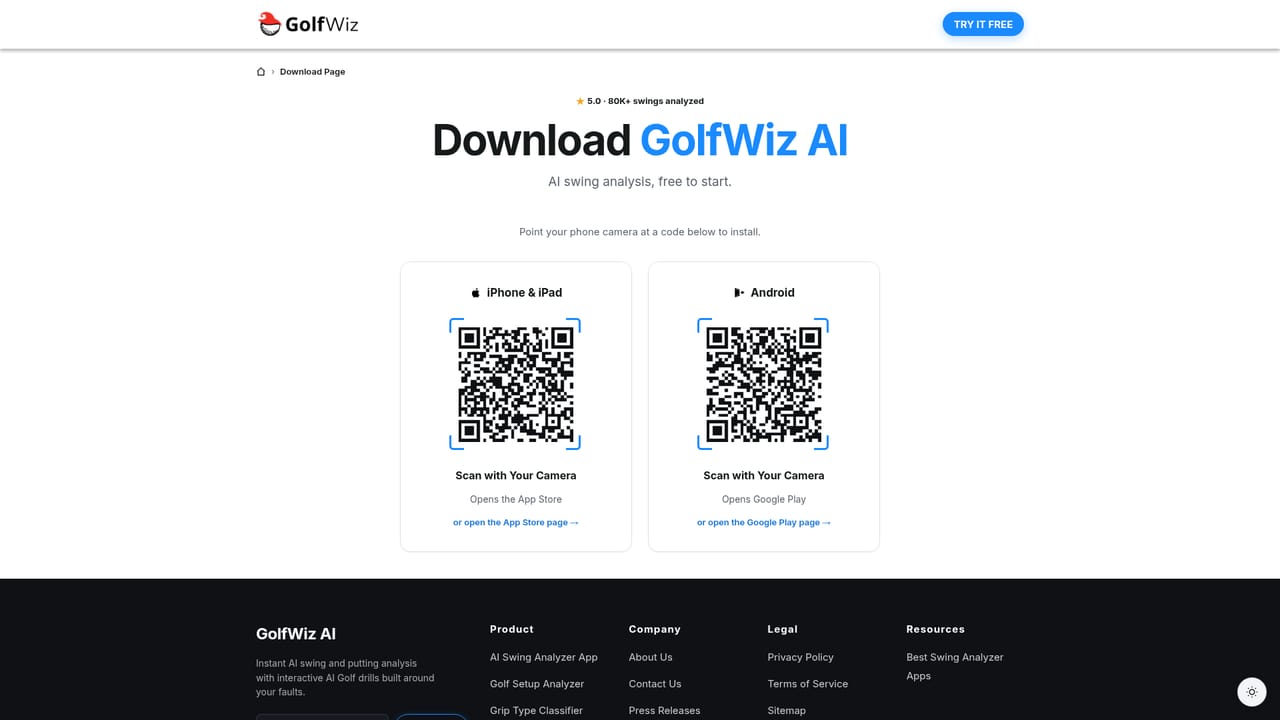
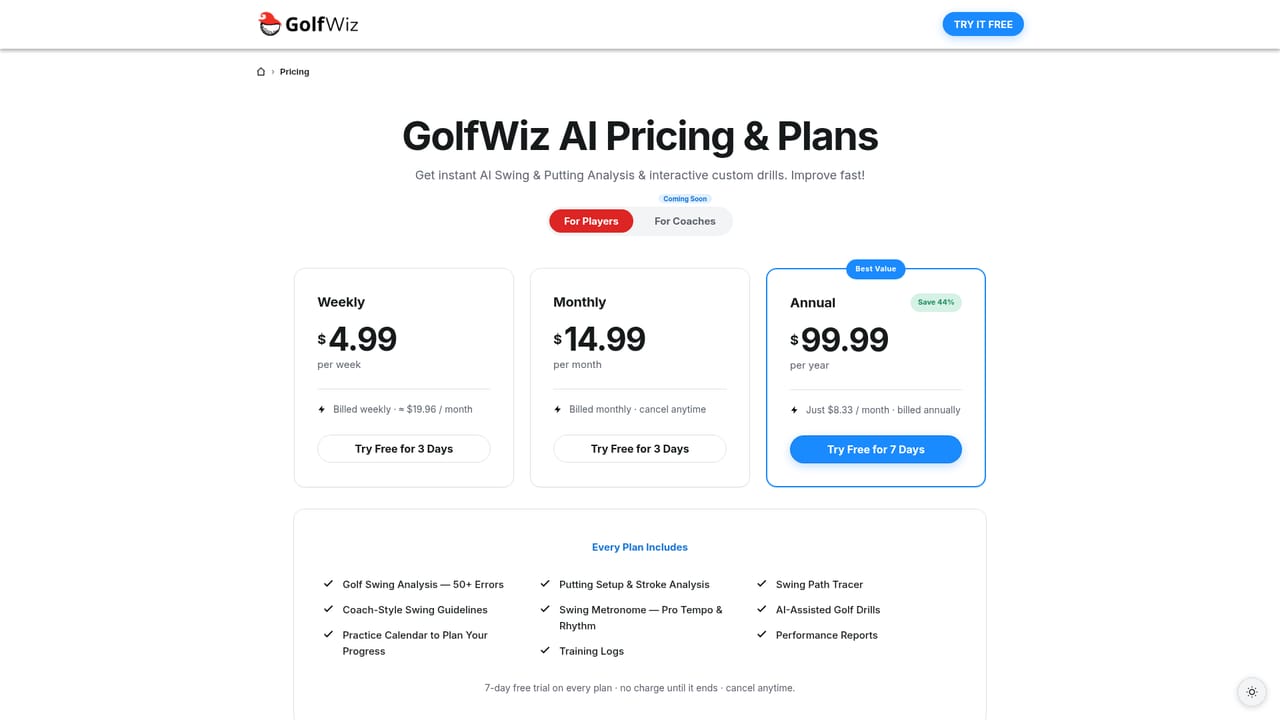
A 7 day free trial is offered, promoted on the homepage and started through the download page.
Learn moreThe homepage advertises a 7 day free trial and links to a separate plans and pricing page. No subscription tiers or price points are stated on the homepage itself.
Learn moreA contact page and an email address are published. The homepage also lists social channels on LinkedIn, YouTube, Instagram, Facebook and TikTok.
Learn moreInstant frame-by-frame swing and putting analysis from a phone video, with named faults across setup posture, down-the-line, face-on, putting and bump and run. AI-generated follow-along drills target the faults found. Also listed: auto swing capture, swing tracer, rhythm and tempo trainer, voice assistance, progress tracking, left-handed support, priority faults and a community.
Learn more AI Angels400+ customizable AI girlfriends for NSFW chat, voice calls, and roleplay
 Candy AIExperience the future of companionship with AI friends who chat, role-play, and connect with you on a human level.
 ourdream.aiA vast AI roleplay platform with millions of characters for chat, images, video and voiceAI Angels400+ customizable AI girlfriends for NSFW chat, voice calls, and roleplayCandy AIExperience the future of companionship with AI friends who chat, role-play, and connect with you on a human level.ourdream.aiA vast AI roleplay platform with millions of characters for chat, images, video and voice