Free trial
No time-limited trial is described. A permanent Free plan provides 3,000 assistant words, 2 deep research reports and one digest email each month at no cost.
Learn moreAcademic writing assistants built by researchers, for researchers

SciPub is an academic research tool. SciPub+ is an academic writing platform with twelve AI assistants covering outlines, abstracts, introductions, literature reviews, methods, results, conclusions, captions, revision and full thesis drafts, plus web and scholarly deep research modes. Built by active researchers for graduate students and faculty.
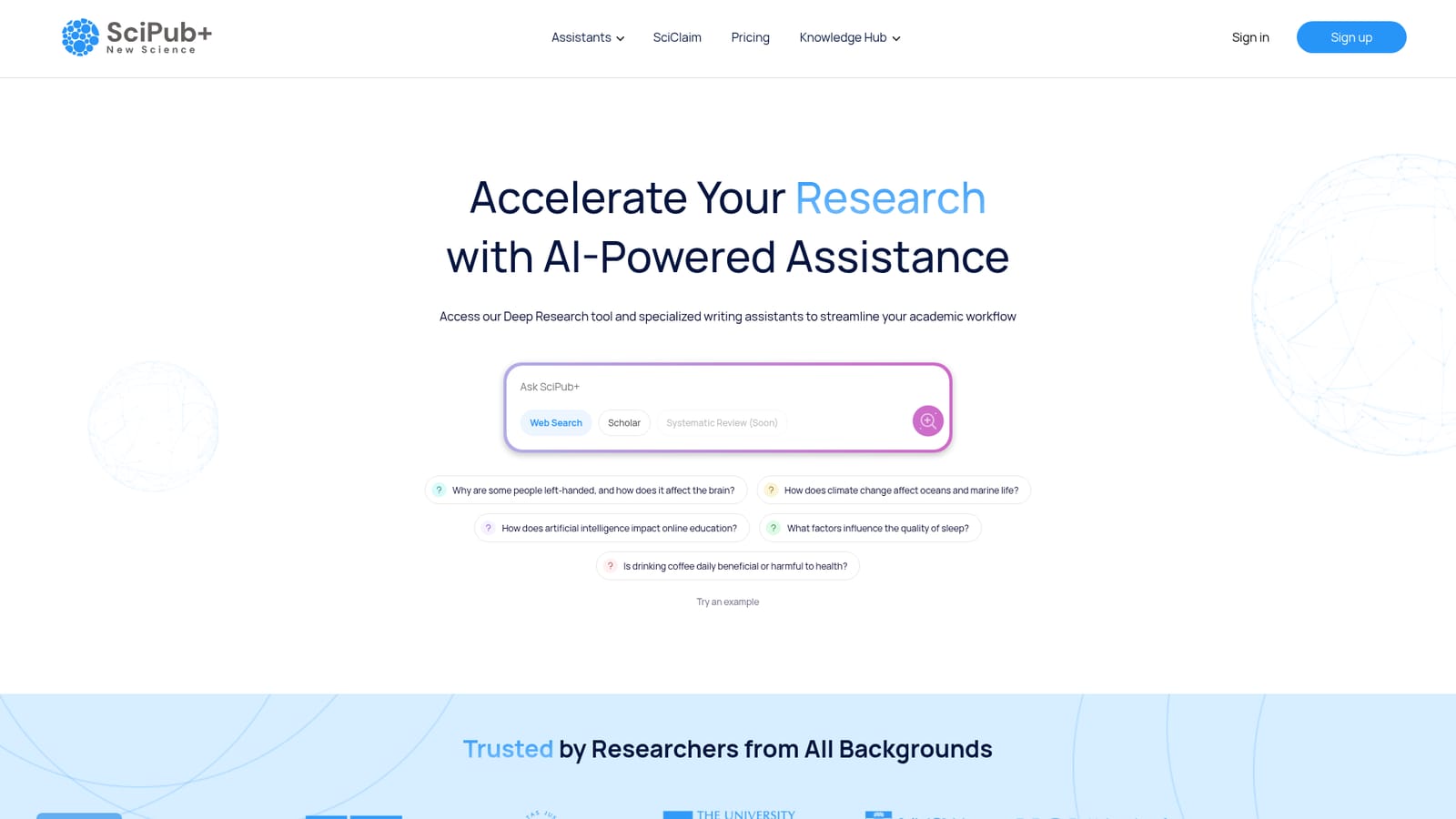
SciPub+ is a web platform that pairs deep research tools with a set of writing assistants aimed squarely at scholarly publishing. The homepage describes a roster of twelve AI assistants, ten of which map to distinct stages of a manuscript: Outline Oracle for structure, Abstract Aid for abstracts, Intro Infer for introductions, Lit Linker for literature reviews, Method Maker for methodology write-ups, Result Reveal for results, Conclude Craft for conclusions, Visual Vibe for figure captions and descriptions, Text Tune for polishing a draft, and Thesis Thread for generating full thesis drafts. The remaining tools cover deep research and a periodic paper digest by email. The research side splits into two modes. Web Deep Research pulls from academic and non-academic sources and produces wiki-style summaries of a subject, which suits early orientation on an unfamiliar field. Scholarly Deep Research restricts itself to peer-reviewed papers and is positioned for academic insight and systematic work. A Systematic Literature Review mode is listed as coming soon, with the promise of comprehensive reviews that follow SLR standards and surface new hypotheses. The audience is graduate students, postdocs and faculty who already know how a paper is built and want the repetitive scaffolding handled faster. The pitch is that generic chatbots ignore disciplinary conventions, whereas these assistants were designed by active researchers around section-by-section workflows. In practice a user picks an assistant, feeds it the relevant material, and regenerates output until the phrasing fits; one reviewer quoted on the homepage notes that a weak underlying draft produces dismal results, so the tool rewards users who arrive with data and a plan. Against general writing platforms, SciPub+ trades breadth for depth in one domain. It does not advertise manuscript submission, reference manager syncing or journal formatting, and multi-user institutional terms are handled through a contact request rather than self-serve seats. Researchers wanting one environment for drafting, revising and background reading will find the fit tighter than a generic assistant.
No time-limited trial is described. A permanent Free plan provides 3,000 assistant words, 2 deep research reports and one digest email each month at no cost.
Learn moreThe homepage lists a Free tier with 3,000 words per month from writing assistants, 2 deep research reports per month, 1 SciDigest email per month and access to the best AI models. A Plus plan is shown with monthly and annual billing (annual saves 50 percent), but its price and inclusions are cut off in the source. Custom team and institute plans are available on request.
Learn moreSupport runs through a contact form on the homepage for custom team and institute plans. An FAQ page and a blog are published on the site, alongside an Academy section explaining academic writing practice.
Learn moreTwelve assistants: ten writing tools covering outline, abstract, introduction, literature review, methods, results, conclusions, figure captions, text polishing and full thesis drafting, plus Web Deep Research for broad wiki-style summaries, Scholarly Deep Research for peer-reviewed insight, and a SciDigest email of fresh papers. A Systematic Literature Review mode is listed as coming soon.
 AI Angels400+ customizable AI girlfriends for NSFW chat, voice calls, and roleplay
 Candy AIExperience the future of companionship with AI friends who chat, role-play, and connect with you on a human level.
 ourdream.aiA vast AI roleplay platform with millions of characters for chat, images, video and voiceAI Angels400+ customizable AI girlfriends for NSFW chat, voice calls, and roleplayCandy AIExperience the future of companionship with AI friends who chat, role-play, and connect with you on a human level.ourdream.aiA vast AI roleplay platform with millions of characters for chat, images, video and voice


