Coddy

Interactive coding and math courses with a browser playground built in

Beginner
Screenshot of Coddy, Interactive coding and math courses with a browser playground built in

What is Coddy?

Coddy is a free, browser based learning platform for coding, math, physics and chess, with 15+ programming languages, structured career paths and a runnable playground for every course.

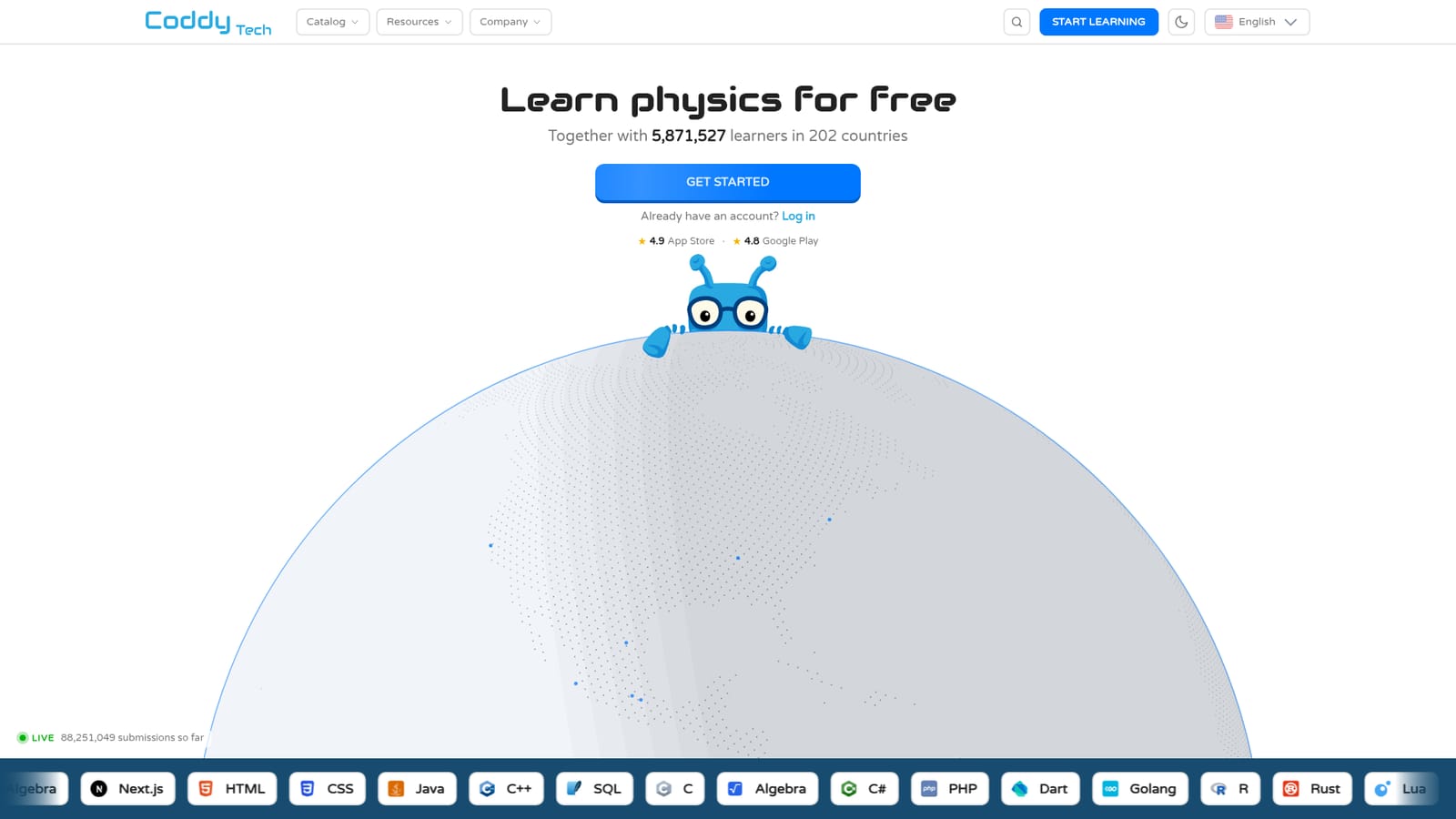
Coddy is a browser based learning platform that teaches programming languages, math, physics and chess through short interactive courses. The catalog covers more than 15 programming languages, among them Python, JavaScript, TypeScript, C, C++, Java, C#, Go, Ruby, Kotlin, Lua, Rust, PHP, SQL, Swift and Dart, alongside web frameworks such as React and Next.js. Each language typically comes with three connected pieces: a landing page that frames the course, reference documentation, and a runnable playground where code executes without any local setup. The core audience is self directed learners and career switchers who want structure rather than scattered tutorials. Coddy organizes much of its material into learning paths that mirror real job titles: Software Engineer, Frontend Developer, Full Stack Developer, Backend Developer, DevOps, Data Analyst, Data Scientist, Flutter App Developer, iOS App Developer, Roblox Game Developer and Unity Game Developer. A path sequences topics in the order the role tends to use them, so the Software Engineer track runs through Python, Linux, Git, SQL and data structures before moving to code readability. Game oriented learners can follow the Python Game Development path and build five pygame projects. In practice, a session means picking a course, reading a compact explanation, and writing code directly in the playground where output appears immediately. Reference documentation and cheat sheets sit beside the exercises, and the site also publishes algorithm visualizations, interview problems with hints, a glossary with runnable examples, and free developer utilities such as formatters and converters. An embed editor lets site owners drop a runnable code editor into their own pages through a single iframe. The breadth is the differentiator, and also the tension. Coddy spreads across systems programming, mobile, game engines, data tooling and a non coding catalog covering pre-algebra through trigonometry, physics mechanics and chess fundamentals. That makes it a strong broad starting point for beginners and a handy reference for developers, while specialists will still want deeper project work elsewhere. The site reports 5.8 million plus learners.

How do you use Coddy?

  1. 1Create a free account
    Sign up on the Coddy homepage to save progress across courses. Account creation starts from the main site before any course is opened.
    Coddy — Create a free account
  2. 2Pick a language or a learning path
    Choose a single language such as Python or JavaScript, or a career path like Frontend Developer if you want a sequenced route instead of one topic.
    Coddy — Pick a language or a learning path
  3. 3Work through the course lessons
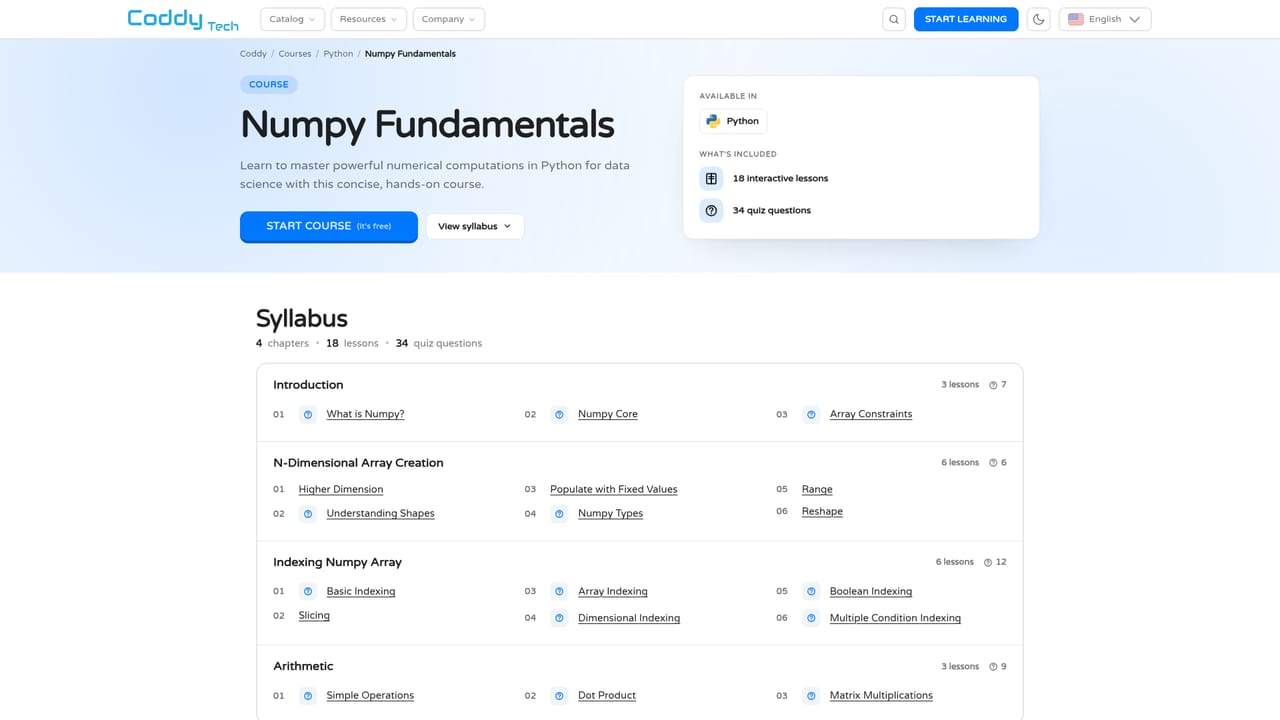
    Read the short explanations and complete the exercises in order. Lessons are compact and designed to be finished in short sittings.
    Coddy — Work through the course lessons
  4. 4Run your code in the playground
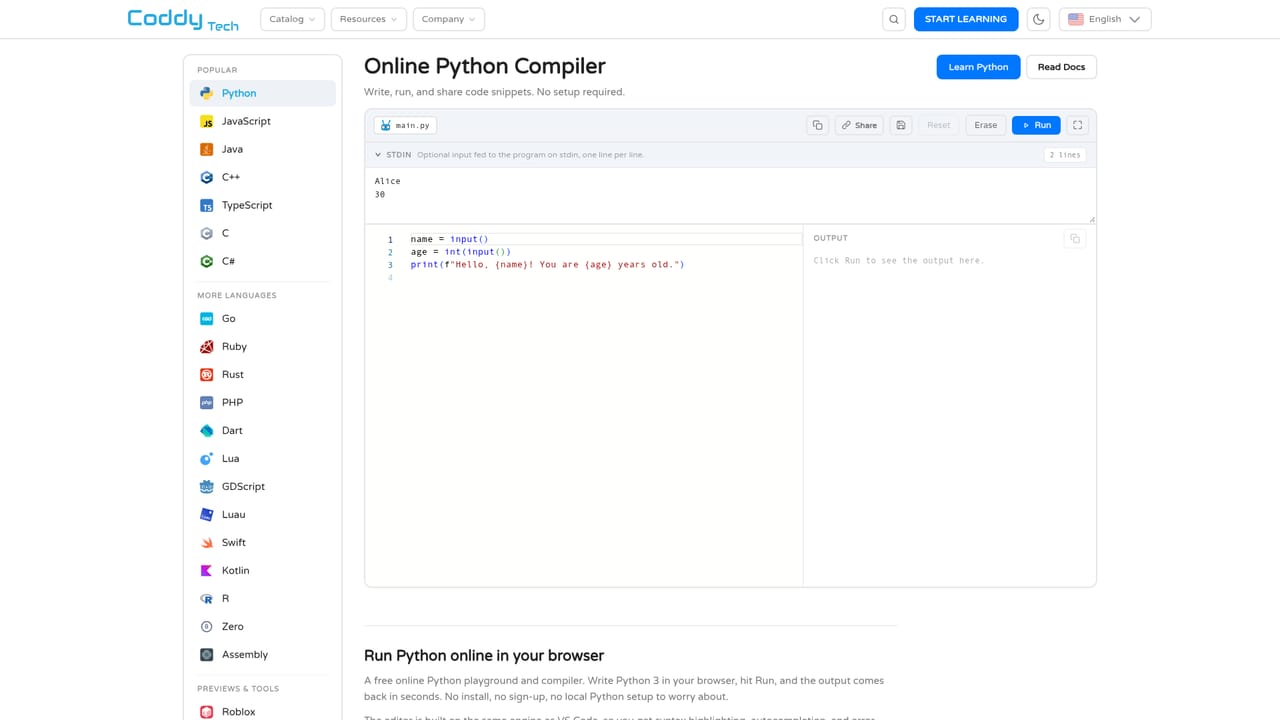
    Open the playground to execute snippets in the browser and see output immediately, with no install or configuration step.
    Coddy — Run your code in the playground
  5. 5Reinforce with docs and interview material
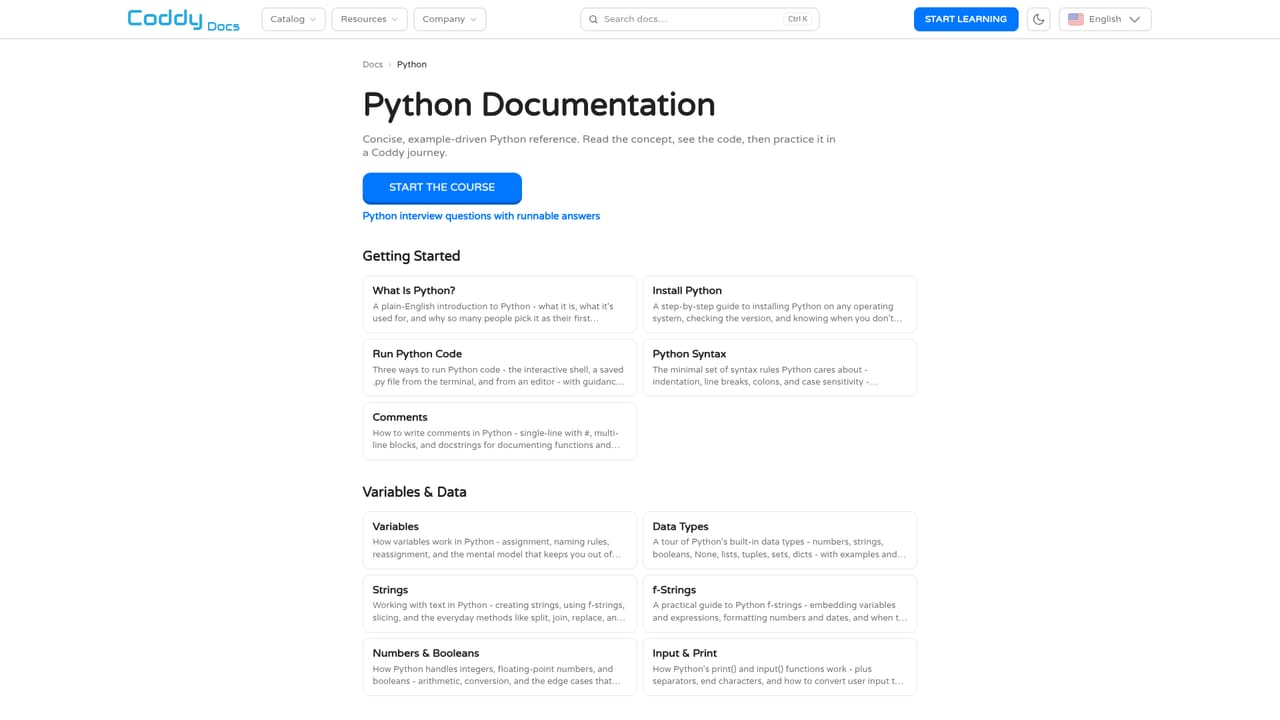
    Use the reference docs, cheat sheets and interview problems to revisit syntax and practice runnable questions with hints.

Pros and cons

Pros

  • Wide language catalog spanning Python, JavaScript, C, C++, Java, C#, Go, Rust, SQL and moreAI
  • Every language pairs a course with reference docs and a runnable in browser playground, so no local setup is neededAI
  • Career shaped learning paths (Frontend, Full Stack, Backend, DevOps, Data Scientist, iOS, Unity) sequence topics in a job relevant orderAI
  • Free supporting resources: cheat sheets, a glossary with runnable examples, algorithm visualizations and interview problemsAI
  • An embed editor lets anyone add a runnable code editor to their own site with a single iframeAI

Cons

  • Programming, math and chess courses are mixed in one catalog, which can make the product feel unfocused for a dedicated learnerAI
  • Coverage is broad rather than deep: paths touch many topics, so advanced learners may run out of depth before portfolio ready project workAI
  • No pricing tiers, certifications or instructor support are described on the homepage, leaving the long term value proposition unclearAI
  • Progress tracking, streak mechanics and account level features are not documented on the landing content, so learners cannot judge them up frontAI
  • Game and framework courses (Unity, Godot, Flutter, Next.js) have thin supporting documentation compared with the core languagesAI

How much does Coddy cost?

Features

Courses for 15+ programming languages plus web frameworks, mobile, game engines, SQL, Excel, R and machine learning. Each language comes with landing page, docs and a browser playground. Learning paths map to job roles, and the site adds cheat sheets, a glossary with runnable examples, algorithm visualizations, interview problems, developer tools and an iframe embed editor. Math, physics and chess courses round out the catalog.

Frequently asked questions about Coddy

  • How do you use Coddy?
    The walkthrough on this page covers 5 steps: 1. Create a free account 2. Pick a language or a learning path 3. Work through the course lessons 4. Run your code in the playground 5. Reinforce with docs and interview material.
  • What platforms does Coddy support?
    Coddy is available on Web App.
  • What are the limitations of Coddy?
    Programming, math and chess courses are mixed in one catalog, which can make the product feel unfocused for a dedicated learner. Coverage is broad rather than deep: paths touch many topics, so advanced learners may run out of depth before portfolio ready project work. No pricing tiers, certifications or instructor support are described on the homepage, leaving the long term value proposition unclear.

Status

StatusActive
Views0
Outbound clicks0
Added10/21/2026

Platforms

Web App

Pricing

Free