Free trial
The homepage offers a free install through the VS Code Marketplace, described as Try Free. Plan tiers and trial length are not stated.
Learn moreTurn large codebases into editable, versioned architecture diagrams.

CodeViz is an architecture diagram tool that turns large codebases into editable, versioned architecture diagrams. CodeViz builds an editable architecture model from your codebase, generates on-demand views of workflows and data flows, and keeps diagrams versioned in Git. It targets engineering teams that want faster PR reviews and shared architectural context without manual diagramming.
CodeViz is a diagramming tool aimed at software teams that need to see how a codebase actually fits together. Instead of drawing boxes by hand, it analyzes the repository across the major programming languages and produces an architecture model with views that can be shown to stakeholders. Every element in that model remains editable and links back to the underlying source, so a diagram can be checked against the real code rather than drifting into fiction. The practical work happens through contextual views. A developer asks for a specific workflow, API path or data flow, and CodeViz assembles an end-to-end picture showing dependencies, how data moves and where each step lives in the files. The same machinery is used to visualize pull request changes and to attach tickets to the code they touch, which is where the product stakes its claim of returning roughly 30 minutes a day by shortening review cycles and keeping architecture conversations grounded. Team collaboration is built into the model rather than bolted on. One architecture model is shared across the group, branches can hold proposed designs, tailored views can be published for different audiences, and versions are stored in Git so changes are reviewable and traceable. The notation follows C4 and UML, covering context, container, component and code levels, which means teams produce standard diagrams without learning a proprietary language or hiring a modeling specialist. The fit is best for engineering organizations with growing or inherited codebases, where onboarding, incident triage and architecture reviews all suffer from undocumented structure. Small solo projects see less benefit. Release details are not spelled out on the homepage, only an invitation to try the tool free through the VS Code Marketplace and a path to book a demo, so pricing and plan limits need to be confirmed directly.
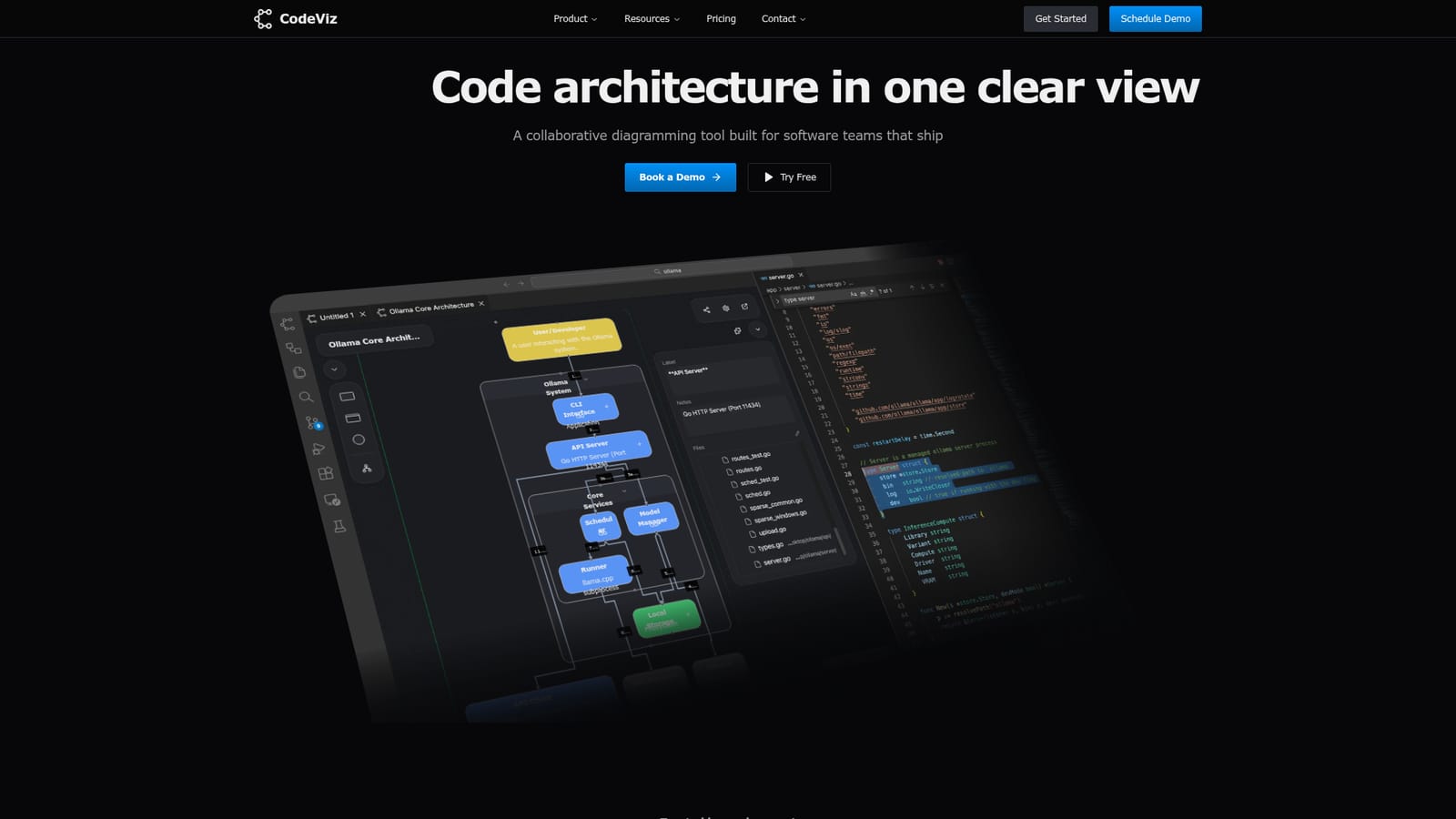
The homepage offers a free install through the VS Code Marketplace, described as Try Free. Plan tiers and trial length are not stated.
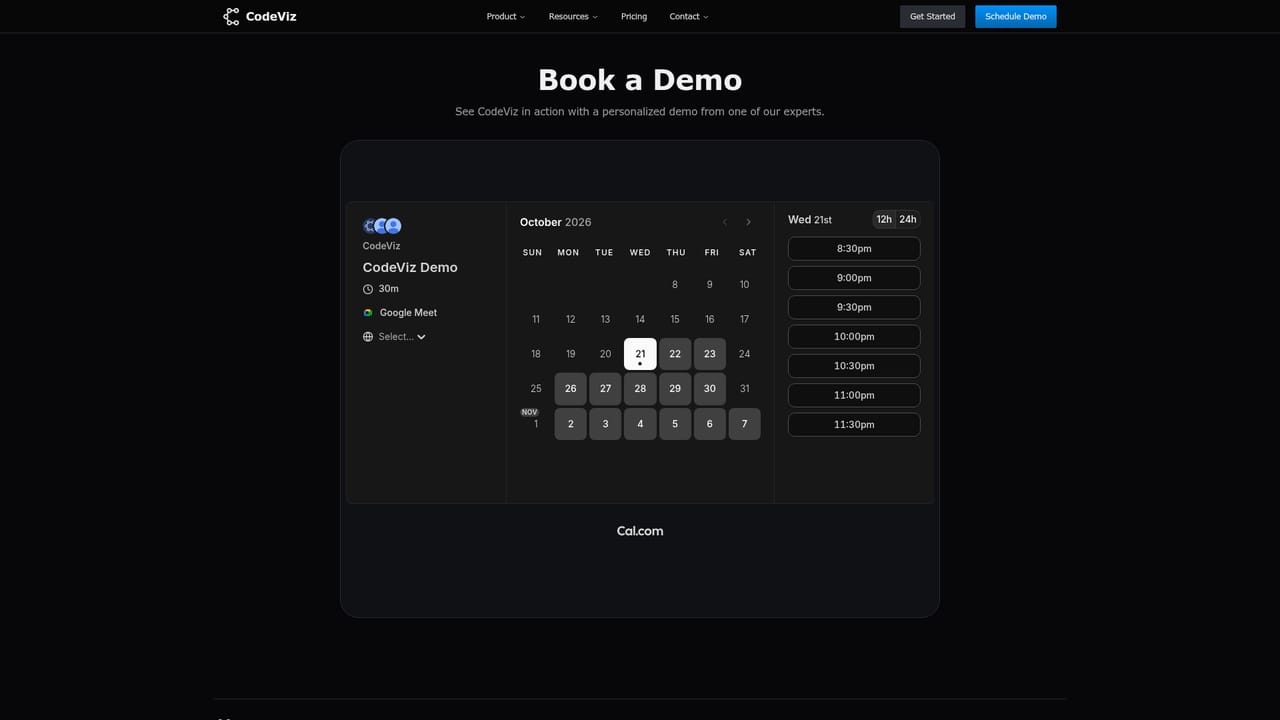
Learn moreSupport is handled through a bookable demo with the team; no help centre or documentation link is listed on the homepage.
Learn moreThe homepage lists VS Code, GitHub, Jira, Slack and Figma as connected tools.
Automatic architecture modeling across major languages, on-demand contextual views for workflows and data flows, visualization of code changes for PR review, ticket linking, shared and branchable models with Git versioning, and C4 plus UML standard notation with fully editable elements.
 AI Angels400+ customizable AI girlfriends for NSFW chat, voice calls, and roleplay
 Candy AIExperience the future of companionship with AI friends who chat, role-play, and connect with you on a human level.
 ourdream.aiA vast AI roleplay platform with millions of characters for chat, images, video and voiceAI Angels400+ customizable AI girlfriends for NSFW chat, voice calls, and roleplayCandy AIExperience the future of companionship with AI friends who chat, role-play, and connect with you on a human level.ourdream.aiA vast AI roleplay platform with millions of characters for chat, images, video and voice


