Integrations
Editors and IDEs: VS Code, JetBrains and Visual Studio. Source hosts: GitHub, GitLab and Bitbucket, plus a Chrome extension. Analysis also runs in CI/CD pipelines and through git hooks.
Learn moreReal-time static code analysis and automated code reviews across IDE, git and CI

Codiga is a static code analysis platform for IDE, git hooks and pull request reviews, with a 1,800+ rule catalog spanning 12+ languages, OWASP and SANS security rulesets, secret detection, infrastructure code checks and browser-based custom rule authoring.
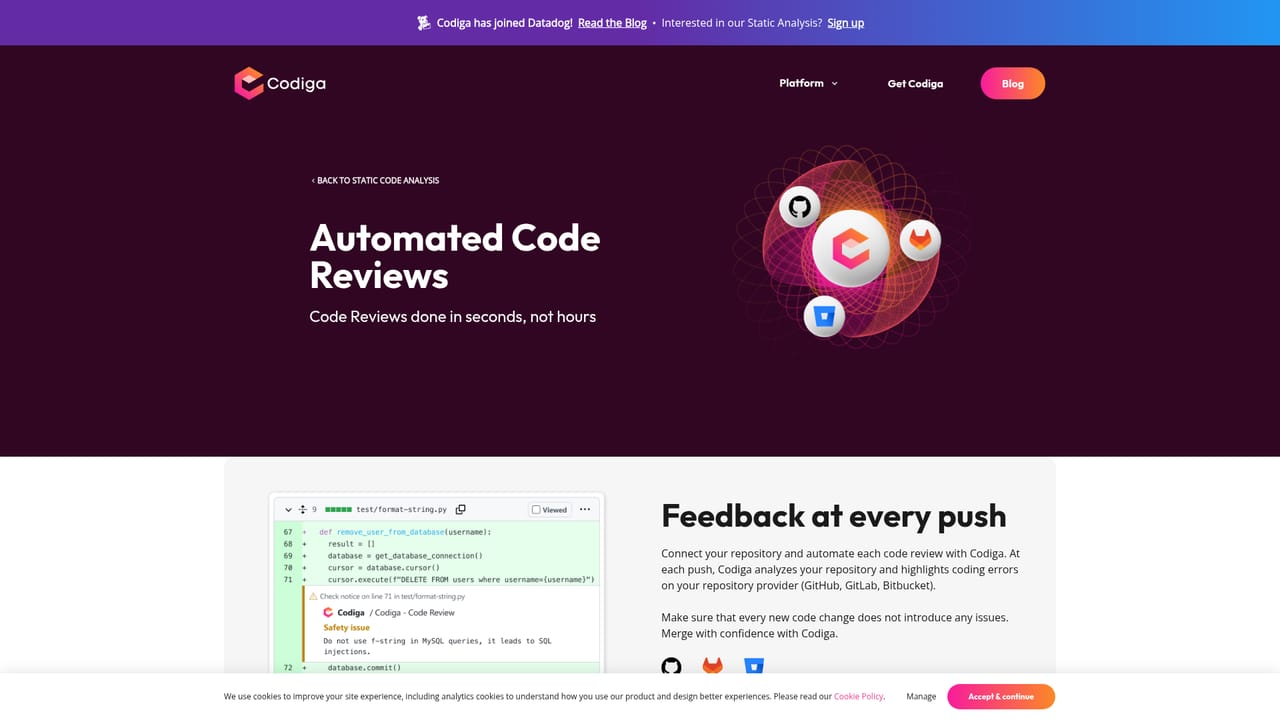
Codiga is a static code analysis service built around a simple promise: catch code quality and security problems while the developer is still typing, then keep checking the same code through git hooks, pull request reviews and production commits. The core engine runs in the browser, in the editor and in hosted repositories, and it is driven by rule sets rather than by a language-specific linter that has to be wired up by hand. The rule catalog is the center of the product. Codiga Hub rulesets cover 1,800 or more rules across 12 or more languages, with named language coverage that includes JavaScript, TypeScript, Python, Java, Go, PHP, Ruby, Kotlin, Scala, Dart, C++, Apex and shell. Security rulesets map to OWASP 10, MITRE CWE and the SANS/CWE Top 25, and the platform also detects leaked secrets such as SSH keys and API tokens and analyzes infrastructure code written in Terraform and Docker. Teams that need something bespoke can write their own analysis rules in the browser, test them against sample code, share them publicly on the Hub or keep them private to a team, and the product pitches rule authoring at under five minutes. In day to day use the tool sits in three places at once. Inside VS Code, JetBrains IDEs and Visual Studio it annotates issues in real time and offers one-click autofix for vulnerabilities and coding problems. Before a branch leaves a laptop, git hooks block pushes that still contain flagged issues. On GitHub, GitLab and Bitbucket it reviews pull requests automatically, flagging violations plus duplicate, long or complex functions, and a dashboard tracks violation counts and function complexity over time. A snippet library rounds out the offering, letting developers create, share and pull code snippets from the IDE or the public hub. Codiga is aimed at engineering teams large enough to care about review latency and security baselines but not large enough to staff a dedicated AppSec function. The main caveat is that the company has joined Datadog, so buyers should confirm current availability and roadmap before committing. Alternatives include SonarQube, Snyk Code and CodeRabbit.
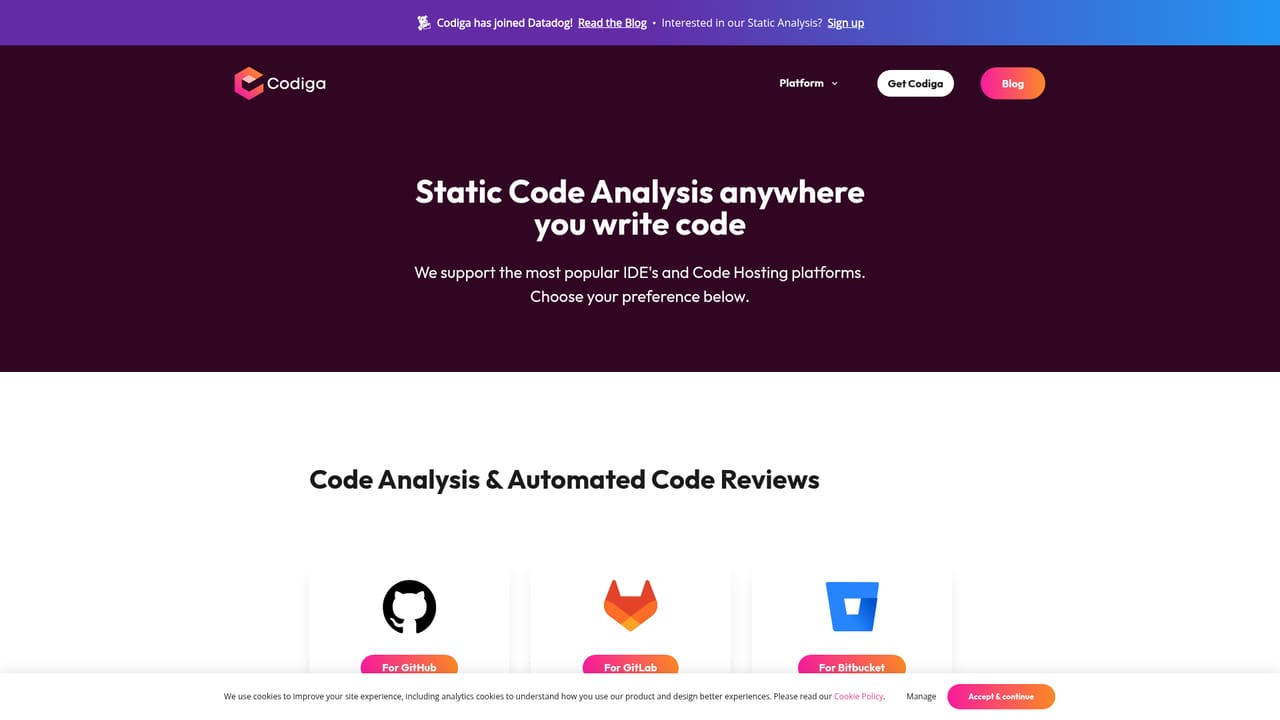
Editors and IDEs: VS Code, JetBrains and Visual Studio. Source hosts: GitHub, GitLab and Bitbucket, plus a Chrome extension. Analysis also runs in CI/CD pipelines and through git hooks.
Learn moreStatic analysis in VS Code, JetBrains IDEs and Visual Studio with real-time annotations and one-click autofix; rule sets covering 1,800+ rules across 12+ languages; OWASP 10, MITRE CWE and SANS/CWE Top 25 security rules; leaked secret detection; Terraform and Docker infrastructure checks; browser-based custom rule authoring with public or team-private sharing; automated pull request reviews on GitHub, GitLab and Bitbucket; git hook checks; a quality dashboard and a shared code snippet library.
Learn more AI Angels400+ customizable AI girlfriends for NSFW chat, voice calls, and roleplay
 Candy AIExperience the future of companionship with AI friends who chat, role-play, and connect with you on a human level.
 ourdream.aiA vast AI roleplay platform with millions of characters for chat, images, video and voiceAI Angels400+ customizable AI girlfriends for NSFW chat, voice calls, and roleplayCandy AIExperience the future of companionship with AI friends who chat, role-play, and connect with you on a human level.ourdream.aiA vast AI roleplay platform with millions of characters for chat, images, video and voice