Free trial
A free local edition is available from the project's GitHub repository, giving full scanning on locally checked-out code. No time-limited trial of the centralized edition is described on the homepage.
Learn morePrivacy code scanner that stops PII leaks before they reach logs

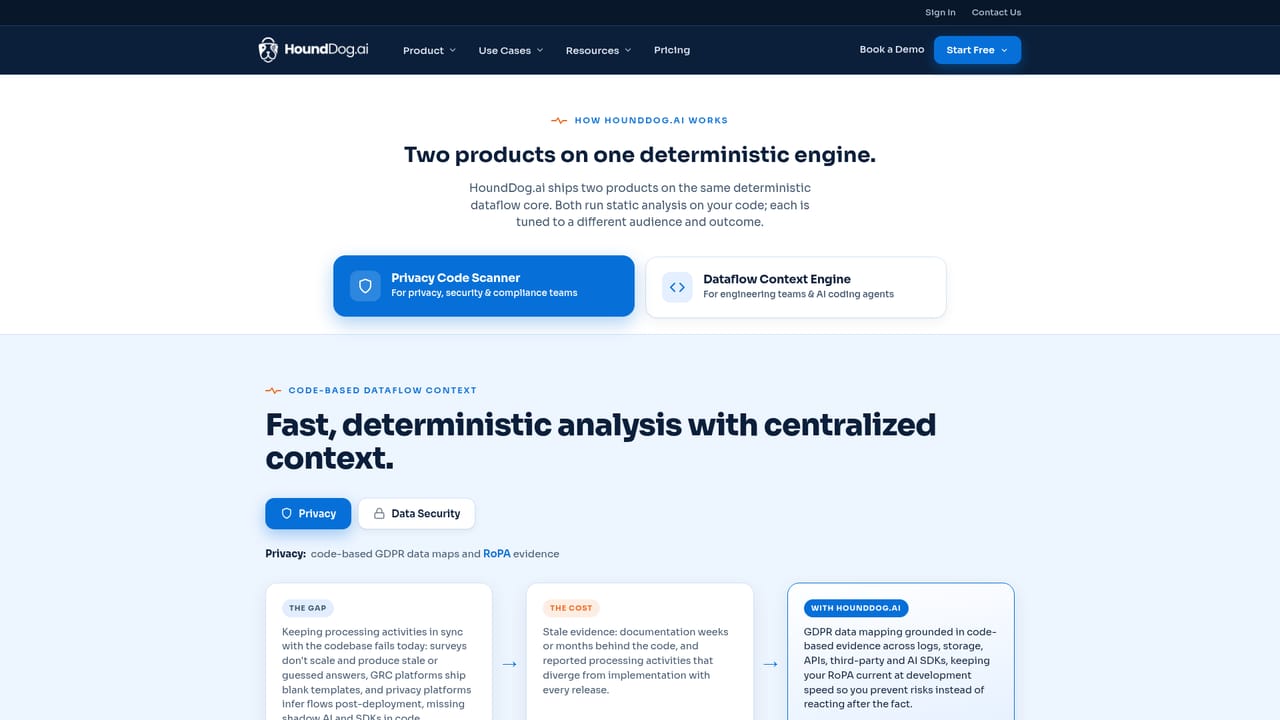
HoundDog is a cybersecurity tool. Code-based privacy scanner that maps sensitive dataflows across repositories, keeps GDPR RoPA evidence current, and flags PII, PHI and secrets heading into logs, SDKs or AI prompts before execution. A free local edition runs on developer machines; the centralized edition adds CI scanning and org-wide context for AI coding agents.
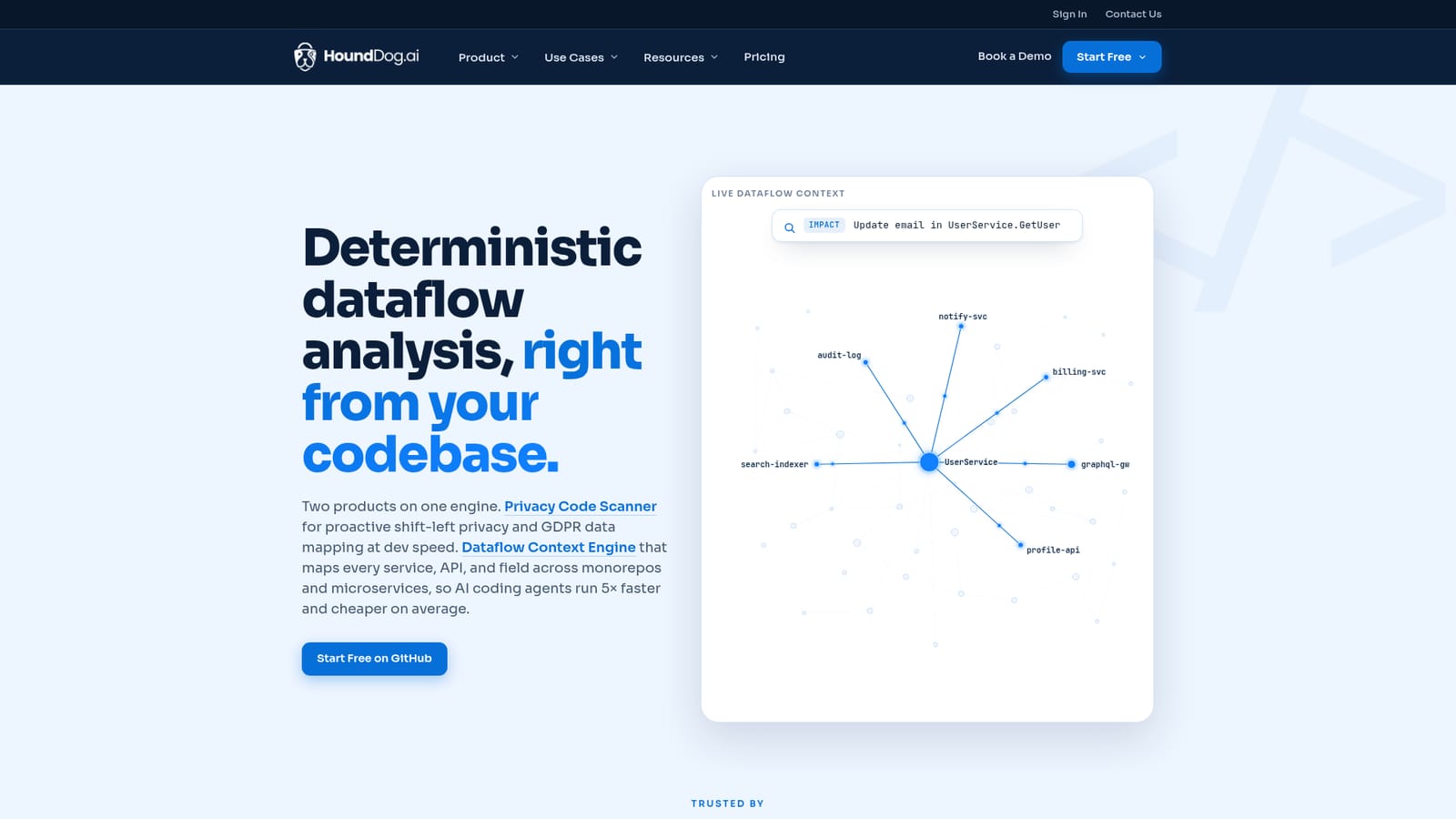
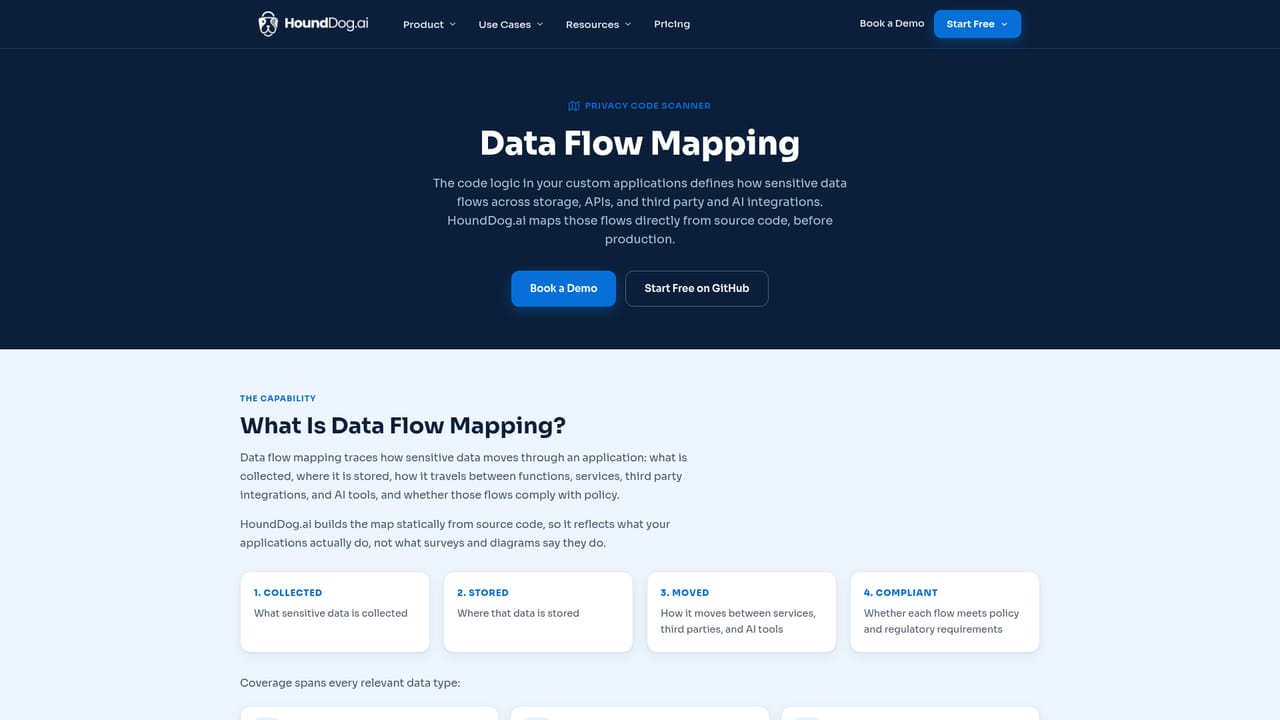
HoundDog.ai is a code analysis platform aimed at two related problems: keeping privacy documentation aligned with what the codebase actually does, and stopping sensitive data from flowing into places it should not go. It scans source code and builds a deterministic graph of how personal data moves through a system, following PII, PHI, card data and auth tokens across nested code paths into logs, storage, APIs, third-party SDKs and AI integrations. Because the analysis happens at scan time rather than at runtime, a log statement or LLM prompt is flagged before it executes, not after the data has already been written. The audience is split. Privacy and compliance teams use it to generate GDPR data maps, Records of Processing Activities (RoPA) evidence, and to validate design-phase privacy reviews. The engine proposes updates and the DPO approves them, so the RoPA stays current as new data categories and subprocessors appear in the code. Engineering and security teams use it for leak prevention: tracking over 100 sensitive data types into risky sinks, catching Shadow AI and undeclared SDK usage, and feeding structured cross-repo context to AI coding agents through an MCP server and Skills. The vendor reports agents completing service changes several times faster with that context than with grep-based exploration. Deployment comes in two shapes. A local, free edition runs on the developer machine with a CLI, local MCP server and Skills, and works with any MCP-compatible agent. The centralized edition is cloud hosted or on-premises, connects to GitHub, Bitbucket and GitLab, scans selected repositories without a checkout, and runs in CI on every pull request. Pricing is quoted per developer per year. It sits next to, rather than on top of, DLP and DSPM tooling. Those react once sensitive data is already present; HoundDog argues its value is preventive and cites customers cutting manual mapping effort and leak incidents. Teams evaluating it should weigh that prevention story against the operational work of wiring scans into CI and maintaining approval workflows.
A free local edition is available from the project's GitHub repository, giving full scanning on locally checked-out code. No time-limited trial of the centralized edition is described on the homepage.
Learn moreTwo editions. The local edition is free and runs on the developer machine (CLI, local MCP server, Skills). The centralized enterprise edition is cloud hosted or on-premises and priced at about $200 per developer per year, with no token meter. Exact terms require a quote.
Learn moreSupport runs through a contact form and demo booking. Public documentation covers data elements, data sinks and cloud configuration, with collateral and webinars available for deeper evaluation.
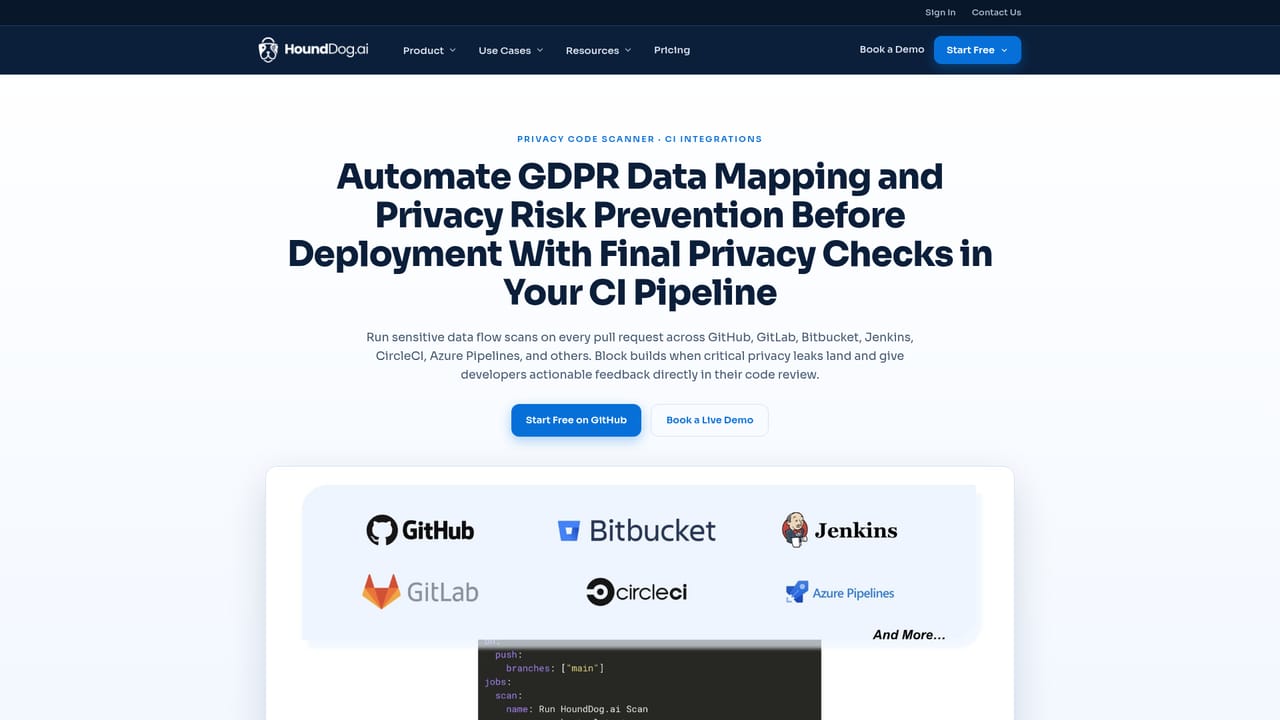
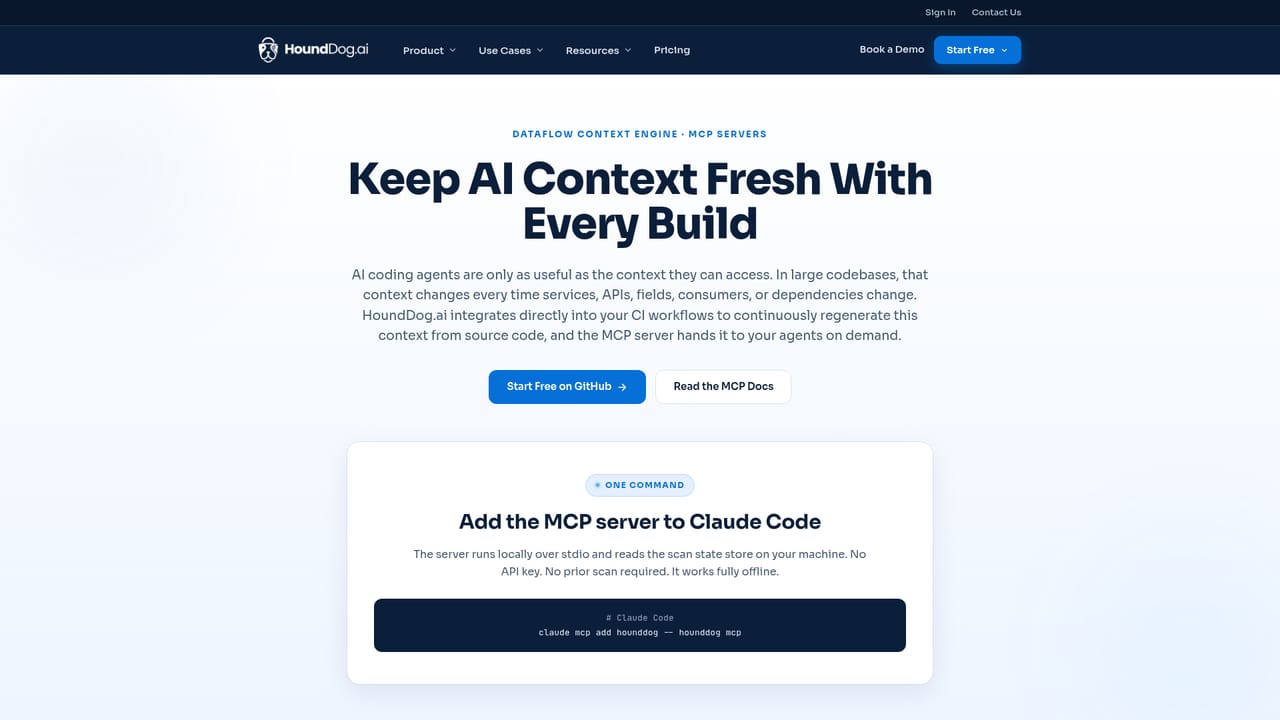
Learn moreConnects to GitHub, Bitbucket and GitLab for automated repository scanning and runs in CI on pull requests. An MCP server and Skills plug into MCP-compatible AI coding agents, and 1,000+ third-party and AI integrations are recognized in code out of the box.
Learn moreBuilds a deterministic dataflow graph from source code, tracking 100+ sensitive data types into logs, storage, APIs, third-party SDKs and AI integrations. Detects 1,000+ integrations including Shadow AI, keeps RoPA and privacy reviews current with code-backed suggestions, and exposes a service catalog through an MCP server and Skills for AI coding agents. Optional AI analysis closes false positives on top of static findings.
Learn more AI Angels400+ customizable AI girlfriends for NSFW chat, voice calls, and roleplay
 Candy AIExperience the future of companionship with AI friends who chat, role-play, and connect with you on a human level.
 ourdream.aiA vast AI roleplay platform with millions of characters for chat, images, video and voiceAI Angels400+ customizable AI girlfriends for NSFW chat, voice calls, and roleplayCandy AIExperience the future of companionship with AI friends who chat, role-play, and connect with you on a human level.ourdream.aiA vast AI roleplay platform with millions of characters for chat, images, video and voice