Free trial
A free forever plan is available from WordPress.org with 100 requests per day, free abilities, WP-CLI and REST access, and multiple sites.
Learn morePolicy, approvals and audit logs for AI agents touching WordPress
Own miniOrange MCP Server for WordPress? Verify ownership to get a dofollow link

miniOrange MCP Server for WordPress is a productivity tool. A WordPress plugin that acts as a governed MCP gateway for AI agents, adding agent identities, policy checks, DLP redaction, human approvals and audit logs across Abilities, REST API and WP-CLI.
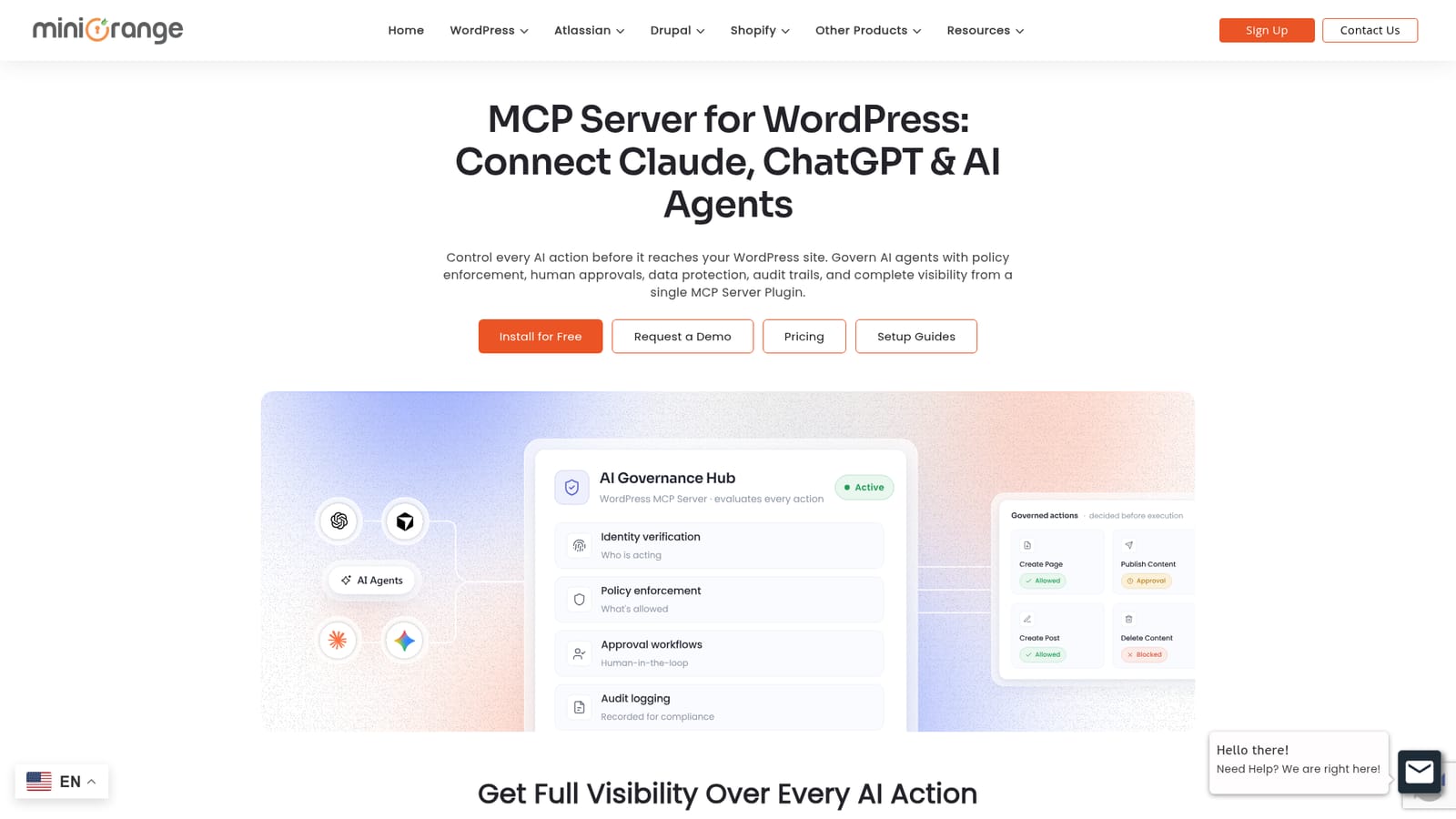
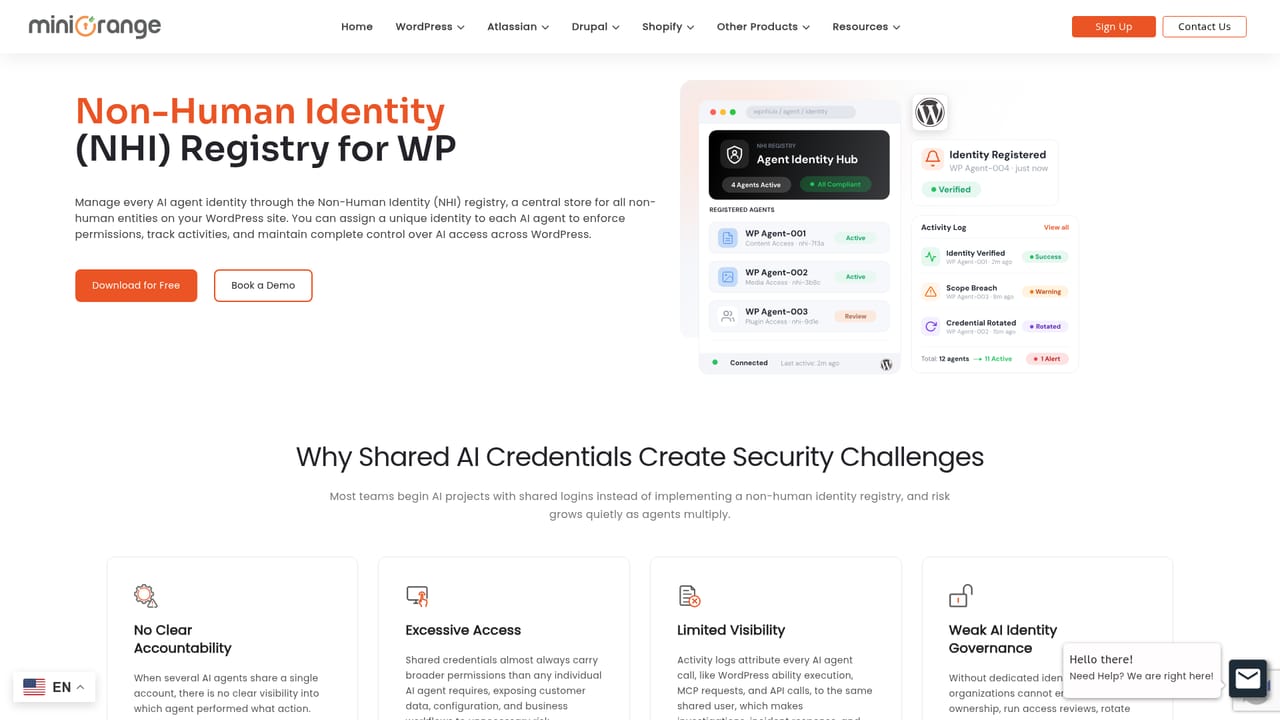
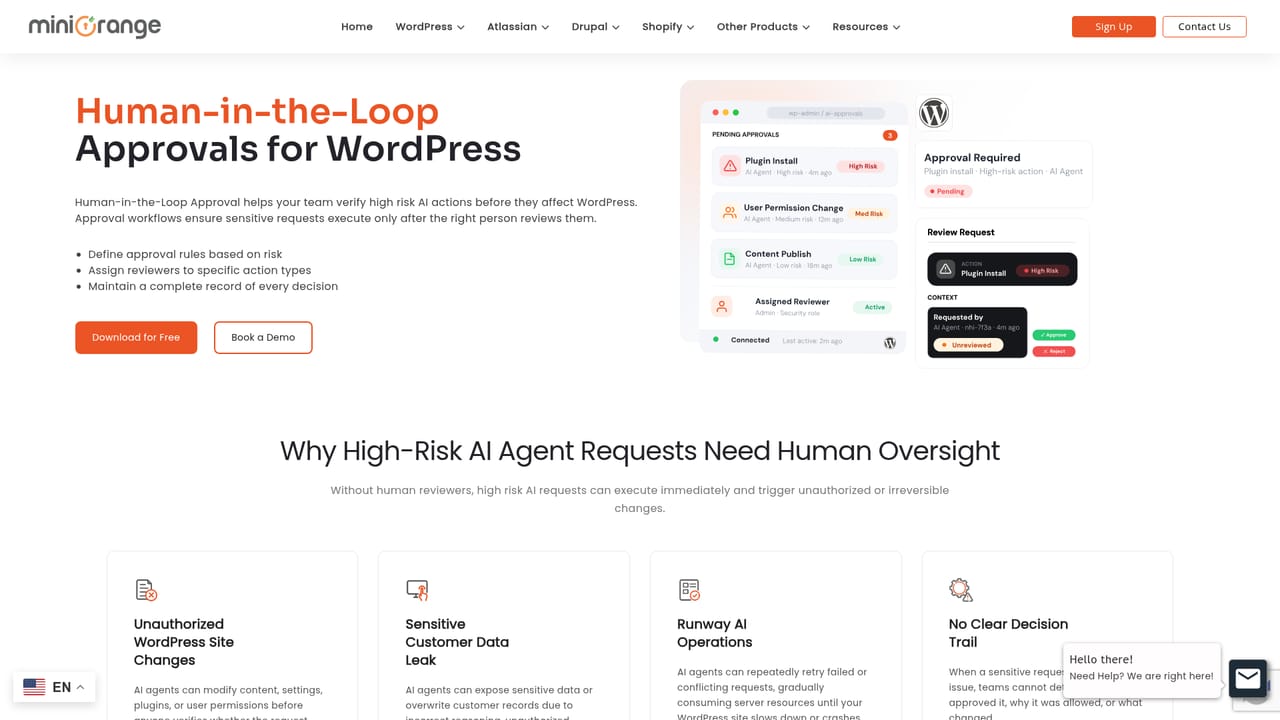
miniOrange MCP Server for WordPress is a plugin that places a governed gateway between AI clients and a WordPress site. Instead of letting Claude, ChatGPT, Cursor, Gemini or Windsurf reach the site directly, the plugin creates a native MCP endpoint, authenticates each agent, and evaluates every request against policy before anything executes. The emphasis is on control rather than plain connectivity, which is where many MCP plugins stop. The plugin covers three entry points: WordPress Abilities (including WooCommerce and other plugin capabilities, discovered automatically and governed one by one), the REST API, and WP-CLI. Each agent gets its own non-human identity with scoped, revocable access, and role-based rules limit what it can do. Data rules and DLP masking aim to keep emails, phone numbers, payment details and API keys from reaching the model. Higher-risk actions, such as content, settings, customer or order changes, can be routed to a person for approval. Other controls include dry-run simulation of new policies, prompt-injection detection, behavioral anomaly detection, rate limits and quotas, weekly access reviews, multisite policies and an immutable audit trail of requests, decisions and approvals. In practice, an administrator installs the plugin from WordPress.org, connects an AI client using one of the published setup guides, and then shapes access through policy templates or custom rules. Requests follow a connect, authenticate, evaluate, execute flow, with every step recorded. The vendor builds identity and access management products, and the plugin uses OAuth 2.1. It suits agencies, WooCommerce store operators and in-house teams that let AI agents write to production sites and need accountability for what those agents did. Pricing is tiered by daily request allowance, with a free plan for trying one workflow. Compared with lightweight MCP connectors, it adds governance depth; compared with enterprise AI security platforms, the vendor positions it as a lower-cost option that runs inside WordPress. Teams that only need read-only AI access may find the policy layer more than they need.
A free forever plan is available from WordPress.org with 100 requests per day, free abilities, WP-CLI and REST access, and multiple sites.
Learn moreFree plan at $0 with 100 requests per day. Early bird annual prices: Pro $79 (500/day), Business $149 (1,500/day), Enterprise $299 (5,000/day). Top-up packs start at $10 per 1,000 requests and never expire. Billed annually in USD; volume pricing on request.
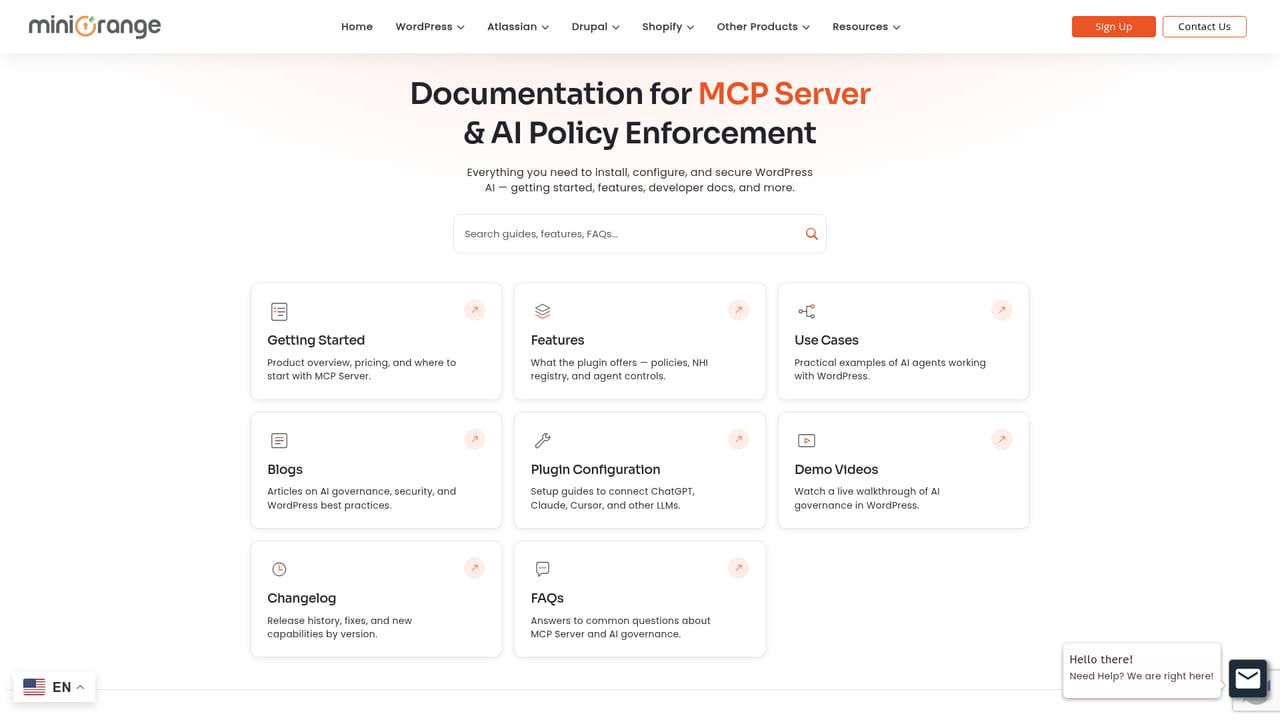
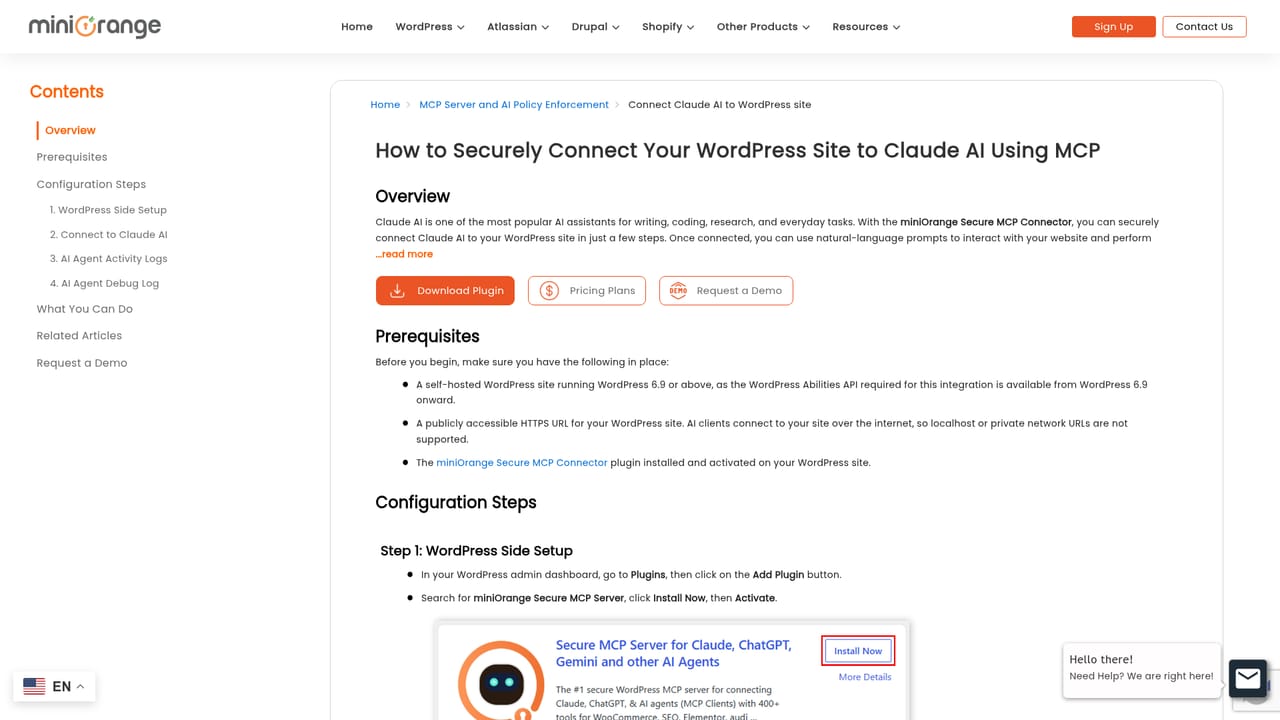
Learn moreSetup documentation and client-specific guides are published, a demo can be requested, and top-up and volume enquiries go to the vendor by email.
Learn moreConnects to Claude, ChatGPT, Cursor, Gemini and Windsurf, and governs WordPress Abilities, WooCommerce and other plugin capabilities, the REST API and WP-CLI.
Learn moreNative MCP endpoint, non-human identity registry, multi-stage request evaluation, human approvals, dry-run simulation, DLP data rules, RBAC, prompt-injection and anomaly detection, rate limits, access reviews, multisite policy and an immutable audit trail.
Learn more


