Integrations
Coframe states it slots into your existing stack with minimal setup and can integrate within a week, but the homepage does not name specific tools or platforms.
AI landing page testing that rewrites, deploys and measures variants for you

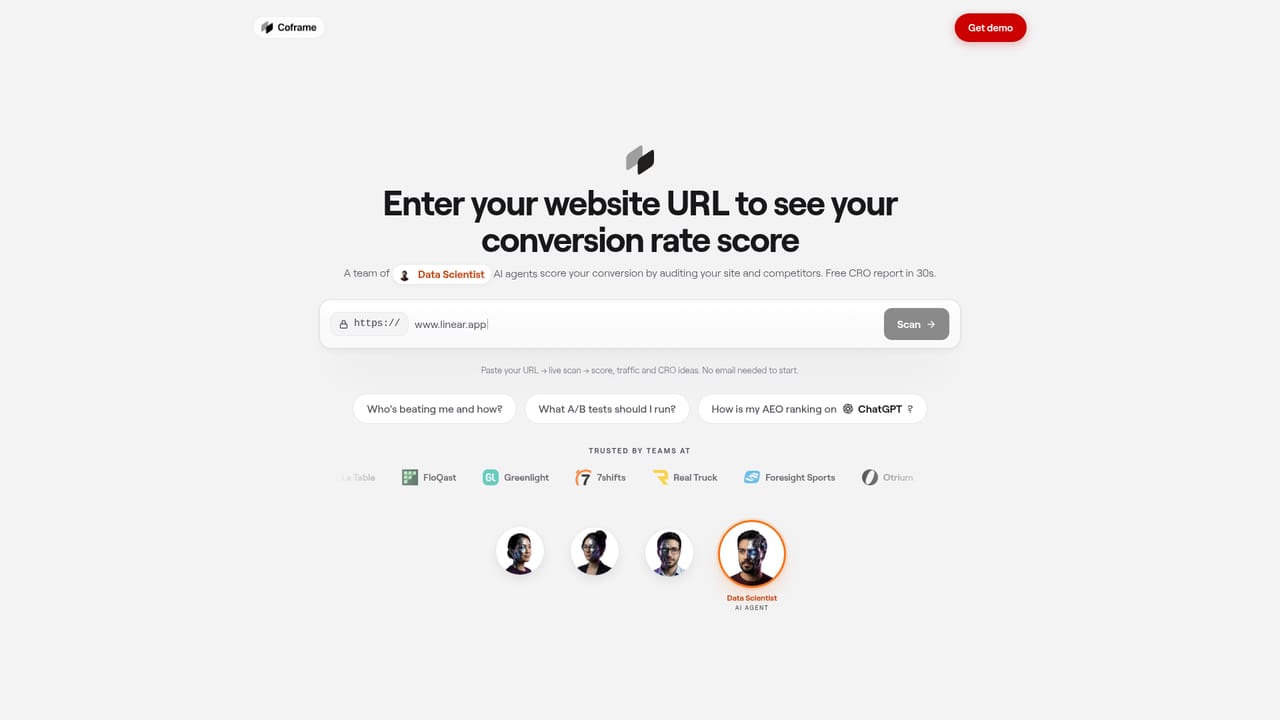
Coframe is a managed AI conversion optimization platform that analyzes your site, generates approved page variants with new copy, code and visuals, then deploys and tests them against live traffic to measure conversion lift.
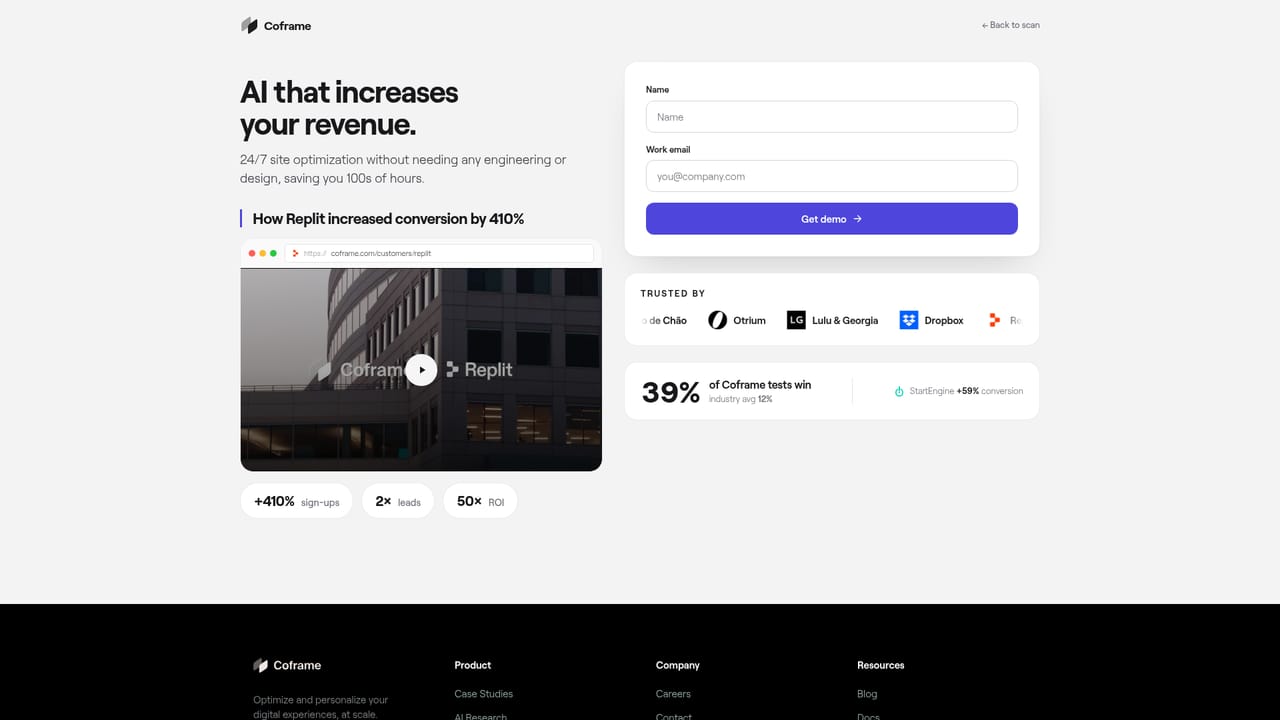
Coframe is a managed conversion rate optimization platform. It analyzes an existing website, learns the audience and the commercial goals behind the page, then produces variations of that page which are approved by the customer and tested against live traffic. The promise on the homepage is blunt: launch tests in minutes and see conversion lift within two weeks, without pulling engineers off their own roadmap. Copy, UI code and visuals are all generated in the same workflow, so a variant is not just a new headline but a full alternative page layout with matching imagery. The process runs in three stages. First, Coframe scans the site and proposes opportunities. Second, the team reviews generated variants and approves what should go live, which keeps a human in the loop before any AI output reaches production. Third, Coframe deploys the variants, personalizes them by segment, and tracks measured lift. The homepage positions this as an alternative to both self-serve testing SaaS and traditional CRO agencies: faster than a manual design and QA cycle, cheaper per experiment, and requiring no training to operate. It suits growth, marketing and experimentation teams at software companies that already have traffic and want more experiments run than their design and engineering capacity allows. Published customer stories describe a 410 percent lift for Replit across home, pricing, enterprise and paid landing pages, and 59 percent for StartEngine with no engineering cycles. Coframe also states a partnership with OpenAI on UI code generation, and reports SOC 2 Type II status, approval gates on AI output and automatic fallbacks for risk control. Compared with DIY testing tools, Coframe removes the build step and takes on the optimization work itself. Compared with agencies, it is positioned on speed and cost per experiment. The tradeoff is that it is a managed service rather than a neutral testing harness, so buyers should expect to hand over a meaningful share of page-level decision making in exchange for the throughput.
Coframe states it slots into your existing stack with minimal setup and can integrate within a week, but the homepage does not name specific tools or platforms.
Code generation for UI, layout and interactive elements; performance driven copy for headlines, CTAs and full pages; on-brand image generation matched to variant and segment; automated analysis of site, audience and goals; approval workflow before deployment; personalization and lift tracking; SOC 2 Type II security and automatic fallbacks.
 AI Angels400+ customizable AI girlfriends for NSFW chat, voice calls, and roleplay
 Candy AIExperience the future of companionship with AI friends who chat, role-play, and connect with you on a human level.
 ourdream.aiA vast AI roleplay platform with millions of characters for chat, images, video and voiceAI Angels400+ customizable AI girlfriends for NSFW chat, voice calls, and roleplayCandy AIExperience the future of companionship with AI friends who chat, role-play, and connect with you on a human level.ourdream.aiA vast AI roleplay platform with millions of characters for chat, images, video and voice