Integrations
The site has a dedicated integrations page, and a case study mentions use alongside PTC. Specific integrations are not listed on the homepage.
Learn moreAI design reviews that capture expert engineering knowledge
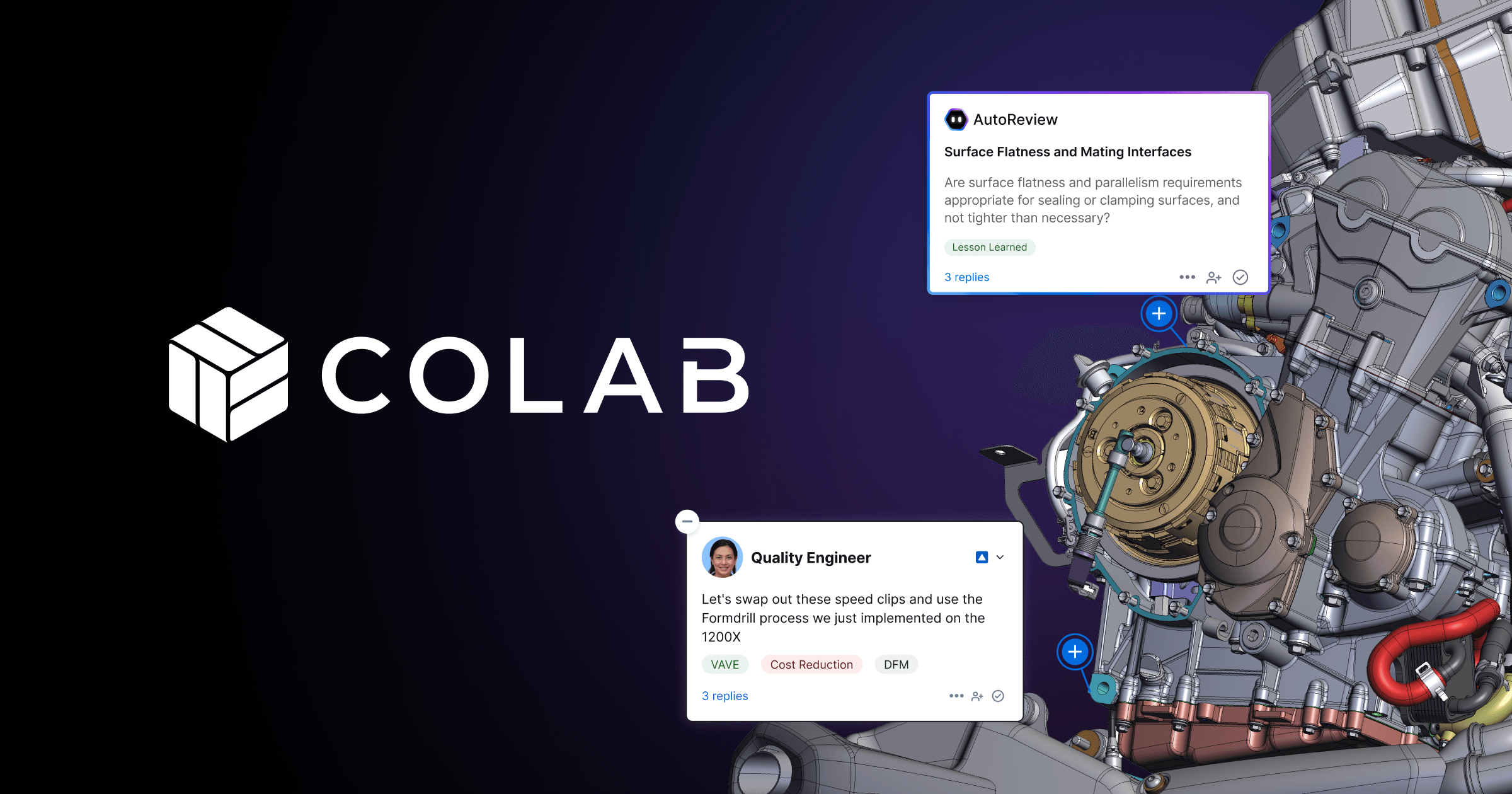
CoLab is an image reviewer tool. CoLab runs virtual engineering design reviews with AI agents that learn a team's standards and past decisions. Its AutoReview peer checker annotates drawings and 3D models, tracks issues and surfaces lessons learned for manufacturers.
CoLab is a design review platform for engineering teams that combines virtual review sessions with AI agents trained on how an organization actually makes decisions. Rather than treating reviews as isolated meetings, it records the reasoning behind each call as the team works, so that expertise becomes something the whole company can reuse instead of something that lives in a few senior heads. The product is built around four capabilities: an AI Peer Checker, virtual design reviews, automatic issue tracking and AI lessons learned. The Peer Checker, called AutoReview, is described as trained on a company's design standards, guidelines, lessons learned and industry best practices. It annotates drawings and 3D models to flag errors and non-conformances, giving a subject matter expert a cleaner design to examine in the first formal review. The site frames the underlying problem plainly: standards run to hundreds of pages nobody has time to read, lessons go undocumented, and teams fall back on a single expert who may be unavailable or retired. In practice, CoLab suits mid-size and large manufacturers and product engineering organizations. The demo form asks for company size in bands from 1-30 engineers up to over 3,000, which signals an enterprise orientation. Case studies on the site name Schaeffler, Schneider Electric and Johnson Controls, and the homepage cites results such as 30% shorter lead times, 15% COPQ improvement, four times faster supplier reviews and eight-figure annual savings, all as vendor-reported figures. An integrations page exists, and one case study references PTC. Among alternatives, CoLab sits closer to engineering review and quality management tooling than to generative design or CAD assistants. It does not create geometry; it reviews and learns from it. Buyers comparing it with general document review or PLM workflow tools should weigh how much value comes from the AI trained on their own standards. Pricing is not published, and access starts with a conversation with the sales team.
The site has a dedicated integrations page, and a case study mentions use alongside PTC. Specific integrations are not listed on the homepage.
Learn moreAI Peer Checker (AutoReview) that annotates drawings and 3D models, virtual design reviews, automatic issue tracking and AI lessons learned that codify expert knowledge from past decisions.
 AI Angels400+ customizable AI girlfriends for NSFW chat, voice calls, and roleplay
 Candy AIExperience the future of companionship with AI friends who chat, role-play, and connect with you on a human level.
 ourdream.aiA vast AI roleplay platform with millions of characters for chat, images, video and voiceAI Angels400+ customizable AI girlfriends for NSFW chat, voice calls, and roleplayCandy AIExperience the future of companionship with AI friends who chat, role-play, and connect with you on a human level.ourdream.aiA vast AI roleplay platform with millions of characters for chat, images, video and voice


