Free trial
A 7 page free trial is offered through the sign in page, enough to test both text and photo generation before subscribing.
Learn moreTurn any photo or prompt into printable coloring pages

ColorArt AI is an AI book generator tool that turns any photo or prompt into printable coloring pages. ColorArt AI converts text prompts or photos into printable coloring pages, with batch generation, reusable characters, upscaling and an Amazon KDP book builder for creators selling activity books.
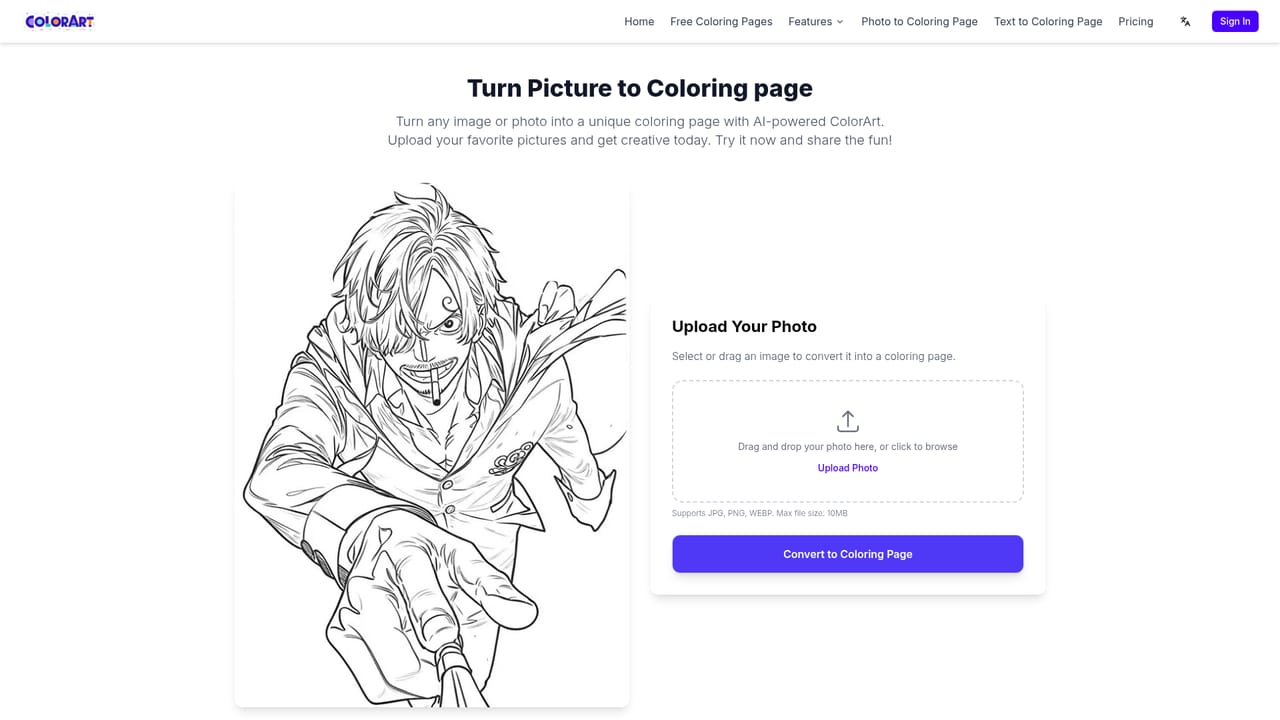
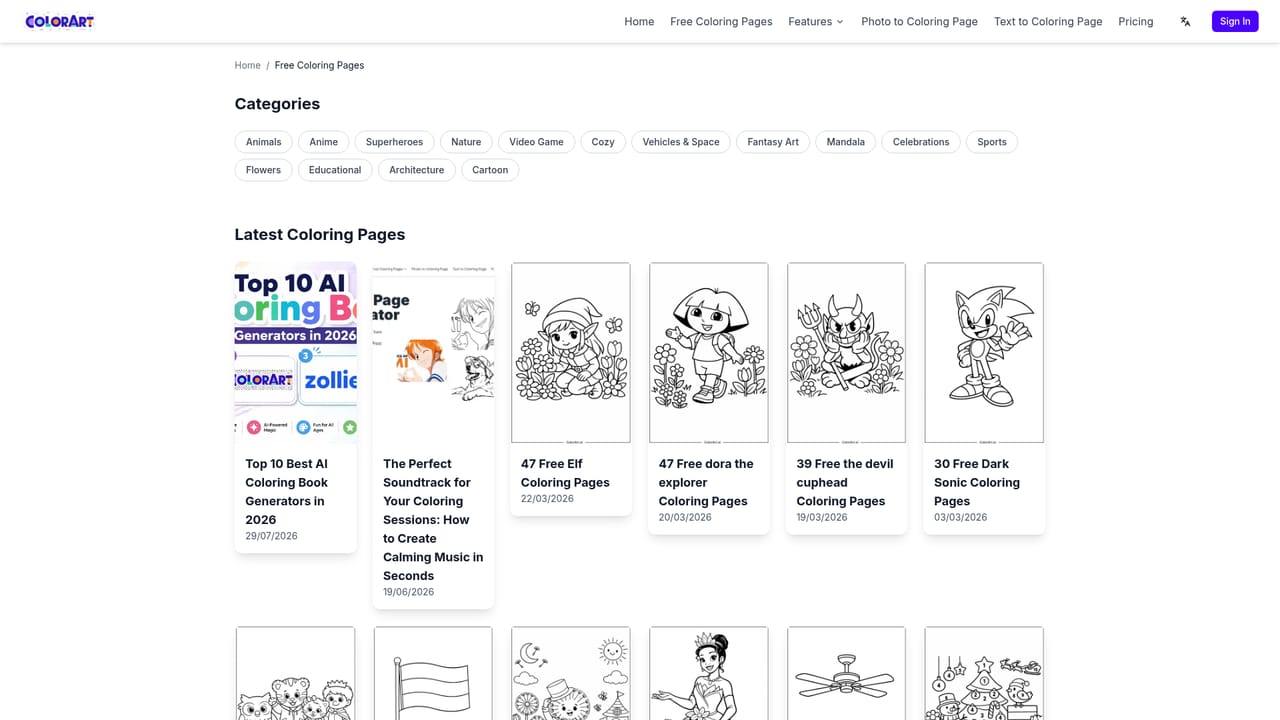
ColorArt AI is a browser based generator that produces printable coloring pages from either a written description or an uploaded image. Text prompts can describe anything from dinosaurs at a tea party to a specific cartoon character, and the tool returns a clean line drawing ready for printing. The photo route is aimed at personal material: a family portrait, a child's own drawing, or a vacation shot gets converted into bold outlines with the details that make the picture recognizable kept intact. There is also an enhancement step that lifts low resolution source images so the output holds up in print. The feature set goes beyond single sheets. Batch generation produces several pages in one run, a reference library lets a creator lock in a character and reuse it across a whole series, and an Amazon KDP builder assembles finished pages into a print ready coloring book with covers and special pages. Commercial use is included on paid plans, which points the product at sellers on Etsy and KDP as much as at parents. Output options include 2K and 4K downloads, watermark free files, background removal and a high upscale mode. Getting a result is quick: generation is quoted at roughly 10 seconds to 5 minutes depending on prompt complexity and server load. Free themed galleries (Easter, Halloween, Christmas, unicorn, dinosaur, Kpop Demon Hunters) offer ready made pages, and the site claims more than a million customers with a 4.2 out of 5 rating across 45k reviews. Alternatives tend to be either general image generators that need manual cleanup to become line art or static coloring page libraries with no customization. ColorArt sits in between, with a workflow shaped around publishing rather than one off images. The subscription tiers are credit based, so heavier users should map expected page counts to the included credit allowance before committing to an annual plan.
A 7 page free trial is offered through the sign in page, enough to test both text and photo generation before subscribing.
Learn moreFour credit based tiers: Starter at $9.99/mo (1,500 credits, about 150 pages), Hobby at $19.99/mo (3,500 credits), Artist at $39.99/mo (10,000 credits) and Business at $99.99/mo (50,000 credits). Yearly billing is discounted, with Hobby listed at $9.99/mo annually and Starter at $6.99/mo. All tiers include commercial use; print ready 300 DPI output is charged per page.
Learn moreEmail support is listed across plans, with priority support on higher tiers and a paid one on one custom service option. A contact page is available on the site.
Learn moreNo third party integrations are stated on the homepage; the published output workflow is built around exporting to Amazon KDP.
Text to coloring page and photo to coloring page generation, sketch refinement, low definition image enhancement, batch runs, a reusable character reference library, AI region editing, 2K and 4K downloads, watermark free output, background removal, HD upscale, AI book covers and a KDP coloring book builder with export.
 AI Angels400+ customizable AI girlfriends for NSFW chat, voice calls, and roleplay
 Candy AIExperience the future of companionship with AI friends who chat, role-play, and connect with you on a human level.
 ourdream.aiA vast AI roleplay platform with millions of characters for chat, images, video and voiceAI Angels400+ customizable AI girlfriends for NSFW chat, voice calls, and roleplayCandy AIExperience the future of companionship with AI friends who chat, role-play, and connect with you on a human level.ourdream.aiA vast AI roleplay platform with millions of characters for chat, images, video and voice