Free trial
Free to start with bonus credits and no card required, which is enough to read a first book. No time-limited trial is described.
Learn moreTurn one sentence into a finished illustrated children's book.
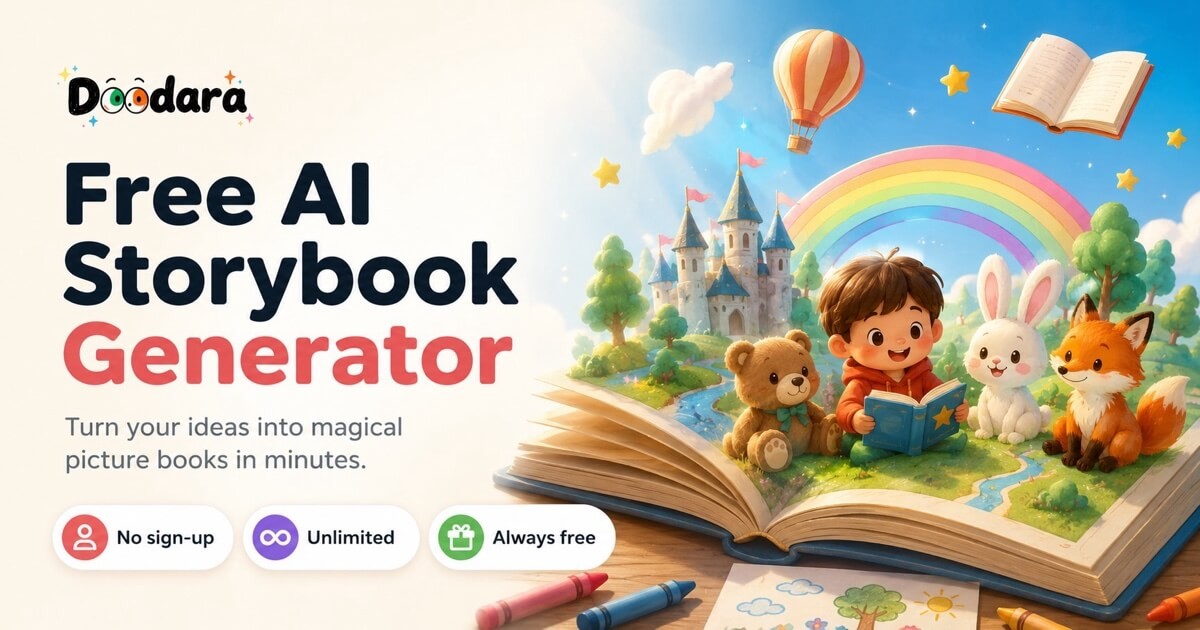
ReadKidz is an AI book generator tool that turns one sentence into a finished illustrated children's book. An AI picture book studio that turns a sentence or a pasted manuscript into an illustrated, age-matched children's book, with PDF export, printed hardcovers, and a separate animated story mode.
ReadKidz is an AI storytelling studio for children's picture books. The starting point is deliberately small: a single sentence, a family memory, or a character description. From that seed the tool builds a plot and concept storyboard, defines how each character looks, then illustrates and lays out every page in a style you pick. Age bands (0 to 3, 4 to 6, 5 to 7, 7 to 9, 9 to 12) control sentence complexity, the number of sentences per page, and overall story length, so the same premise can be told at very different reading levels. Story types such as fairy tale, adventure, bedtime, fable, Bible, everyday and funny steer the tone. Practically, it behaves more like a guided studio than a single prompt box. Authors who already have a manuscript can paste it in and have it illustrated without the words being rewritten, which is the route self-publishing writers tend to take. Character consistency is the product's headline technical claim: the same face, proportions and outfit are meant to hold across scenes and pages. Everything stays editable, including swapping individual artwork, before you finish. Output can be exported as a PDF, shared as a link with read-aloud, or ordered as a printed hardcover at print-ready 300 DPI. A separate animation mode takes an idea or script into a short film with scenes, narration, music and movement. It is created independently of picture book mode, so treat it as a second product rather than a conversion of your book. A personalized story path builds a book around a specific child. Readers are served through a public storybook library where finished books can be read or their premise borrowed. ReadKidz sits closest to AI story generators and illustrated book builders, and furthest from design suites or typesetting tools. Its strongest fit is parents and teachers who want something readable the same evening, and independent authors who need art plus layout for a manuscript they have already written. Content passes automated and editorial kid-safety gates, and creators keep the rights to the books, characters and videos they make.
Free to start with bonus credits and no card required, which is enough to read a first book. No time-limited trial is described.
Learn moreStarting is free and includes bonus credits to explore, with no card required. Full book creation runs on plans that unlock more creation credits. The homepage does not publish plan names, credit amounts or prices.
Learn moreStory and concept storyboard generation from one sentence, age-banded language and page density, character definitions for cross-page consistency, AI illustration and layout in a chosen style, manuscript illustration without rewriting, per-page editing, PDF export, shareable read-aloud links, printed hardcovers at 300 DPI, a personalized children's book path, a separate animation mode, and a public storybook library.
 AI Angels400+ customizable AI girlfriends for NSFW chat, voice calls, and roleplay
 Candy AIExperience the future of companionship with AI friends who chat, role-play, and connect with you on a human level.
 ourdream.aiA vast AI roleplay platform with millions of characters for chat, images, video and voiceAI Angels400+ customizable AI girlfriends for NSFW chat, voice calls, and roleplayCandy AIExperience the future of companionship with AI friends who chat, role-play, and connect with you on a human level.ourdream.aiA vast AI roleplay platform with millions of characters for chat, images, video and voice