Free trial
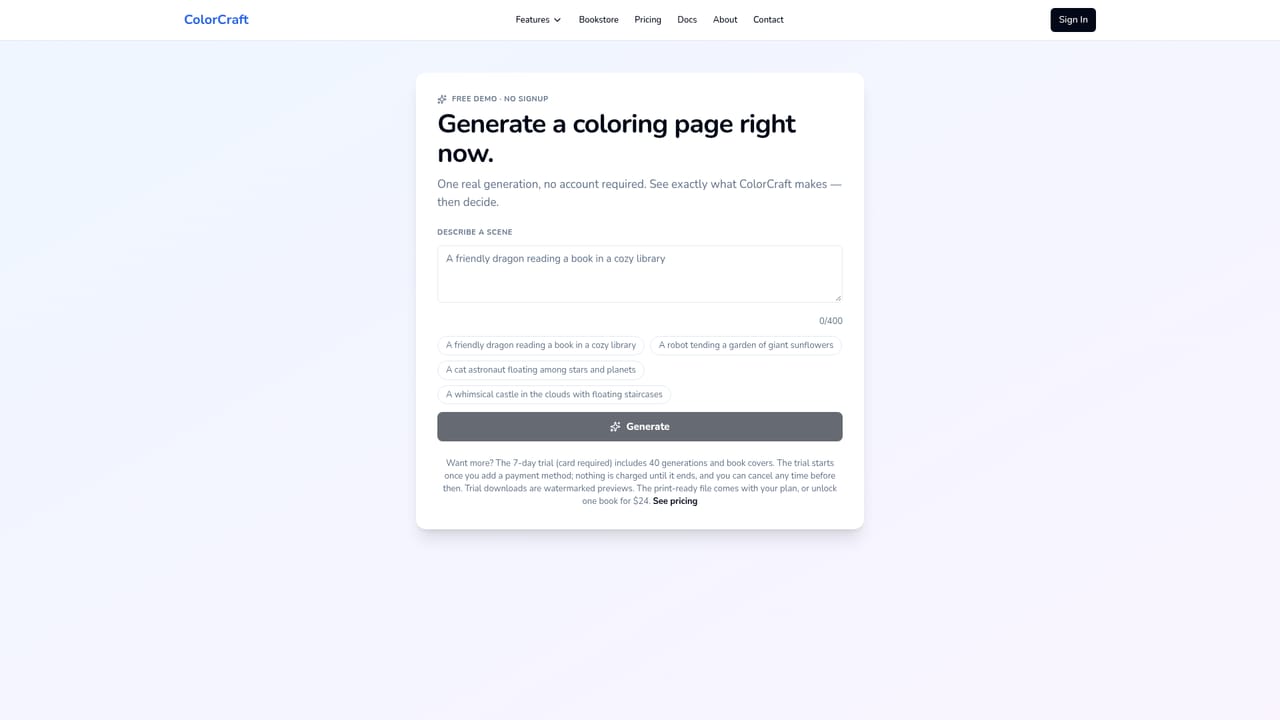
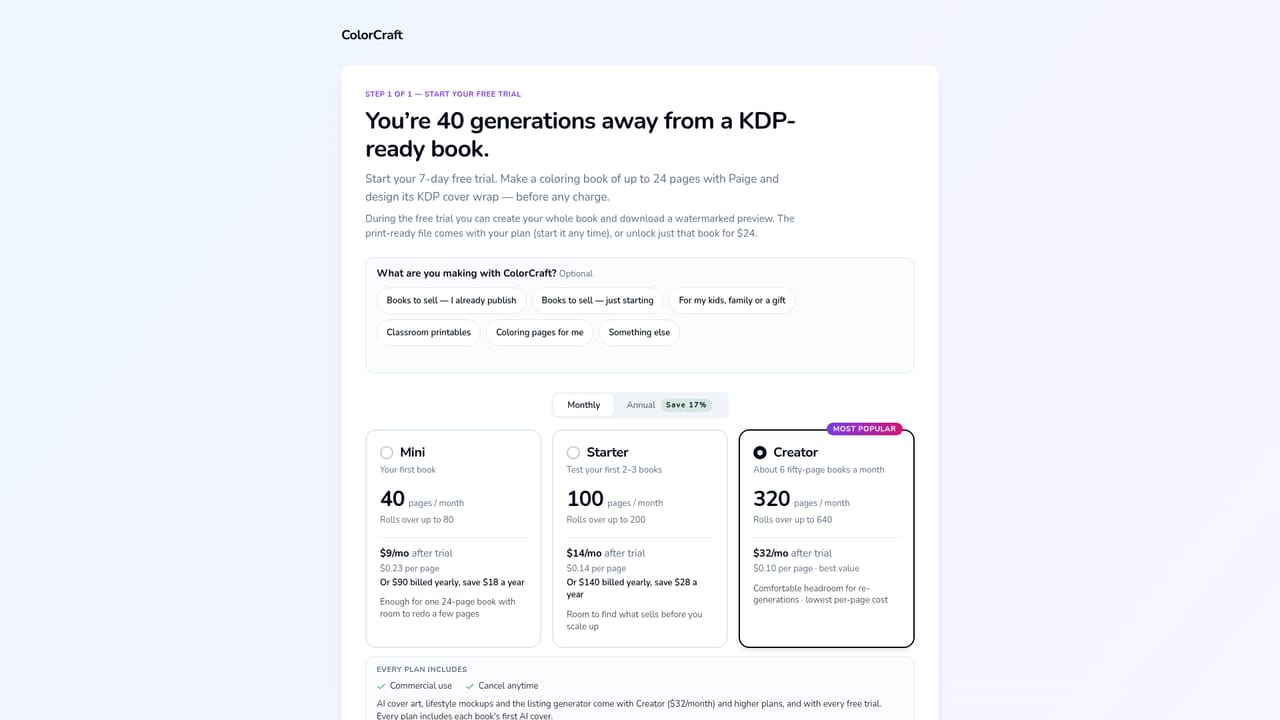
A 7-day free trial is offered with a card required. It is enough to build a complete coloring book before any charge, but trial downloads are watermarked previews.
Learn morePrompt to print-ready coloring book and KDP cover wrap

ColorCraft generates complete coloring books, storybooks and puzzle books for Amazon KDP: interior pages, a sized cover wrap with spine and back, plus lifestyle mockups, all from a prompt inside one browser editor.
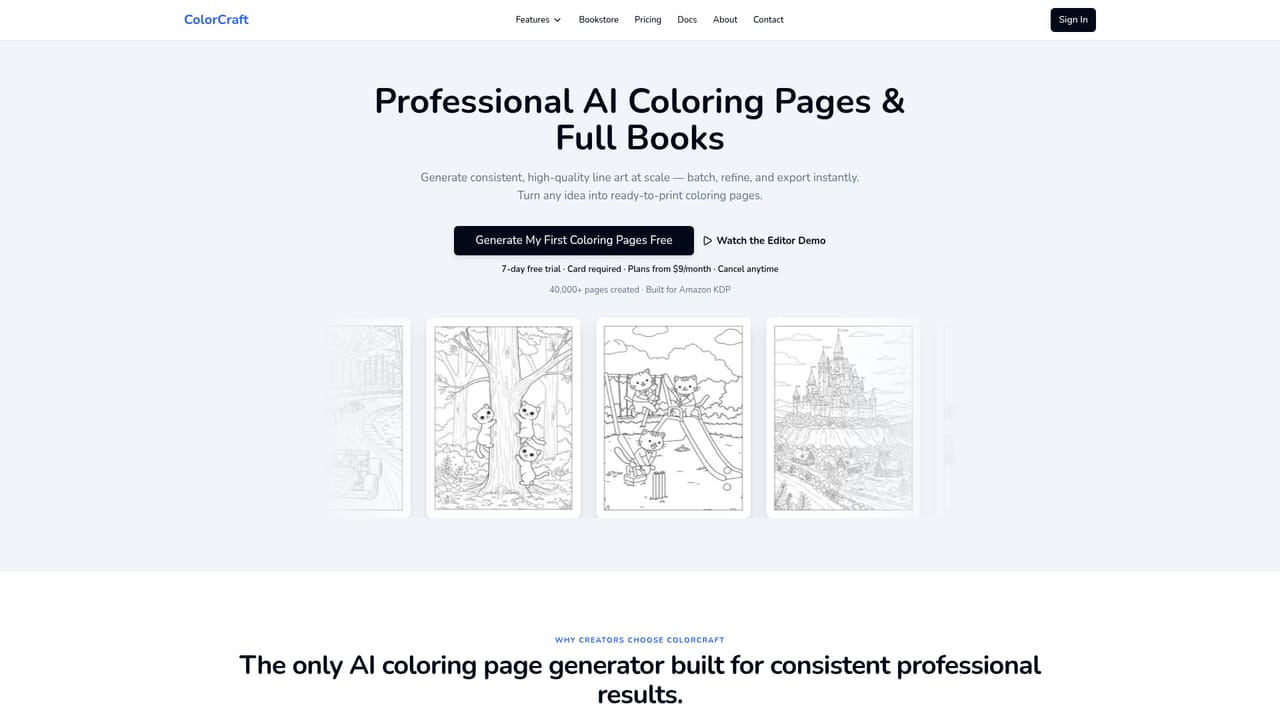
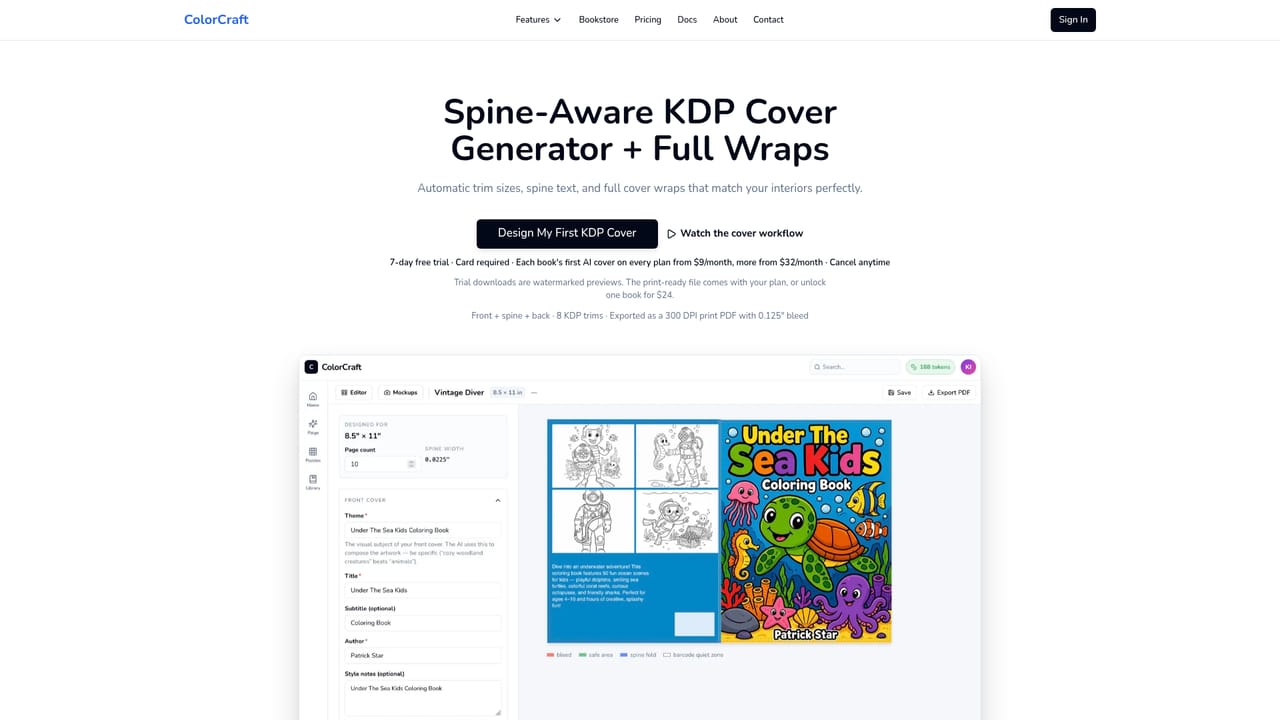
ColorCraft is a browser-based publishing studio for low-content books, built around the specific requirements of Amazon KDP. Instead of pairing an image generator with layout software and a separate cover designer, it takes a written prompt and returns interior pages, a full cover wrap (front, spine and back) and lifestyle mockups sized to the trim you choose. Supported lengths include 8.5x11, 8x10, 7x10, 6x9, 5.5x8.5 and 5x8, with bleed and spine calculations handled by the app. The workflow runs through Paige, an assistant that builds the first draft of a book from a brief. For coloring books you describe the subject and pick an art style, such as Kids Coloring Book, Cozy & Cottagecore, Stained Glass, Intricate Patterns or Detailed & Realistic, and the chosen style is held across every page. Storybooks take a story brief and produce illustrated pages with consistent characters. Puzzle books are configured by difficulty and puzzle count, and can run to 100 puzzles with a solutions appendix. A visual editor then lets you swap art, edit text, reposition elements or regenerate a single page without breaking trim alignment. The product targets self-publishers, low-content book creators and Etsy shops that release books in volume. Sample books on the site (a cottagecore coloring book, a watercolor bedtime story, a stained-glass series, a bold-line ocean set, a large-print sudoku title) show the intended output. Compared with assembling Midjourney, Photoshop and a freelance cover designer, ColorCraft trades some stylistic freedom for speed and KDP correctness: the site claims coloring books in under 30 minutes and puzzle books in around 10. The main caveats are commercial and procedural. Pages from the trial are watermarked previews, print-ready files require a paid plan or a one-off $24 unlock, and KDP still reviews each submission (up to 72 hours, up to 6 days for a first book). Purely template-driven layout control is limited next to professional design software.
A 7-day free trial is offered with a card required. It is enough to build a complete coloring book before any charge, but trial downloads are watermarked previews.
Learn morePlans start at $9 per month with a 7-day free trial that requires a card, and the subscription can be cancelled at any time. Trial downloads are watermarked; the print-ready file comes with a plan, or a single book can be unlocked for $24.
Learn morePrompt-led generation of coloring pages, illustrated storybook pages and puzzle books (up to 100 puzzles with solutions), six coloring styles held across a book, a trim-aware visual editor, a KDP cover wrap editor with spine and back cover, and one-click lifestyle mockups for Pinterest, Etsy and Amazon A+ content.
Learn more AI Angels400+ customizable AI girlfriends for NSFW chat, voice calls, and roleplay
 Candy AIExperience the future of companionship with AI friends who chat, role-play, and connect with you on a human level.
 ourdream.aiA vast AI roleplay platform with millions of characters for chat, images, video and voiceAI Angels400+ customizable AI girlfriends for NSFW chat, voice calls, and roleplayCandy AIExperience the future of companionship with AI friends who chat, role-play, and connect with you on a human level.ourdream.aiA vast AI roleplay platform with millions of characters for chat, images, video and voice


