Free trial
The homepage promotes a limited time offer: create your first book and receive one month of Pro free. No card details or trial length beyond that month are stated on the page.
Learn moreTurn voice memos and rough notes into published books your community can read and discuss

iChatBook is an AI book generator tool that turns voice memos and rough notes into published books your community can read and discuss. Creator-first platform that converts voice memos, rough docs and outlines into publishable books, then gives readers four depth chapter briefings, grounded chat, community libraries, themed collections and an Idea Graph that links concepts across titles.
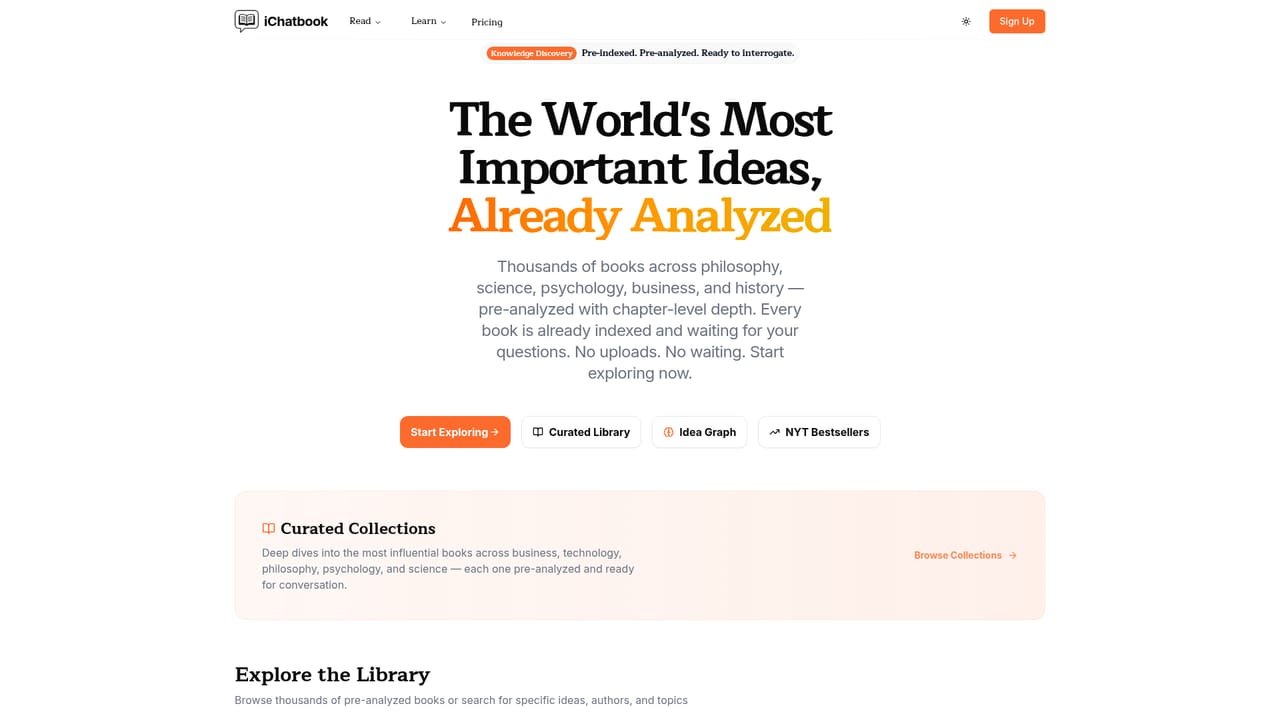
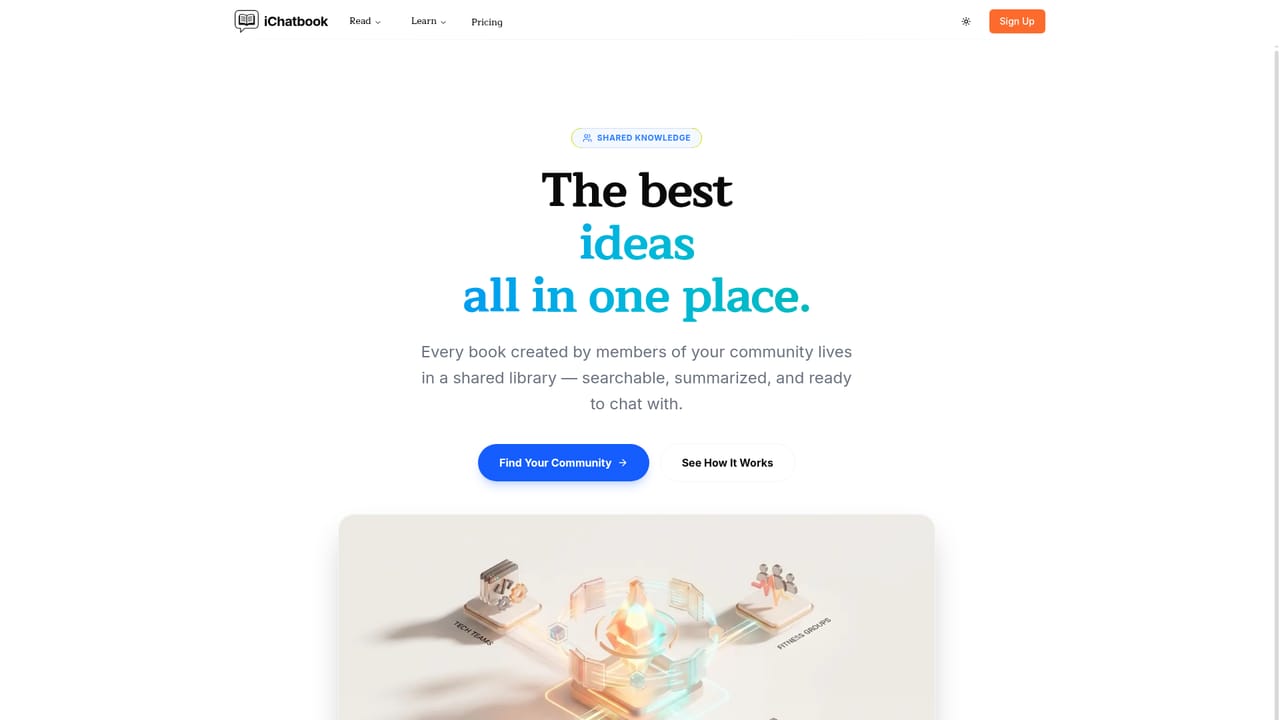
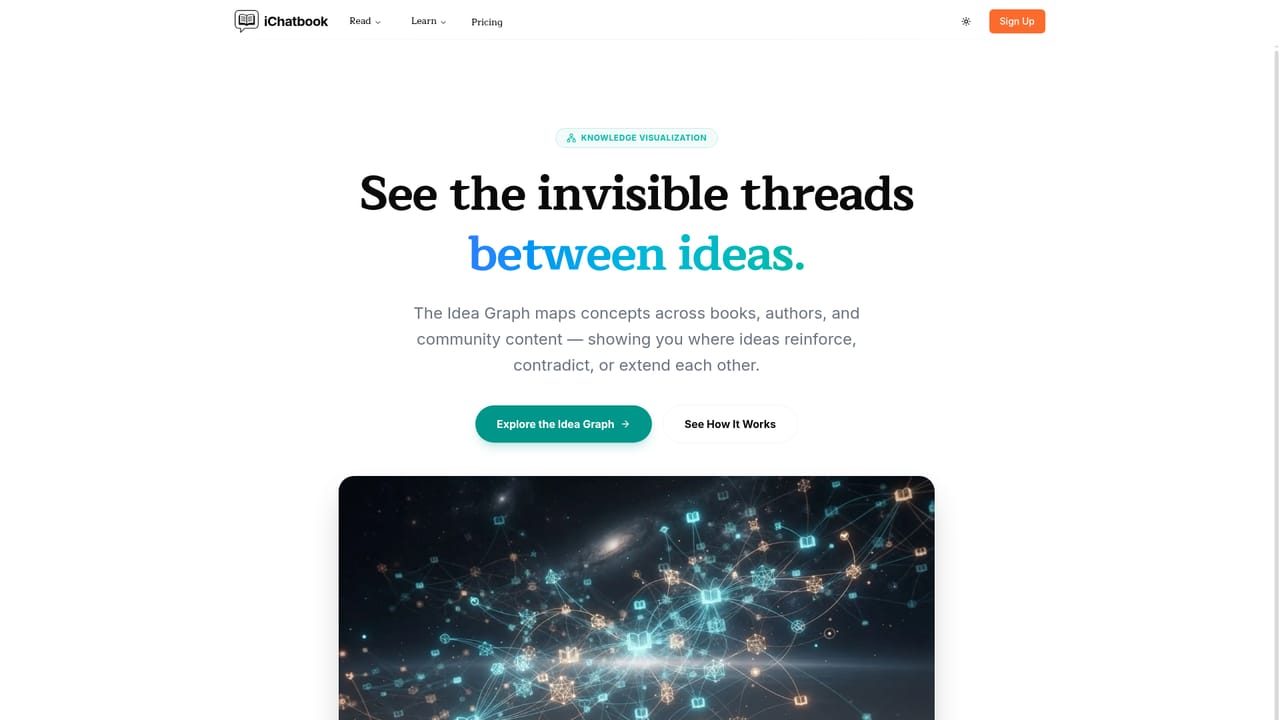
iChatBook is a platform for authors who want their ideas to circulate as readable, discussable books without a months-long publishing cycle. The core promise is short and specific: a voice memo, a messy document or a loose outline goes in, and a published book comes out. Around that, the product adds a reading layer aimed at the audience rather than the writer, so a community can absorb an author's material in minutes rather than weeks. The reading side is where iChatBook differs from a plain writing assistant. Every book gets multi level chapter briefings at four depths, so a reader can move between a quick overview and a detailed treatment of the same chapter. A chat feature answers questions grounded in the book's own text, and an Idea Graph maps concepts across an entire library, surfacing where books agree and where they contradict each other. Community libraries give a team, church, school or reading group a shared shelf, and collections bundle books around a theme such as leadership, parenting, theology or startups. The platform also pre-indexes a large catalogue of published titles (the site cites more than 200,000). Those works can be summarized, interrogated and cited as source material, or used as reference points while drafting original books. Summary depth can be adjusted from elementary to graduate level, and there is an active recall mode for readers working through material progressively. For families, there is an option to generate storybooks and bedtime stories in a parent's own voice. Practical fit: iChatBook suits independent authors, coaches, pastors, educators and small teams who already have ideas in spoken or drafted form and want a structured path to something readers can consume and share. Readers get a study and discussion layer that standalone ebook stores do not provide. Teams that only need short form copywriting or marketing assets will find the book centric workflow heavier than they need. Who it is not for: writers looking for a full manuscript editor with citation management, or publishers needing print distribution and rights tooling. iChatBook sits closest to services that combine AI drafting with reading and study tools, and its distinguishing bet is that the community around a book matters as much as the text itself.
The homepage promotes a limited time offer: create your first book and receive one month of Pro free. No card details or trial length beyond that month are stated on the page.
Learn moreA contact page is published on the site for reaching the team. No help centre, documentation portal or response time commitments are described on the homepage.
Learn moreVoice memo to published book pipeline, four depth chapter briefings, chat grounded in book text, cross book AI conversations, Idea Graph across a library, community libraries, themed collections, adjustable summary depth from elementary to graduate, active recall and progressive mastery, AI storybooks and bedtime stories in a parent's voice, and a catalogue of more than 200,000 pre-indexed titles for reference.
Learn more AI Angels400+ customizable AI girlfriends for NSFW chat, voice calls, and roleplay
 Candy AIExperience the future of companionship with AI friends who chat, role-play, and connect with you on a human level.
 ourdream.aiA vast AI roleplay platform with millions of characters for chat, images, video and voiceAI Angels400+ customizable AI girlfriends for NSFW chat, voice calls, and roleplayCandy AIExperience the future of companionship with AI friends who chat, role-play, and connect with you on a human level.ourdream.aiA vast AI roleplay platform with millions of characters for chat, images, video and voice


