Free trial
The homepage states that the first outfit check is free and requires no signup. No trial length or paid plan details are given.
Learn moreScore your outfit before you walk out the door.
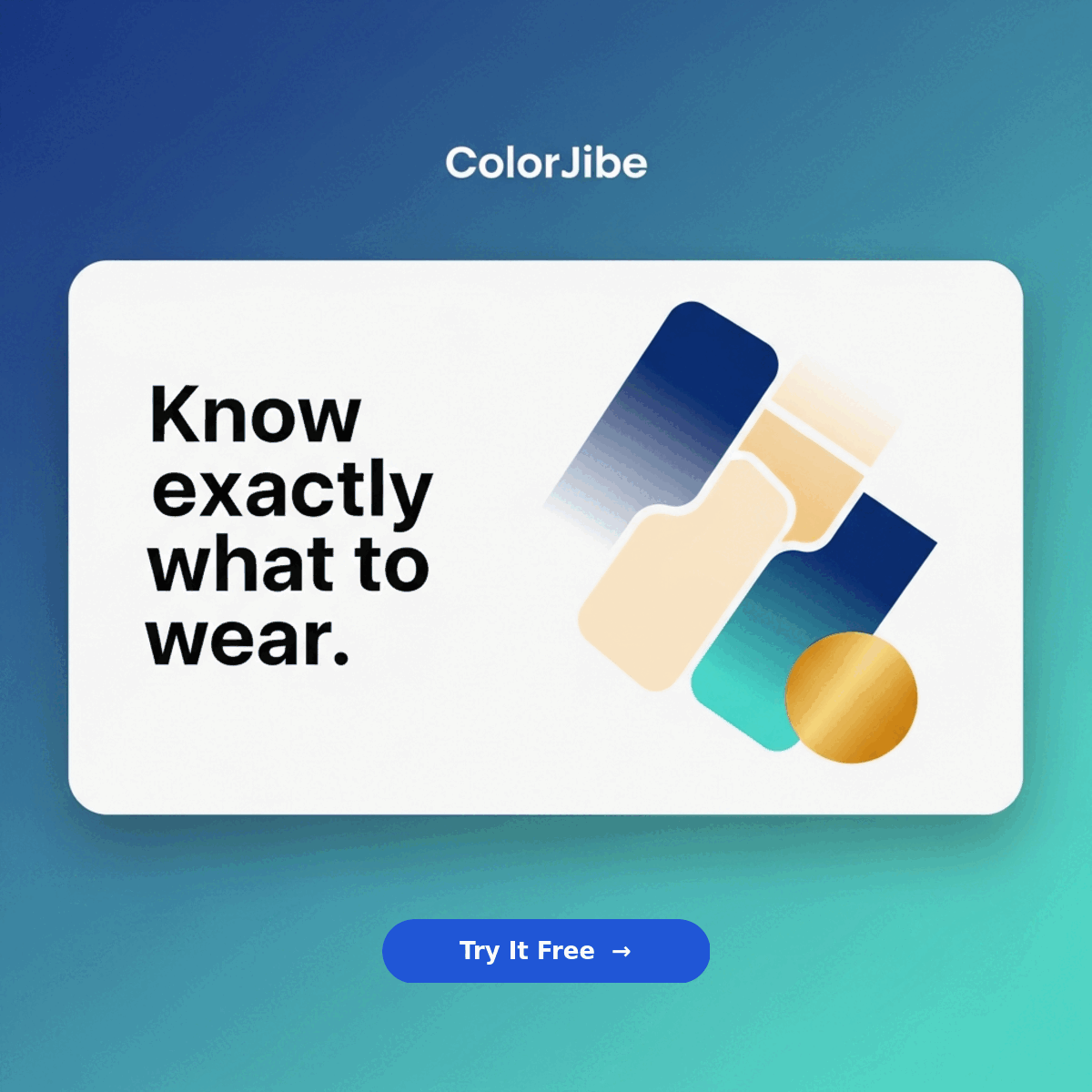
ColorJibe is a change clothes colour tool. ColorJibe scores a photographed outfit out of ten, flags the weakest piece and proposes one swap, with the occasion (first date, interview, wedding and others) shaping the verdict. The first check is free and needs no signup.
ColorJibe is an outfit feedback tool for people who want a second opinion on what they are wearing without asking a friend. You take a photo of your outfit, the app returns a numeric score out of ten, and then it names the single weakest piece and suggests what to swap it for. The pitch is deliberately narrow: rather than rating a look in vague terms, it identifies the one change that lifts the whole fit. The site's own example takes a first-date outfit from a 5 to a 9 simply by trading brown loafers for black oxfords against a charcoal blazer. The workflow is built for speed and low friction. You snap a photo with your phone, and no typing is required. The homepage claims a real score in under a minute, and the first check is free with no signup. If the camera does not open in the browser, you can shoot with your phone's own camera app and upload the saved image. For people who would rather not photograph anything, a manual path lets you build an outfit piece by piece and still get feedback. Context matters to the scoring. The tool asks you to pick the occasion first, with options including interview, first date, wedding, game day, concert, hangout and formal event, so the same combination can be judged differently depending on where you are going. A second use case targets shopping: photograph a piece you are considering and see how it sits with the clothes you already own, which combinations are new, and which items to leave on the rack. It fits in the same drawer as wardrobe apps and personal styling services, but it is lighter than either. There is no stylist relationship and no catalogue to maintain, just a photo and a verdict. That makes it most useful for people who already dress with some intent and want a fast sanity check, not for someone looking for full outfit generation or shopping recommendations. Distribution is app first, with a Google Play listing and a browser install route, so the phone is the intended surface.
The homepage states that the first outfit check is free and requires no signup. No trial length or paid plan details are given.
Learn morePhoto based outfit scoring out of ten, identification of the weakest item with a suggested swap, occasion selection across seven named events, a manual outfit builder for entering looks without a photo, and a closet check that tests a potential purchase against clothes you already own.
 AI Angels400+ customizable AI girlfriends for NSFW chat, voice calls, and roleplay
 Candy AIExperience the future of companionship with AI friends who chat, role-play, and connect with you on a human level.
 ourdream.aiA vast AI roleplay platform with millions of characters for chat, images, video and voiceAI Angels400+ customizable AI girlfriends for NSFW chat, voice calls, and roleplayCandy AIExperience the future of companionship with AI friends who chat, role-play, and connect with you on a human level.ourdream.aiA vast AI roleplay platform with millions of characters for chat, images, video and voice