Free trial
A free cloud tier is offered through sign up on Comfy Cloud, described on the homepage as trying the platform for free. No time limit or usage allowance is stated.
Learn moreNode based visual AI engine with full control over every model and output

Comfy is a content tool. Comfy (ComfyUI) is a node based engine for image, video and audio generation that exposes every model and parameter on an editable canvas, with desktop, cloud, API and enterprise routes plus a Hub of community workflows.
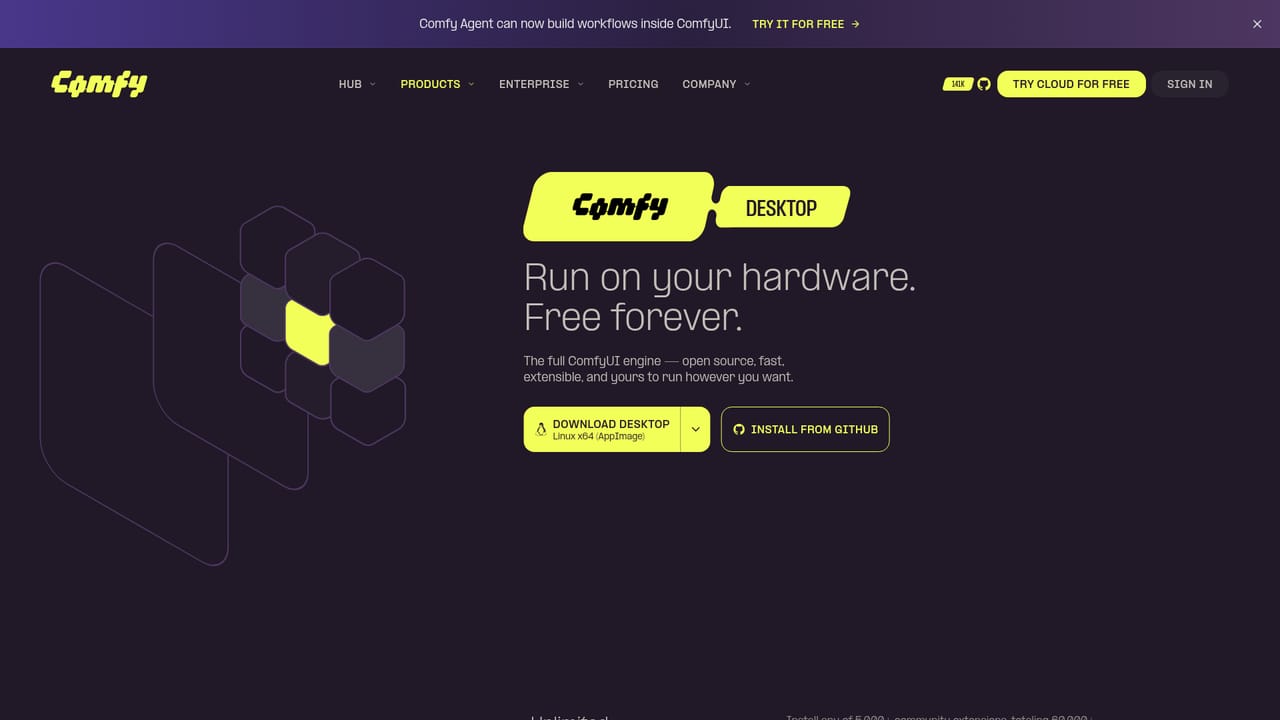
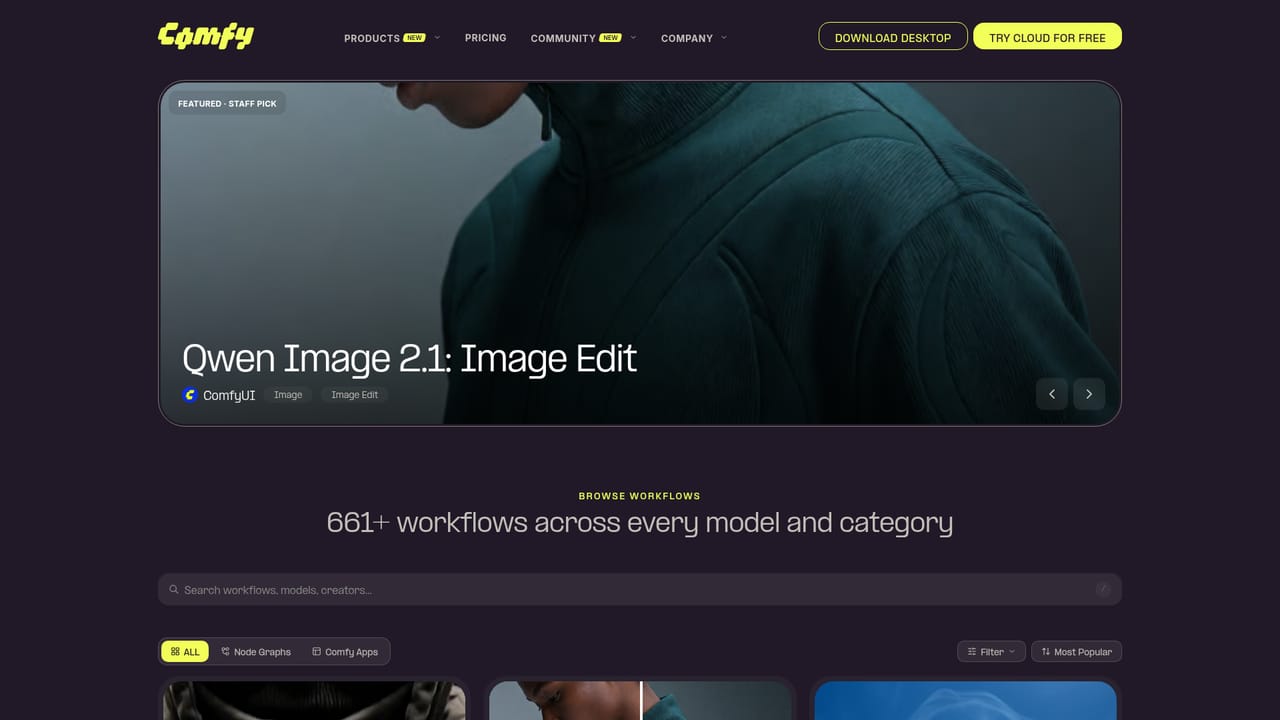
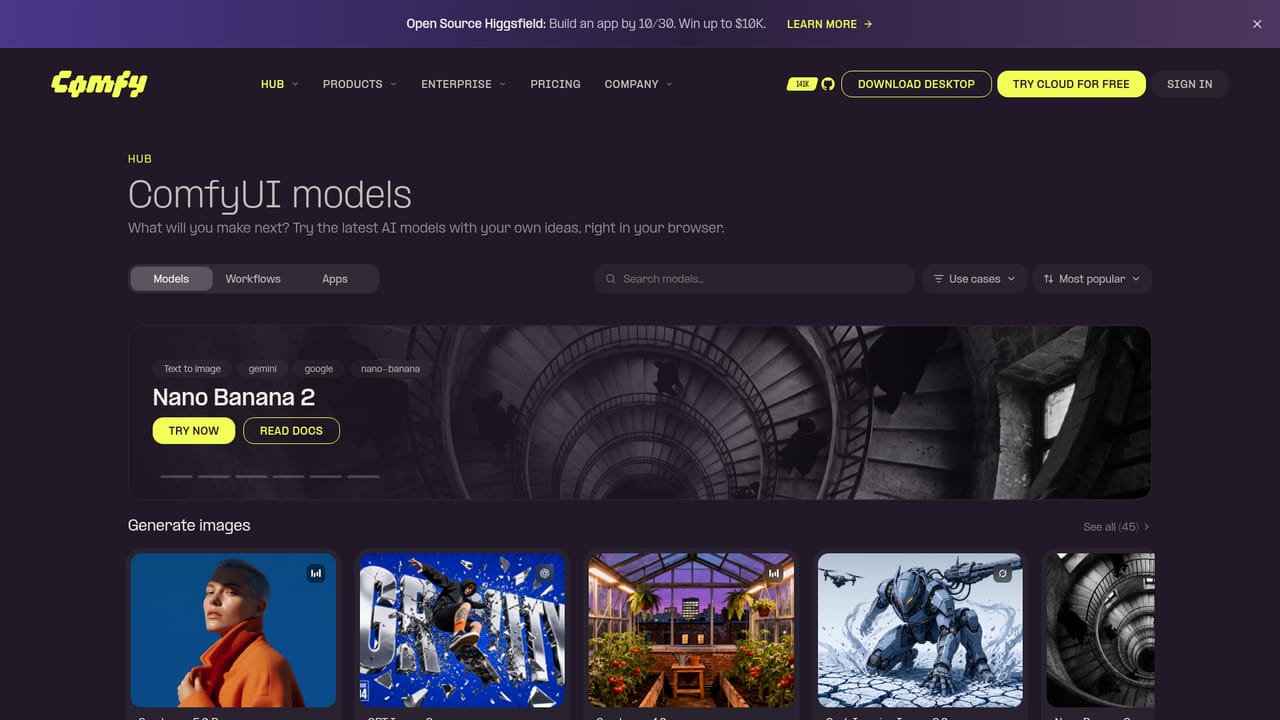
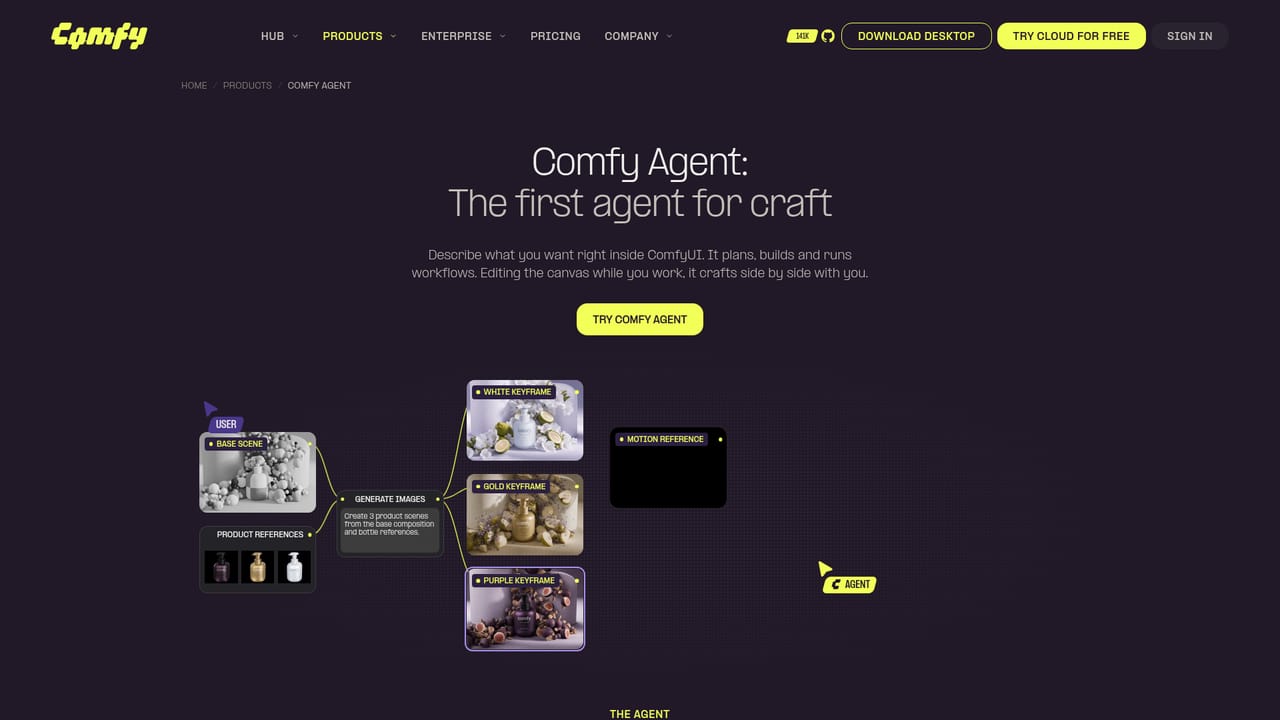
Comfy is the commercial face of ComfyUI, a node based creation engine for visual AI. Instead of hiding generation behind a single prompt box, it exposes the whole pipeline on an infinite canvas: models, sampling settings, conditioning, upscaling and output steps are placed as nodes and wired together. Every parameter stays visible and adjustable, so a result can be traced back to the exact decision that produced it. The same canvas is used for stills, video, audio and music, and the Hub supplies thousands of ready made models and community workflows that run in the browser with nothing to install. The product splits into four delivery routes. Comfy Desktop runs ComfyUI on your own hardware. Comfy Cloud runs the same engine remotely. The Developer Platform turns a finished workflow into a production API drawing on a large model catalogue. Comfy Enterprise packages the engine as infrastructure for organisations. A newer layer, Comfy Agent, accepts a plain language description and plans, builds and runs workflows directly inside ComfyUI while the user keeps editing the canvas beside it. Practically, most work starts from a template rather than a blank graph. A user picks a staff pick or community workflow, loads their own references, runs it, then tunes individual nodes. The site shows this in a product sequence: generate three scenes from one base composition and several bottle references, then feed a keyframe and motion reference into a video model to render an ad. Comfy is also the official reseller of MiniMax commercial licenses for local use, covering outputs, fine tuning, LoRA training and client work. That places Comfy above consumer image generators and beside professional pipelines. Midjourney and similar tools optimise for a fast single output; Comfy optimises for repeatability, model mixing and deployment. The trade is a real learning curve, node graphs to maintain and a heavier setup than a prompt box. It rewards teams that need the same render to be reproducible at scale, and frustrates anyone who wants one click results.
A free cloud tier is offered through sign up on Comfy Cloud, described on the homepage as trying the platform for free. No time limit or usage allowance is stated.
Learn moreWorkflows can be deployed as a production API from the Developer Platform, drawing on thousands of models in one place. Specific third party integrations are not enumerated on the homepage.
Learn moreNode based canvas with visible, adjustable parameters at every step. Comfy Agent for plain language workflow building. Comfy Desktop for local runs, Comfy Cloud for browser access, a Developer Platform for production APIs and Comfy Enterprise for organisational infrastructure. A Hub of thousands of models and community workflows, plus text to image, image to video, reference to video and image upscale templates.
Learn more AI Angels400+ customizable AI girlfriends for NSFW chat, voice calls, and roleplay
 Candy AIExperience the future of companionship with AI friends who chat, role-play, and connect with you on a human level.
 ourdream.aiA vast AI roleplay platform with millions of characters for chat, images, video and voiceAI Angels400+ customizable AI girlfriends for NSFW chat, voice calls, and roleplayCandy AIExperience the future of companionship with AI friends who chat, role-play, and connect with you on a human level.ourdream.aiA vast AI roleplay platform with millions of characters for chat, images, video and voice


