Free trial
Start free forever, no credit card required. The free tier includes unlimited Spark AI chat and Hype Engine quests.
Learn moreAI Discord bot for support, moderation, quests and analytics.

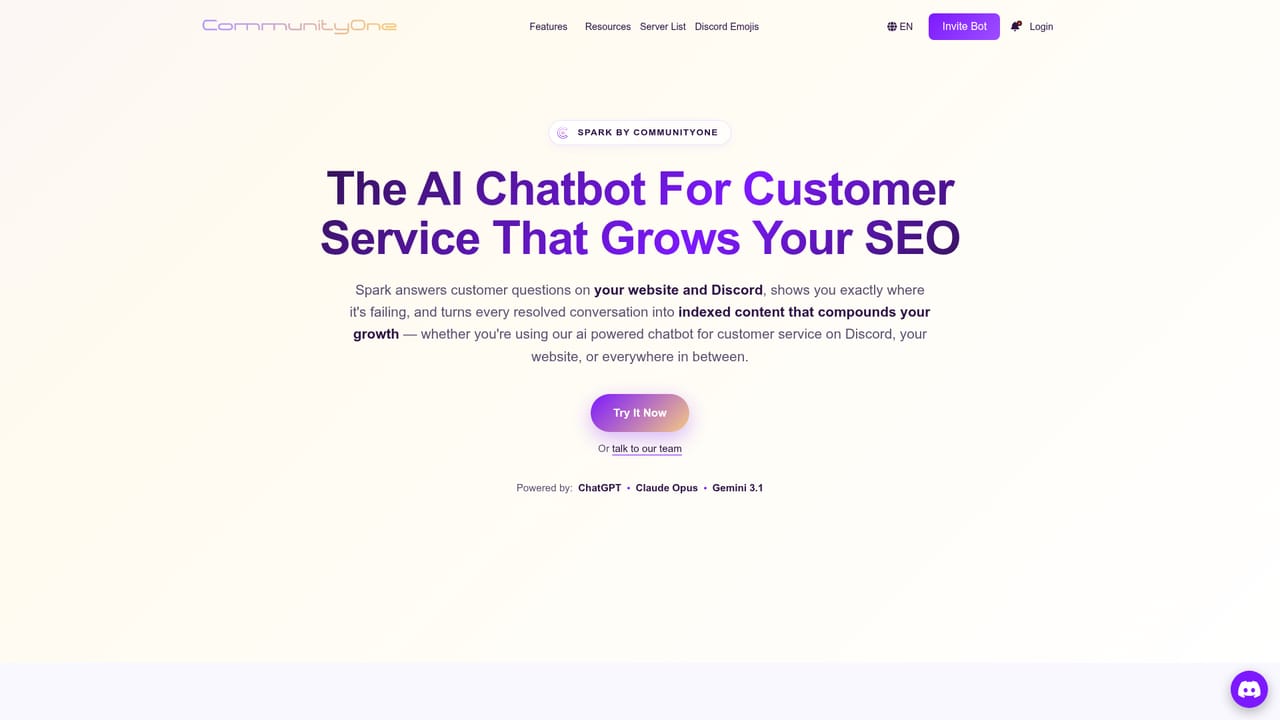
CommunityOne is an AI chat bot tool. CommunityOne bundles an AI support bot, moderation, quests, analytics and a Discord server directory into one platform. Spark answers questions from your docs, while the dashboard tracks growth and sentiment.
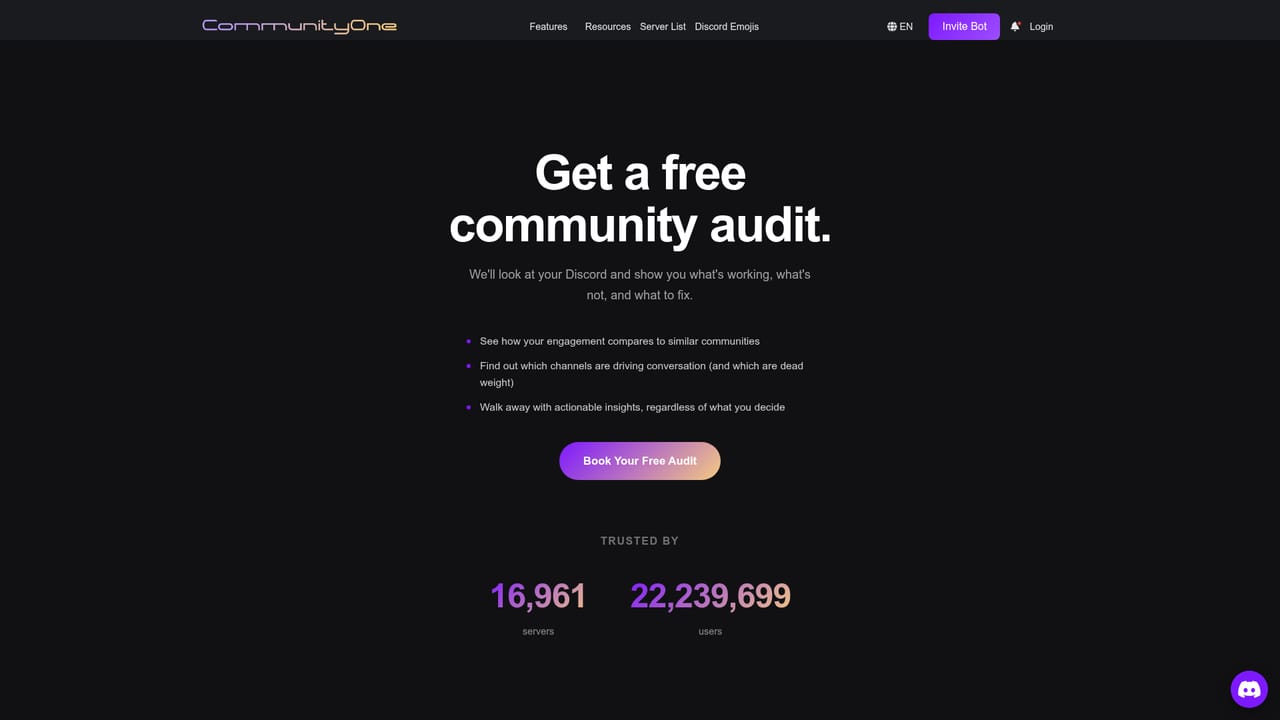
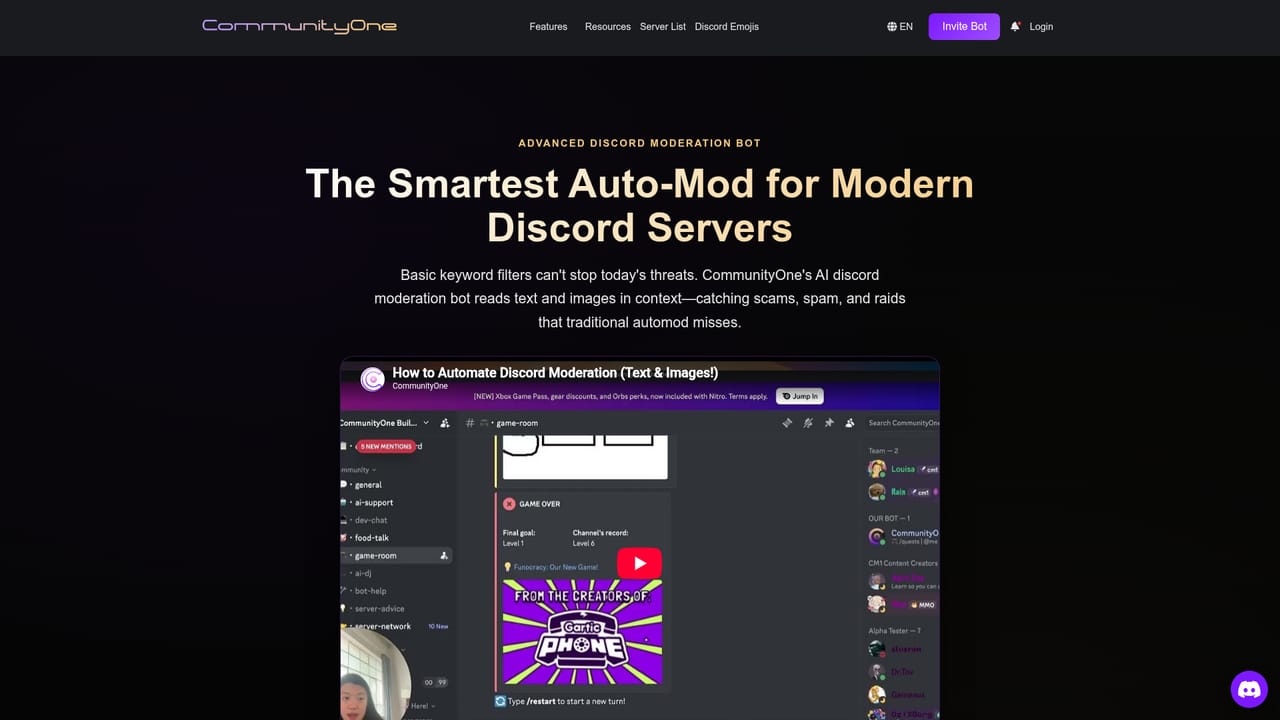
CommunityOne is a Discord bot platform that bundles several community management jobs into one install. Its core piece, Spark, is an AI chatbot that answers member questions using your own documentation, working across Discord, a website widget and YouTube comments. Around that sit a brand-aware moderation system that judges context and user intent rather than just matching banned words, a Hype Engine for gamified quests and ambassador programs, and an analytics dashboard that reports both hard numbers and qualitative themes about how people behave in the server. The discovery side is unusual for a Discord bot. A server listing directory turns your server profile, forums and announcements into indexed pages so people searching for a community like yours can find it, with safety gating to keep spam servers out. The same SEO mechanism feeds Spark: unresolved questions are flagged as content gaps, and answers that get resolved can be published as indexed pages. That loop aims to turn support work into organic traffic rather than a cost centre. The tool fits three broad audiences. Creators and streamers get automatic fan answers and YouTube syncing. Social groups get onboarding help, 24/7 spam and NSFW blocking, and organic member acquisition. Brands get sentiment analysis, team moderation with custom strike systems and enterprise reporting. The homepage cites 16,961 servers and over 22 million users, and separate enterprise plans exist for larger communities. Compared with single-purpose bots, CommunityOne bets on consolidation: moderation, engagement, analytics and a support chatbot from one vendor. Smaller servers can stay on the free tier for Spark and quests, while analytics and premium AI features sit behind paid plans starting at $14.99. Servers that only want basic auto-moderation will find it heavier than a dedicated filter bot, and the SEO publishing angle matters most to communities that actively want inbound search traffic.
Start free forever, no credit card required. The free tier includes unlimited Spark AI chat and Hype Engine quests.
Learn moreFree tier at $0 offers unlimited Spark AI chat and Hype Engine quests. Premium features start at $14.99 and can be bought as Spark AI, Hype Engine or Analytics, with $10 saved on bundles. Enterprise plans are custom priced.
Learn moreHelp is available through the CommunityOne Discord server, documentation on GitBook, a support chat widget, and a blog with setup and security guides. Enterprise plans include dedicated support.
Learn moreConnects to Discord, website chat widgets, YouTube comments, and documentation sources including Notion, GitBook and GitHub, plus X (Twitter) for social integration.
Learn moreSpark AI answers questions from your docs on Discord, a web widget and YouTube comments, flagging content gaps and turning resolved answers into SEO pages. Moderation uses context and intent to block spam and NSFW. Hype Engine adds quests and ambassador programs. Analytics cover both hard metrics and qualitative themes, and the server listing directory indexes your community for discovery.
Learn more AI Angels400+ customizable AI girlfriends for NSFW chat, voice calls, and roleplay
 Candy AIExperience the future of companionship with AI friends who chat, role-play, and connect with you on a human level.
 ourdream.aiA vast AI roleplay platform with millions of characters for chat, images, video and voiceAI Angels400+ customizable AI girlfriends for NSFW chat, voice calls, and roleplayCandy AIExperience the future of companionship with AI friends who chat, role-play, and connect with you on a human level.ourdream.aiA vast AI roleplay platform with millions of characters for chat, images, video and voice


