Free trial
A free trial is offered for 3 weeks. The homepage does not state which plan or product tier the trial covers, and no credit card terms are listed.
Learn moreAEO content intelligence from topic map to review-ready draft
Own Conductor Creator? Verify ownership to get a dofollow link

Conductor Creator turns AEO and content intelligence into briefs, drafts, and pre-publish guidance, with brand profiles and approved knowledge sources keeping AI output on message.
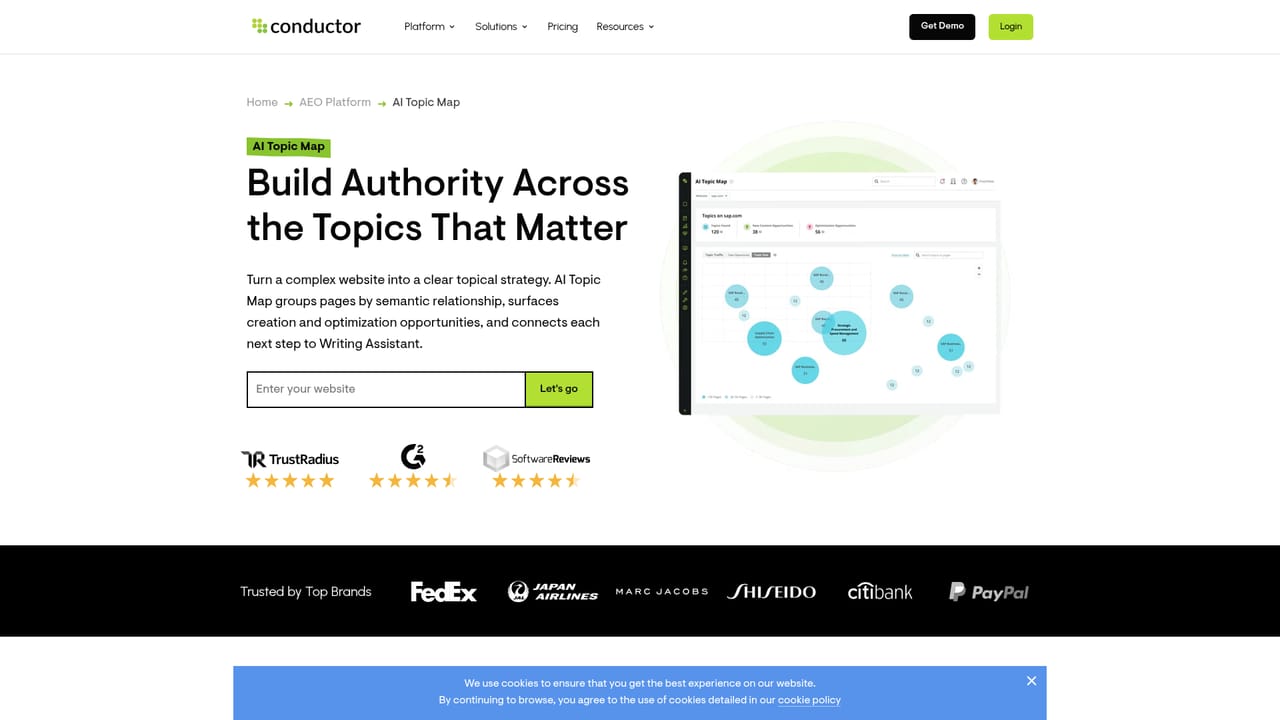
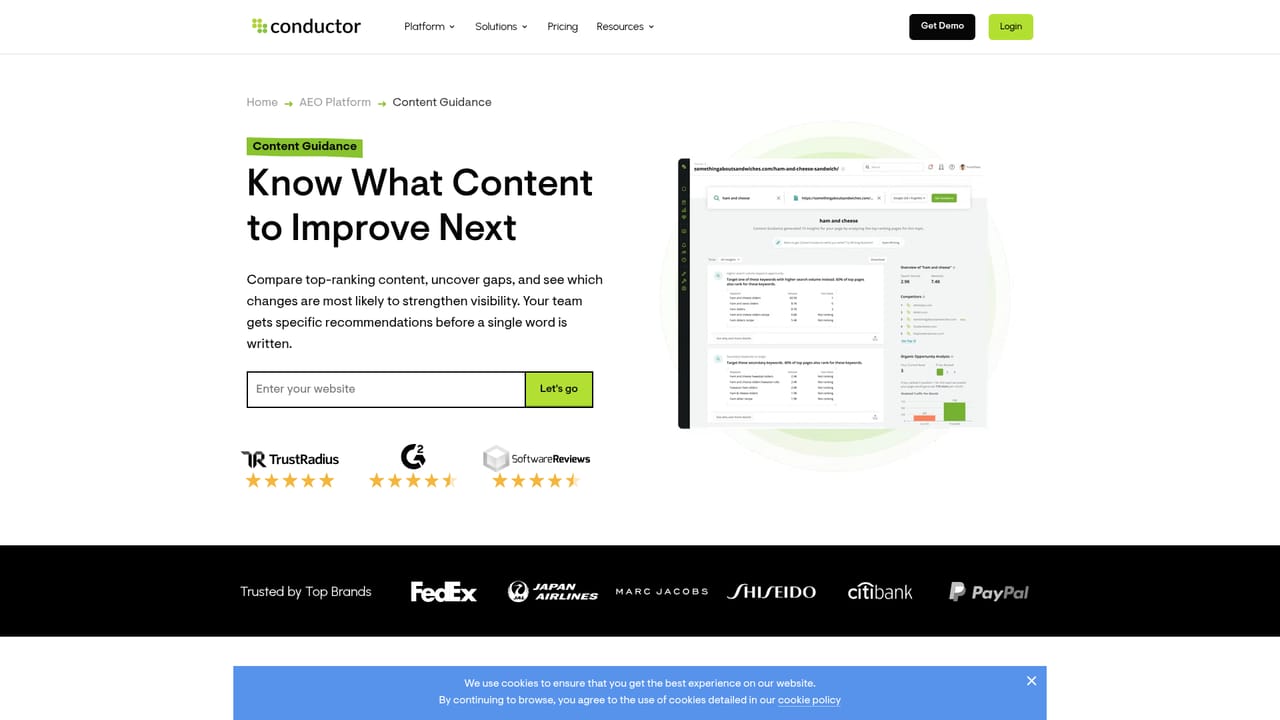
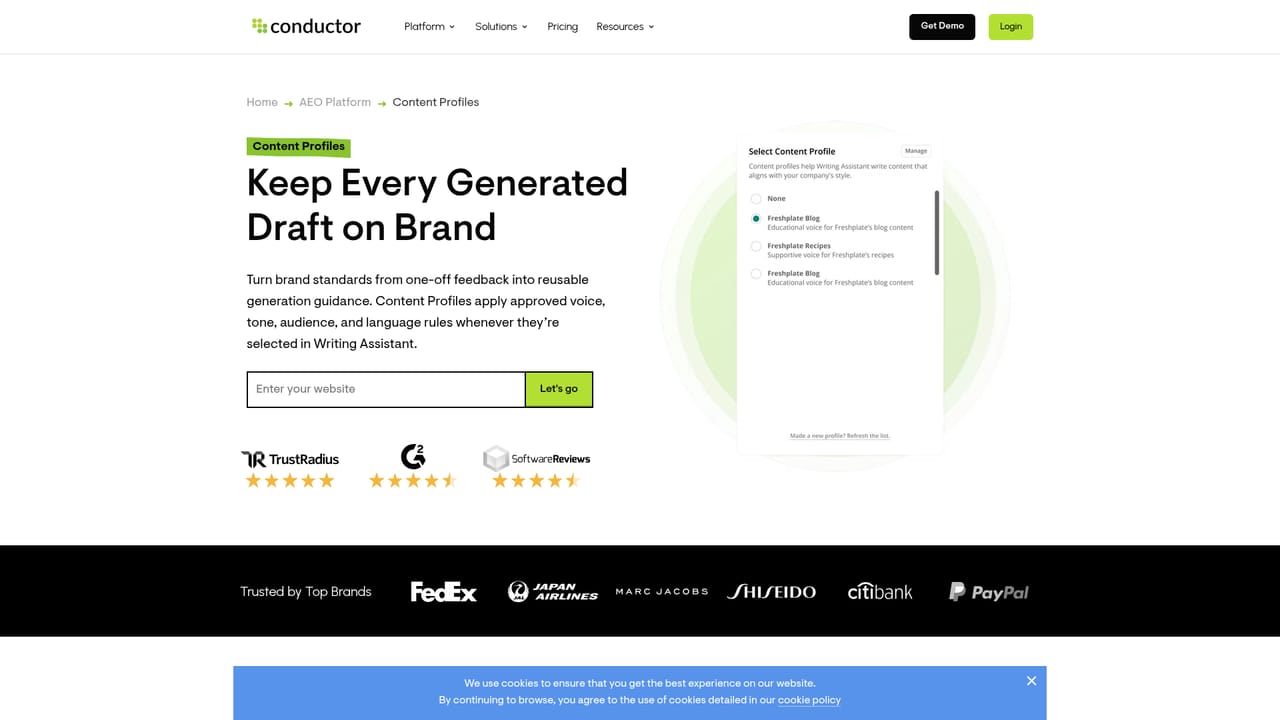
Conductor Creator is the content creation arm of the Conductor platform, built for teams that want search and AI answer visibility to shape what gets written, not just what gets reported afterward. It connects topic discovery, competitive analysis, drafting, and pre-publish evaluation inside one workflow, so a brief does not have to be rebuilt in a separate editor or handed between disconnected tools. The process runs in four recognizable stages. Discovery maps existing pages into semantic topic clusters, surfaces gaps, and points to where new or improved content could strengthen authority. Prioritization compares leading pages against your own to show what is missing and which changes are most likely to move visibility. Creation combines a guided brief, outline, and draft with AI assistance that is constrained by your audience, brand voice, compliance rules, and approved company documents. Improvement then scores the draft for topical coverage and intent alignment while it is still being written. Six components carry the work: Content Guidance for competitive analysis, Writing Assistant for briefs, outlines, drafts, and existing-page rewrites, Content Profiles for reusable brand and compliance standards, Knowledge Sources for grounding output in approved internal material, Content Score for live coverage and intent checks, and AI Topic Map for cluster planning. Human review sits at the center by design: people direct, refine, and approve each output rather than publishing unedited generation. The fit is enterprise and mid-market marketing and SEO organizations already investing in content operations, especially those publishing at volume across many topics and needing governance over what AI produces. Teams wanting a quick standalone article generator will find the structure heavy. Those already running Conductor for search intelligence get the most value, since Creator reads from the same data and strategy layer, though the homepage does not detail how the pieces connect technically.
A free trial is offered for 3 weeks. The homepage does not state which plan or product tier the trial covers, and no credit card terms are listed.
Learn moreSix connected modules: AI Topic Map for semantic clusters and coverage gaps, Content Guidance for competitive page analysis, Writing Assistant for briefs, outlines, drafts, and rewrites, Content Profiles for brand voice and compliance rules, Knowledge Sources for grounding in approved documents, and Content Score for topical coverage and intent alignment during drafting.
Learn more AI Angels400+ customizable AI girlfriends for NSFW chat, voice calls, and roleplay
 Candy AIExperience the future of companionship with AI friends who chat, role-play, and connect with you on a human level.
 ourdream.aiA vast AI roleplay platform with millions of characters for chat, images, video and voiceAI Angels400+ customizable AI girlfriends for NSFW chat, voice calls, and roleplayCandy AIExperience the future of companionship with AI friends who chat, role-play, and connect with you on a human level.ourdream.aiA vast AI roleplay platform with millions of characters for chat, images, video and voice


