Pricing
No public price list. Plans are discussed with the sales team, and the homepage routes buyers to a plans category page and a demo request rather than to checkout. Expect a quoted, contract-based arrangement.
Learn moreAI agents that hold two-way conversations across sales, service and retention

Conversica is an AI chat bot tool. Conversica deploys AI agents that run persistent, two-way conversations with leads and customers across email, SMS, chat and messaging apps. Agents qualify inbound leads, follow up on campaigns and events, resolve service requests, and drive renewals and reactivation, all built and tuned with Conversica's team.
Conversica is an enterprise AI agent platform built around a single idea: replace one-way outreach with two-way dialogue. Its agents sit inside marketing, sales and customer service workflows and reach out to prospects and customers across email, SMS, chat and messaging apps, then keep the exchange going until the person reaches a concrete outcome such as a booked meeting, a resolved billing question or a renewed subscription. The company reports 1.5 billion conversations handled for more than 2,000 teams, with reference customers spanning automotive groups, sports franchises, software vendors and staffing firms. The product is organized around three jobs. On the demand side, agents follow up on event registrations, ad clicks, content downloads, outbound campaigns and inbound web form fills, qualifying leads and pushing them toward a sales conversation. On the service side, agents answer routine questions and can update plans, preferences and payment details inside the conversation, escalating complicated cases to a human without dropping the thread. On the retention side, agents trigger renewal conversations, pitch upgrades to low usage accounts and try to reactivate dormant customers. In practice, buyers do not self-serve. The published path is a three step engagement: a scoping session with Conversica's team to define the target outcome and pick the right agent, a build phase where industry-trained conversation flows, messaging and integrations are tailored to your systems and buyer journey, then a launch that the vendor says produces live conversations within days. Each agent is trained on the customer's own policies, tone and workflows, and connects to the surrounding tech stack so it can send assets, schedule meetings and trigger downstream workflows rather than just reply. That makes Conversica a fit for mid-market and enterprise revenue, marketing and support organizations with high inbound volume and an existing CRM or marketing automation stack, not for individuals or small teams wanting a quick chatbot. Compared with self-serve chat builders, the emphasis is on managed deployment and compliance. Security posture is pitched at enterprise buyers, covering GDPR, SOC 2, data residency and encryption. Pricing is quoted rather than published, so budget conversations start with sales.
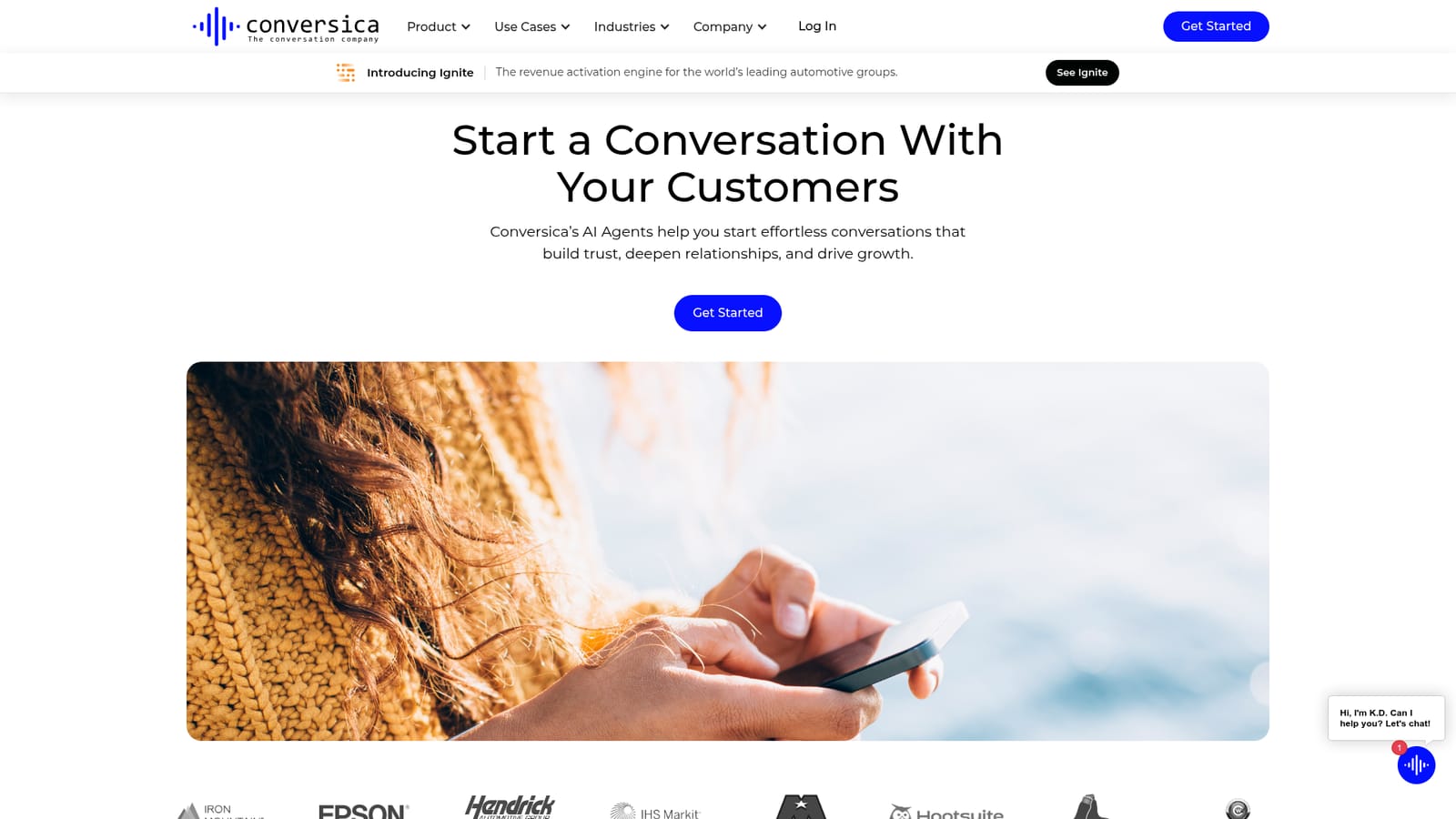
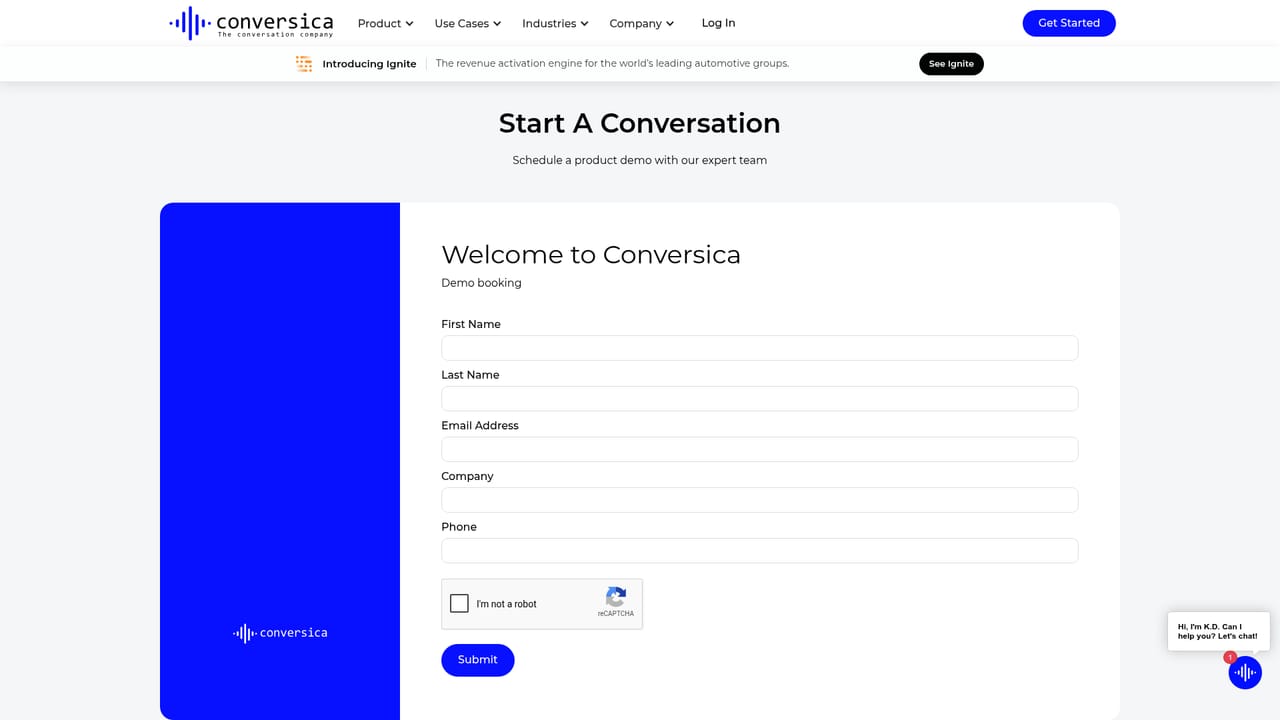
No public price list. Plans are discussed with the sales team, and the homepage routes buyers to a plans category page and a demo request rather than to checkout. Expect a quoted, contract-based arrangement.
Learn moreSupport is delivered through a managed engagement model: a team scopes your outcomes, builds the agent and helps align it to your systems, with demo requests as the main entry point.
The homepage states that agents connect securely to your tech stack so they can send assets, schedule meetings and trigger workflows, but it does not name specific integration partners.
AI agents that run persistent two-way conversations across email, SMS, chat and messaging apps. Use cases span demand generation (events, ads, content, ABM, inbound forms, nurture), service (answering questions, updating plans and payment details, billing changes, escalation) and retention (renewals, upgrades, reactivation). Agents are trained on your policies and tone, connect to your stack to take actions, and are backed by enterprise security including GDPR and SOC 2.
 AI Angels400+ customizable AI girlfriends for NSFW chat, voice calls, and roleplay
 Candy AIExperience the future of companionship with AI friends who chat, role-play, and connect with you on a human level.
 ourdream.aiA vast AI roleplay platform with millions of characters for chat, images, video and voiceAI Angels400+ customizable AI girlfriends for NSFW chat, voice calls, and roleplayCandy AIExperience the future of companionship with AI friends who chat, role-play, and connect with you on a human level.ourdream.aiA vast AI roleplay platform with millions of characters for chat, images, video and voice


