Free trial
A free trial is offered through the Try for free buttons. The site says the trial ends automatically and does not require cancellation, but it does not state the length or the limits applied during the trial.
Learn moreOne AI workspace for ad copy, product text, images and video creatives

CopyFrog is an AI content platform combining copywriting tools, product description and ad copy generators, role-based marketing chat bots, image generation and editing, and text-to-video creation in one workspace for marketers, bloggers and small teams.
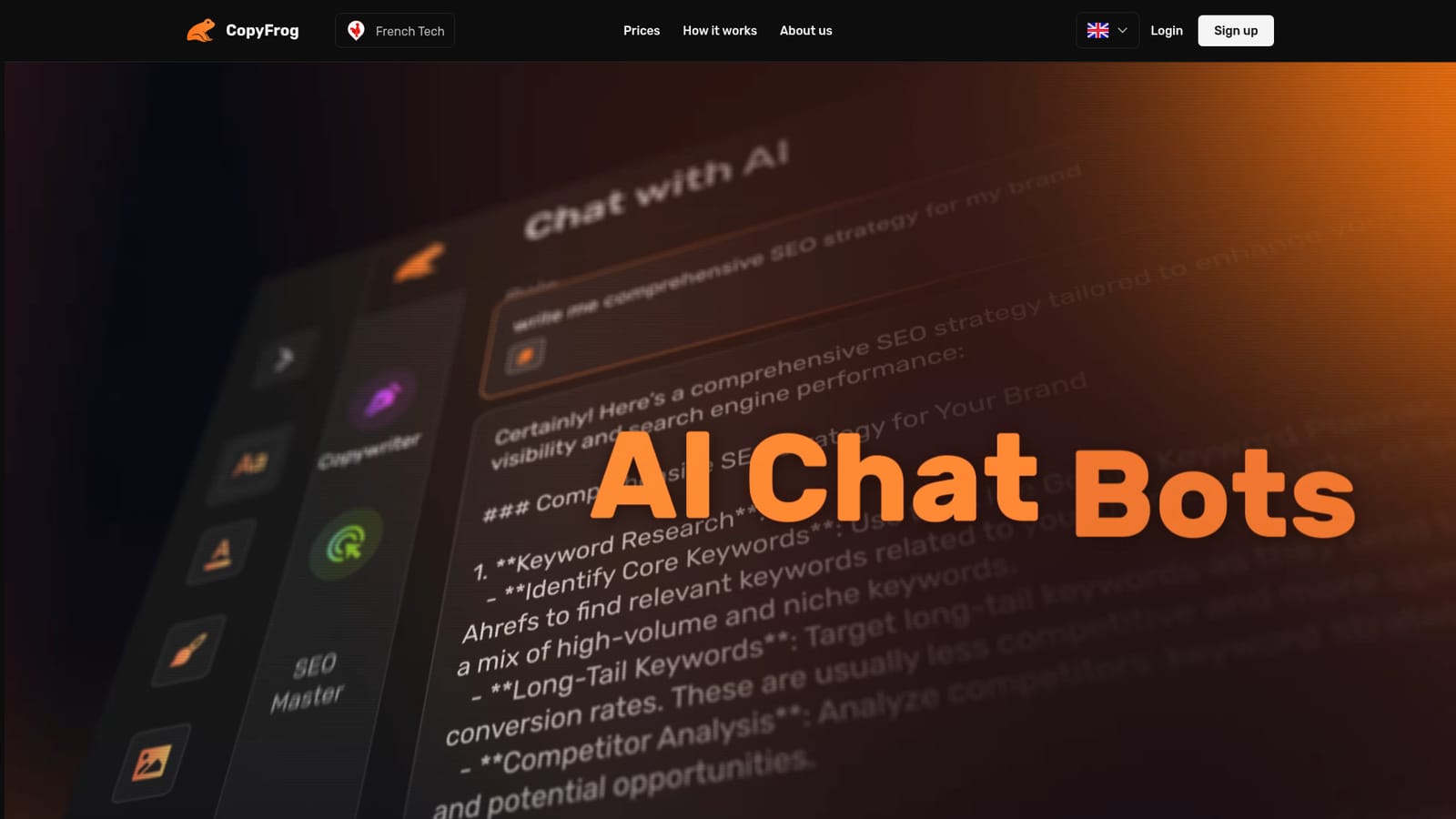
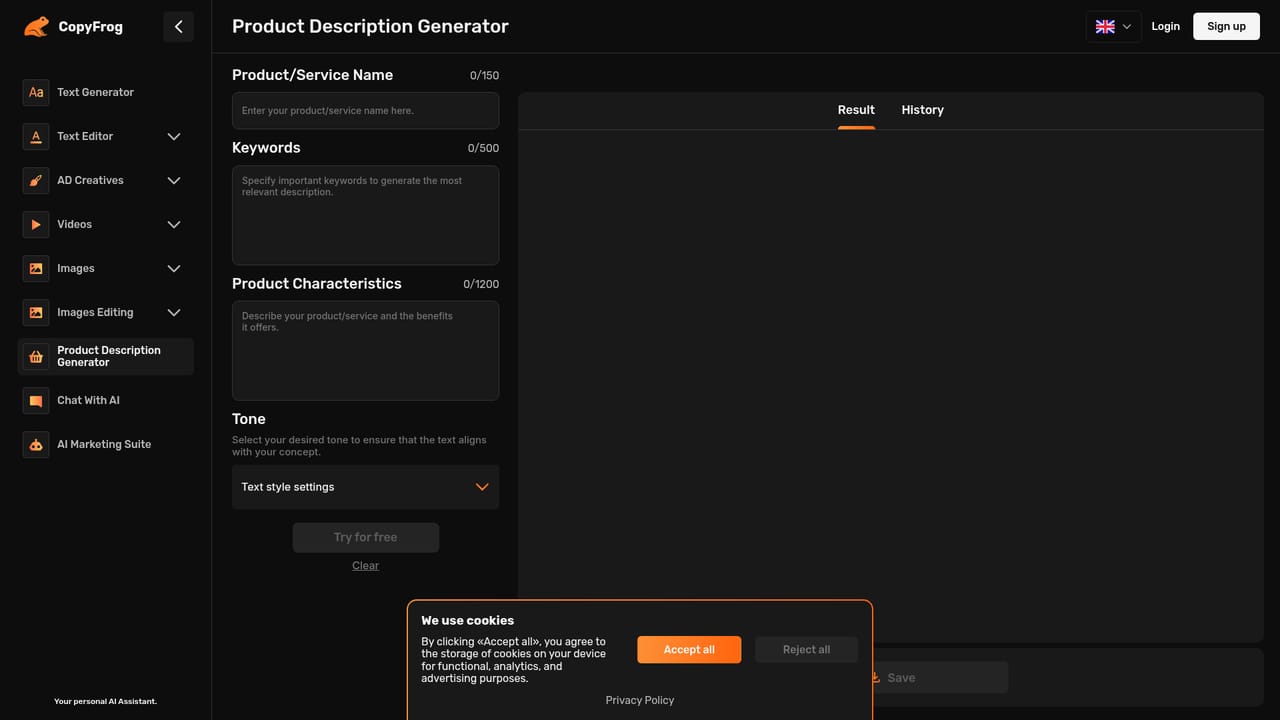
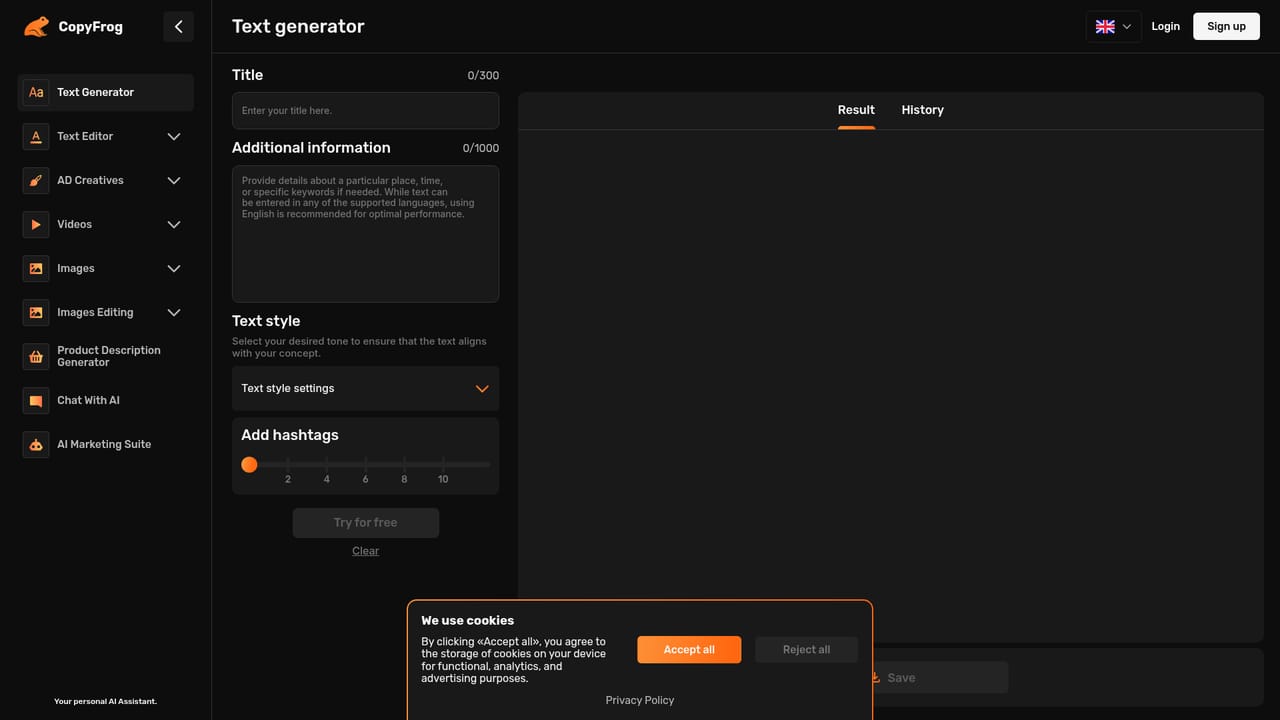
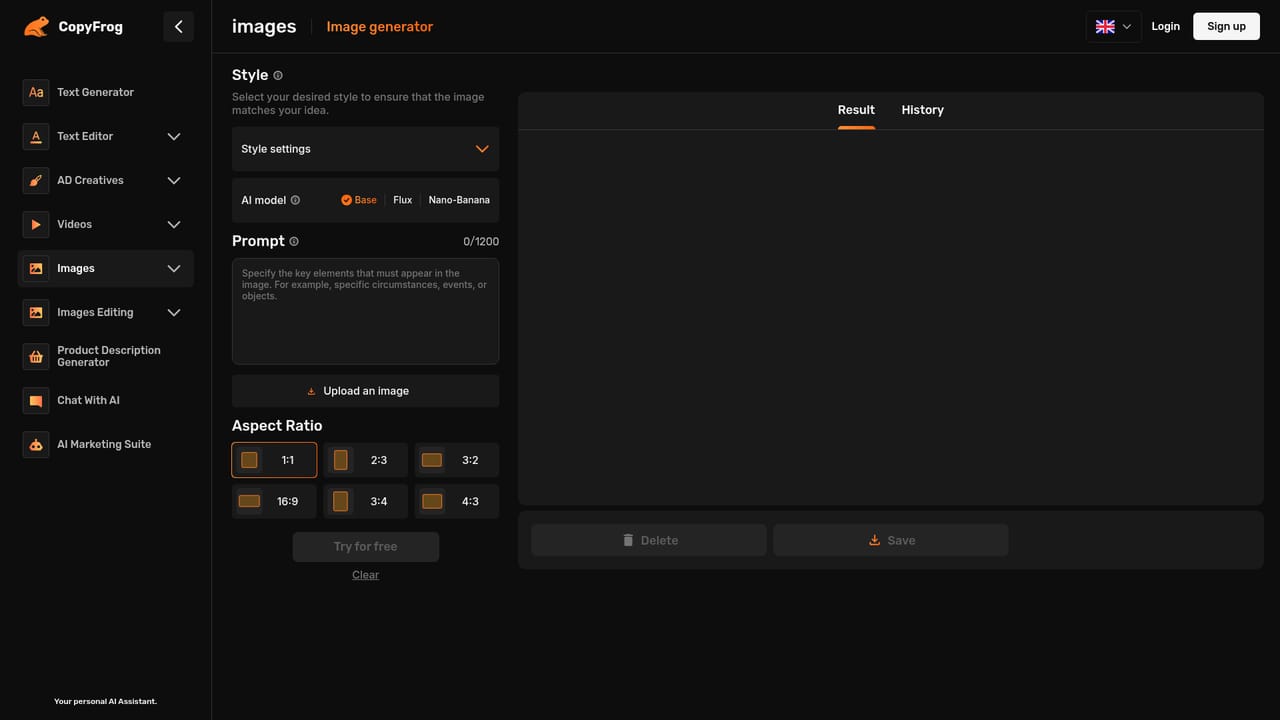
CopyFrog is a browser-based content studio that bundles text generation, product copy, image creation, image editing and short video planning into a single account. The platform is built for bloggers, marketers, copywriters, designers, content managers, PR specialists and small business owners who need to ship a steady stream of promotional material without juggling several subscriptions. Its stated aim is to cut the repetitive parts of production so time can go to strategy and creative planning. On the text side, CopyFrog offers a general text generator plus an editor with summarize, paraphrase and expand modes. Separate assistants handle product descriptions (keywords plus an overview plus a chosen tone), ad copy (topic, key highlights and a target persona), ad video planning and scripts. Four role-based chat bots cover copywriting, SEO, marketing and brand strategy, and a marketing suite adds SWOT, target audience, sales funnel and SMM workflows. The site credits GPT-4o and GPT-4o mini for language work. Visual output leans on Stable Diffusion and Flux models configured by the team's own neural artists. Users can generate product images, mockups, banners, logos and fitting room previews, or edit existing photos by adding objects, swapping backgrounds, removing unwanted elements, transferring style or performing face swaps. A text-to-video generator turns a prompt into a cinematic clip. Output rights sit with the user; CopyFrog states it claims no copyright over generated text. Where alternatives usually pick a lane, CopyFrog positions itself as a catch-all: one place for copy, visuals and marketing analysis rather than a dedicated writing assistant or a standalone image tool. That breadth is the appeal for small teams, though specialists may still prefer best-in-class single-purpose apps.
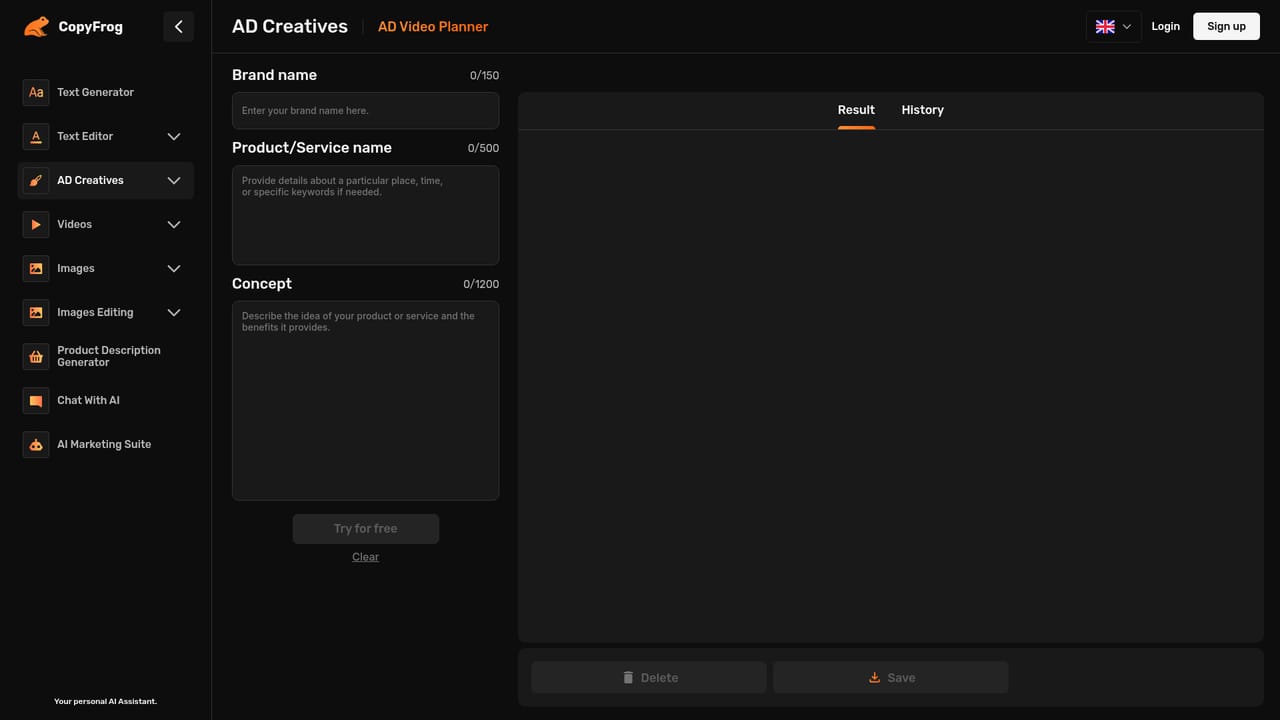
A free trial is offered through the Try for free buttons. The site says the trial ends automatically and does not require cancellation, but it does not state the length or the limits applied during the trial.
Learn moreText generation plus an editor with summarize, paraphrase and expand modes; product description, ad copy and script generators; an ad video planner; a text-to-video generator; image generation for product shots, mockups, banners, logos and virtual fitting; image editing for object add and removal, background change, style transfer and face swap; role-based chat bots; and marketing suite workflows for SWOT, target audience, sales funnel and SMM.
Learn more AI Angels400+ customizable AI girlfriends for NSFW chat, voice calls, and roleplay
 Candy AIExperience the future of companionship with AI friends who chat, role-play, and connect with you on a human level.
 ourdream.aiA vast AI roleplay platform with millions of characters for chat, images, video and voiceAI Angels400+ customizable AI girlfriends for NSFW chat, voice calls, and roleplayCandy AIExperience the future of companionship with AI friends who chat, role-play, and connect with you on a human level.ourdream.aiA vast AI roleplay platform with millions of characters for chat, images, video and voice


