Free trial
The free plan includes 3 articles as a one-time trial, enough to assess output quality before subscribing. There is no stated time limit, only an article cap.
Learn moreAI writer built for bulk, SEO-optimized articles and direct WordPress publishing

Copymate is an AI SEO content generator focused on volume: bulk article creation, multilingual output, GPT-4 based writing, NeuronWriter optimization and direct WordPress publishing across multiple sites.
Copymate is an AI content generator aimed squarely at the production side of SEO: churning out long-form articles in volume, in any language, and pushing them straight to WordPress. The pitch is industrial rather than boutique. Instead of drafting one post at a time in a chat window, users feed in keywords or topics and the system produces complete articles intended to be search-optimized from the start, then publishes them across one or many sites without manual copy-paste. Under the hood the platform runs on OpenAI's latest language models, and the homepage leans on GPT-4 as the headline engine. The feature set is organized around scale: a bulk generator that produces unlimited articles simultaneously, multilingual output that does not require the operator to speak the target language, multisite management for agencies or portfolio owners running several domains, and a NeuronWriter integration that folds in keyword and content-optimization data during generation. An image generator is bundled in as well. The stated goal is fewer hours and lower content spend, with the vendor claiming cost reductions of up to 98% versus traditional copywriting arrangements. The natural audience is affiliate marketers, niche site builders, small agencies and in-house SEO teams who need consistent publishing cadence more than they need a distinctive editorial voice. It is less suited to brands whose content depends on original reporting, expert interviews or a tightly controlled tone of voice, since those needs push against the automation the product is built around. In a crowded field of AI writers, Copymate positions itself closer to a content factory with a publishing pipeline attached than to a collaborative drafting assistant. The site publishes a case study claiming a 10,000% organic traffic lift for one client, which is a marketing claim rather than an independently verified benchmark.
The free plan includes 3 articles as a one-time trial, enough to assess output quality before subscribing. There is no stated time limit, only an article cap.
Learn moreFree plan gives 3 articles as a one-time allowance. Pro is $29 per month for 10 articles monthly. Extra article packs: 10 for $29 ($2.90 each), 36 for $99 ($2.75 each), 100 for $250 ($2.50 each). Unlimited projects, WordPress integration, GPT-4, multilingual output, NeuronWriter and image generation are listed across plans.
Learn moreWordPress publishing and NeuronWriter are the two integrations named on the site. No other connectors or a public API are described.
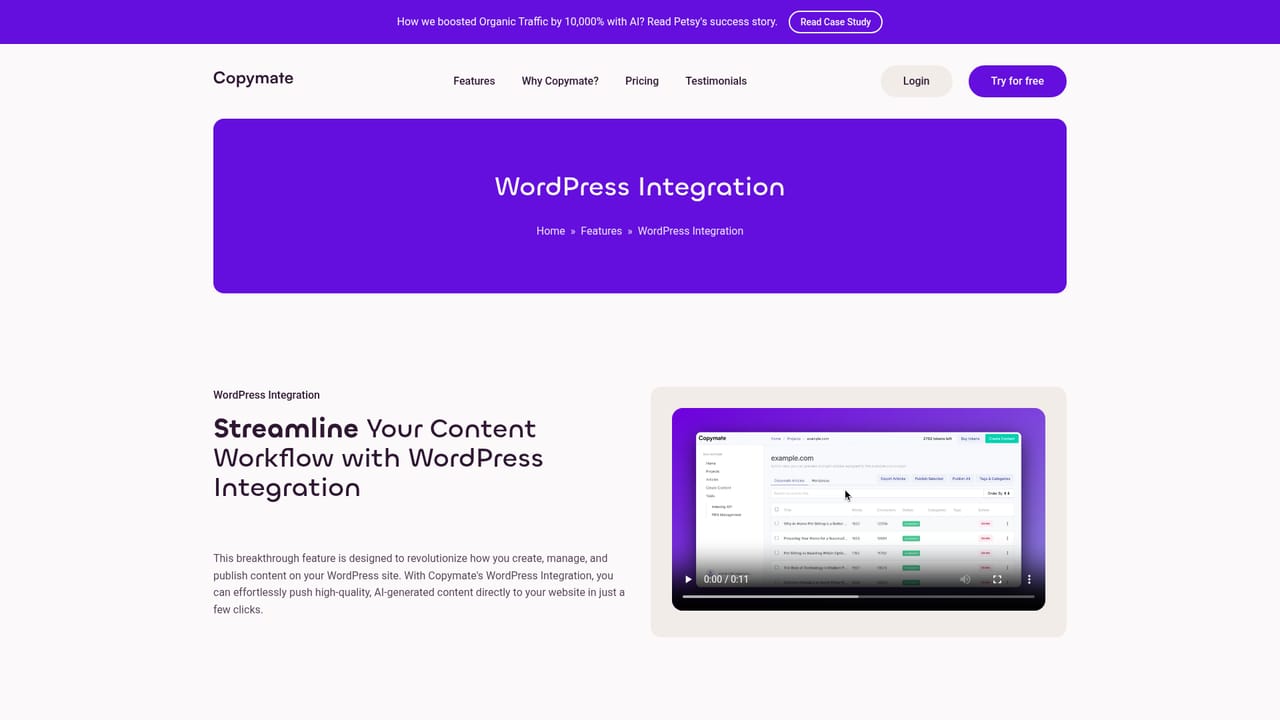
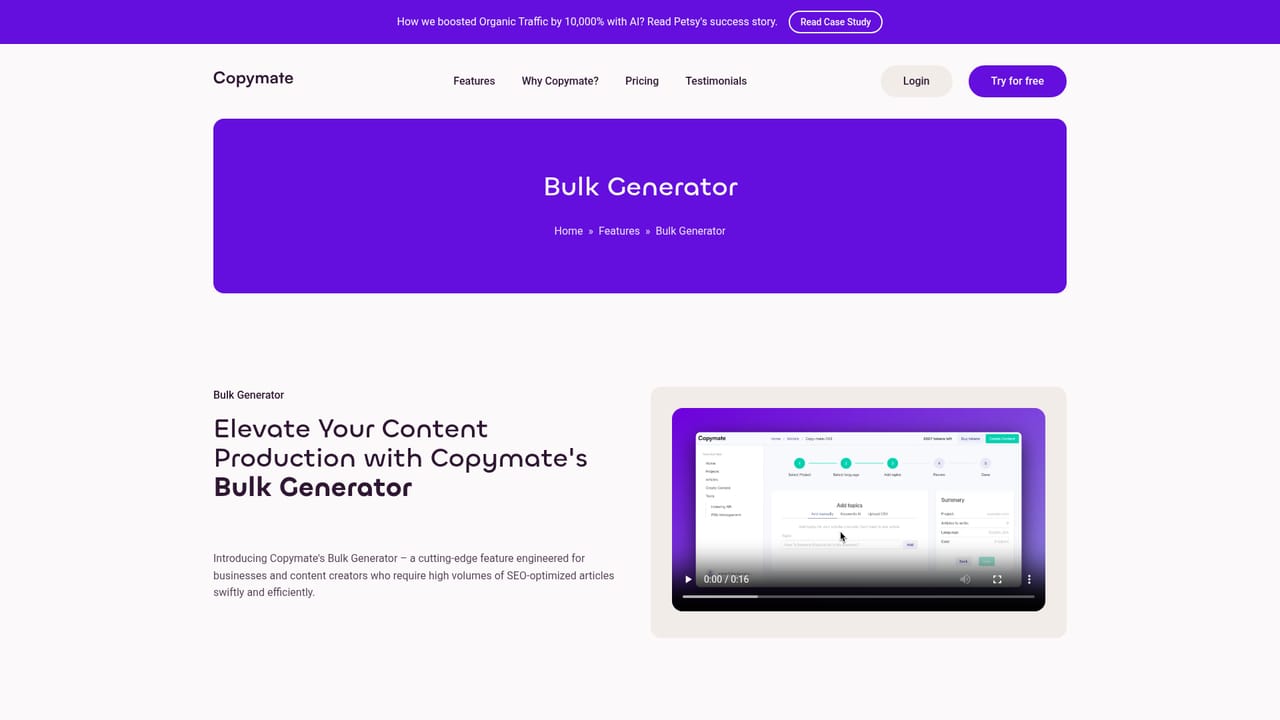
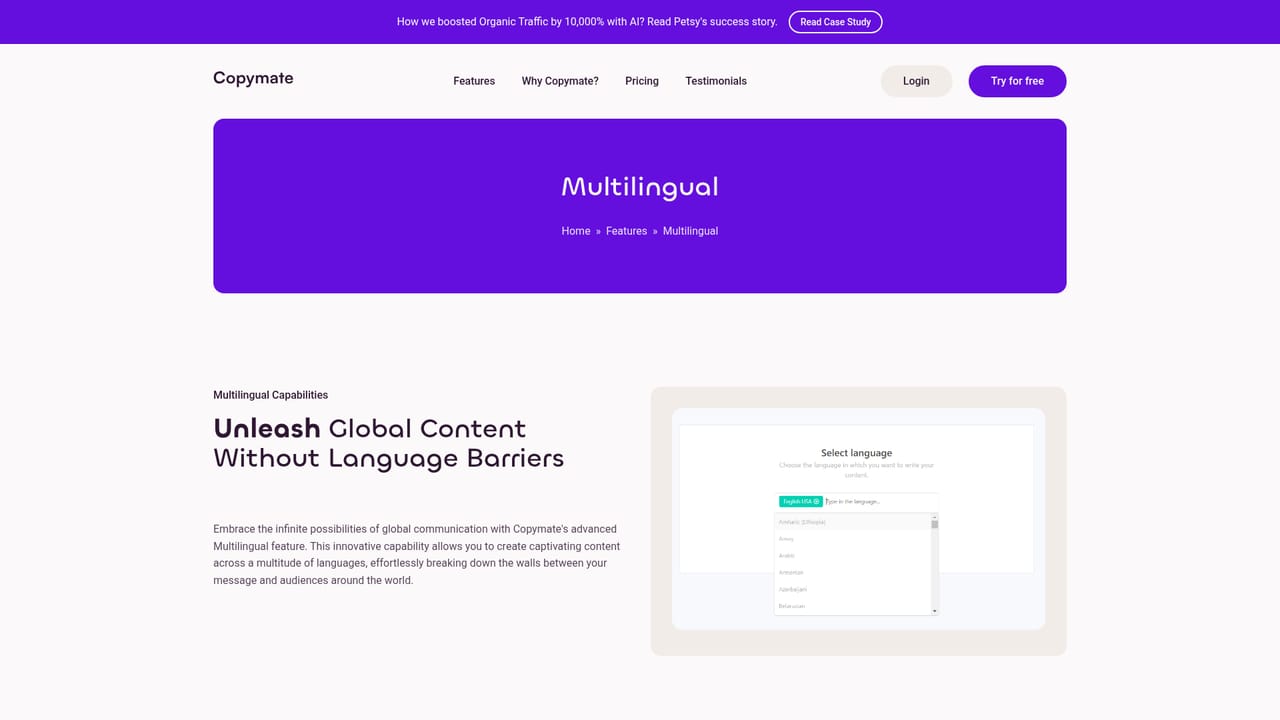
Learn moreBulk generator for unlimited simultaneous articles, multilingual content creation, SEO-optimized output, direct WordPress publishing, latest OpenAI GPT models, multisite management for multiple domains, NeuronWriter integration and a bundled image generator.
Learn more AI Angels400+ customizable AI girlfriends for NSFW chat, voice calls, and roleplay
 Candy AIExperience the future of companionship with AI friends who chat, role-play, and connect with you on a human level.
 ourdream.aiA vast AI roleplay platform with millions of characters for chat, images, video and voiceAI Angels400+ customizable AI girlfriends for NSFW chat, voice calls, and roleplayCandy AIExperience the future of companionship with AI friends who chat, role-play, and connect with you on a human level.ourdream.aiA vast AI roleplay platform with millions of characters for chat, images, video and voice


