
Coursable

AI study workspace for summaries, flashcards, quizzes and generated courses

Beginner
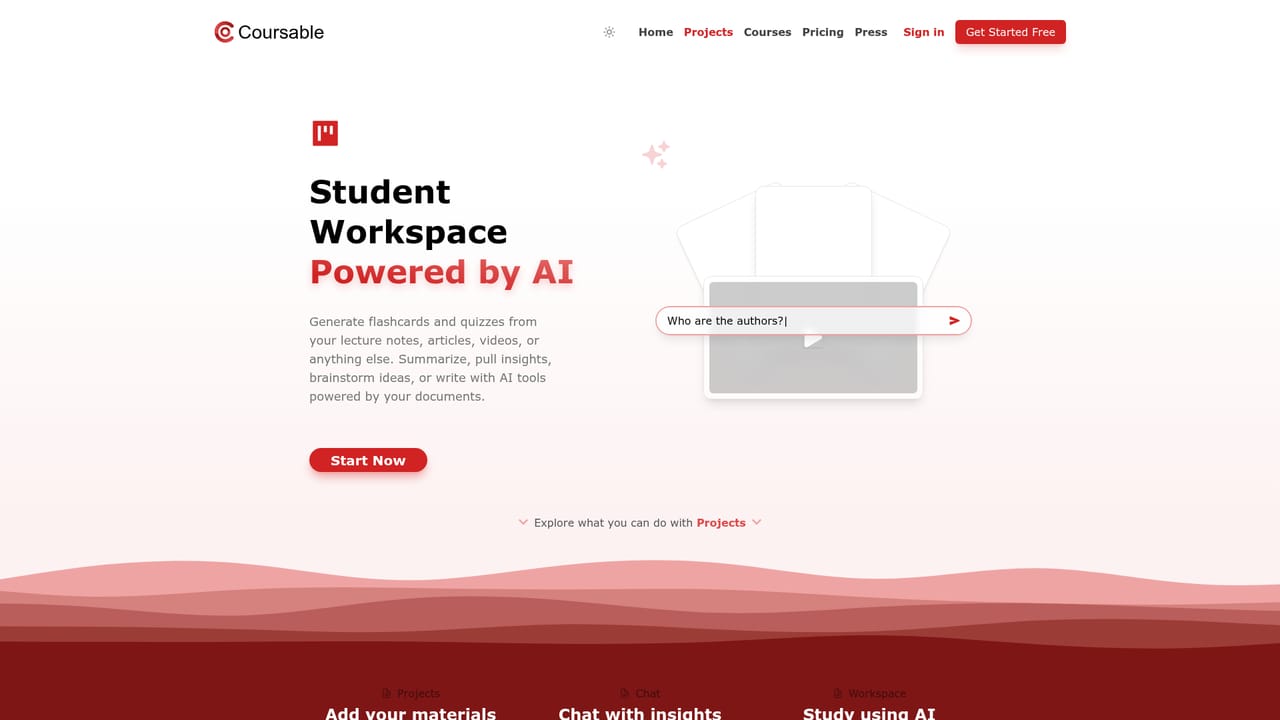
Screenshot of Coursable, AI study workspace for summaries, flashcards, quizzes and generated courses

What is Coursable?

Coursable turns uploaded documents and videos into chat answers, summaries, flashcards, quizzes and writing help, and builds personalized courses from web study materials. Aimed at students, researchers and educators who want one workspace for exam prep and self directed learning.

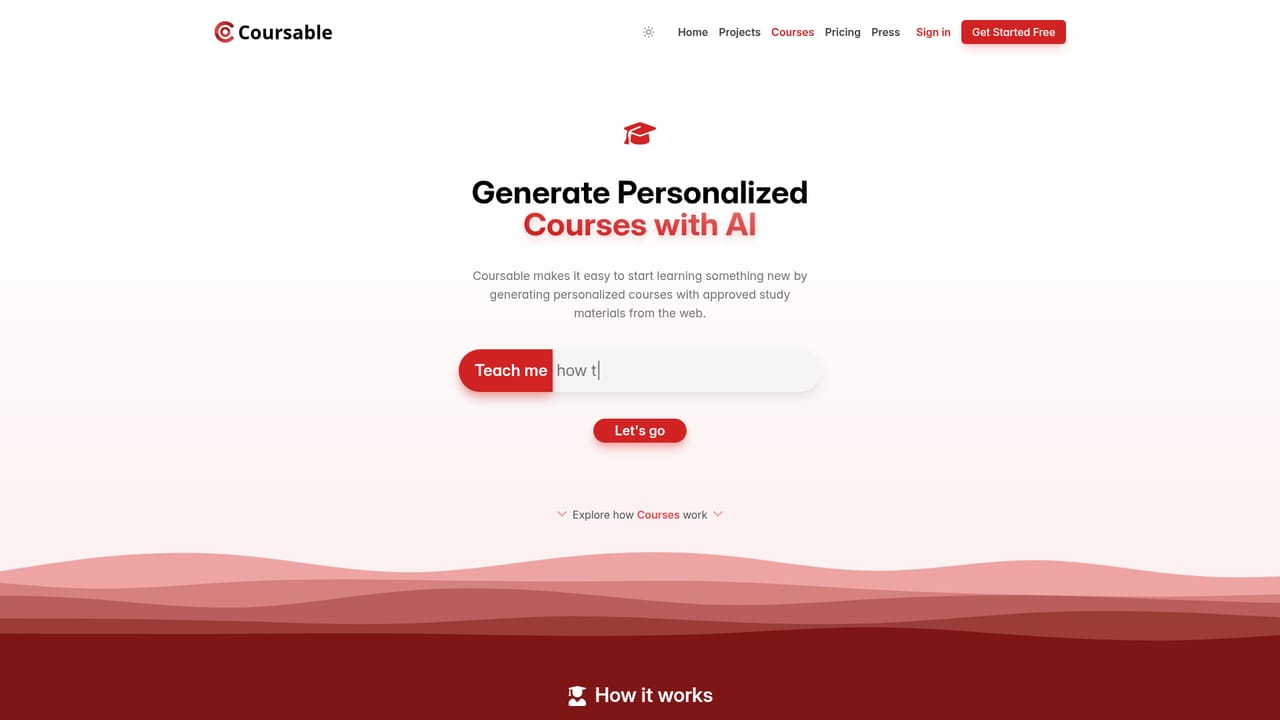
Coursable is a browser based study workspace that takes the reading and organizing work out of coursework. Students upload documents, videos, notes or lecture recordings into Projects, and an assistant answers questions about that material, drafts summaries, and turns the same source into flashcards and practice quizzes. The chat is conversational: you can ask which apples a nutrition review analyzed, then ask for the key takeaways in bullet points, and the follow up builds on the earlier answer rather than starting over. The second half of the product is Courses. A learner types a topic such as project management for beginners, and Coursable assembles a structured syllabus with numbered topics, each paired with study materials drawn from what it describes as approved sources on the web. Courses show completion percentages, and each topic ends with a quiz, which pushes the experience closer to a guided class than a blank chat window. An AI writing panel sits alongside for essays, brainstorming, proofreading, grammar fixes and length adjustments. The audience is explicit: undergraduates, graduate students, researchers and educators preparing material, plus independent learners working through a new subject. It suits people who already have PDFs, slides and recordings and want one place to interrogate them, rather than a general purpose chatbot that forgets the source. Compared with dedicated flashcard apps, Coursable is broader but less specialized in spaced repetition; compared with AI study chatbots, it adds the course builder and writing tools. Practical limits matter. The homepage shows courses and projects but says nothing about pricing, plans, mobile apps or third party integrations, so anyone with a fixed budget should confirm terms before committing a semester of notes. Flashcard quality depends entirely on the uploaded document, and generated syllabi should be checked against a real course outline before exam season.

How do you use Coursable?

  1. 1Create your account
    Start from the signup page to open a Coursable account. The workspace, projects and courses all sit behind this login.
    Coursable — Create your account
  2. 2Upload material to a project
    Open Projects and add the documents, videos or notes you want to study. This becomes the source the assistant works from.
    Coursable — Upload material to a project
  3. 3Question your documents in chat
    Ask specific questions about the uploaded material, such as which items a study analyzed, then request follow ups like bullet point takeaways.
  4. 4Generate flashcards and quizzes
    From the same project, produce flashcards or a practice quiz and work through them to test recall before an exam.
  5. 5Build a course on a new topic
    Go to Courses, type the subject you want to learn, and review the generated topics, materials and quizzes before starting.
    Coursable — Build a course on a new topic
  6. 6Draft and polish writing
    Use the writing tools for essays or notes: improve phrasing, fix spelling and grammar, or shorten and lengthen a passage.

Pros and cons

Pros

  • Document chat keeps context, so follow up questions build on the earlier answer about the same paper or recordingAI
  • One uploaded source feeds several outputs: summary, flashcards, quiz and chat answers, which saves reformatting workAI
  • The course builder generates a structured syllabus with topics, linked materials and per topic quizzesAI
  • Writing tools cover proofreading, grammar, shortening, lengthening and continuation inside the same workspaceAI
  • Clear positioning for students and educators, with completion tracking on generated coursesAI

Cons

  • No pricing, plan tiers or usage limits are published on the homepage, so cost is unknown before signing upAI
  • Course materials come from web sources described as approved without saying how that approval is verifiedAI
  • No mobile apps, browser extension or third party integrations are mentioned, which limits use inside existing study workflowsAI
  • Flashcard and quiz quality depends on the clarity of the uploaded document, and there is no visible spaced repetition schedulingAI
  • Generated syllabi may miss topic depth expected by a specific lecturer, so external checking is still requiredAI

How much does Coursable cost?

Features

Projects combine document and video chat with generated summaries, flashcards and quizzes, including shared and practiced card sets. Courses build personalized syllabi from web study materials with numbered topics, linked articles and videos, per topic quizzes and completion tracking. An AI writing panel handles essays, brainstorming, proofreading, grammar, shortening, lengthening and continuation.

Frequently asked questions about Coursable

  • How do you use Coursable?
    The walkthrough on this page covers 6 steps: 1. Create your account 2. Upload material to a project 3. Question your documents in chat 4. Generate flashcards and quizzes 5. Build a course on a new topic 6. Draft and polish writing.
  • What platforms does Coursable support?
    Coursable is available on Web App.
  • What are the limitations of Coursable?
    No pricing, plan tiers or usage limits are published on the homepage, so cost is unknown before signing up. Course materials come from web sources described as approved without saying how that approval is verified. No mobile apps, browser extension or third party integrations are mentioned, which limits use inside existing study workflows.

Status

StatusActive
Views0
Outbound clicks0
Added10/21/2026

Platforms

Web App

Pricing

Freemium