Free trial
The tool is presented as a free AI image generator and editor, but the homepage does not detail free-tier limits or a formal trial.
Learn moreBrowser-based AI image generator and editor with multi-reference input and 4K output
Crano AI is a web-based image generator and editor for social media creators. It offers text to image, image to image and multi-reference generation, plus restoration, object editing, watermark removal and upscaling to 4K, with video tools alongside.
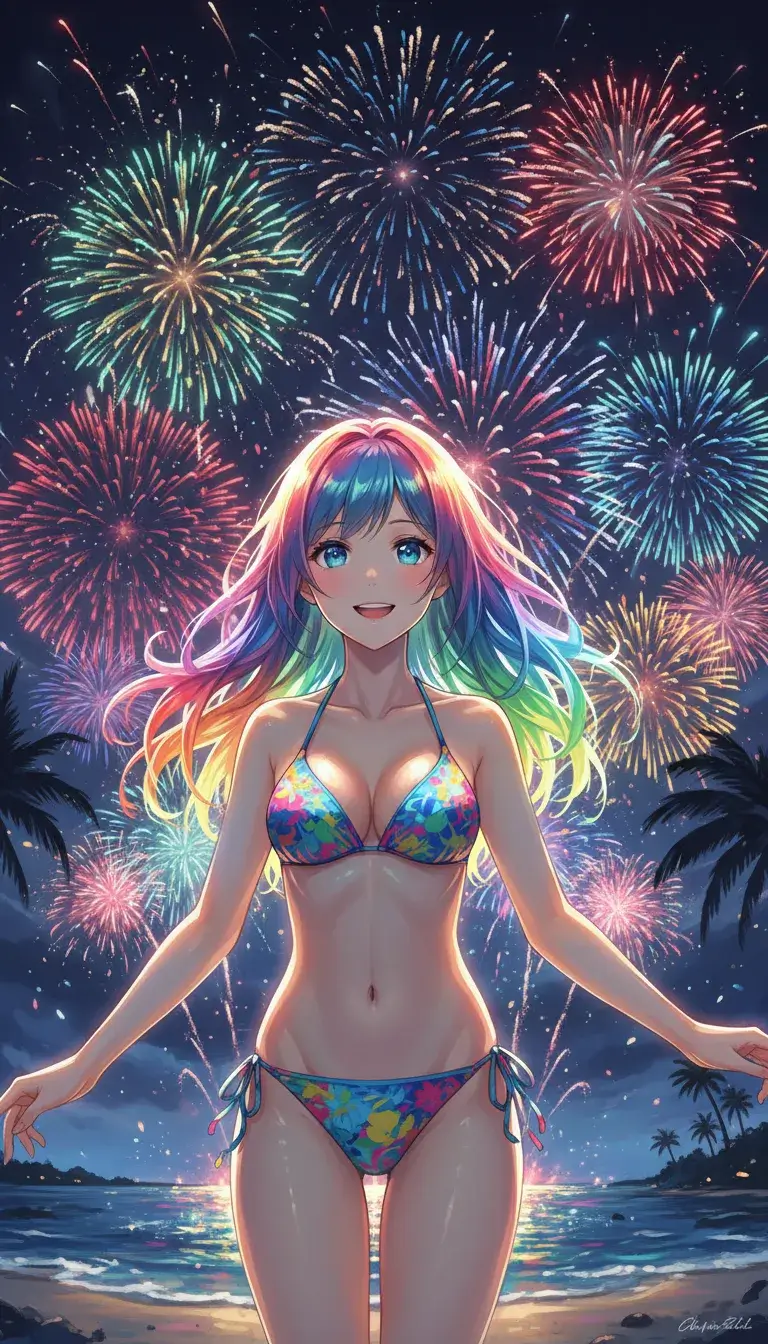
Crano AI is a web-based image generator and editor aimed at creators who publish on YouTube, Instagram, TikTok and Facebook. The image tool sits inside a wider workspace that also lists video modes such as image to video, text to video, reference to video, a video editor, a video extender and motion mimicry, so one account covers both stills and clips. Generation comes in three modes. Text to image turns a written prompt of up to 2,000 characters into illustrations, characters, environments or concept art. Image to image restyles or upgrades an existing picture. Reference image generation accepts up to three uploaded images so a character design or scene stays consistent across outputs. The interface exposes a model selector (a Lite V1.6 option is visible), an aspect setting, a resolution choice such as 2K and a count of outputs per run. Styles range from photorealistic to anime, manga, manhwa, oil painting and watercolor. The editing side covers photo restoration and colorization, adding, removing or changing objects, watermark removal, inpainting, style transfer, translation of text inside an image, and upscaling to HD or 4K. Typical use cases listed include product showcases, social media visuals, comic and manga art, marketing and advertising material, educational diagrams, logo and branding concepts, fashion and hairstyle visualization, and technical or medical illustrations. In practice the workflow is short: enter a prompt or upload an image, wait roughly 5 to 15 seconds for results, refine with the editing tools or regenerate with different parameters, then download or share. An explore page gathers sample images and videos with reference prompts, which helps new users learn what each model does well. Crano AI fits between single-purpose upscalers or background removers and larger generative suites. Its draw is combining generation, multi-reference consistency and cleanup tools behind one free-to-start interface, though 4K export is tied to a Pro subscription, so heavy or professional use will likely involve paying.
The tool is presented as a free AI image generator and editor, but the homepage does not detail free-tier limits or a formal trial.
Learn moreThe homepage describes the generator as free to start and says 4K export requires a Pro subscription. No prices or credit limits are listed.
Learn moreText to image, image to image and multi-reference generation; photo restoration, colorization, object remove/add/change, watermark removal, inpainting, style transfer, image text translation and HD or 4K upscaling. Also lists video tools such as image to video and text to video.
 AI Angels400+ customizable AI girlfriends for NSFW chat, voice calls, and roleplay
 Candy AIExperience the future of companionship with AI friends who chat, role-play, and connect with you on a human level.
 ourdream.aiA vast AI roleplay platform with millions of characters for chat, images, video and voiceAI Angels400+ customizable AI girlfriends for NSFW chat, voice calls, and roleplayCandy AIExperience the future of companionship with AI friends who chat, role-play, and connect with you on a human level.ourdream.aiA vast AI roleplay platform with millions of characters for chat, images, video and voice