Free trial
The homepage repeatedly links to "Try CreatView Free," indicating a free way to test the tool, though duration and feature limits of the trial are not specified.
Learn moreTurns a brief, script, image, or product link into a publish-ready marketing video.

creatview is a bulk video generator tool that turns a brief, script, image, or product link into a publish-ready marketing video. CreatView is an AI video generator that plans scenes, routes work across multiple video and image models, and turns briefs, scripts, images, or product links into publish-ready marketing videos with voiceover and captions.
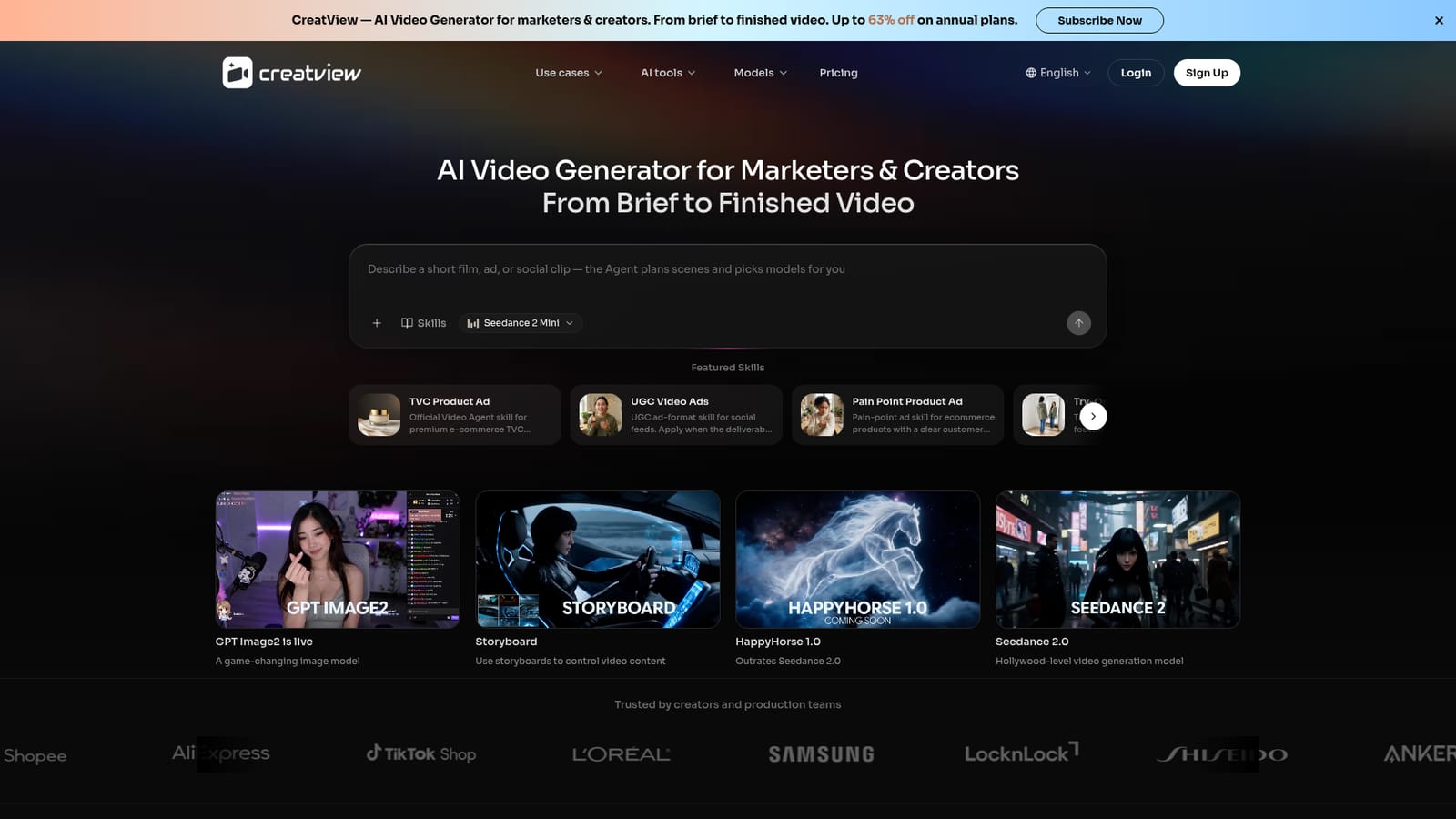
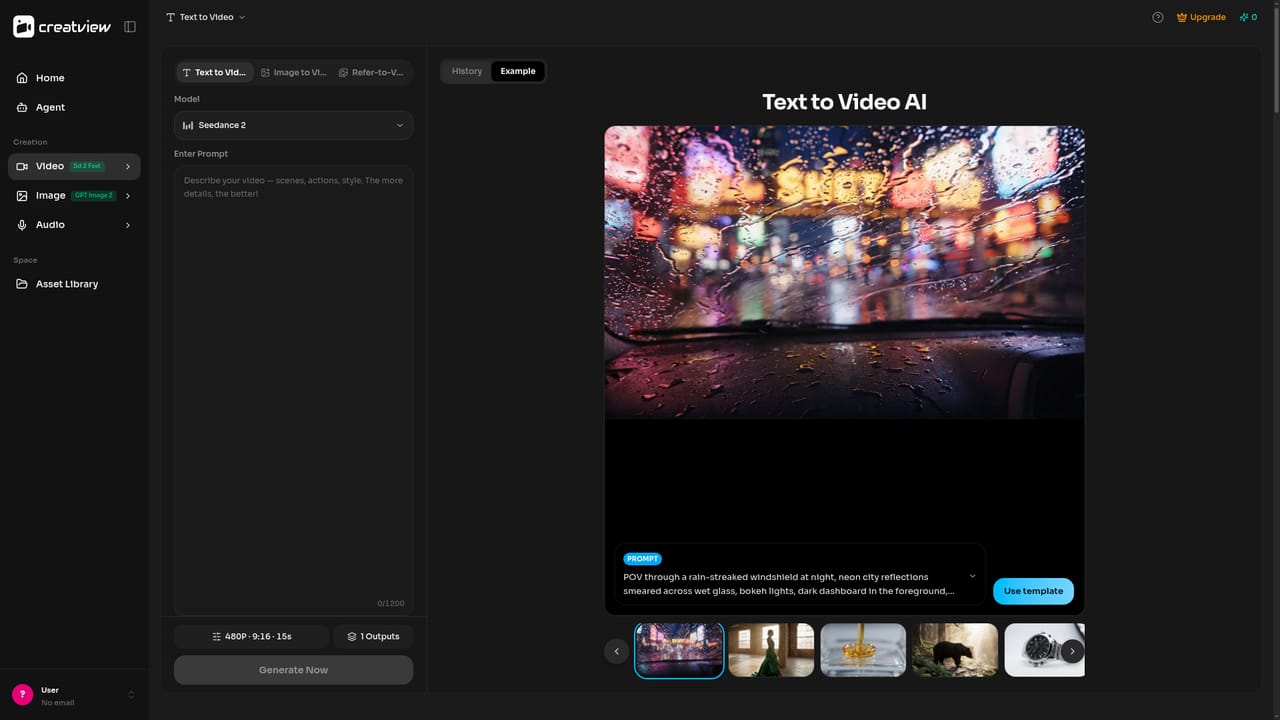
CreatView is a web-based AI video generator built for marketers, e-commerce sellers, and short-form content creators who need finished video without running a full production pipeline. It accepts a wide range of starting points, a written brief, a script, a reference video URL, a product photo, or a product page link, and turns that input into a scene-by-scene plan before generating footage. In practice, the workspace behaves like an agent rather than a template picker. It breaks a brief into scenes, selects which underlying model (Sora 2, Veo 3.1, Seedance 2.0, Nano Banana, and others) best suits each shot, drafts a storyboard, and generates frames and clips that the user can review as the cut is assembled. Revisions happen through plain-language feedback instead of manual timeline editing, and the tool keeps prior context so ongoing projects do not require re-briefing from scratch. A library of preset production skills, such as UGC-style ads, before/after demos, try-on videos, and cinematic techniques, gives structured starting points for common commercial formats. Finished output can include voiceover, subtitles, background music, and localized variants across multiple languages, exported in HD. The tool is positioned for people who currently juggle separate design and editing software or who outsource repetitive ad and social video production. E-commerce teams can turn product listings into shoppable shorts, agencies can clone the structure of a proven reference video, and social creators can generate platform-fit cuts for TikTok, Reels, and Shorts without a crew. It sits alongside other AI video generators and text-to-video tools, but distinguishes itself through end-to-end scene planning, model routing within one subscription, and reference-video recreation rather than a single-prompt-to-clip workflow. It is not aimed at frame-level cinematography control or manual timeline editors who want granular manual adjustment.
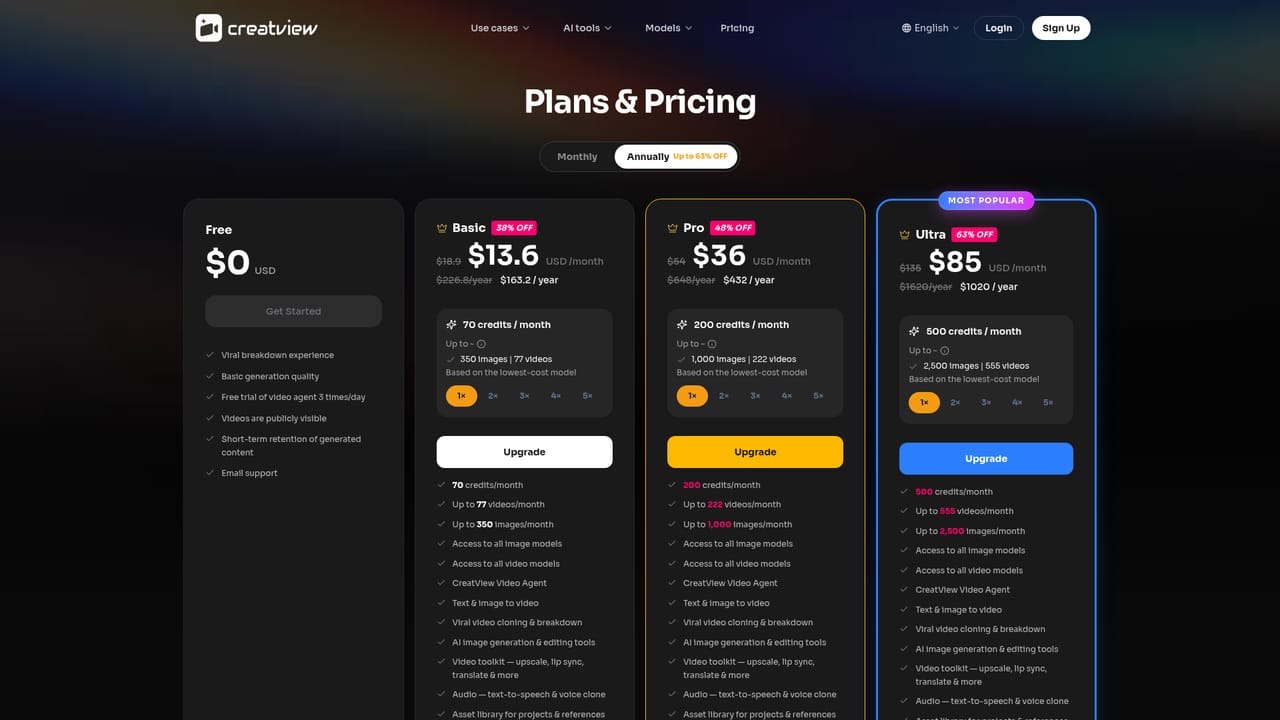
The homepage repeatedly links to "Try CreatView Free," indicating a free way to test the tool, though duration and feature limits of the trial are not specified.
Learn moreCreatView is subscription-based, with annual plans advertised at up to 63% off compared to monthly pricing. Exact tier prices and limits are not stated on the homepage.
Learn moreCreatView integrates multiple underlying generation models (Sora 2, Veo 3.1, Seedance 2.0, Nano Banana, and others) within one workspace rather than listing third-party software integrations.
Scene-by-scene planning from briefs, scripts, images, or product URLs; multi-model routing (Sora 2, Veo 3.1, Seedance 2.0, Nano Banana, and more); reference video recreation; plain-language revision; platform auto-fit exports; voiceover, captions, and localization in 30+ languages; preset ad-format skills.
Learn more AI Angels400+ customizable AI girlfriends for NSFW chat, voice calls, and roleplay
 Candy AIExperience the future of companionship with AI friends who chat, role-play, and connect with you on a human level.
 ourdream.aiA vast AI roleplay platform with millions of characters for chat, images, video and voiceAI Angels400+ customizable AI girlfriends for NSFW chat, voice calls, and roleplayCandy AIExperience the future of companionship with AI friends who chat, role-play, and connect with you on a human level.ourdream.aiA vast AI roleplay platform with millions of characters for chat, images, video and voice


