What image to video tools do
Image to video tools take a still photo or reference image, often paired with a short text prompt, and return a moving clip. They are built for marketers, social creators, online sellers and hobbyists who want motion without a camera, an editor or keyframing skills. In practice they replace stock footage, basic motion graphics and the manual work of animating a single picture.
How to choose one
Start with the input. Some tools accept one photo plus a prompt, others want two portraits, a photo with an audio clip, or a reference image that steers a directed shot. Match that to the material you already have.
Next, look at the output: clip length, resolution, whether sound is included, and whether the result is a general cinematic clip or a fixed template. Then consider model access. A single proprietary model gives a consistent look, while multi-model workspaces let you try several engines in one place.
Pricing matters because nearly every tool here is freemium or credit-based. Check what the free tier allows and how quickly credits are spent. Finally, check the platform: almost all run in the browser, and only a few add iOS and Android apps. Anyone arriving from a search such as img2video ai or img2video should compare these points before picking a tool.
Notable tools
ClipTrend turns any photo into a trending AI video in one click, so no prompt skills are required.
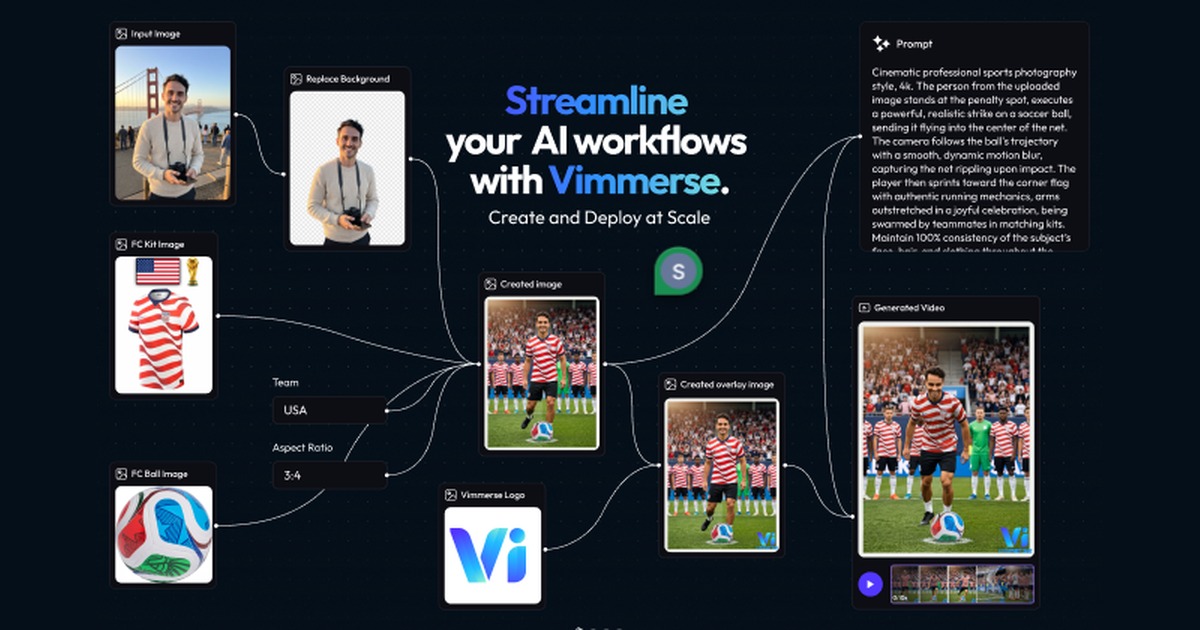
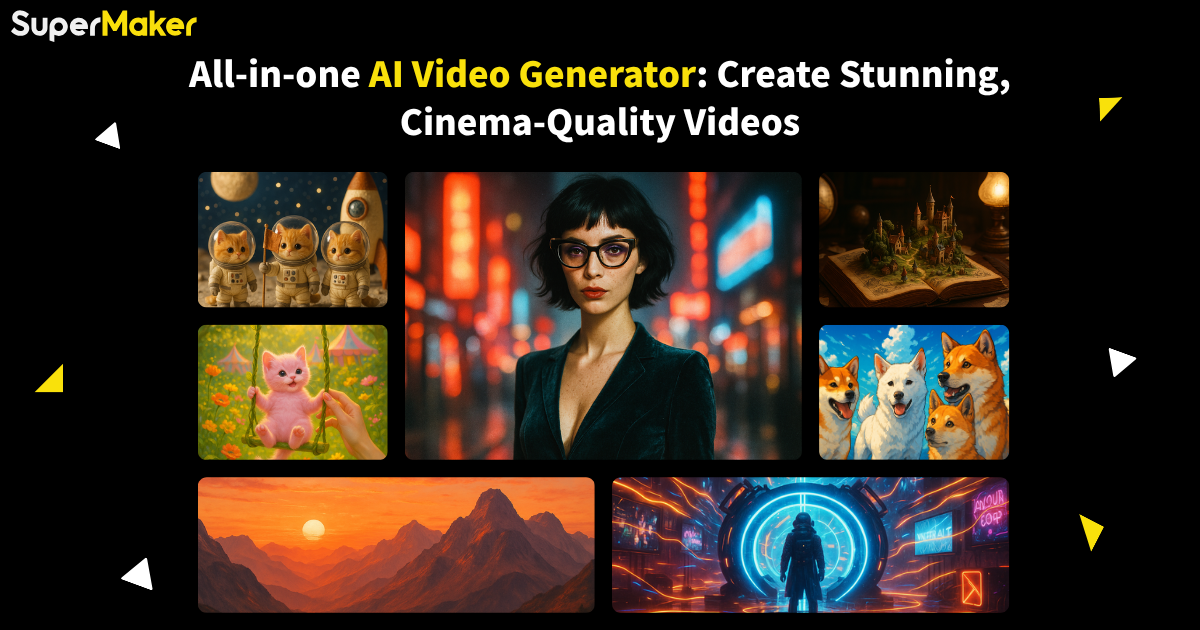
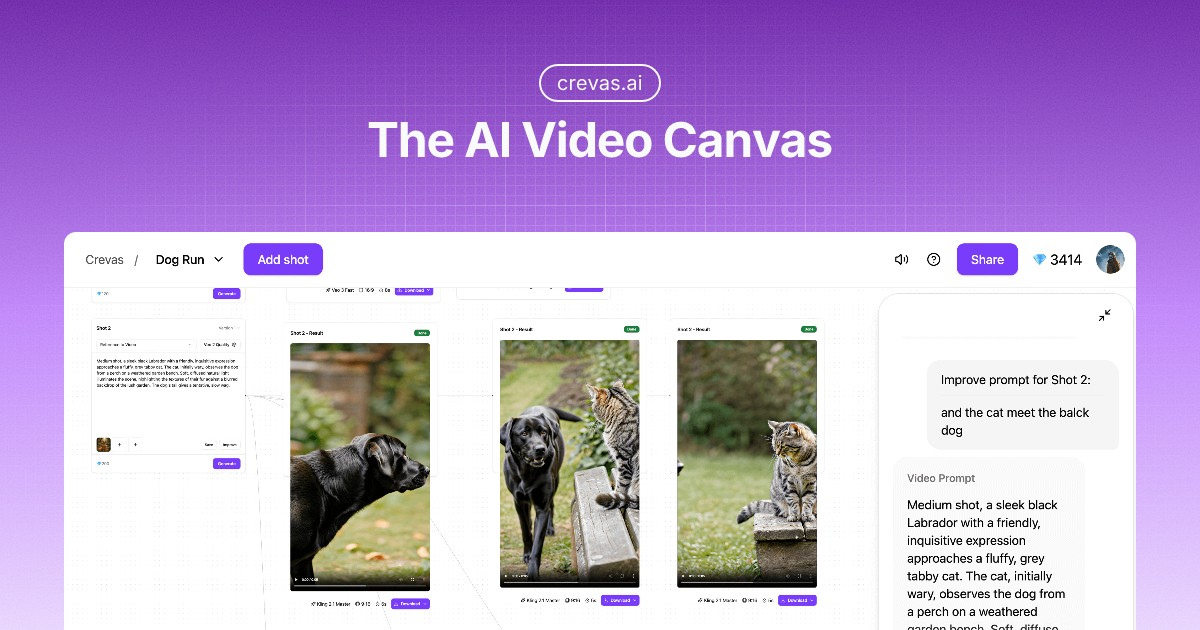
Animon - AI Video Generator puts 10+ AI video models in one dashboard, with text or an image going in and a finished clip coming out.
PixVerse runs on its own proprietary video models and covers cinematic clips, ad shorts and interactive worlds.
Wan Video is Alibaba's studio for text and image to video, with a 30-second mode and apps for iOS and Android.
Gaga AI turns a photo and an audio clip into a talking avatar video.
ltx 2.5 is an open-weight model for 4K HDR video with multishot continuity and local control, available on web, iOS and Android.
Common questions
What does image to video mean?
It means generating a short video from a still image. The picture sets the subject and style, and the tool adds the motion, sometimes guided by a text prompt or audio.
Do I need prompt skills?
Not always. Template-style tools such as ClipTrend aim to work from the photo alone, while reference-driven tools reward a clear description of the shot you want.
Can I try one for free?
Many offer a free tier or trial, including Wan Video (freemium) and ltx 2.5 (free and paid). Limits differ, so check credits and clip length first.
When to look elsewhere
If the goal is a presenter or spokesperson speaking on camera, the Video Avatars category is a closer fit. For clips built around a song and its words, the Lyric Video Generator category is more specific.