
Free trial
A one-week free trial is offered, started from the app sign-up link. No card terms or feature limits for the trial are stated on the homepage.
Learn moreTelegram-native CRM with multi-account outreach and lead research
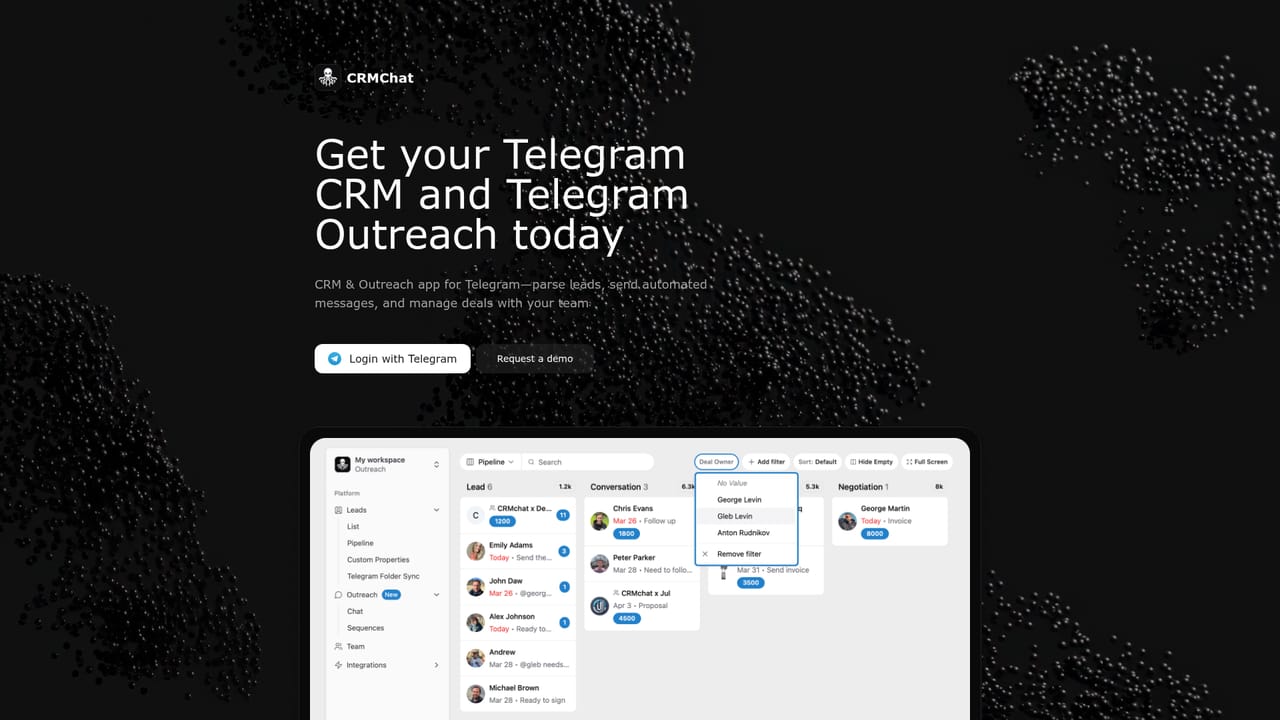
CRM Chat is an AI chat bot tool. A Telegram-native sales platform combining a deal pipeline, multi-account automated outreach sequences and a group parser for lead research. Built for Web3, iGaming, agency and lead generation teams whose buyers live in Telegram chats.
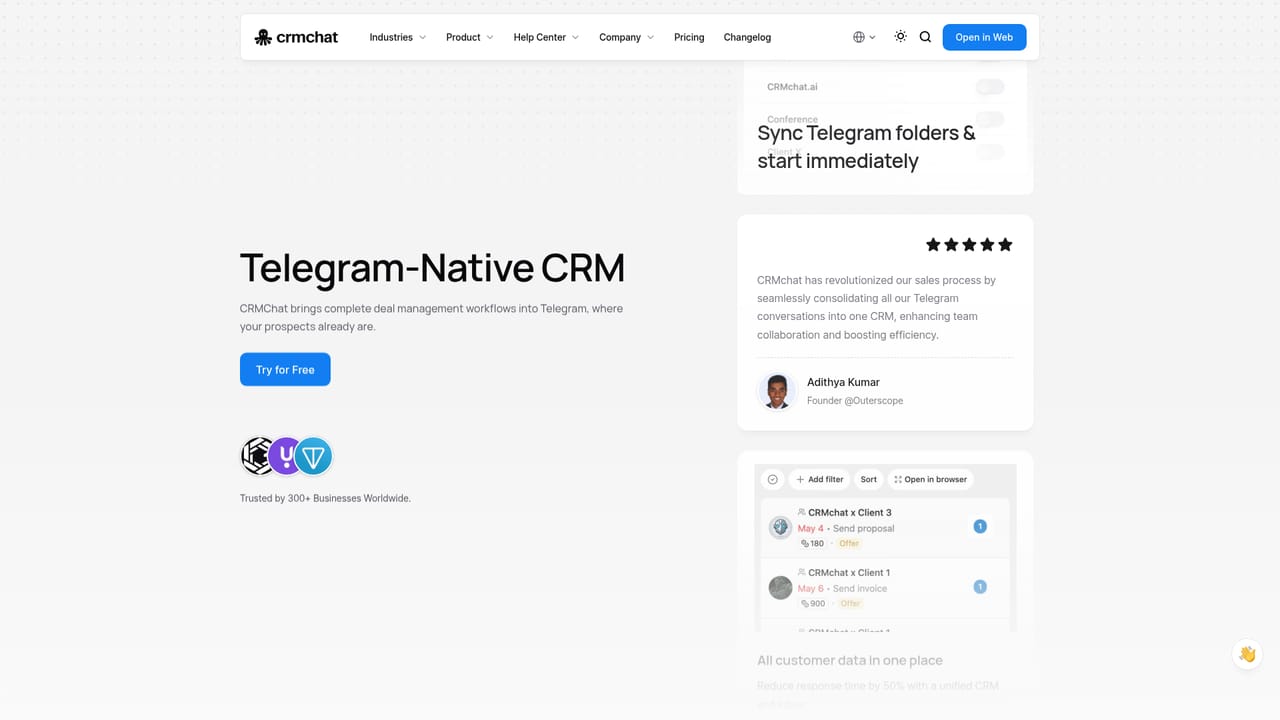
CRM Chat is a sales platform built around Telegram rather than bolted onto it. Instead of exporting conversations from messenger into a separate CRM, the pipeline, the deal records, the task assignments and the outbound messaging all run inside one dashboard that sits on top of Telegram. The product bundles three things that are usually sold separately: lead research (a Telegram group parser for surfacing prospects), multi-account outreach with automated message sequences, and a conventional deal pipeline for tracking those conversations toward closure. The intended buyer is a Telegram-first sales team. The company cites 500+ customers and names Web3, iGaming, tech and lead generation agencies as its core segments, with TON Foundation and Solana Superteam appearing as references. Agencies get multiple workspaces so one operator can run outreach for several clients without mixing data. Creators are pointed to a separate bot product for handling fan conversations. Any team whose buyers live in Telegram groups and DMs can use it, but the case studies and blog material lean heavily on crypto exchanges, trading communities and affiliate sales, so a B2B SaaS team selling to enterprises will find less guidance here. In practice the workflow starts with research: the parser pulls prospects out of Telegram groups, contacts are imported, and campaigns are launched across several connected accounts at once. Sequences handle the follow-up automatically, and the platform is positioned as reducing the account restriction risk that comes with manual bulk messaging. Replies land in the CRM, where the team assigns tasks on deals, tracks progress and receives a morning digest of completed work. The interface is available as a web app and as a Telegram mini app on mobile. The honest positioning: it is a specialised tool, not a general CRM. Teams already standardised on HubSpot or Pipedrive (CRM Chat lists partnerships with both) should treat it as the Telegram outreach layer, not a replacement for the whole revenue stack. Its value scales with how much of your pipeline actually happens in Telegram chats.
A one-week free trial is offered, started from the app sign-up link. No card terms or feature limits for the trial are stated on the homepage.
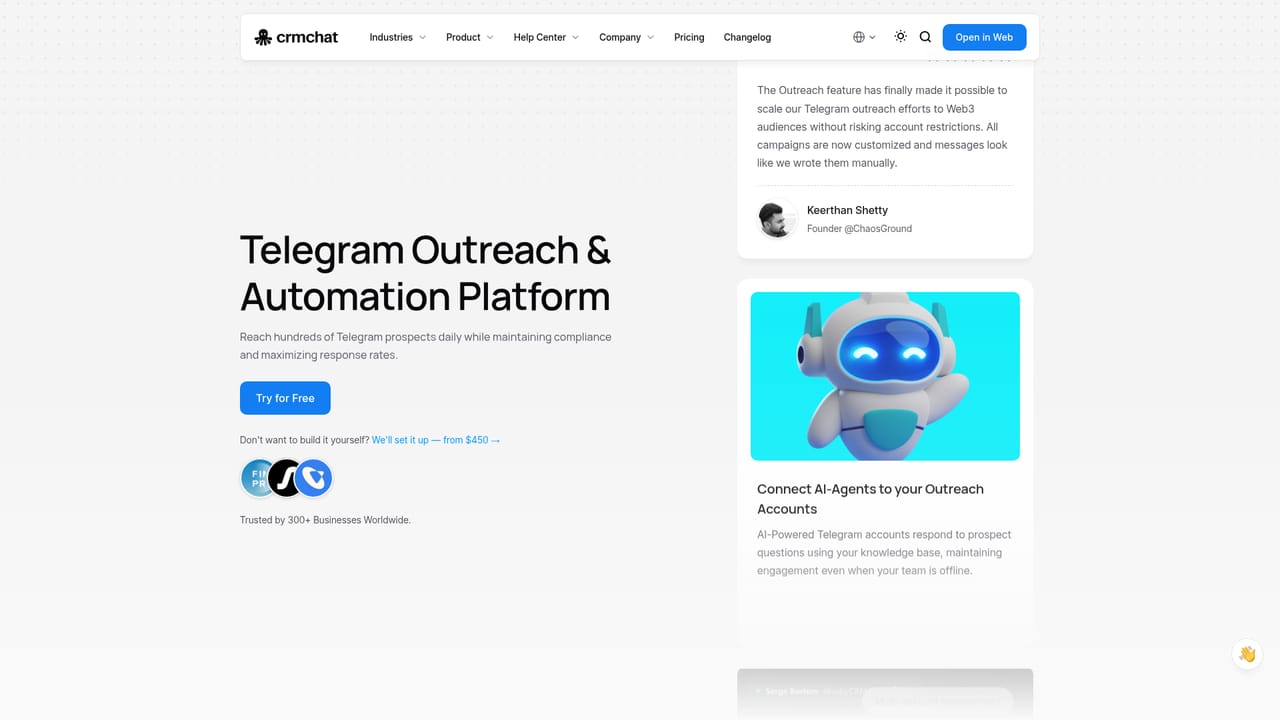
Learn moreThe homepage advertises a 1-week free trial but does not publish plan tiers or per-seat rates. It does note a done-for-you outreach setup service starting from $450 for teams that do not want to configure campaigns themselves.
Learn moreNo support channels, response times or help centre are described on the homepage. A paid setup service exists for teams that want campaigns configured for them.
The homepage states partnerships with HubSpot and Pipedrive but does not list specific native integrations or describe how data syncs between them.
Three modules in one dashboard: Telegram outreach with personalised multi-account sequences, a Telegram-native CRM pipeline with deal tracking and task assignment, and lead research tools including a Telegram group parser. Available as a web app and a Telegram mini app. The company reports 50K+ messages sent daily and a 20% average cold outreach response rate.
Learn more AI Angels400+ customizable AI girlfriends for NSFW chat, voice calls, and roleplay
 Candy AIExperience the future of companionship with AI friends who chat, role-play, and connect with you on a human level.
 ourdream.aiA vast AI roleplay platform with millions of characters for chat, images, video and voiceAI Angels400+ customizable AI girlfriends for NSFW chat, voice calls, and roleplayCandy AIExperience the future of companionship with AI friends who chat, role-play, and connect with you on a human level.ourdream.aiA vast AI roleplay platform with millions of characters for chat, images, video and voice


