Free trial
The homepage invites visitors to try sample images and the web app, and the meta description says to try it free, but no trial length or free plan limits are stated on the page.
Learn moreBulk resize, crop and edit Shopify product photos with automated recipes
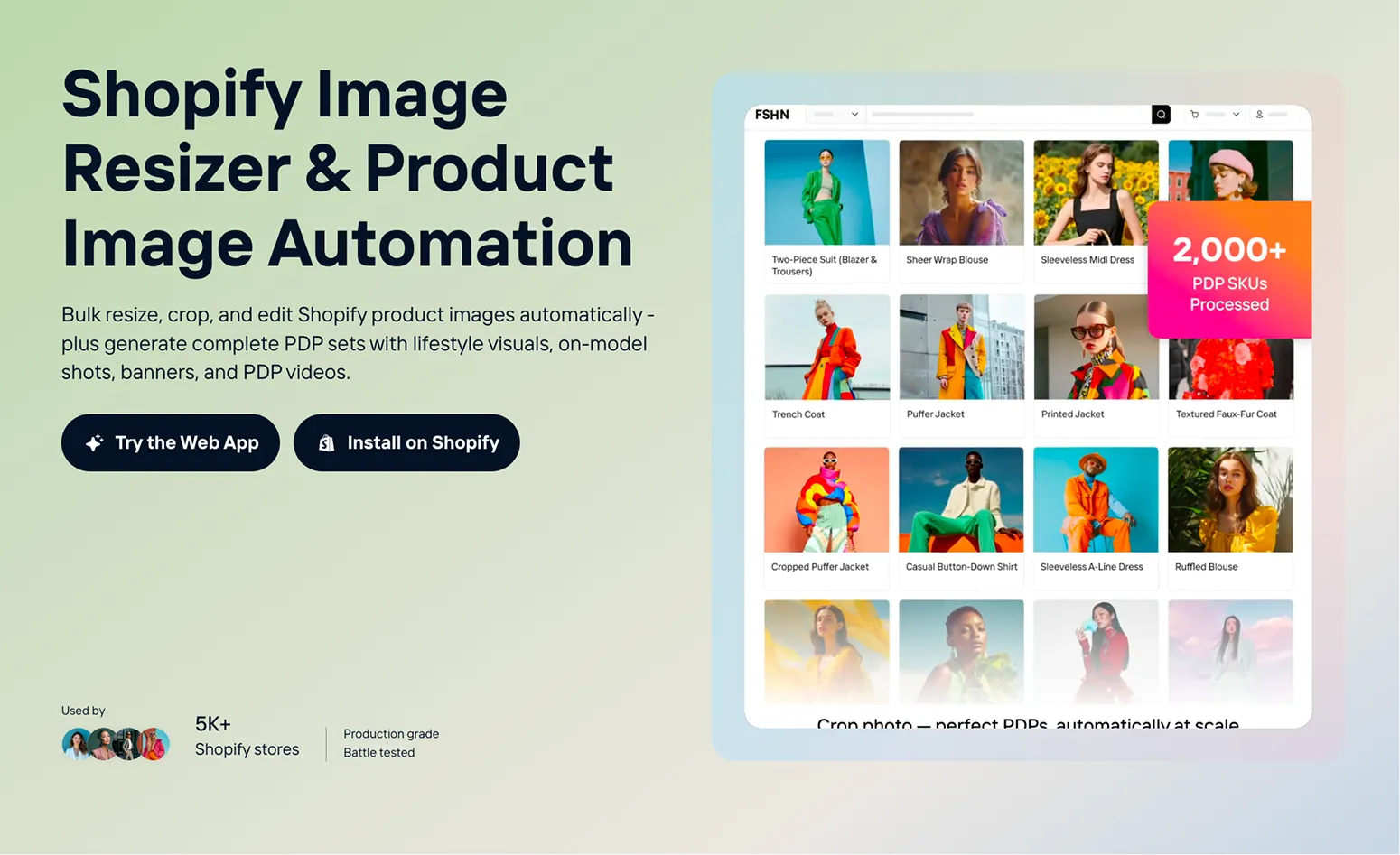
Crop.photo automates Shopify product image work: bulk cropping, resizing and background cleanup, plus generated lifestyle shots, on-model visuals, PDP videos and banners, delivered through pre-built recipes, a web app and a Shopify app.
Crop.photo is a product image automation platform aimed at ecommerce teams that publish large catalogs. It handles the unglamorous work behind a clean product detail page: resizing thousands of SKU photos to the right ratios, cropping apparel, accessories and shoes to a consistent frame, aligning flat lays and model shots, and cleaning up or replacing backgrounds. The site positions this as a replacement for the manual retouching loop that slows down every catalog update. The system is built around Recipes, which are pre-built AI workflows. Rather than editing one image at a time, a team picks a recipe (for example a mens full body crop, a street lifestyle shoe crop, or a vertical video frame prep) and runs it across an entire batch. The homepage claims a single bulk workflow can process more than 40,000 images, and that 5,000+ Shopify stores use the product. Outputs go beyond resizing: studio background shots, lifestyle images, on-model visuals, short product videos and campaign banners for homepages, collection headers and email creatives can all be generated from product photos. Practically, it fits two kinds of buyers. Small merchants can upload a handful of images to a recipe in the browser and get formatted assets back without a designer. Larger Shopify Plus operations with multi-store or multi-brand setups can lean on the API to plug asset generation into PIM workflows and push finished images back to the catalog. An installable Shopify app covers teams that prefer to stay inside the admin. The tradeoff is positioning. Crop.photo is heavily tuned around ecommerce product imagery, so general-purpose photo editors and design suites will still be the better fit for non-catalog creative work. Teams should also check how recipe outputs look across their specific product categories before committing a whole catalog, since automated crops on unusual silhouettes are the usual weak point of this class of tool.
The homepage invites visitors to try sample images and the web app, and the meta description says to try it free, but no trial length or free plan limits are stated on the page.
Learn moreThe product ships as a Shopify app and a standalone web app, and an API is available for integrating asset generation into Shopify PIM workflows and pushing outputs back to the product catalog.
Learn moreBulk auto-crop for apparel, accessories and shoes; auto-resize for PDPs, Instagram and Meta Ads; background cleanup or branded backgrounds; flat lay and model shot alignment; generated studio, lifestyle and on-model visuals; short PDP videos; campaign banners for homepage, collection and email; 50+ Shopify recipes; API access for PIM workflows.
Learn more AI Angels400+ customizable AI girlfriends for NSFW chat, voice calls, and roleplay
 Candy AIExperience the future of companionship with AI friends who chat, role-play, and connect with you on a human level.
 ourdream.aiA vast AI roleplay platform with millions of characters for chat, images, video and voiceAI Angels400+ customizable AI girlfriends for NSFW chat, voice calls, and roleplayCandy AIExperience the future of companionship with AI friends who chat, role-play, and connect with you on a human level.ourdream.aiA vast AI roleplay platform with millions of characters for chat, images, video and voice




