Free trial
Signing up grants one free trial credit with no credit card required. Free exports may include watermarks or size limits; paid plans remove those restrictions.
Learn moreAI photo editor for car dealers, portraits, and upscaling
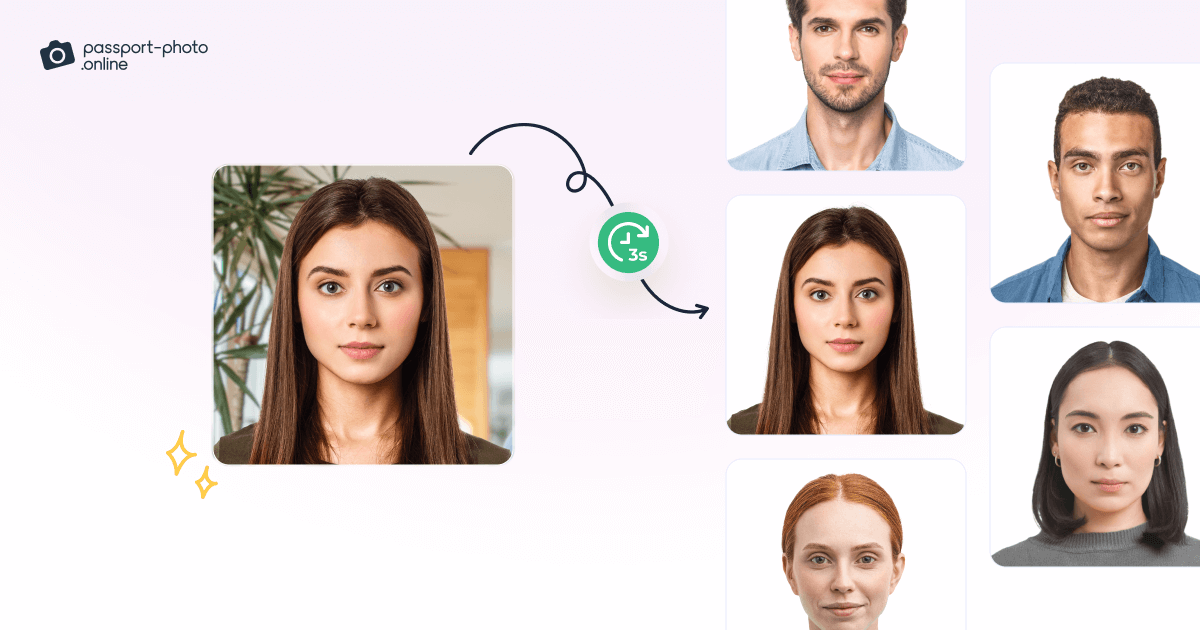
Photodot AI is an AI ID editor tool. A web-based AI photo editor with dedicated tools for car listings, portrait and ID photos, upscaling, and background removal, aimed at sellers and teams that need fast, repeatable edits without installing software.
Photodot AI is a browser-based photo editing suite built around a small set of focused tools rather than a general-purpose canvas. The current lineup covers car photography, portrait retouching, image upscaling, and background removal. Each tool is tuned for a specific job: the car editor handles color changes, lighting and reflection fixes, object removal, and background cleanup for listing-ready images, while the portrait editor targets passport photos and headshots with preset sizes and compliant backgrounds. The upscaler pushes images to 2x or 4x and applies noise reduction and sharpening, which suits ecommerce and print assets. The product is clearly aimed at people who need repeatable results without learning layer-based software. Car dealers and marketplace sellers can turn mixed phone photos into consistent listings; job seekers and HR teams can generate compliant ID and headshot images; small marketing teams can clean up product shots before publishing. The workflow is upload, pick a tool, adjust the suggested output, then export. The site reports most edits finishing in seconds, and paid plans remove watermark and quality limits. No installation is required, which keeps the barrier low for teams working across devices. Compared with broad editors such as Photoshop or Canva, Photodot AI trades flexibility for speed and a narrow set of tasks. It will not replace a full retouching pipeline for creative work, and several advertised modules (brand-consistent design composition, reference-guided generation) are marked coming soon, so buyers should judge it on the live car, portrait, enhance, and background tools. A free trial credit lets you test output quality before committing to a subscription.
Signing up grants one free trial credit with no credit card required. Free exports may include watermarks or size limits; paid plans remove those restrictions.
Learn moreThe homepage advertises a free trial and paid plans that remove watermarks and unlock higher export quality. Subscription billing is handled through Stripe, and cancellation is available from the profile page with access continuing until the end of the billing period. Specific plan tiers and prices are not listed on the homepage; check the pricing page.
Learn moreSupport is handled through a profile-based account area for subscription management. The homepage does not list email, chat, or documentation channels.
Live tools include an AI car editor (color changes, background cleanup, lighting and reflection fixes, object removal), an AI portrait editor (preset sizes and compliant backgrounds for passports and headshots), a 2x/4x image upscaler with noise reduction, and a background remover with transparent PNG export. Brand design composition and reference-guided generation are marked coming soon.
 AI Angels400+ customizable AI girlfriends for NSFW chat, voice calls, and roleplay
 Candy AIExperience the future of companionship with AI friends who chat, role-play, and connect with you on a human level.
 ourdream.aiA vast AI roleplay platform with millions of characters for chat, images, video and voiceAI Angels400+ customizable AI girlfriends for NSFW chat, voice calls, and roleplayCandy AIExperience the future of companionship with AI friends who chat, role-play, and connect with you on a human level.ourdream.aiA vast AI roleplay platform with millions of characters for chat, images, video and voice