Free trial
The site states that a free trial is available and requires no credit card, though the exact limits of the trial are not described on the homepage.
Learn moreAI upscaling, restoration and background tools for photos and product shots.

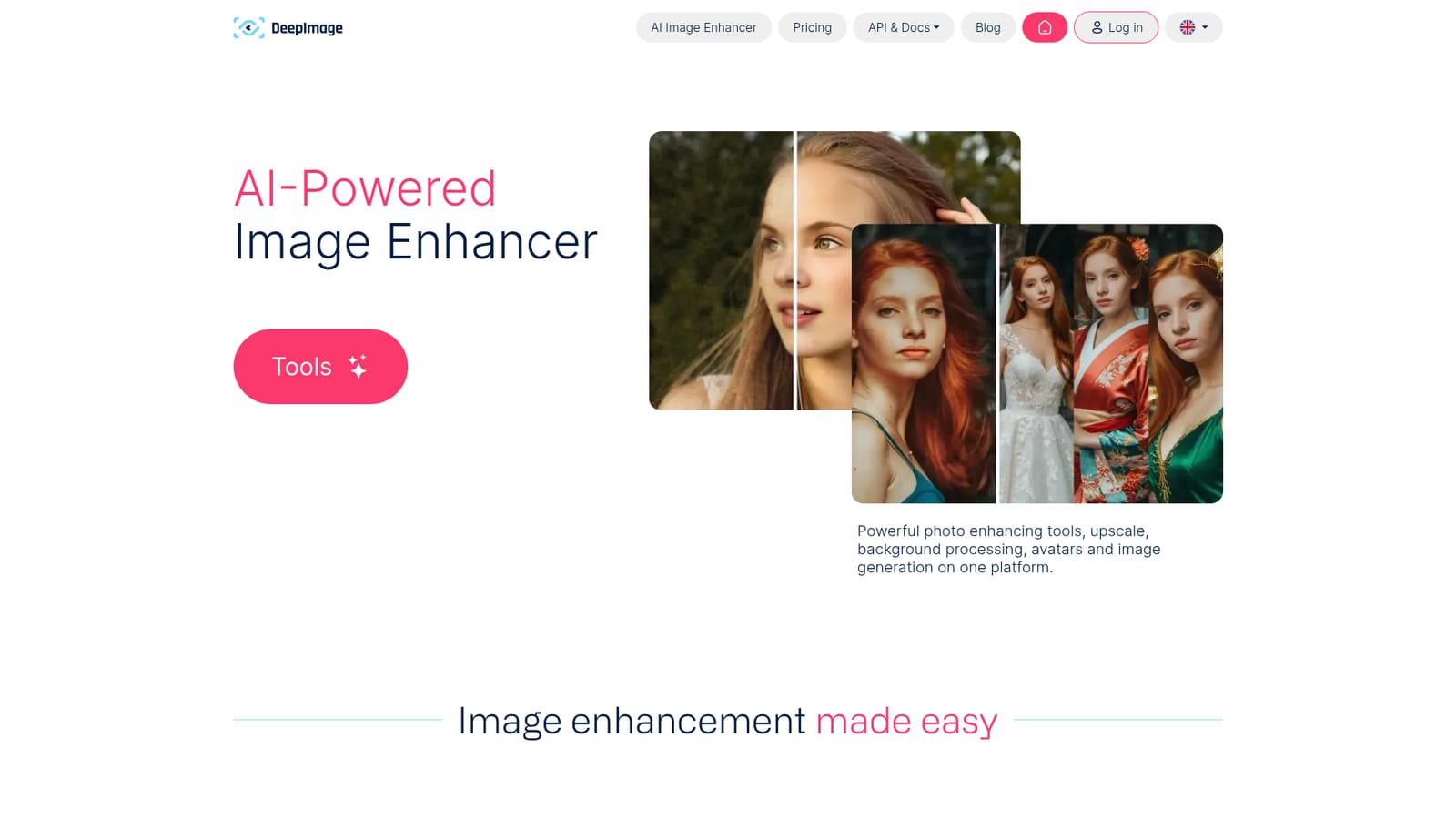
Deep Image is an AI upscaling and photo enhancement platform that enlarges images up to 300 megapixels, removes noise and blur, swaps backgrounds, restores old photos, and generates digital art and avatars. It offers batch processing, an API and Zapier, Make and cloud storage integrations, with a free trial that requires no credit card.
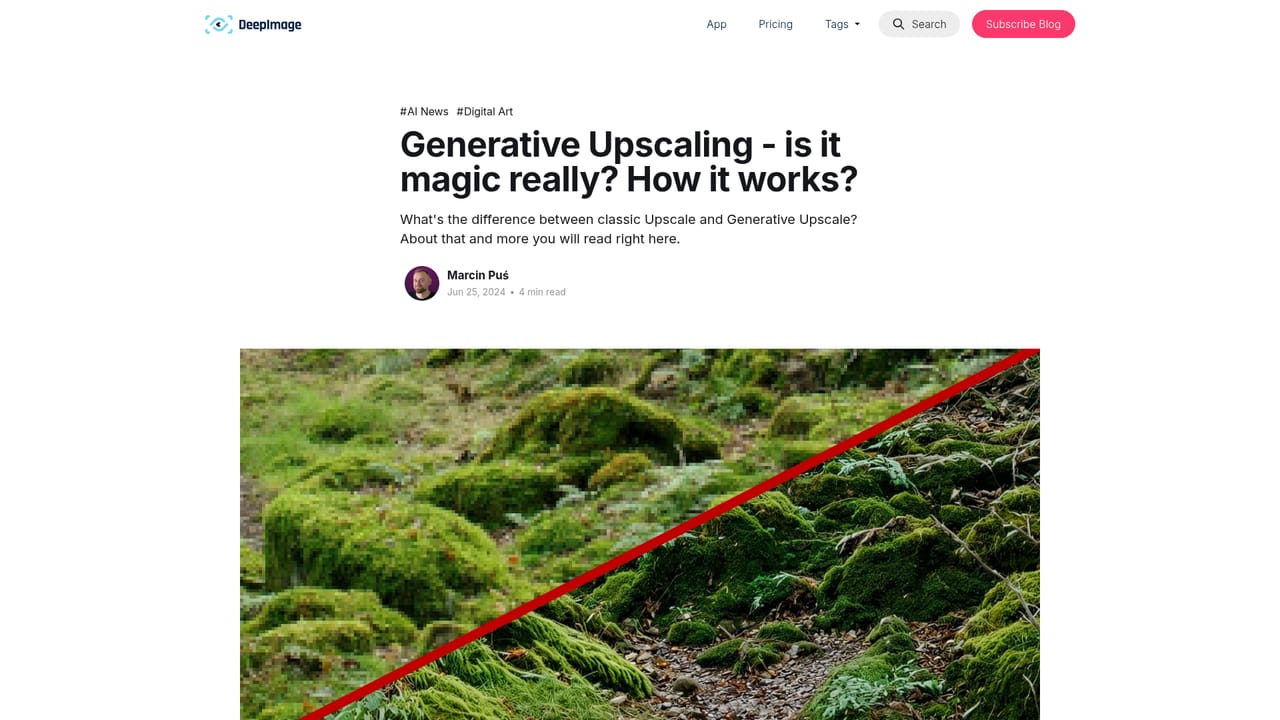
Deep Image is a web based image enhancement platform built around AI upscaling. The core tool enlarges photos and illustrations while preserving edges, removing noise from high ISO or low light shots, and sharpening blurry areas, including facial details. Users can push resolution to HD, 2K, 4K or even 300 megapixels, and batch processing handles up to 50 images at once. A second upscaling mode, generative upscaling, takes a different approach: instead of staying strictly faithful to the source, it interprets the image and invents new detail that fits the scene, which helps when a photo is too degraded for conventional methods. Beyond upscaling, the platform bundles a set of related editing jobs. Backgrounds can be removed or swapped, and ecommerce sellers can generate new backdrops after cutting out a product. Color and lighting correction runs with one click. Separate flows cover old photo restoration, digital art generation from text prompts or image to image, avatar creation from a selfie, and Packshot Pro, a preset driven tool for preparing marketplace ready product photos in bulk. Real estate and print use cases get their own positioning, with upscaling aimed at meeting print DPI requirements and HDR style corrections for property listings. The tool is aimed at photographers, ecommerce operators, print shops and social media teams that routinely deal with source files too small or too noisy for their output channel. It also exposes an API, which makes it viable for automated pipelines, and integrations with Make, Zapier and cloud storage services such as Google Drive, Dropbox, OneDrive and AWS. Smaller jobs can be done in the browser with presets and comparison views, while heavier or repeatable work is better routed through the API. Compared with general purpose photo editors, Deep Image is narrower but faster for bulk enhancement; compared with pure upscalers, it covers more of the surrounding workflow, including background generation and avatar creation.
The site states that a free trial is available and requires no credit card, though the exact limits of the trial are not described on the homepage.
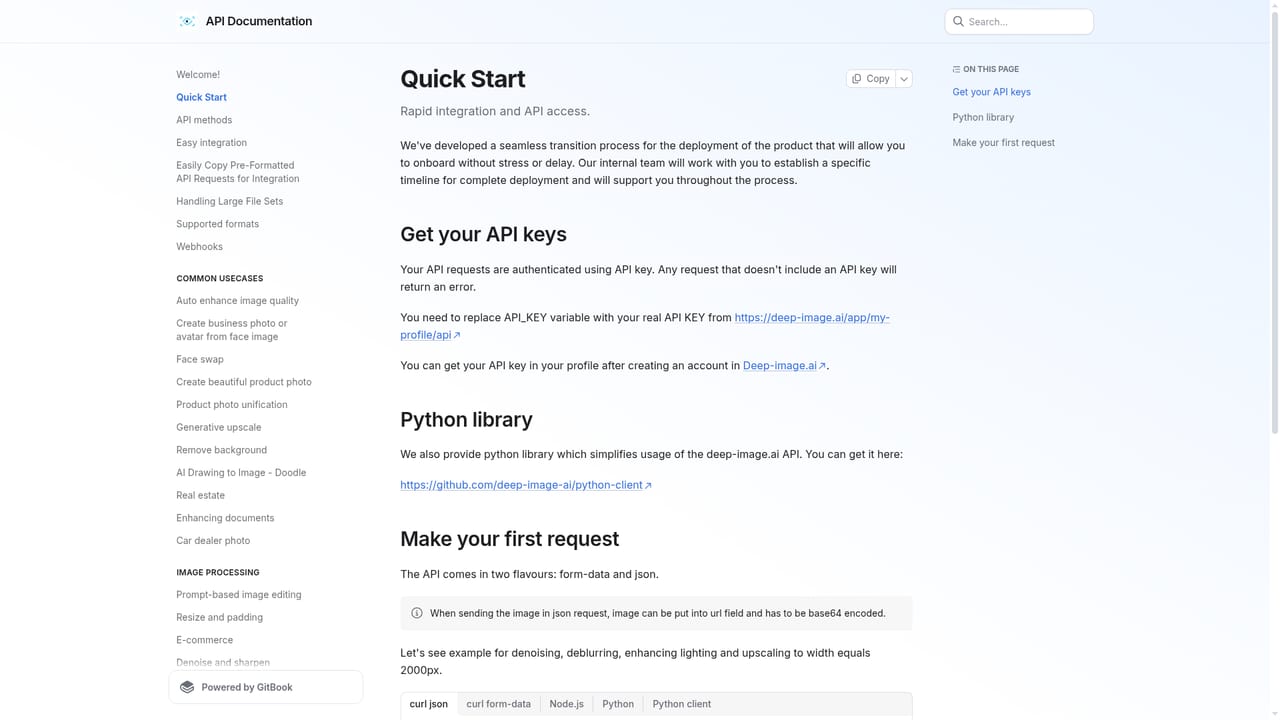
Learn moreThe platform connects with Make, Zapier, AWS, Google Drive, Dropbox and OneDrive, and offers a documented API for custom pipelines and automation.
Learn moreCore capabilities include AI upscaling up to 16 times or 300 megapixels, generative upscaling for heavily degraded images, noise removal, sharpening with face detail recovery, one click color and light correction, background removal and AI background generation, old photo restoration, digital art generation from prompts or image to image, avatar creation, Packshot Pro for bulk ecommerce product photos, and batch processing of up to 50 images.
 AI Angels400+ customizable AI girlfriends for NSFW chat, voice calls, and roleplay
 Candy AIExperience the future of companionship with AI friends who chat, role-play, and connect with you on a human level.
 ourdream.aiA vast AI roleplay platform with millions of characters for chat, images, video and voiceAI Angels400+ customizable AI girlfriends for NSFW chat, voice calls, and roleplayCandy AIExperience the future of companionship with AI friends who chat, role-play, and connect with you on a human level.ourdream.aiA vast AI roleplay platform with millions of characters for chat, images, video and voice