Integrations
A Shopify plugin handles bulk background removal inside the store admin, a developer API exposes the image models for custom builds, and native desktop and mobile apps cover Mac, Windows, iOS and Android.
One account for background removal, photo retouching and AI image generation.

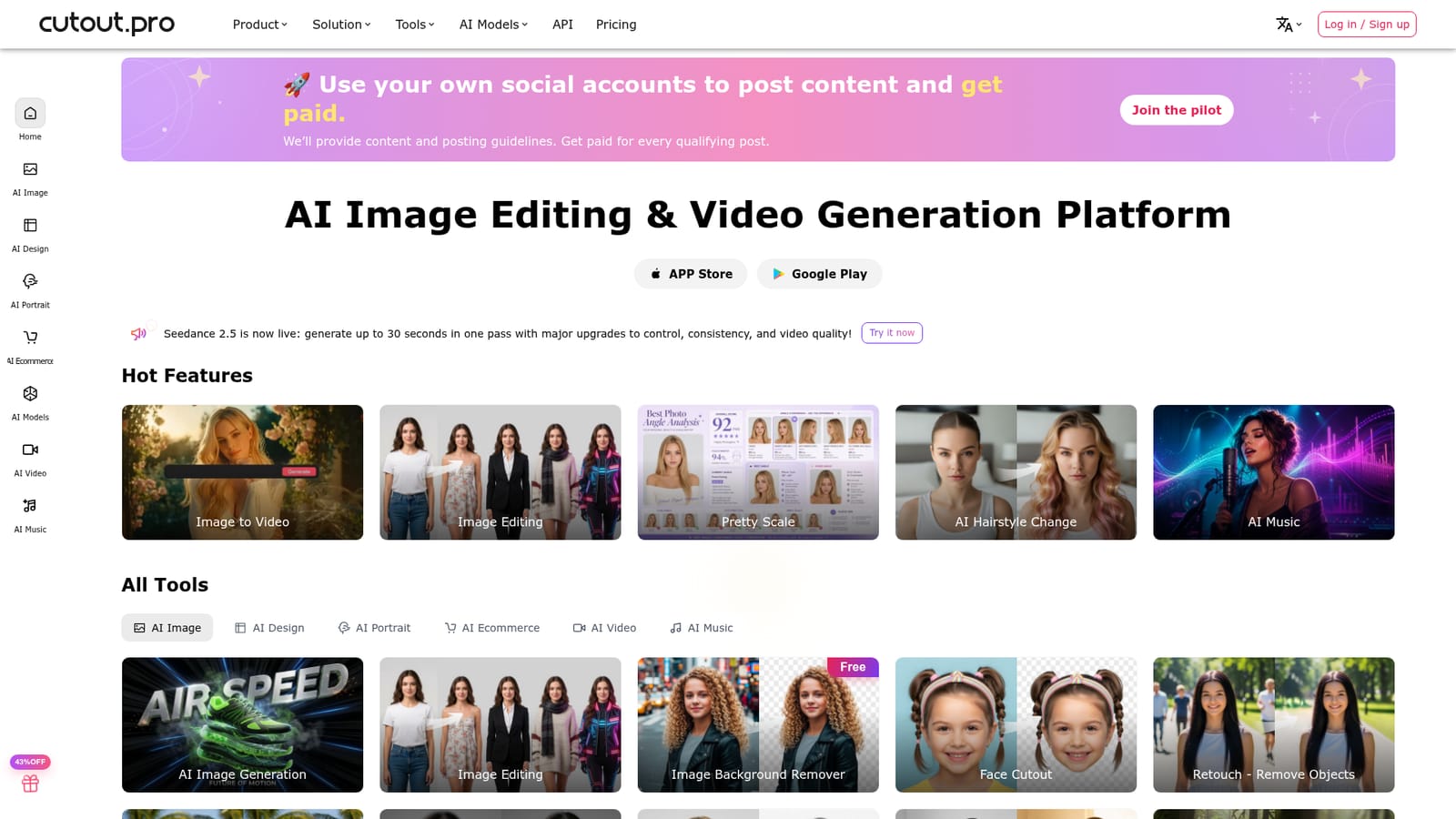
Cutout.Pro is an AI ID editor tool. A multi-tool AI image platform covering background removal, object retouching, upscaling, colorization, ID photos and a wide range of design and e-commerce generators, with third party models like Nano Banana and Seedream selectable in the editor, plus mobile and desktop apps plus a Shopify plugin and API.
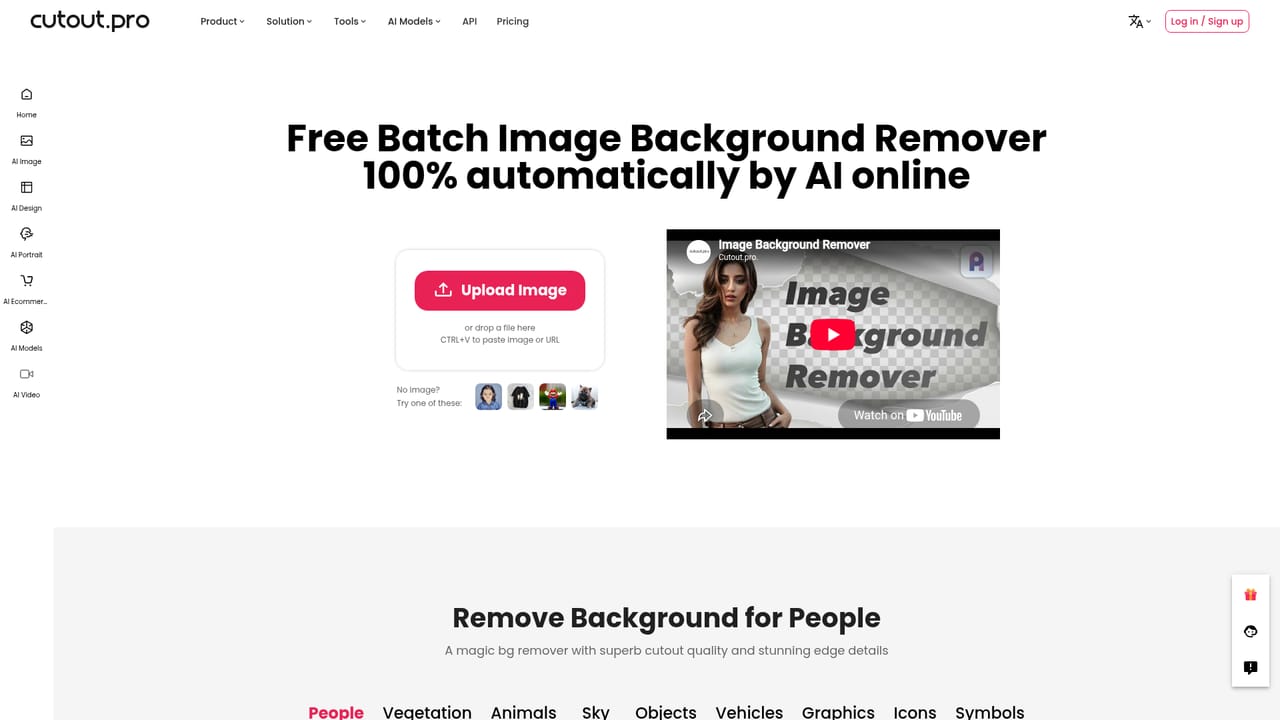
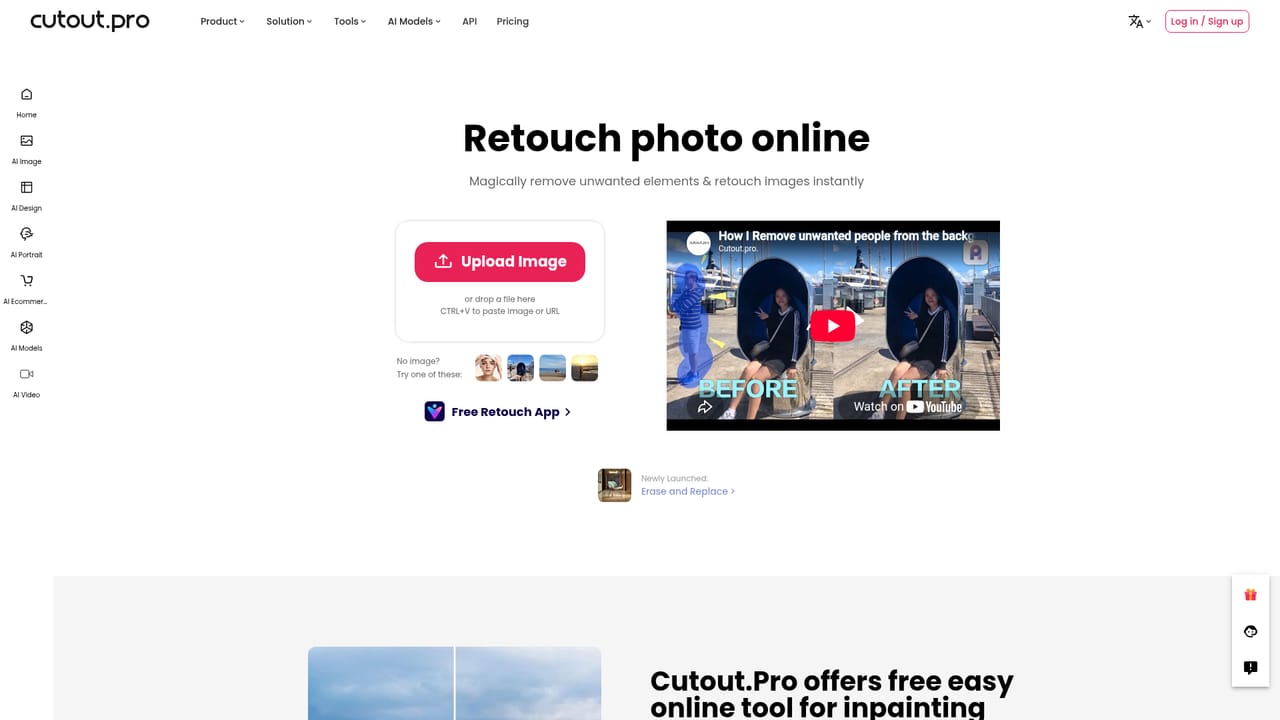
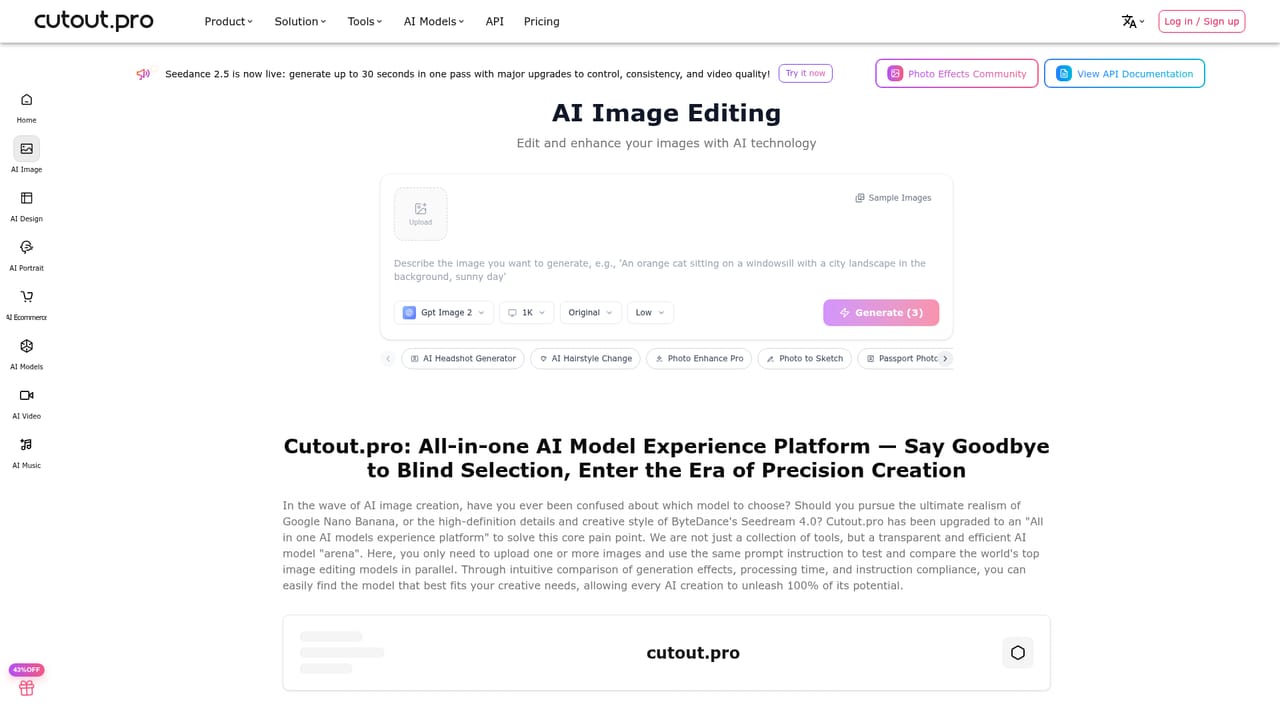
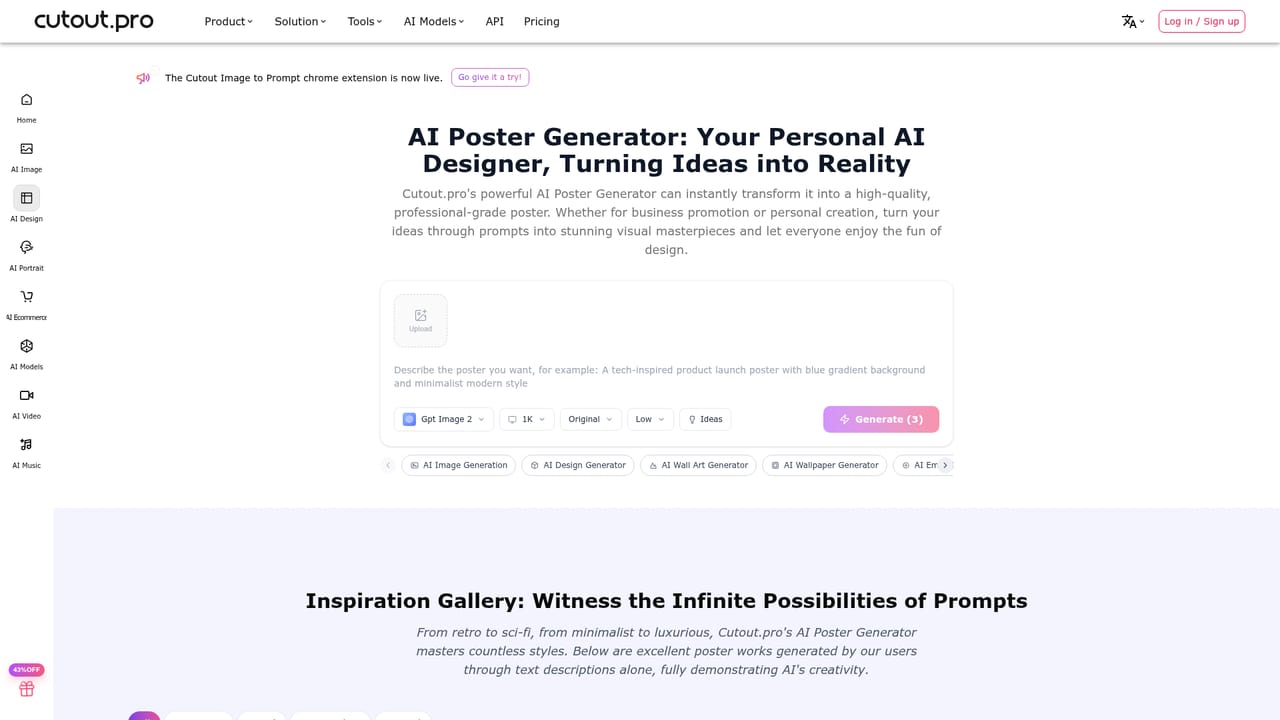
Cutout.Pro is a web platform that bundles a large set of image editing utilities, generative image tools and short-form video features under a single login. The core of the product is practical photo work: cutting subjects out of backgrounds, removing unwanted objects, sharpening and upscaling low quality files, colorizing black and white photos, converting photos to sketch, blurring backgrounds and generating passport style photos. Alongside those are creative generators for posters, wall art, wallpapers, greeting cards, coloring pages, embroidery patterns, tattoos, nail art, memes and headshots, plus a small AI music section. The service is aimed at people who need results without a desktop editor. E-commerce sellers use the background remover, product staging and virtual model tools to produce catalogue imagery. Freelance designers and social media operators reach for the poster, meme and design generators when a quick asset is needed. Individuals use the passport photo maker, the portrait and cartoon selfie tools, and the old photo restoration workflow. Developers get a separate API offering, and Shopify merchants can install a plugin that handles bulk background removal inside the store admin. In practice the workflow is tool-first rather than canvas-first: you pick the specific job from the tool grid, upload an image, let the model process it and download the result. The editing section is also where third party models are exposed, with named options such as Nano Banana, Seedream, Flux Krea, Gpt Image 2 and Imagen 4.0 sitting alongside the in-house Cutout Image model, so users can compare outputs from different engines on the same task. A model comparison page supports that side by side evaluation. Compared with single purpose background removers, Cutout.Pro is broader: the same subscription covers restoration, ID photos, print-on-demand artwork and basic video generation. Compared with a full creative suite it is shallower, trading layer based control for speed and preset driven output. It suits volume oriented, task specific work more than pixel level art direction.
A Shopify plugin handles bulk background removal inside the store admin, a developer API exposes the image models for custom builds, and native desktop and mobile apps cover Mac, Windows, iOS and Android.
Background removal, face and head cutout, object retouch, photo enhancer and upscaler, photo to sketch, colorizer, blur background and background diffusion. Design and commerce tools cover posters, wall art, wallpapers, greeting cards, coloring pages, embroidery, tattoos, nail art, memes, headshots, product staging and virtual models. Generative image uses selectable engines including Cutout Image, Nano Banana, Seedream, Flux Krea, Gpt Image 2 and Imagen 4.0, with a model comparison view.
Learn more AI Angels400+ customizable AI girlfriends for NSFW chat, voice calls, and roleplay
 Candy AIExperience the future of companionship with AI friends who chat, role-play, and connect with you on a human level.
 ourdream.aiA vast AI roleplay platform with millions of characters for chat, images, video and voiceAI Angels400+ customizable AI girlfriends for NSFW chat, voice calls, and roleplayCandy AIExperience the future of companionship with AI friends who chat, role-play, and connect with you on a human level.ourdream.aiA vast AI roleplay platform with millions of characters for chat, images, video and voice