What AI image upscalers do
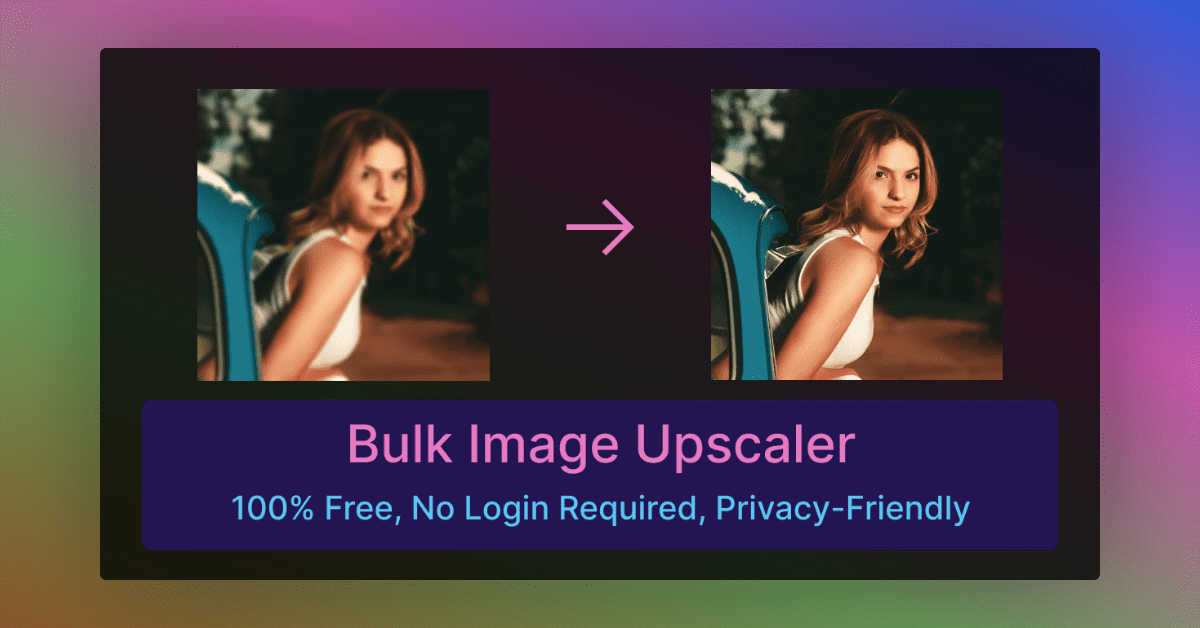
An AI image upscaler takes a small, soft or noisy picture and returns a larger, cleaner one. Instead of stretching pixels the way a basic resize does, the models predict plausible detail, which is why many of these tools advertise 4K output, denoising and blur repair. They replace manual sharpening in a photo editor and the old routine of hunting for a higher-resolution original.
The audience is wide: people restoring family photos, online sellers with weak product shots, designers working from low-resolution assets, and architects polishing 3D renders. Most tools here run in the browser, so nothing needs installing, while a few run on Windows, MacOS or Linux.
How to choose one
Start with price, since many readers want an AI image upscaler free of charge. Pricing labels on this page range from Free through Freemium to Paid and Subscription. Freemium usually means a free start with limits, so check what the free tier produces (output size, watermarks, daily quota) before uploading a batch.
Next, match the tool to the material. Old or damaged photos call for restoration features such as colorization. Product photos suit tools aimed at ad-ready images. Architectural renders suit a specialist. General snapshots are fine with a plain upscaler.
Then consider where it runs. A browser app is quick, while a desktop app keeps files on your own machine. Finally, decide how much else you want: some tools only upscale, others add prompt-based editing, generation or video in the same workspace.
Notable tools
PhotoGrid AI Image Enhancer is described as a free upscaler that turns dark, blurry photos into watermark-free 4K images. AIPhotoEnhancer.Pro is a browser-based upscaler with 4K output, denoising and blur repair, offered on a freemium basis.
Restore Old Photos.pro handles one-click restoration with 4K upscaling and optional colorization, and it is a paid tool. AVCLabs PhotoPro AI is a desktop editor for Windows and MacOS that restores, enhances and retouches images.
Vaethat is limited to architectural visualization, upscaling and refining 3D renders in one click on a subscription. ImageHub lists as free and bundles generating, fixing and restyling images in one browser toolkit.
Common questions
Is there a free AI image upscaler?
Yes, several. ImageHub is listed as Free, and many others, including PhotoGrid AI Image Enhancer and AIPhotoEnhancer.Pro, have a free entry point. Limits on size, quota or watermarks differ, so test one image first.
Can an upscaler fix blurry photos?
Many can. Tools on this page describe unblurring, denoising and blur repair alongside enlargement. Results depend on how much usable detail the original holds, and heavily degraded images may need restoration-focused tools instead.
Do I need to install anything?
Usually not. Most listings are web apps. AVCLabs PhotoPro AI and FaceFusion run on your own computer, and PhotoCat AI Image Extender also offers iOS and Android apps.
When to look elsewhere
If the goal is general clean-up rather than enlargement, the Image Enhancer category covers tools built around quality improvement. For animated files, the GIF Upscaler category is the closer match, since still-image upscalers are not built for frame sequences.