Free trial
The homepage presents the sparring page as free, with a Free sparring heading and no sign-up requirement visible. No paid plan is described.
Learn moreTake a side against an AI that argues back from any angle

DebateAI is an AIs debating each other tool that takes a side against an AI that argues back from any angle. DebateAI sets you against an AI opponent trained to argue any position. Enter a motion and an opponent, then spar.
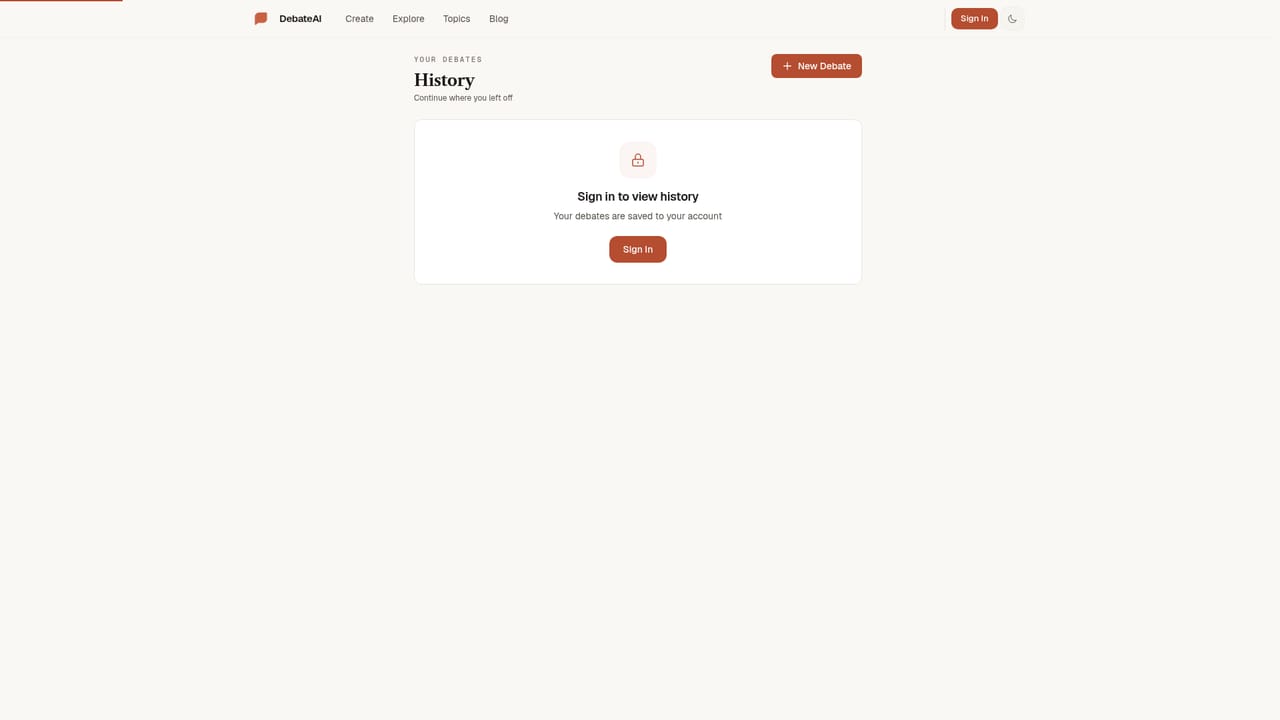
DebateAI is a sparring tool for anyone who wants to test an argument before taking it into the real world. The premise is simple: you name an opponent, you name a motion, and the AI takes the opposite or assigned position. The free sparring page asks for two things, an opponent description and the motion itself, each capped at 200 characters. From there the AI is trained to argue from any perspective, so the same motion can be tested against a hostile opponent, a sympathetic one, or someone simply playing devil's advocate. The tool suits a fairly wide audience. Students preparing for competition debate get a low-stakes way to rehearse openings and rebuttals. Writers and speakers can stress-test a claim before publishing it. Professionals with a contentious decision on their hands can hear the strongest counterargument without needing a colleague in the room. Casual users get a genuinely fun mode as well, and the sample motions on the page reflect that range, from whether morality is objective to whether Batman could beat Superman. In practice the workflow is deliberately minimal. You type the opponent into the first field, enter the motion into the second, and press Start Debate or the keyboard shortcut. A Need a motion helper offers preset questions if you cannot think of one. Sessions are recorded, and a separate History page lets you return to past debates rather than starting from nothing each time. Where it fits among alternatives is narrower than general chat assistants. DebateAI is built around the adversarial format rather than open-ended conversation, which makes it more focused for argument practice and less useful as a general research or writing tool. Anyone who wants a thinking partner that agrees will find this uncomfortable by design.
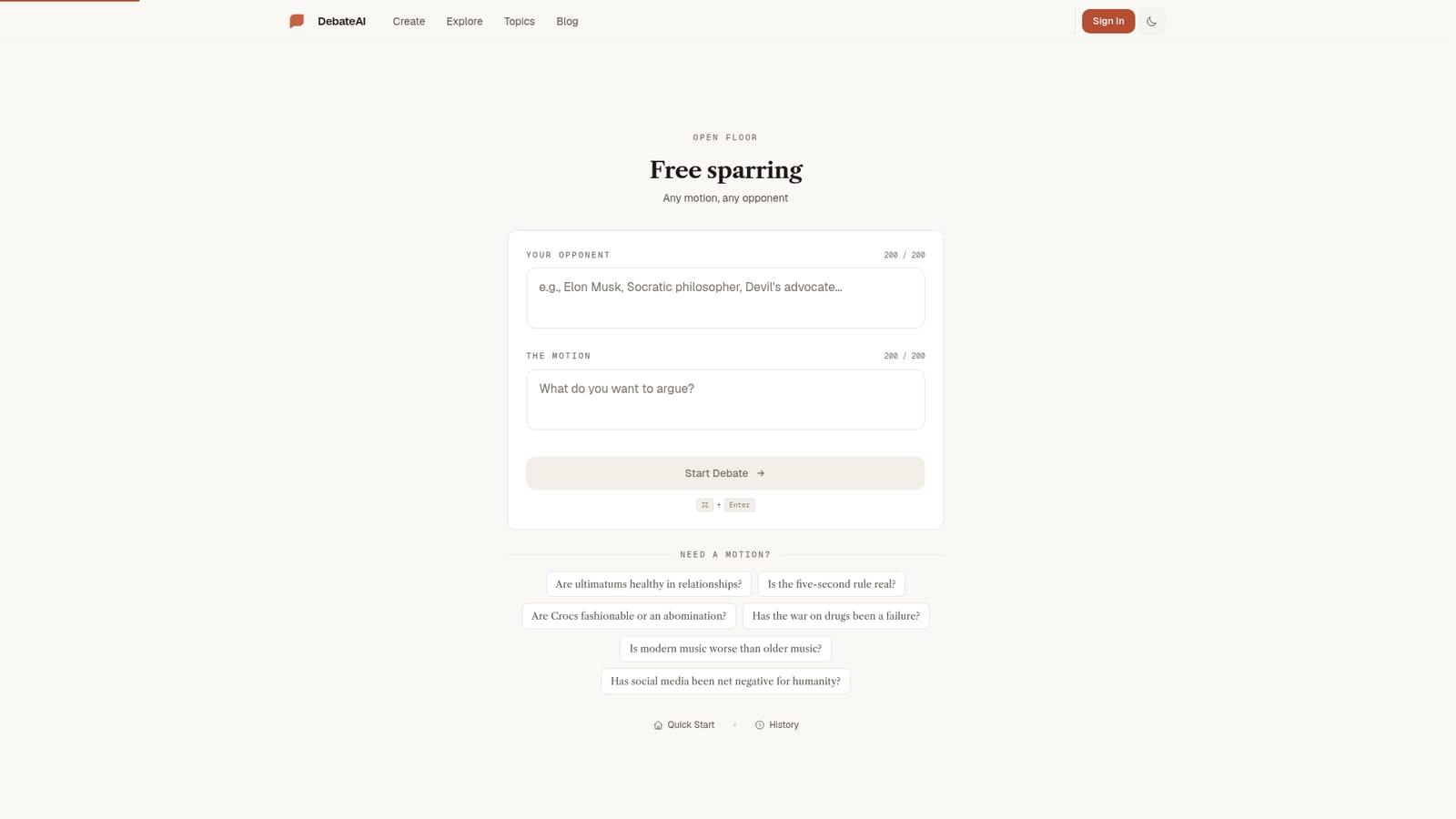
The homepage presents the sparring page as free, with a Free sparring heading and no sign-up requirement visible. No paid plan is described.
Learn moreTwo configurable fields drive each session: an opponent description and a motion, both capped at 200 characters. The AI is trained to argue from any perspective, so you can set it against your own position. A Need a motion helper supplies preset questions, and a History page stores previous debates for later review. The interface is a single page with a Start Debate button and a keyboard shortcut.
 AI Angels400+ customizable AI girlfriends for NSFW chat, voice calls, and roleplay
 Candy AIExperience the future of companionship with AI friends who chat, role-play, and connect with you on a human level.
 ourdream.aiA vast AI roleplay platform with millions of characters for chat, images, video and voiceAI Angels400+ customizable AI girlfriends for NSFW chat, voice calls, and roleplayCandy AIExperience the future of companionship with AI friends who chat, role-play, and connect with you on a human level.ourdream.aiA vast AI roleplay platform with millions of characters for chat, images, video and voice


