Free trial
A free presentation can be generated without a credit card, and the site describes the free experience as an easy starting point for beginners. The homepage notes that the paid slideshow generator provides more capabilities.
Learn moreTurns topics and documents into polished slide decks in minutes

Decksy AI is a presentation maker tool that turns topics and documents into polished slide decks in minutes. Decksy AI converts topics, PDFs, Word files, and other documents into structured slide decks with automated layouts, per-slide regeneration, optional cited deep research, and PDF or PPTX export.
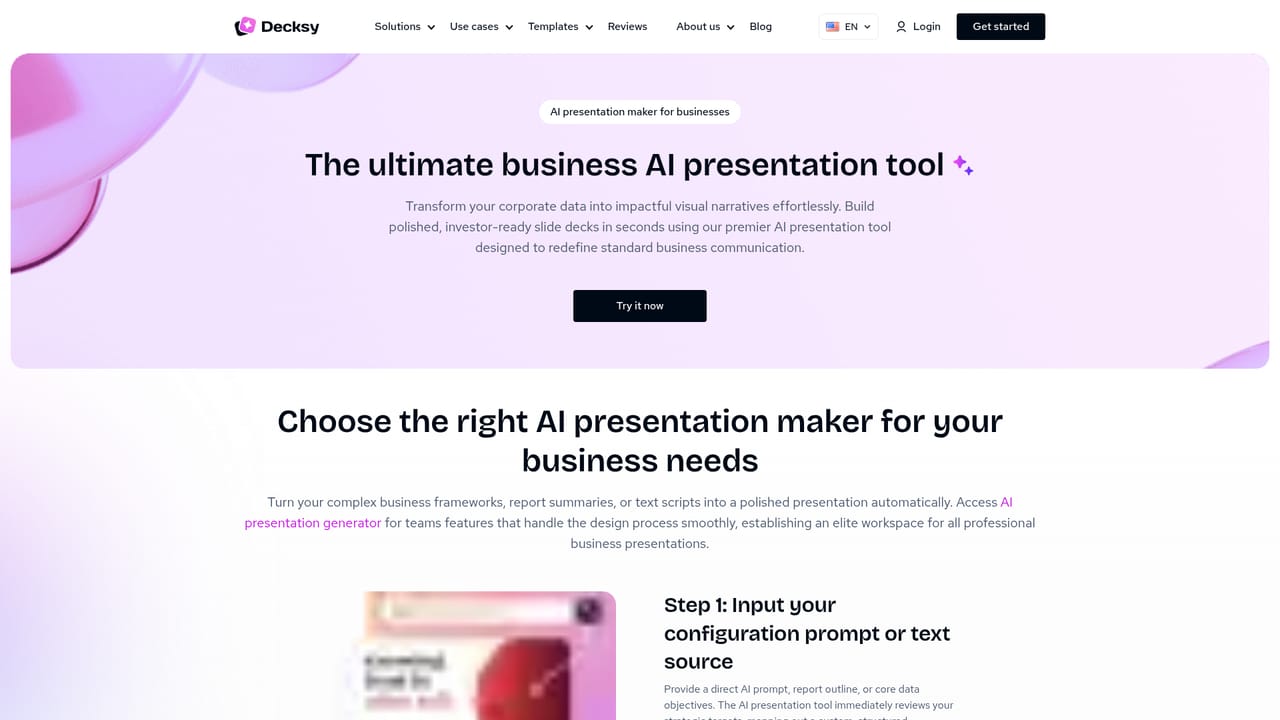
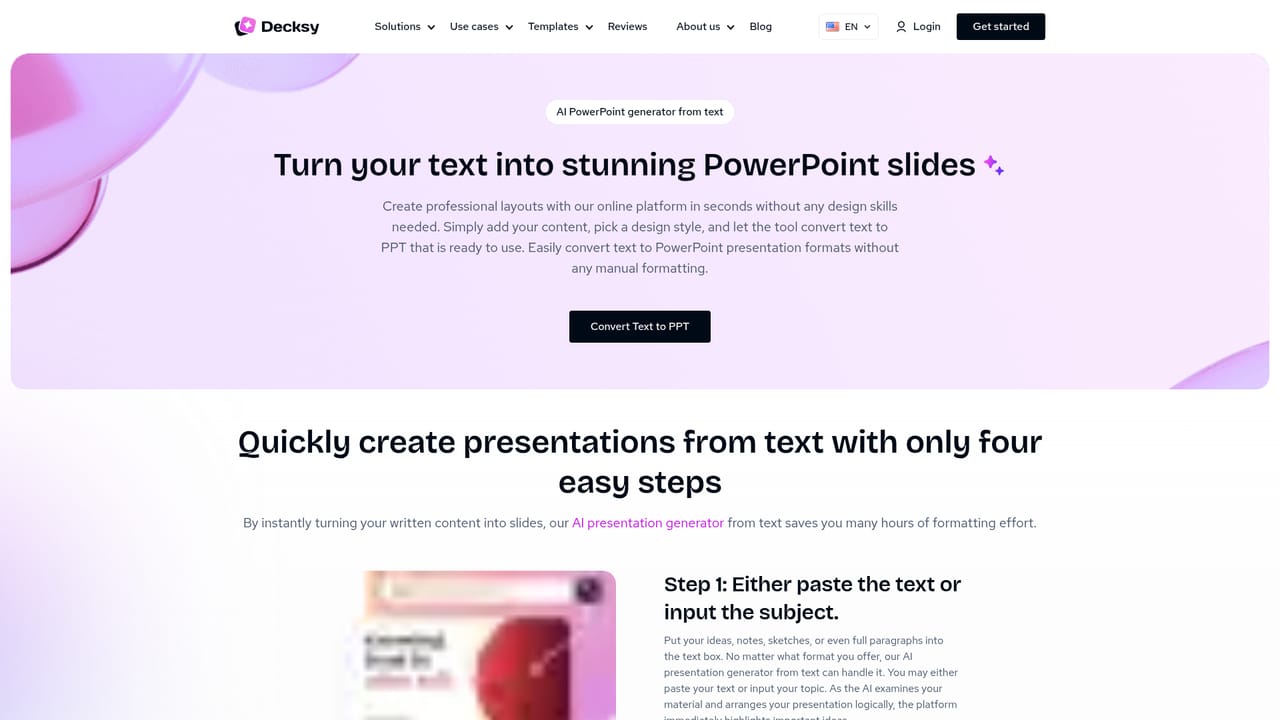
Decksy AI is a browser based presentation generator built around a simple premise: most of the time spent on a deck goes into assembly, not thinking. You bring a topic, an outline, or a file you already have, and the tool returns a structured slide deck with layouts, typography, and visual hierarchy already resolved. The site positions the product for business users, teachers, and students, with dedicated landing pages for pitch decks, QBRs, case studies, and report presentations. In practice the workflow accepts PDF, PPT, Word, Excel, plain text, and Markdown uploads in addition to a typed topic. Decksy reads the source material and proposes an ordered set of slides, adjusting tone, vocabulary, and length for the audience you name. Slide counts can run from roughly five to 25 or more, so the same input can produce a short briefing or a detailed review deck. When a single slide misses, the regeneration control rebuilds just that slide while the rest of the presentation stays intact, which avoids the usual cycle of prompting the whole deck again. A newer layer is the built-in Deep Research mode. Rather than generating from the prompt alone, it gathers sources, attaches citations, and cross-checks findings across ChatGPT, Gemini, and DeepSeek. That matters for decks where a claim needs a reference behind it, though it also widens the gap between the free and paid tiers described on the site. Finished work exports to PDF or PPTX, so the deck stays editable in PowerPoint and can be handed to colleagues. Compared with template-first tools, Decksy leans on layout automation rather than a gallery of designs, and its own blog frames it against Prezi, Gamma, Slidebean, and Manus. It suits people who have the substance already and want the assembly compressed, not a tool for bespoke visual design. Sending decks to clients, teaching a class, or preparing a pitch all fit the same pattern: supply material, set the direction, refine a few slides, export.
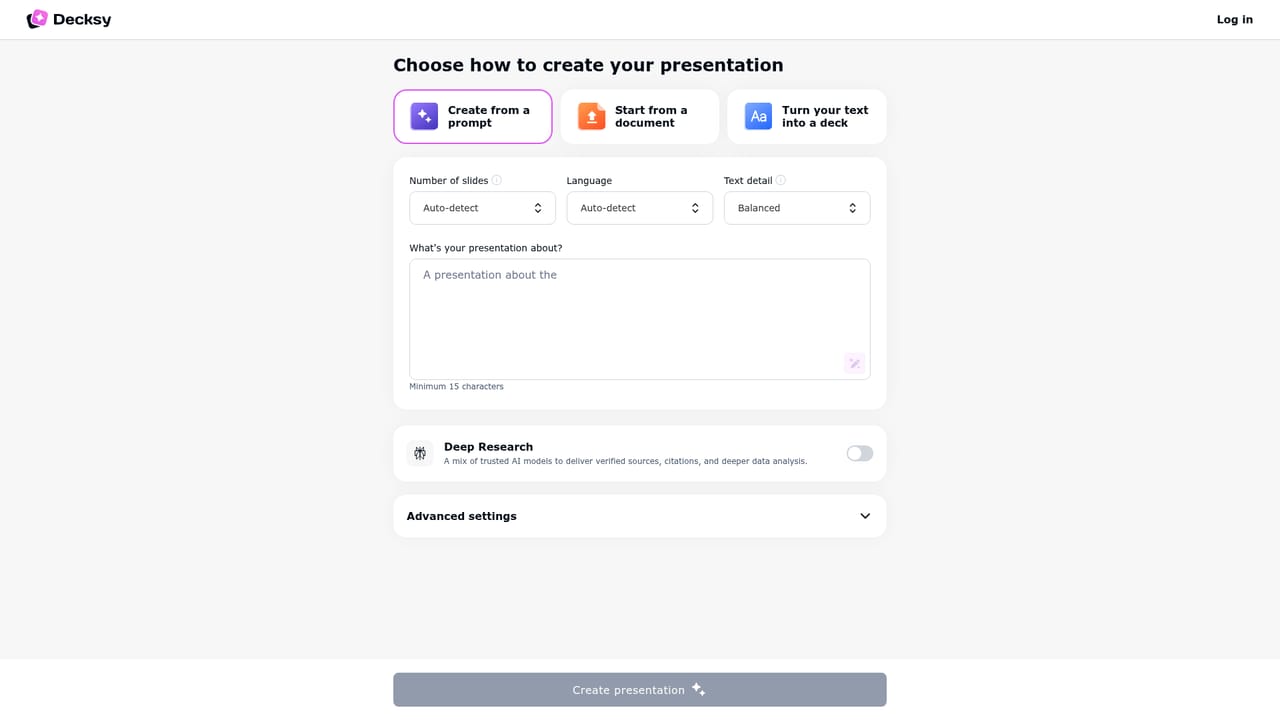
A free presentation can be generated without a credit card, and the site describes the free experience as an easy starting point for beginners. The homepage notes that the paid slideshow generator provides more capabilities.
Learn moreTopic and file input (PDF, PPT, Word, Excel, text, Markdown), audience-aware tone and vocabulary, adjustable deck length from about five to 25+ slides, slide-level regeneration, automated layout handling for typography, whitespace, and hierarchy, a Deep Research mode with source gathering and citations, and PDF or PPTX export.
Learn more AI Angels400+ customizable AI girlfriends for NSFW chat, voice calls, and roleplay
 Candy AIExperience the future of companionship with AI friends who chat, role-play, and connect with you on a human level.
 ourdream.aiA vast AI roleplay platform with millions of characters for chat, images, video and voiceAI Angels400+ customizable AI girlfriends for NSFW chat, voice calls, and roleplayCandy AIExperience the future of companionship with AI friends who chat, role-play, and connect with you on a human level.ourdream.aiA vast AI roleplay platform with millions of characters for chat, images, video and voice


