Free trial
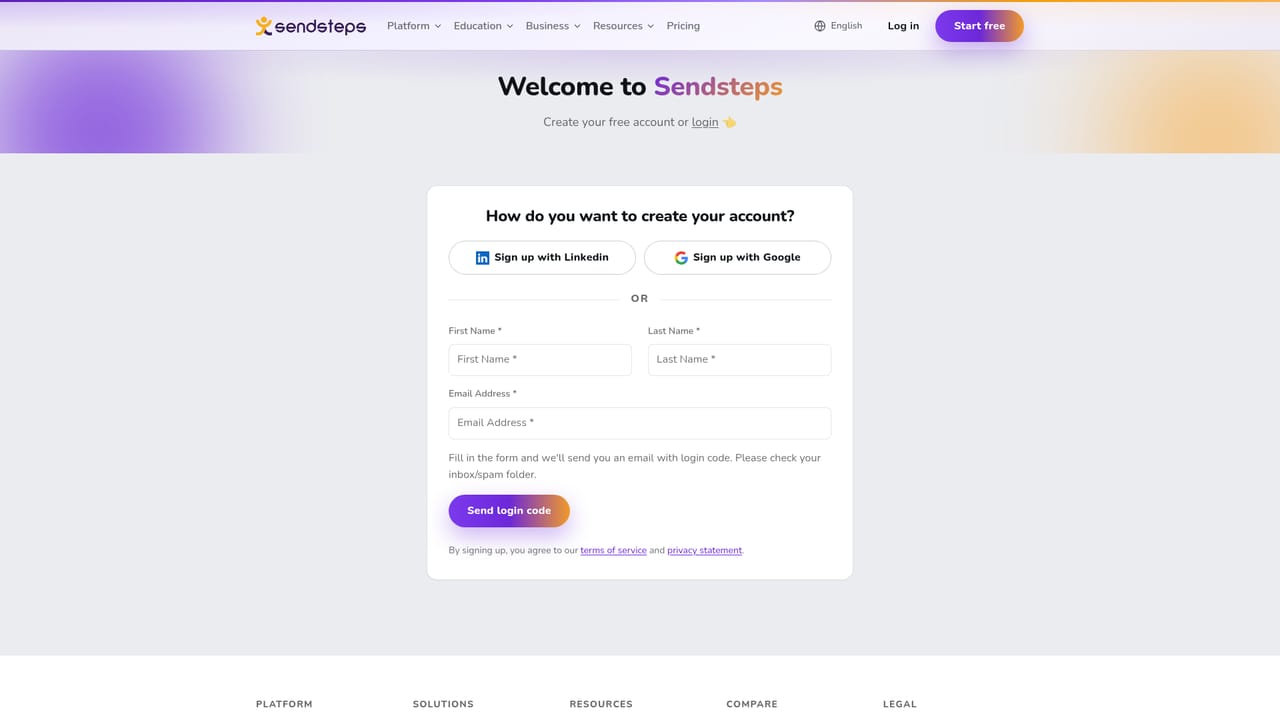
A free account can be started from the signup page, which the homepage describes as starting free. No trial length or plan limits are stated on the page.
Learn moreAI drafts interactive lessons; teachers stay in charge

Sendsteps is a learning tool. A teacher-focused AI that turns a topic, document or existing slides into an editable interactive lesson, with drafted questions, live student response, real-time understanding checks and post-lesson improvement suggestions. Teachers review every suggestion before it reaches students.
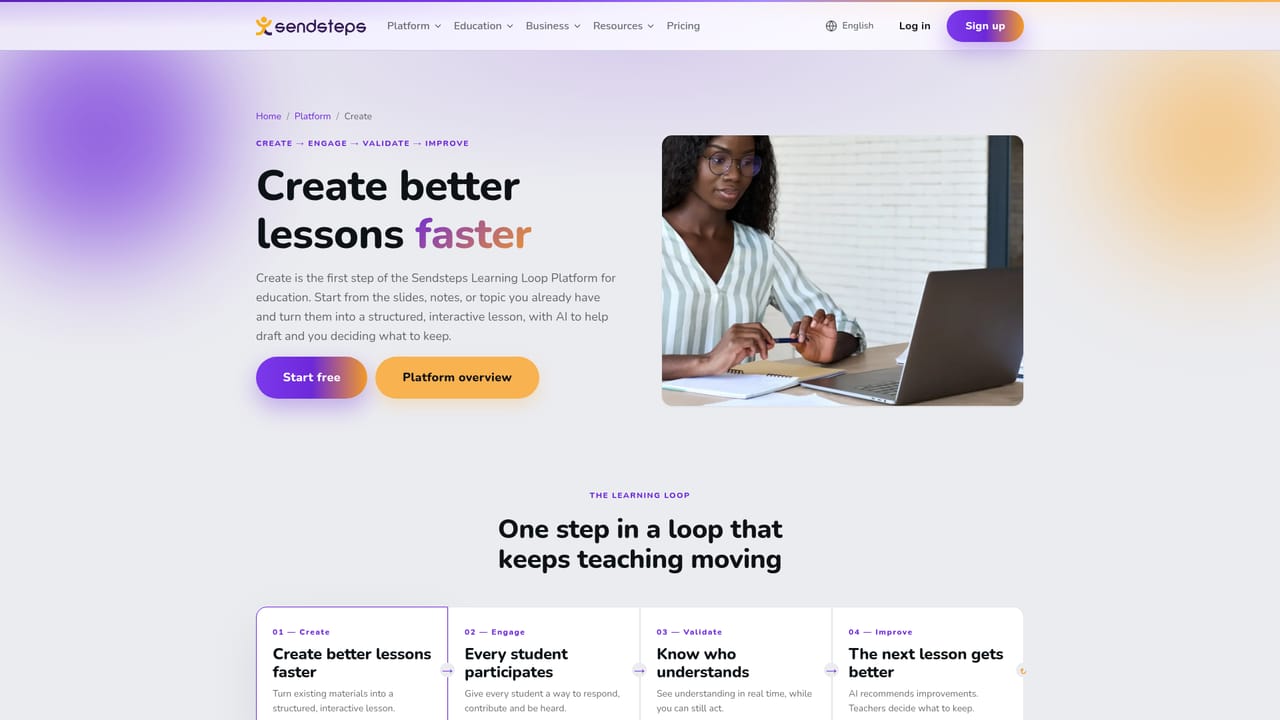
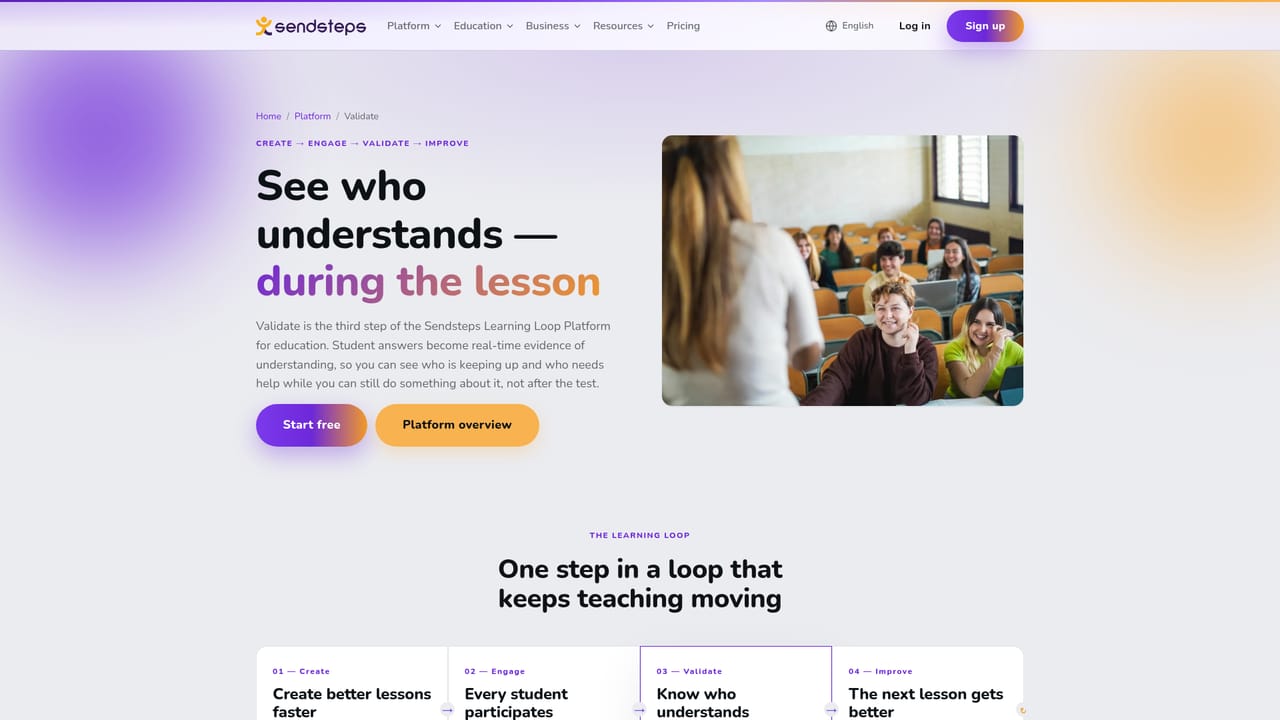
Sendsteps is a lesson-building platform for education, not a deck generator. The Create stage takes a subject you supply, or a document, or a PowerPoint file you already own, and produces a structured lesson flow with explanations and points where students check their understanding. Questions and activities for the live session are drafted at the same time, so preparation and participation are planned together rather than in two separate passes. Practice matters here. A teacher types a topic plus the group being taught, and the system returns an outline. That outline is a proposal: each part can be kept, rewritten or deleted. Imported slides stay editable, which means an existing presentation becomes a working lesson instead of a blank page. Tone, difficulty and the final call on what reaches the room all sit with the teacher. Nothing is published automatically, and the AI does not alter how anyone teaches. The product is wrapped around a four-stage loop. Create covers drafting. Engage gives every student a way to respond and contribute. Validate shows who has understood while the lesson is still running and correction is still possible. Improve then looks at what students actually did and recommends changes to content, questions or delivery for the next time. That feedback loop, rather than the generated text itself, is the main difference from standalone AI presentation tools, which tend to stop once a file exists. It is aimed at teachers and institutions rather than at general users who simply need a polished slide deck quickly. Data privacy is addressed directly: student and teaching data is not used to train models, and AI can be switched off per institutional policy, so schools can run the platform with the AI features disabled. Pricing is not published on this page.
A free account can be started from the signup page, which the homepage describes as starting free. No trial length or plan limits are stated on the page.
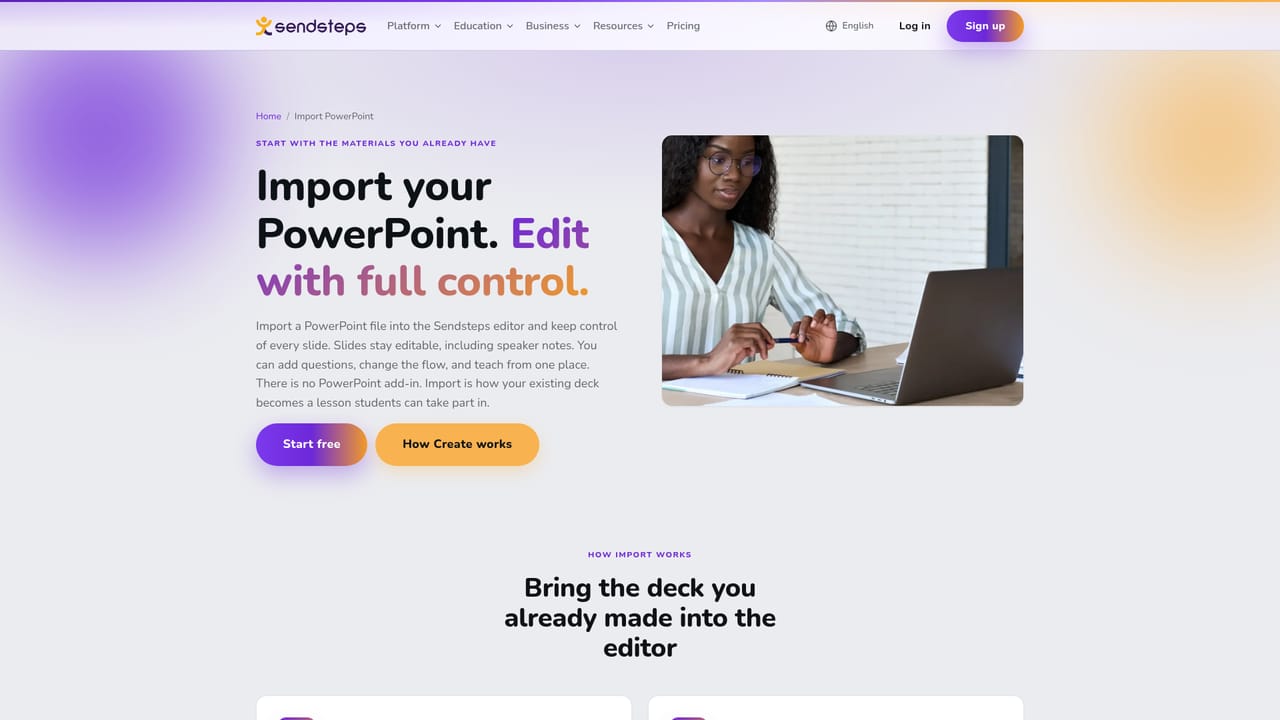
Learn moreA PowerPoint add-in imports existing presentations as editable slides. No other integrations are listed on the homepage.
Learn moreAI drafts a lesson flow from a topic, a document or imported PowerPoint slides, and suggests questions and activities as the lesson is built. Every suggestion is reviewed by the teacher before use. The loop continues with live student engagement, real-time checks on who understands, and recommendations for improving the next lesson based on actual responses.
Learn more AI Angels400+ customizable AI girlfriends for NSFW chat, voice calls, and roleplay
 Candy AIExperience the future of companionship with AI friends who chat, role-play, and connect with you on a human level.
 ourdream.aiA vast AI roleplay platform with millions of characters for chat, images, video and voiceAI Angels400+ customizable AI girlfriends for NSFW chat, voice calls, and roleplayCandy AIExperience the future of companionship with AI friends who chat, role-play, and connect with you on a human level.ourdream.aiA vast AI roleplay platform with millions of characters for chat, images, video and voice


