DeepChat

Embeddable chat component that connects any website to AI APIs.

Advanced API

What is DeepChat?

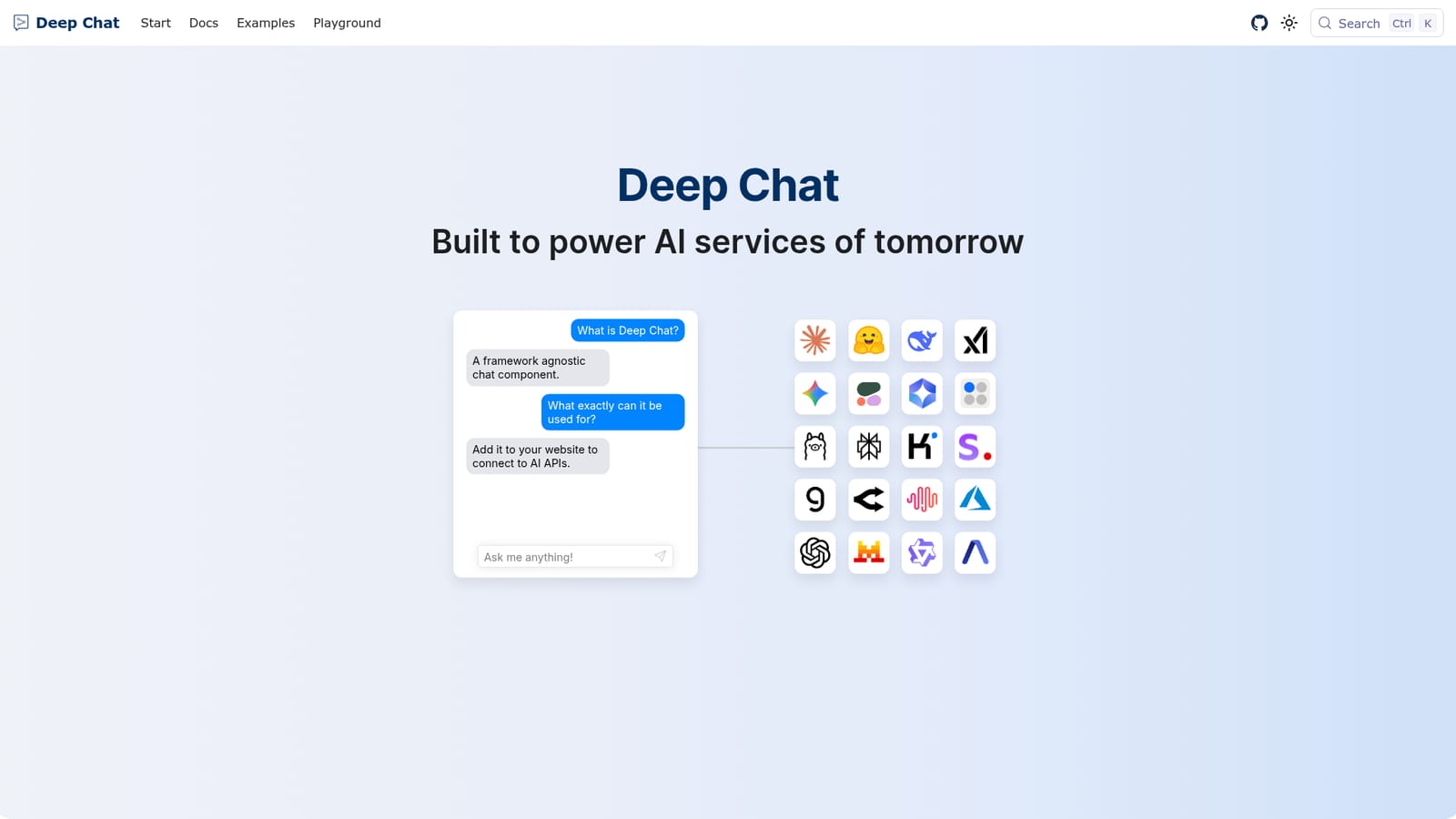
DeepChat is a casual chatting tool. Deep Chat is an embeddable, framework agnostic chat component for websites. It handles rich messages, files, camera and microphone capture, and speech, while connecting to AI APIs directly from the browser or through your own server.

Deep Chat is a framework agnostic chat component that developers embed into a website to converse with AI services. Rather than a hosted chat product, it is a building block: the component handles the interface, message transport and media handling, while the AI logic comes from whichever provider or backend the site owner configures. It can talk to popular AI APIs directly from the browser or be pointed at a custom server, which makes it a practical option for teams that want a familiar chat UI without rebuilding message rendering from scratch. The component covers more than text. Messages support Markdown, so responses can include laid out copy and rendered code blocks. Users can send images, audio, GIFs, spreadsheets and other file types, and receive the same in return. Camera capture and microphone recording happen inside the chat, so photos and voice notes can be created without leaving the page. Speech features extend this: real time speech to text lets people dictate a message, and text to speech reads responses aloud, which suits accessibility and hands free use. In practice, a developer installs the component, decides whether requests should call an AI provider straight from the browser or route through their own infrastructure, and then adjusts the interface. Styling is documented and the chat can carry its own avatars and layout choices. Because the connection layer is open, the same component works with hosted model services, locally served models and private endpoints, so swapping providers later does not mean replacing the chat surface. Deep Chat sits in a different slot from consumer AI apps or packaged chatbot widgets. It is aimed at developers and product teams who want chat as a feature inside an existing site and who are comfortable owning the backend, API keys and provider choice. Anyone looking for a ready made assistant with accounts and billing handled for them will find it too low level; anyone building a chat interface repeatedly will find it saves substantial UI work.

How do you use DeepChat?

  1. 1Read the installation docs
    Start with the documentation to see how the component is installed and initialised in a web project. Confirm that your stack can host a custom element before you plan the rest of the work.
  2. 2Choose how requests reach the model
    Decide between a direct browser connection to an AI provider and routing through your own server. A custom backend keeps credentials private; a direct connection is faster to set up for prototypes.
  3. 3Connect your provider
    Pick the provider you already use and follow its connection page for the required settings. The same pattern applies across the supported services, so switching later is mostly configuration.
  4. 4Try a local model if needed
    For offline or private testing, connect to a locally running model through the Ollama guide. This lets you validate the chat interface before committing to a hosted provider.
  5. 5Adjust the interface
    Use the styles documentation to set avatars, colours and layout so the chat matches your site. Media and Markdown support are already part of the component and need no extra setup.
  6. 6Test files, camera and speech
    Check file transfer, camera capture, microphone recording, dictation and response playback on your target browsers. These features depend on browser permissions, so confirm each one behaves as expected.

Pros and cons

Pros

  • Framework agnostic, so it can drop into existing web stacks without a rewriteAI
  • Connects to a large set of AI providers or any custom API, avoiding provider lock inAI
  • Handles media in both directions, including images, audio, GIFs, spreadsheets and filesAI
  • Markdown rendering covers code blocks and structured responses out of the boxAI
  • Built in speech to text dictation and text to speech playback for responsesAI

Cons

  • It is a UI component, not a finished product, so you supply the backend and API keysAI
  • Browser side provider connections mean you must manage credential exposure yourselfAI
  • No visible pricing information, so commercial terms need to be confirmed separatelyAI
  • Documentation appears to be the main support channel, with no stated account or help deskAI

How much does DeepChat cost?

Integrations

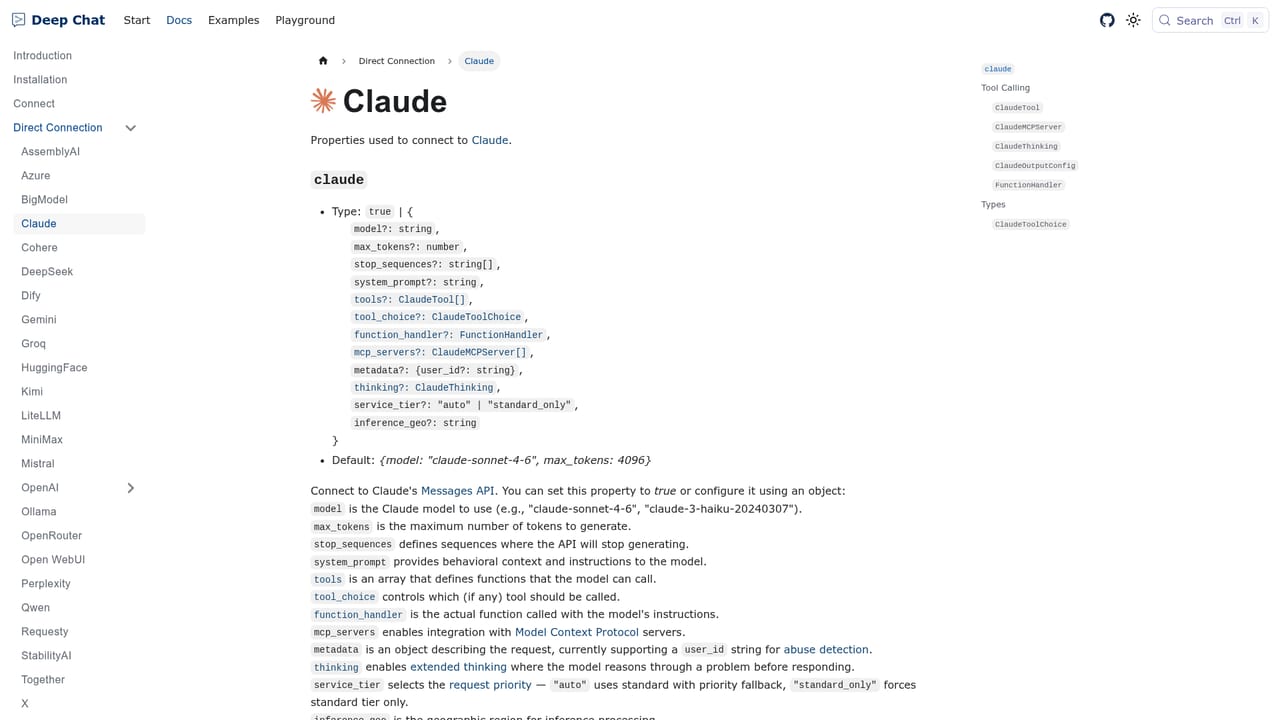
Documented direct connections include Claude, Gemini, OpenAI, Ollama, Groq, HuggingFace, Cohere, Perplexity, OpenRouter, Mistral, DeepSeek, BigModel, Kimi, MiniMax, Qwen, X, Together, StabilityAI, Azure and AssemblyAI. A custom API can also be wired in.

Learn more

Features

A framework agnostic chat component that connects to AI APIs from the browser or through a custom server. It supports Markdown messages, image, audio, GIF, spreadsheet and file transfer, in chat camera capture and microphone recording, real time speech to text dictation, text to speech playback, and custom styling with avatars and layout options.

Learn more

Frequently asked questions about DeepChat

  • Does DeepChat have an API?
    Yes, DeepChat offers an API.
  • How do you use DeepChat?
    The walkthrough on this page covers 6 steps: 1. Read the installation docs 2. Choose how requests reach the model 3. Connect your provider 4. Try a local model if needed 5. Adjust the interface 6. Test files, camera and speech.
  • What platforms does DeepChat support?
    DeepChat is available on Web App.
  • What does DeepChat integrate with?
    Documented direct connections include Claude, Gemini, OpenAI, Ollama, Groq, HuggingFace, Cohere, Perplexity, OpenRouter, Mistral, DeepSeek, BigModel, Kimi, MiniMax, Qwen, X, Together, StabilityAI, Azure and AssemblyAI. A custom API can also be wired in.
  • What are the limitations of DeepChat?
    It is a UI component, not a finished product, so you supply the backend and API keys. Browser side provider connections mean you must manage credential exposure yourself. No visible pricing information, so commercial terms need to be confirmed separately.

Status

StatusActive
Views0
Outbound clicks0
Added10/21/2026

Platforms

Web App

Pricing

Free