Integrations
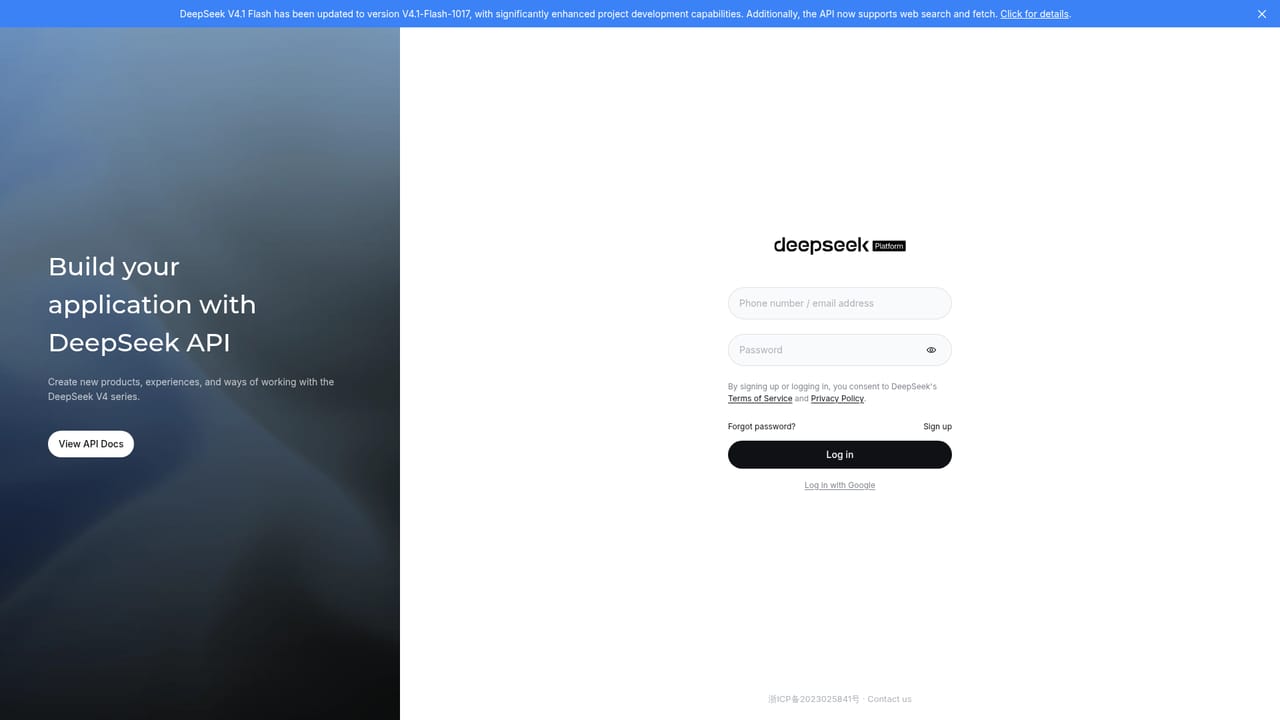
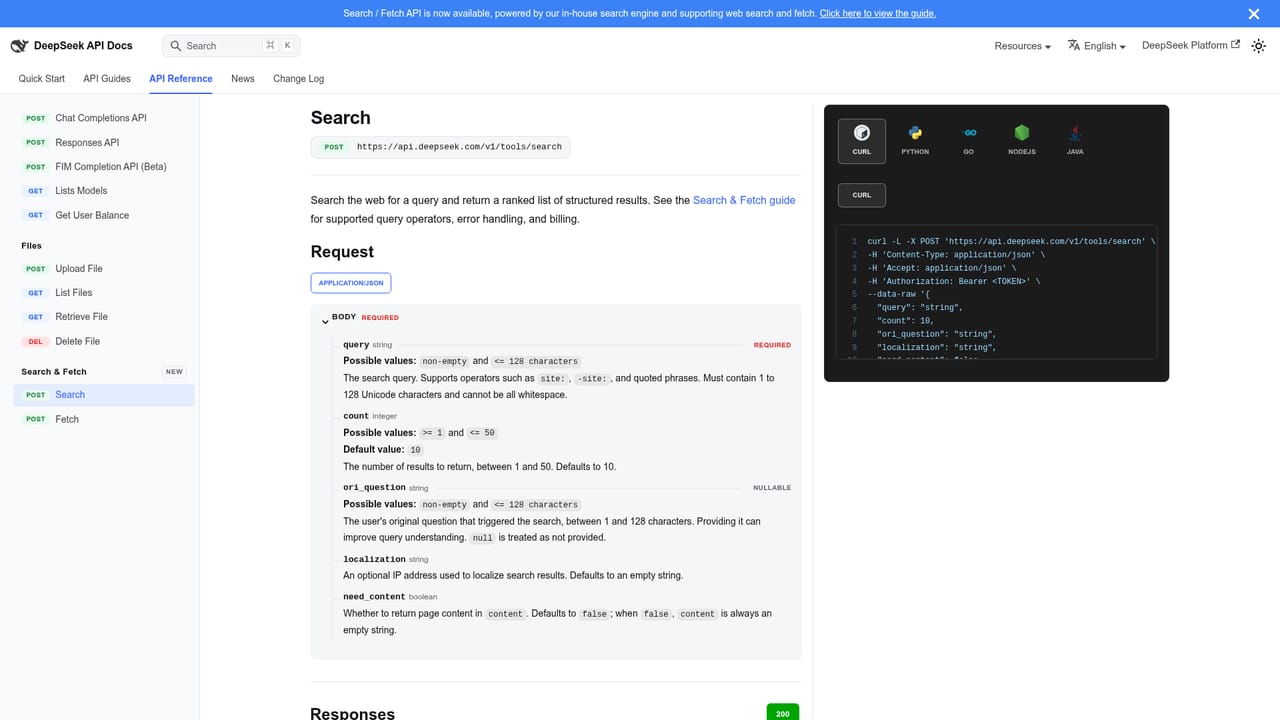
The API platform supports building the models into external applications, and the API adds web search and fetch for pulling live pages. No prebuilt third-party integrations are listed on the homepage.
Open frontier LLMs for chat, coding and project development.

DeepSeek is an AI chat bot tool. DeepSeek develops open-source frontier LLMs, including DeepSeek-V4, R1 and Coder, and serves them through a web chat client, an API platform and a desktop harness. DeepThink and Search modes cover reasoning and live web queries, while a low-cost Flash model targets faster project development.
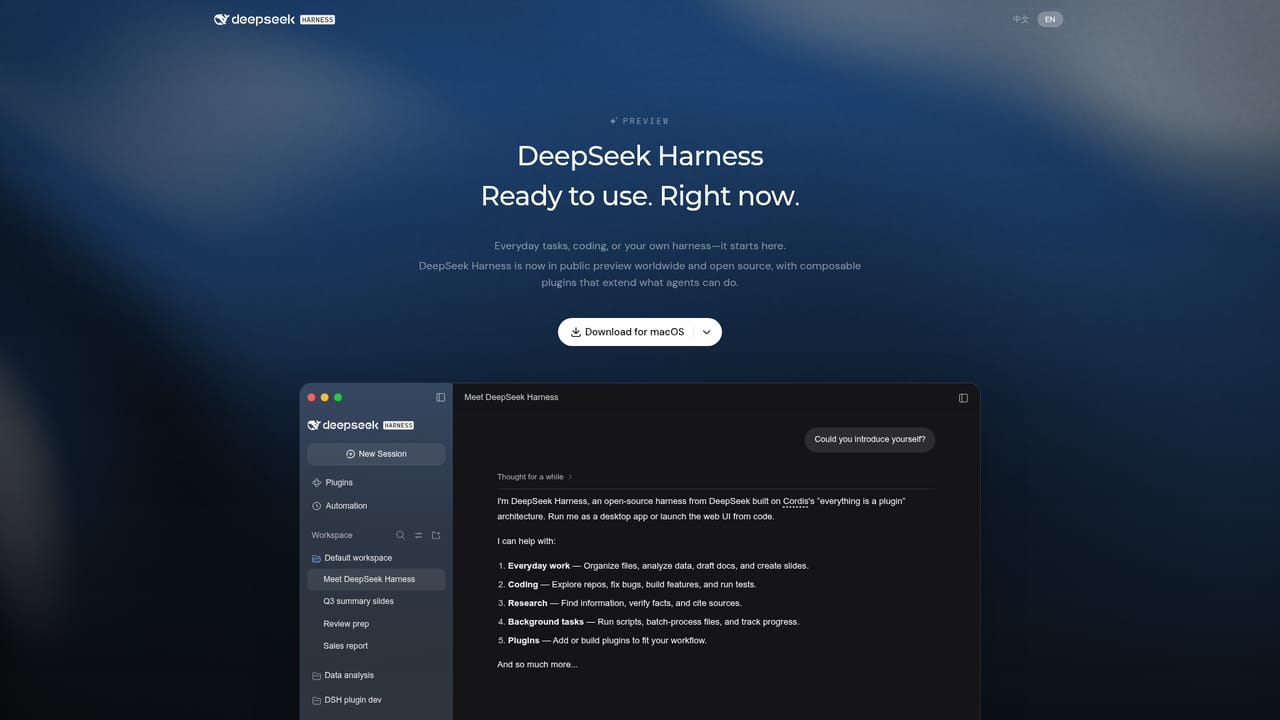
DeepSeek is an AI research company that builds and open-sources general-purpose large language models. The public lineup named on its homepage includes DeepSeek-V4, DeepSeek-R1 and DeepSeek-Coder, and a Flash variant is highlighted as the current low-cost, high-speed option. Users meet the technology in two main places: a browser chat client at chat.deepseek.com and a developer platform at platform.deepseek.com, with a desktop harness also available. The chat client exposes a DeepThink mode and a Search mode, so the same tool handles reasoning-heavy questions and answers that depend on current information. The tool suits a broad audience. General users get a free entry point for everyday questions, drafting and research. Developers and technical teams get an API for building assistants, coding tools and agent workflows directly into their own products. The Flash model update is aimed specifically at project development, with a stated emphasis on completing tasks at lower cost and faster speed, which makes the platform relevant to teams that care about token efficiency as much as raw model quality. The API added web search and fetch, so applications can pull live pages rather than relying only on pre-trained knowledge. In practice, everyday work starts in the chat interface: a question or task is typed in, and DeepThink or Search is toggled depending on whether the user needs deeper reasoning or fresher data. Builders work through the API platform instead, wiring model calls into their own software. A desktop harness offers a third surface for users who prefer a local application over a browser tab. The QR code on the homepage points to the mobile app for chat on the go. DeepSeek competes with closed frontier model providers and open-weight alternatives. Its differentiators in this listing are the open-source positioning, the explicit split between a reasoning-focused model and a coding model, and a Flash tier pitched at cost and speed for development work. Teams comparing options should weigh that openness and the API feature set against the convenience of vendors who bundle more tooling, documentation and enterprise support around the model itself.
The API platform supports building the models into external applications, and the API adds web search and fetch for pulling live pages. No prebuilt third-party integrations are listed on the homepage.
Chat client with DeepThink reasoning mode and Search mode. Open-source models include DeepSeek-V4, DeepSeek-R1 and DeepSeek-Coder. DeepSeek V4.1 Flash (V4.1-Flash-1017) is tuned for lower-cost, faster project development. The API supports web search and fetch. A desktop harness and a mobile app are also offered.
 AI Angels400+ customizable AI girlfriends for NSFW chat, voice calls, and roleplay
 Candy AIExperience the future of companionship with AI friends who chat, role-play, and connect with you on a human level.
 ourdream.aiA vast AI roleplay platform with millions of characters for chat, images, video and voiceAI Angels400+ customizable AI girlfriends for NSFW chat, voice calls, and roleplayCandy AIExperience the future of companionship with AI friends who chat, role-play, and connect with you on a human level.ourdream.aiA vast AI roleplay platform with millions of characters for chat, images, video and voice


