Integrations
Language model access is provider-agnostic: connect an LLM of your choice, supply your own API key, or run local models. Core source code is published on GitHub.
Learn moreAn AI notebook browser where research, media and notes share one workspace

Deta Surf is an open source desktop browser that pairs a local-first notebook with AI assistance, letting users collect sites, PDFs, videos and notes in one place, summarise and interrogate them, and cite sources, while choosing which language model to run.
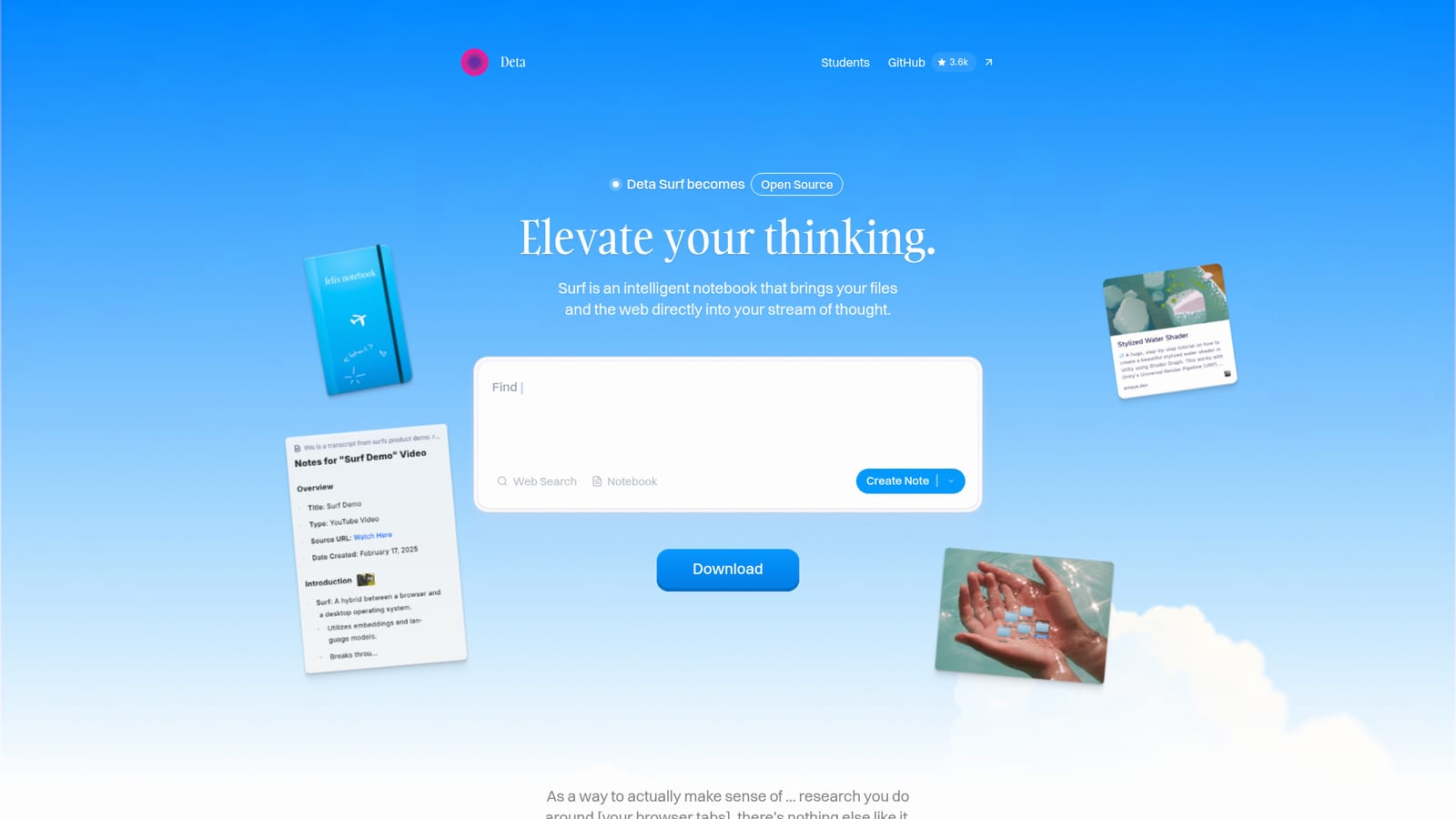
Deta Surf is a desktop web browser rebuilt around a notebook. Instead of treating browsing and note taking as two separate activities, it places an intelligent notebook beside every page you open, so websites, YouTube videos, PDFs, images and your own writing live in the same stream of thought. The team describes it as a way to elevate thinking rather than simply speed up search, and the product ships with the core source code open on GitHub. In practice you open a notebook, then collect material into it as you move around the web. Surf can summarise a long video or a hundred page document, translate a foreign language page, read scientific diagrams, and generate personal notes from the media you gather. Answers you request from a language model come back inside the note, with citations that link straight to the source. You can also build interactive graphs and small applets, called Surflets, without writing code, and sketch directly on notebook pages. Because everything sits in one window, the usual cycle of copying tabs into a separate notes app disappears. The privacy model is the distinguishing feature. Data is stored locally on your device, with import and export controls left in your hands. Surf does not lock you to one model vendor: you can bring your own API key, connect the language model you prefer, or run a local model. Vertical tabs, dark mode, and drag and drop importing of PDFs, images and documents round out the workspace. Surf suits researchers, students, writers and analysts who spend hours reading and watching material before producing anything from it. The tradeoff is commitment: it is a full browser replacement, and the AI layer only pays off once your material lives inside its notebooks. Reviewers including The Verge and Fast Company have singled out its bookmark handling as unusually good, though the same coverage frames it as a distinctive, opinionated tool rather than a drop-in Chrome substitute.
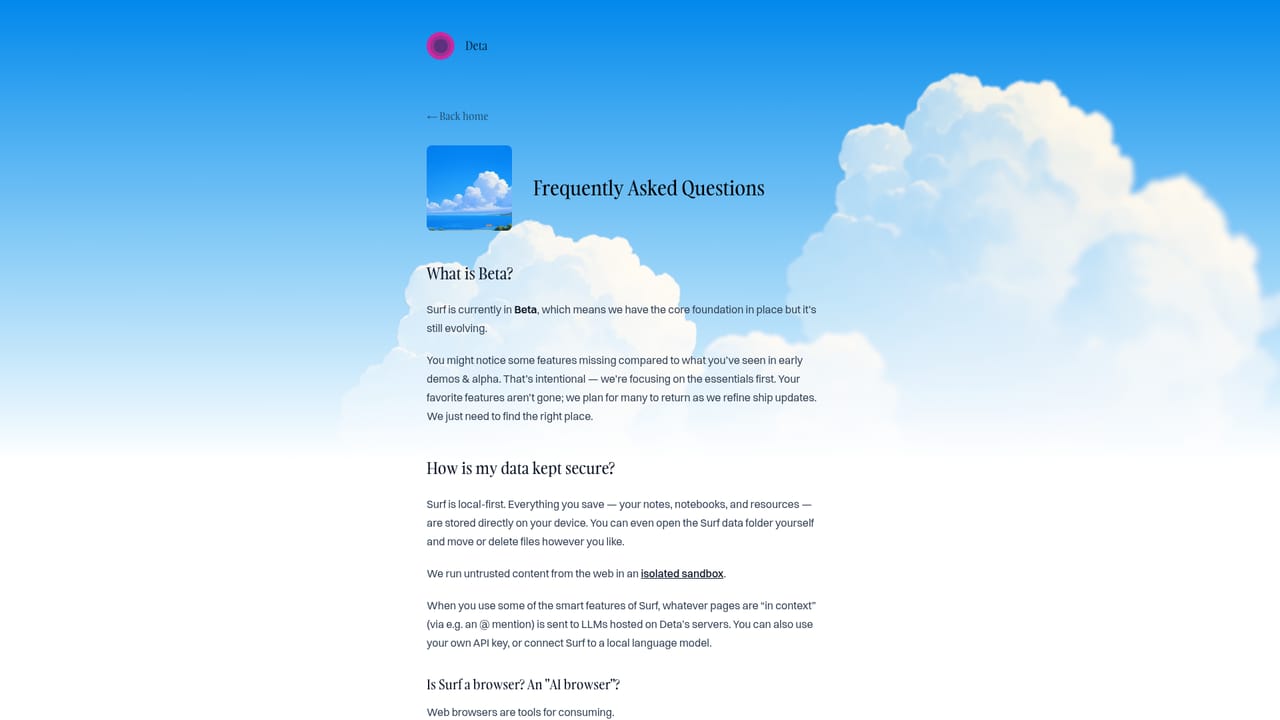
Language model access is provider-agnostic: connect an LLM of your choice, supply your own API key, or run local models. Core source code is published on GitHub.
Learn moreAn intelligent notebook inside a browser: collect sites, PDFs, images, YouTube videos and notes in one workspace, ask questions, and generate notes with citations back to sources. Surf summarises long videos and hundred page documents, translates foreign languages and interprets scientific diagrams, and builds interactive graphs and applets without code. Vertical tabs, dark mode, notebook sketches, drag and drop file import, and Surflets for small custom apps.
 AI Angels400+ customizable AI girlfriends for NSFW chat, voice calls, and roleplay
 Candy AIExperience the future of companionship with AI friends who chat, role-play, and connect with you on a human level.
 ourdream.aiA vast AI roleplay platform with millions of characters for chat, images, video and voiceAI Angels400+ customizable AI girlfriends for NSFW chat, voice calls, and roleplayCandy AIExperience the future of companionship with AI friends who chat, role-play, and connect with you on a human level.ourdream.aiA vast AI roleplay platform with millions of characters for chat, images, video and voice


