Detail.co

Record, auto edit and publish talking videos, podcasts and reactions from iPhone or Mac

Beginner
Screenshot of Detail.co, Record, auto edit and publish talking videos, podcasts and reactions from iPhone or Mac

What is Detail.co?

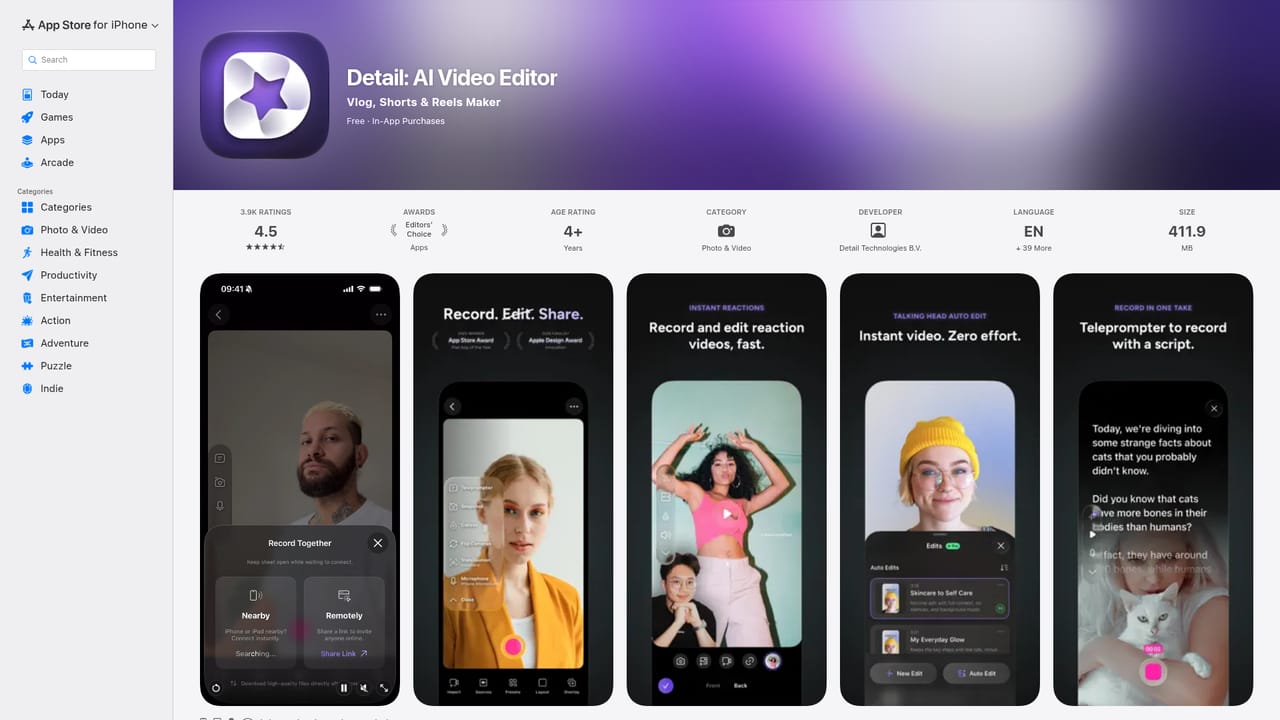
Detail.co is a short videos tool that records auto edit and publish talking videos, podcasts and reactions from iPhone or Mac. Detail is an iPhone and Mac app for recording talking head videos, podcasts, livestreams and reaction clips, with one tap Auto Edit handling silence removal, zoom cuts, titles, captions and music.

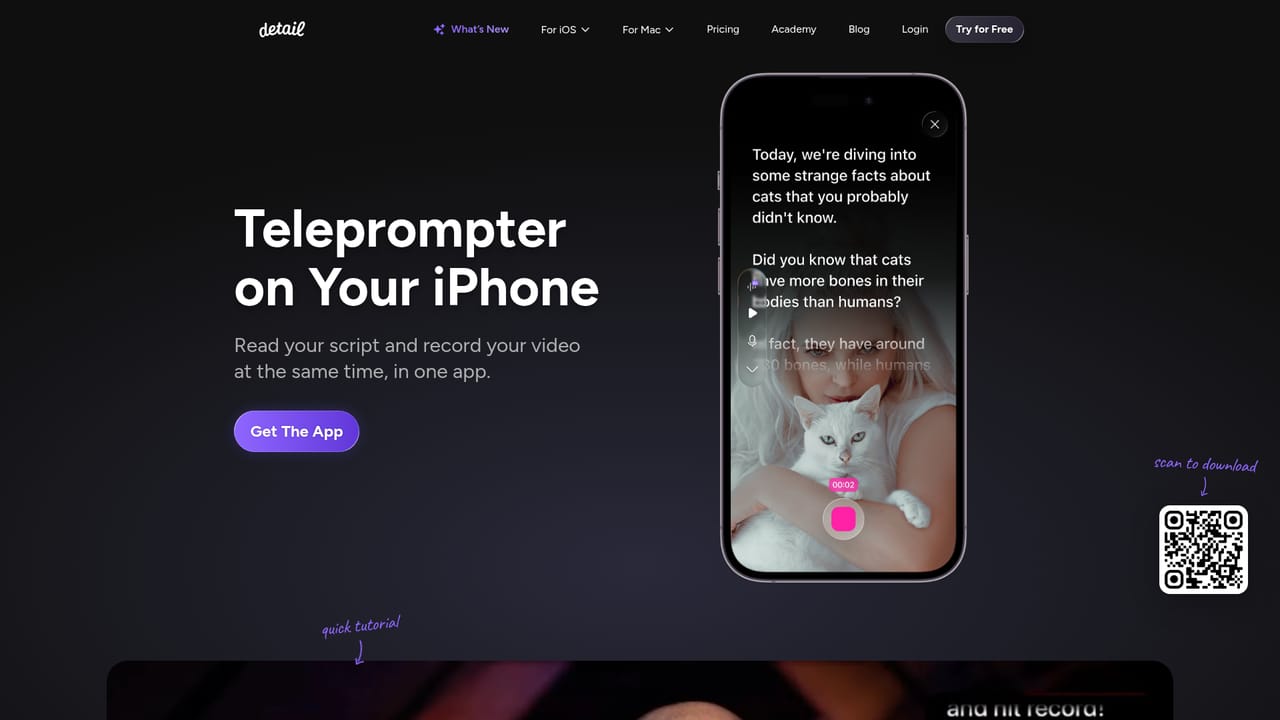
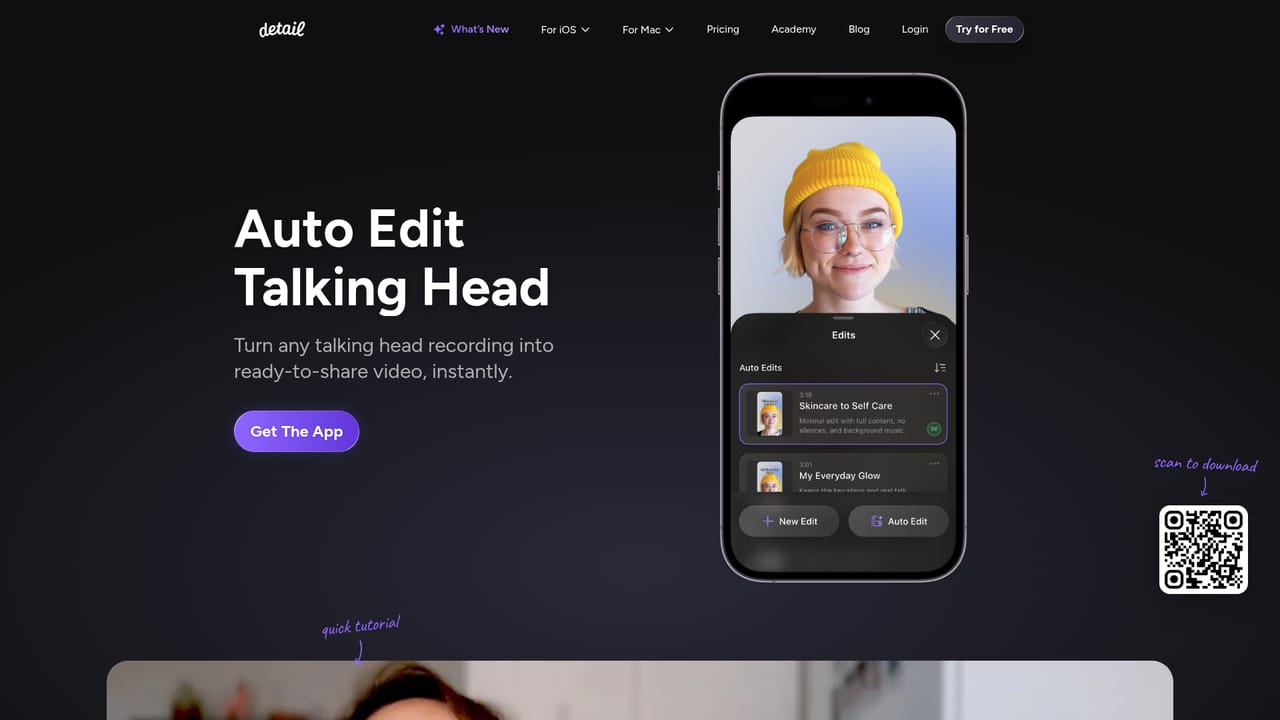
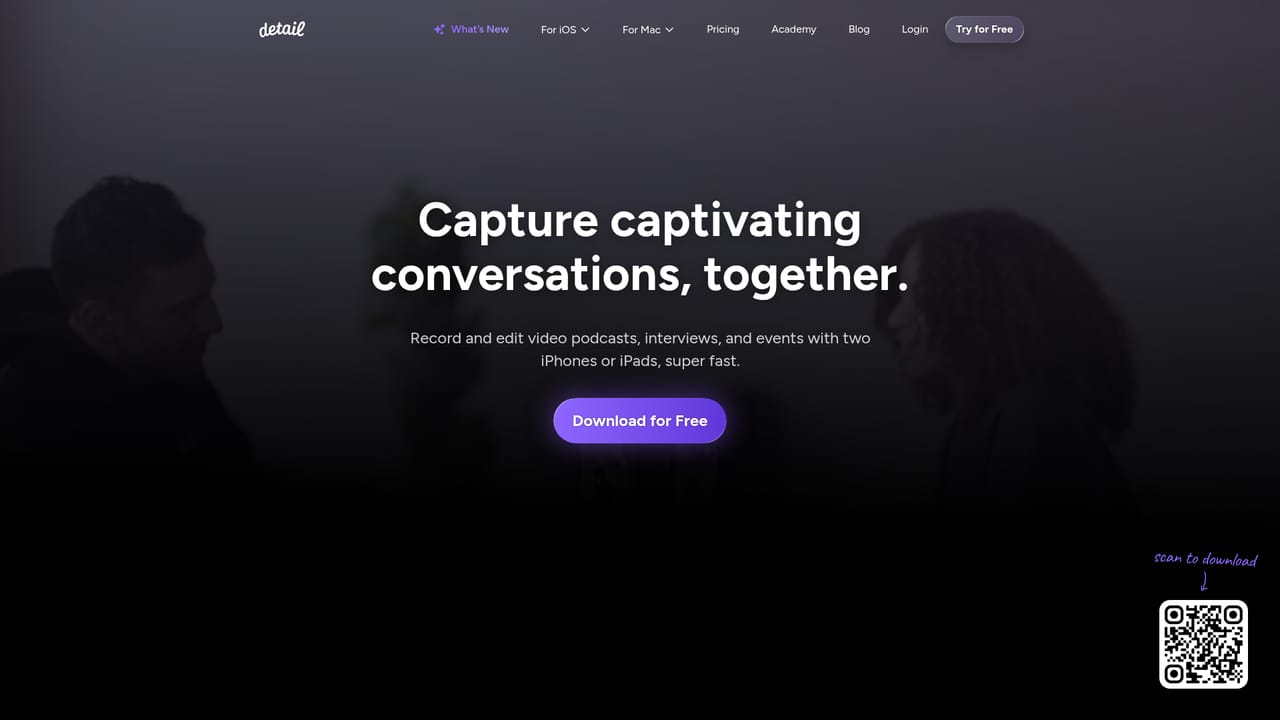
Detail is a recording and editing app built for the iPhone and Mac, aimed at people who make talking head videos, podcasts, livestreams and reaction clips without a production crew. The pitch is simple: shoot the footage inside the app, tap once, and let the software handle silence removal, zoom cuts, titles, captions and music. It won the 2025 App Store Award for iPad App of the Year and was a 2026 finalist in the Apple Design Award Innovation category, which tells you the team has invested heavily in the feel of the interface as well as the automation behind it. In practice the workflow spans the whole production. A built in teleprompter lets a creator read a script, load their own or generate one while the camera rolls. Podcasters can shoot with a single iPhone, invite a guest over a browser link and connect a second device, then run Podcast Auto Edit to generate multiple long form edits plus short social clips with automatic speaker switching. Reaction videos work by pasting an online video URL (or importing a file from the phone) and recording over it, which removes the screen recording step. Livestreaming turns the device into a multi camera studio that pushes to YouTube, Twitch, Instagram, LinkedIn or any platform accepting RTMP. A live green screen tool swaps the background in a tap, and captions can be added, animated and styled automatically. Who it suits: solo creators, podcasters, coaches, marketers and small teams who publish talking videos regularly and do not want to sit in a desktop editor afterwards. The output is short form friendly and the setup cost is low, so it also fits people who are new to video and would otherwise be intimidated by timeline software. Where it sits among alternatives: it overlaps with automatic editors like Descript and with mobile studio apps, but the differentiator is the capture side. Recording, prompting, reacting, streaming and editing live in one app rather than being stitched across several tools. Buyers should note the store description scopes the app to iOS and macOS, so Windows and Android users are not served here, and pricing tiers are not spelled out on the homepage beyond a free download.

How do you use Detail.co?

  1. 1Download Detail to your iPhone, iPad or Mac
    Grab the free app from the App Store for iOS or macOS. The homepage download link and QR code take you straight to the listing.
    Detail.co — Download Detail to your iPhone, iPad or Mac
  2. 2Load a script into the teleprompter
    Write or paste your own script, generate one in the app, or record without a script. The teleprompter scrolls while the camera records in the same view.
    Detail.co — Load a script into the teleprompter
  3. 3Record the take and run Auto Edit
    Capture your talking head video, then tap once to let Auto Edit remove silence and add zoom cuts, titles, captions and music.
    Detail.co — Record the take and run Auto Edit
  4. 4Invite a guest for a podcast session
    Shoot solo on one iPhone or send a guest a browser link and connect a second device. Podcast Auto Edit then cuts long form edits and social clips with speaker switching.
    Detail.co — Invite a guest for a podcast session
  5. 5Record a reaction over an online video
    Paste the URL of a YouTube or TikTok video, or import a file from your phone, then record yourself reacting over the playback inside the app.
  6. 6Style captions and backgrounds before sharing
    Use the caption tools to add, animate and customise AI generated subtitles, and the green screen tool to swap your background, then export.

Pros and cons

Pros

  • One tap Auto Edit covers silence removal, zoom cuts, titles, captions and music, which removes most of the post production workAI
  • Capture and edit live in the same app, so teleprompter, recording, reaction import and streaming do not require separate toolsAI
  • Podcast Auto Edit produces multiple long form edits plus short social clips and switches speakers automaticallyAI
  • Reaction videos work by pasting a URL, which avoids manual screen recording and keeps timing tightAI
  • Recognised with the 2025 App Store Award for iPad App of the Year and a 2026 Apple Design Award nomination for InnovationAI

Cons

  • The range is scoped to iOS and macOS, so Windows and Android users have no native optionAI
  • The homepage promotes a free download but does not publish plan tiers or what paid limits apply, so cost has to be checked inside the App StoreAI
  • Automation decisions around cuts, zoom and captions offer less frame level control than a manual editor, which matters for polished long form workAI
  • Streaming and multi device podcast setups assume reliable hardware and a strong connection, which the marketing material does not addressAI
  • Guest recording depends on browser links, which can be a friction point for non technical intervieweesAI

How much does Detail.co cost?

Integrations

Streaming output targets YouTube, Twitch, Instagram, LinkedIn and other platforms that accept RTMP. Podcast guests join through browser links, and reaction videos pull in content from pasted online video URLs such as YouTube and TikTok.

Learn more

Features

Auto Edit for talking head videos, Podcast Auto Edit with speaker switching and social clips, a built in teleprompter, multi device podcast recording with browser guest links, reaction recording from pasted video URLs, live streaming over RTMP to YouTube, Twitch, Instagram, LinkedIn and similar platforms, a live green screen editor and AI generated captions that can be animated and customised.

Learn more

Frequently asked questions about Detail.co

  • How do you use Detail.co?
    The walkthrough on this page covers 6 steps: 1. Download Detail to your iPhone, iPad or Mac 2. Load a script into the teleprompter 3. Record the take and run Auto Edit 4. Invite a guest for a podcast session 5. Record a reaction over an online video 6. Style captions and backgrounds before sharing.
  • What platforms does Detail.co support?
    Detail.co is available on iOS and MacOS.
  • What does Detail.co integrate with?
    Streaming output targets YouTube, Twitch, Instagram, LinkedIn and other platforms that accept RTMP. Podcast guests join through browser links, and reaction videos pull in content from pasted online video URLs such as YouTube and TikTok.
  • What are the limitations of Detail.co?
    The range is scoped to iOS and macOS, so Windows and Android users have no native option. The homepage promotes a free download but does not publish plan tiers or what paid limits apply, so cost has to be checked inside the App Store. Automation decisions around cuts, zoom and captions offer less frame level control than a manual editor, which matters for polished long form work.

Status

StatusActive
Views0
Outbound clicks0
Added10/21/2026

Platforms

iOSMacOS

Pricing

Freemium