Free trial
A free tier with credits and no card requirement lets new users test drafting and previews. Lip sync generation is limited to demo previews until a paid plan is active.
Learn moreAI video production for faceless YouTube channels, with scene review built in

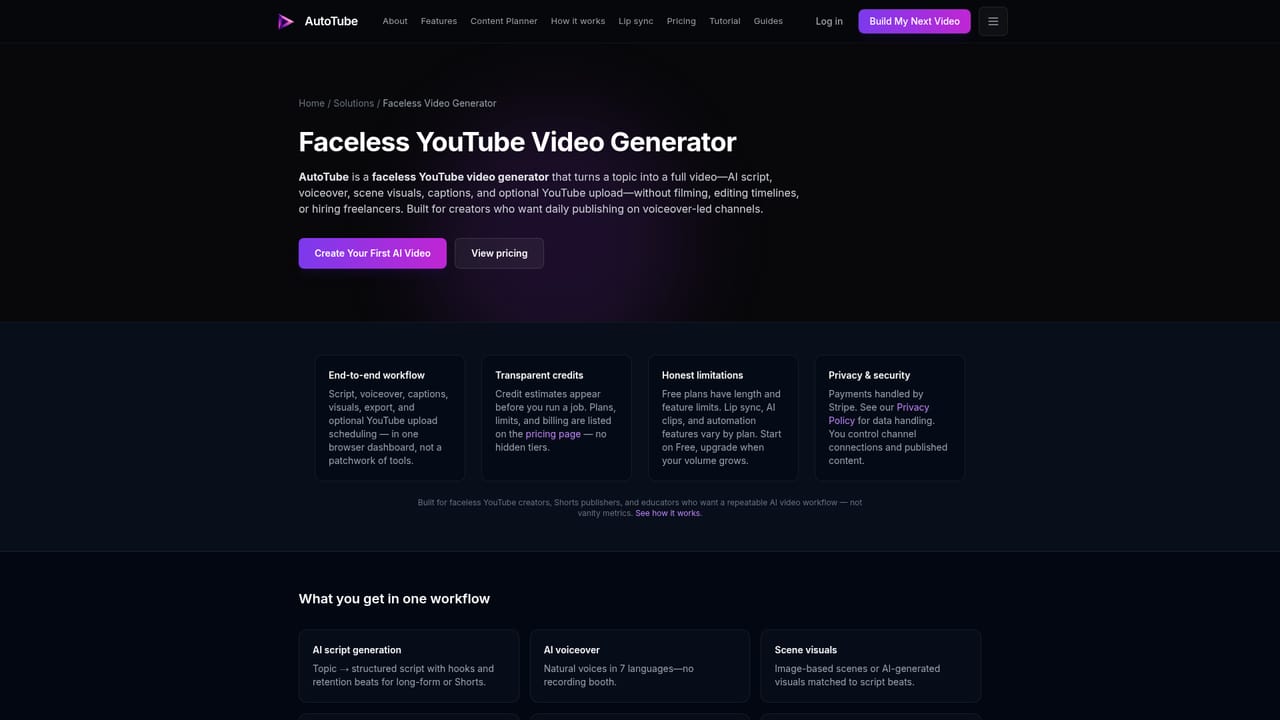
AutoTube turns a topic or script into an editable narrated YouTube video with AI visuals and captions, then lets creators review every scene before rendering or publishing. It adds a content planner, scheduled agents, multi-language output and a lip sync option for faceless channels.
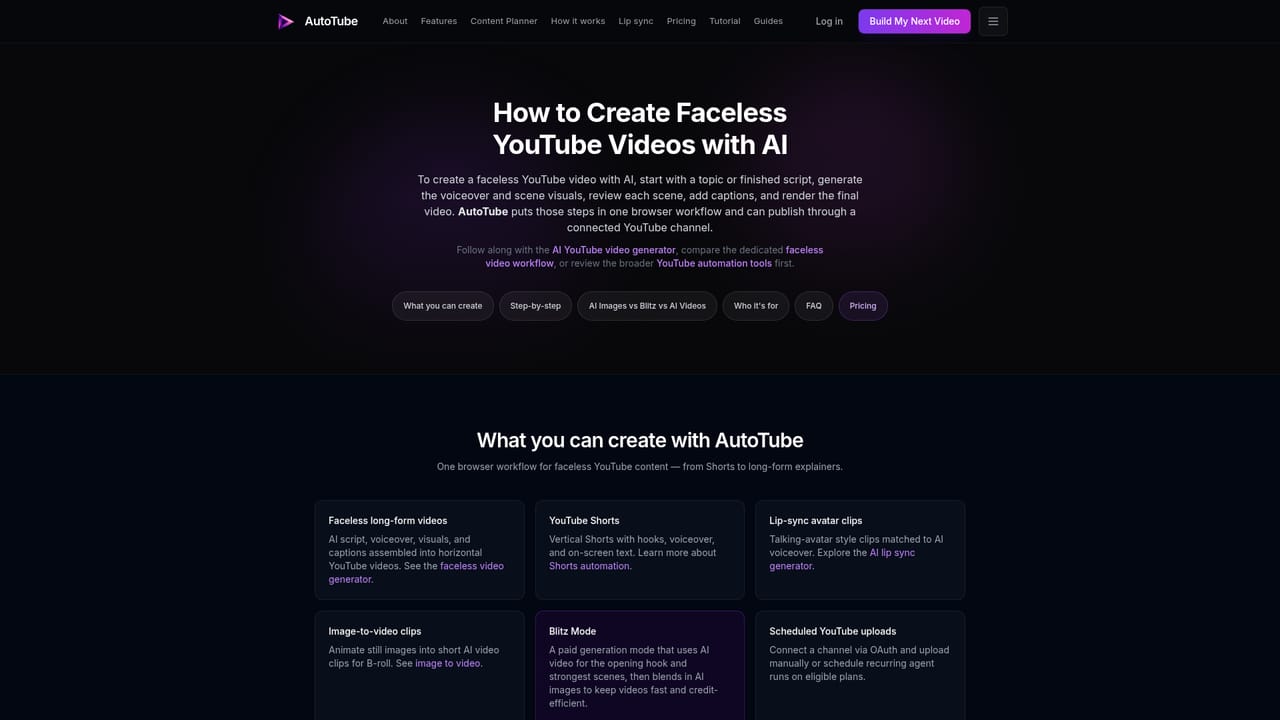
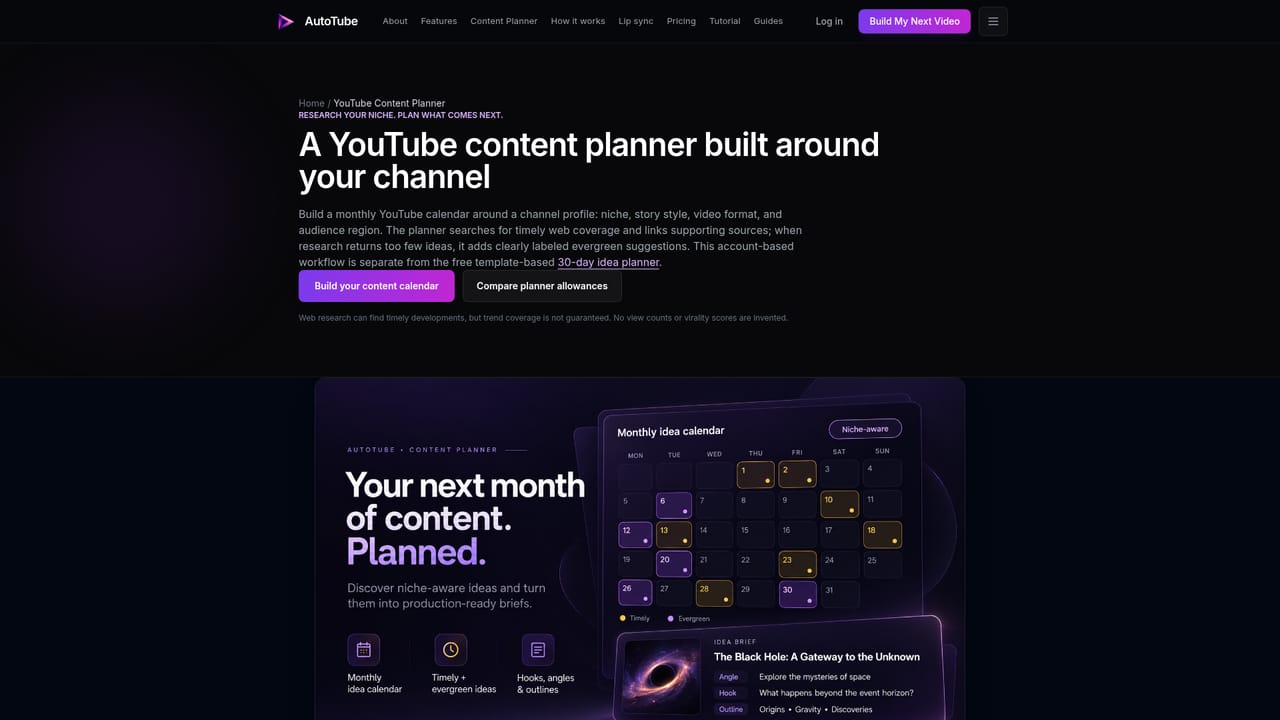
AutoTube is a browser based production studio for faceless YouTube channels. A topic, outline or finished script goes in, and the platform returns an editable draft that pairs AI narration with generated visuals and captions. Rather than handing over a finished file with no say in it, the workflow keeps the creator in the loop: script, voiceover, images and captions can be adjusted scene by scene before a final render is approved. The product is built around two modes. Quick Create turns a topic into a polished preview and, when a channel is connected, uploads it to YouTube. Studio Mode pauses after the scenes are assembled so each one can be inspected: narration lines edited, image prompts rewritten, individual stills or clips regenerated without restarting the whole video. Scene preview is on by default in Video Profiles and can be switched off for straight through export once a format is proven. Output is available in English, Spanish, Portuguese, Hindi, Japanese, Korean and Chinese, for both vertical Shorts and horizontal long form. The wider toolkit covers work that sits around video production. A Content Planner surfaces timely topics from web research and fills gaps with labeled evergreen ideas, then converts a concept into a production brief. Scheduled AI agents keep a publishing rhythm going, and a set of free utilities handles titles, hooks, descriptions, Shorts scripts and niche research. Visual extras include 13 atmospheric overlays and an avatar lip sync option that pairs a portrait with audio, limited to one minute per job on paid plans. It fits creators running one to ten channels who want an assembly line rather than a pile of disconnected tools, and who accept that reviewing output remains part of the job. Editorial control and multi-language narration are the differentiators; anyone wanting frame level manual editing or a fully unattended channel will find the review step and credit costs worth weighing against dedicated editors and standalone voice tools.
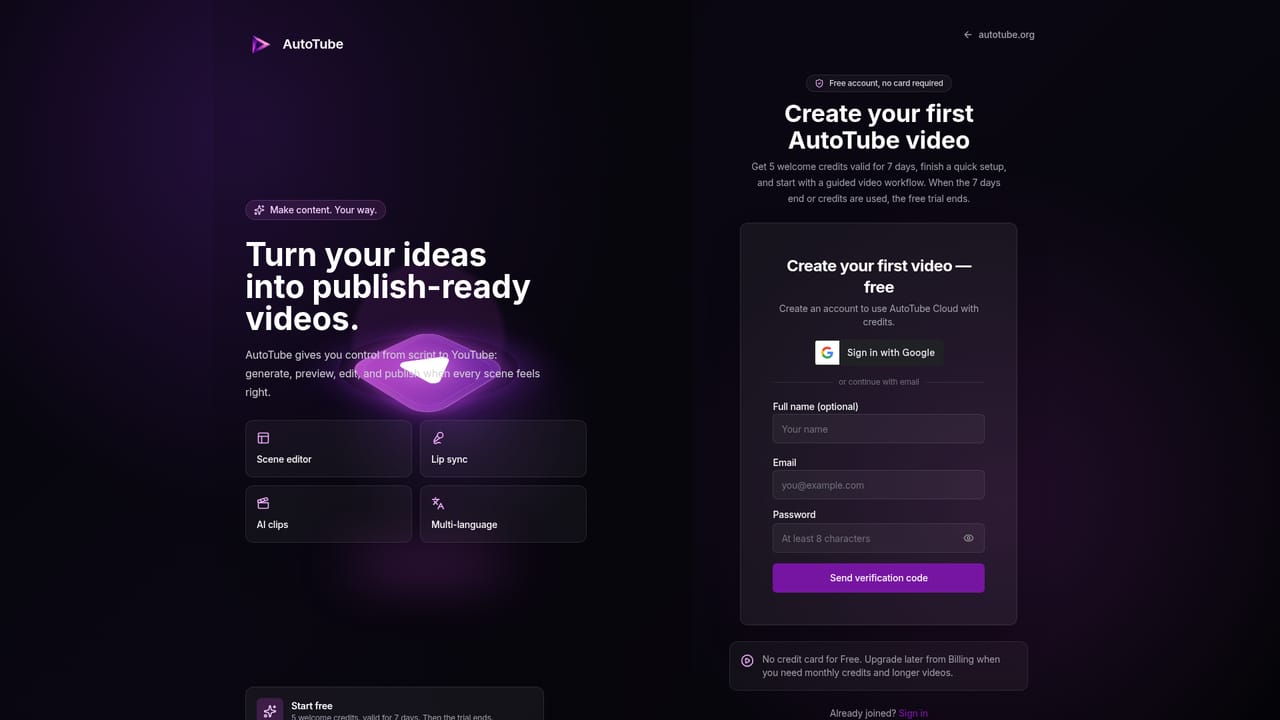
A free tier with credits and no card requirement lets new users test drafting and previews. Lip sync generation is limited to demo previews until a paid plan is active.
Learn moreFree tier with included credits and no card. Paid monthly plans: Lite $9, Starter $29, Pro $59, Premium $119, each discounted 20 percent for the first month on eligible new accounts. Annual billing saves 17 percent. Video and channel limits scale from 12 credits and 1 channel on Lite to 150 videos and 10 channels on Premium.
Learn morePublishing connects to YouTube channels for direct upload and scheduling from the dashboard. No other third party integrations are described on the homepage.
Learn moreScript, voiceover, visuals and captions generated as one editable draft; Studio Mode scene preview with per scene regeneration; Quick Create with direct YouTube upload; seven output languages; 13 atmospheric overlays; avatar lip sync up to one minute per job; Content Planner with researched and evergreen ideas; scheduled AI agents; multi-channel dashboard.
Learn more AI Angels400+ customizable AI girlfriends for NSFW chat, voice calls, and roleplay
 Candy AIExperience the future of companionship with AI friends who chat, role-play, and connect with you on a human level.
 ourdream.aiA vast AI roleplay platform with millions of characters for chat, images, video and voiceAI Angels400+ customizable AI girlfriends for NSFW chat, voice calls, and roleplayCandy AIExperience the future of companionship with AI friends who chat, role-play, and connect with you on a human level.ourdream.aiA vast AI roleplay platform with millions of characters for chat, images, video and voice


