Free trial
A free allowance of 10,000 words is offered without a credit card, covering both detection and humanizing.
Learn moreDetect AI text, then rewrite it to read like human writing

Detect.ai is an AI detection remover tool that detects AI text, then rewrite it to read like human writing. A combined AI detector and humanizer: paste or upload text, see why it was flagged, then rewrite it into natural-sounding prose that aims to clear AI detection.
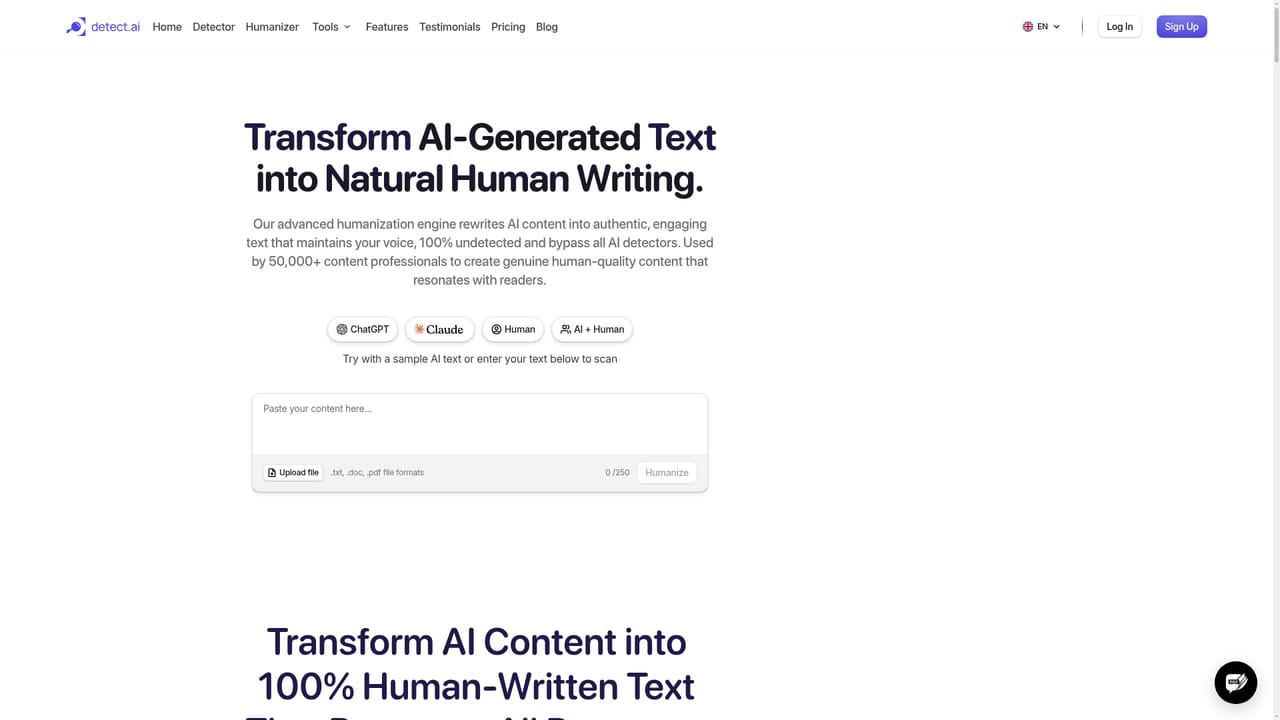
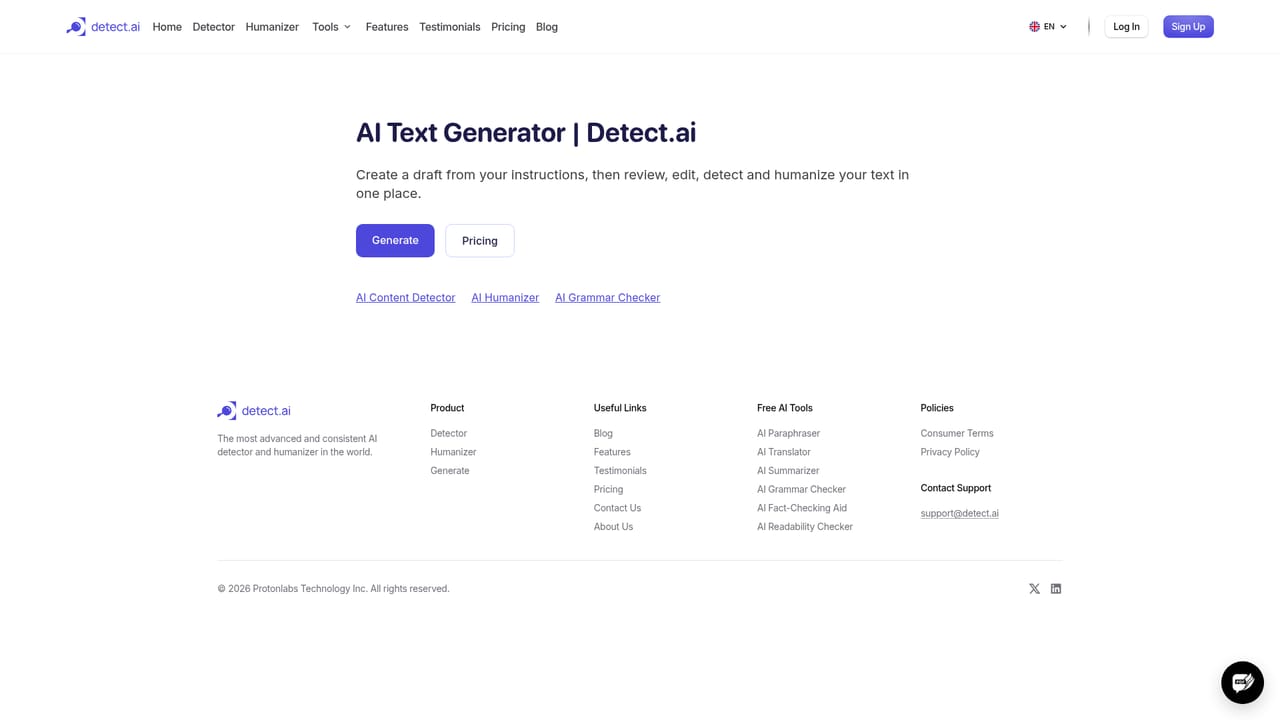
Detect.ai is a two-part writing utility: an AI content detector and an AI humanizer built into the same workspace. The detector scans pasted or uploaded text for the structural and stylistic patterns that typically mark machine output, then returns a confidence score and an explanation of what triggered the flag. The humanizer takes that same text and rewrites it so it reads like ordinary human prose, aiming to clear the detectors that originally caught it. The workflow is deliberately linear. Text goes in from a PDF, Word file, email or web copy, the detector highlights the passages that need work, and the humanizer rewrites them while keeping the original meaning and an adjustable tone. Detect.ai also ships a text generator that produces content already shaped to read naturally, plus a set of free single-purpose tools for paraphrasing, summarizing, translating, grammar checking, readability scoring and fact checking. The audience is broad. Editors and publishers run pieces through detection before they go live, lecturers use the reports to review submitted work, SEO teams soften mass-produced drafts, and compliance or legal staff check documents before submission. The bulk handling and speed claims point at people processing volume rather than one-off checks, and there is an iOS and Android app for checking text away from a desk. It competes with standalone detectors such as original AI checkers and with dedicated humanizers. Its pitch is that catching machine text and repairing it happen in one place, with word counts tracked across both actions. The catch is that detection accuracy claims are self-reported, and humanizer output still needs an editor to confirm the voice survived the rewrite.
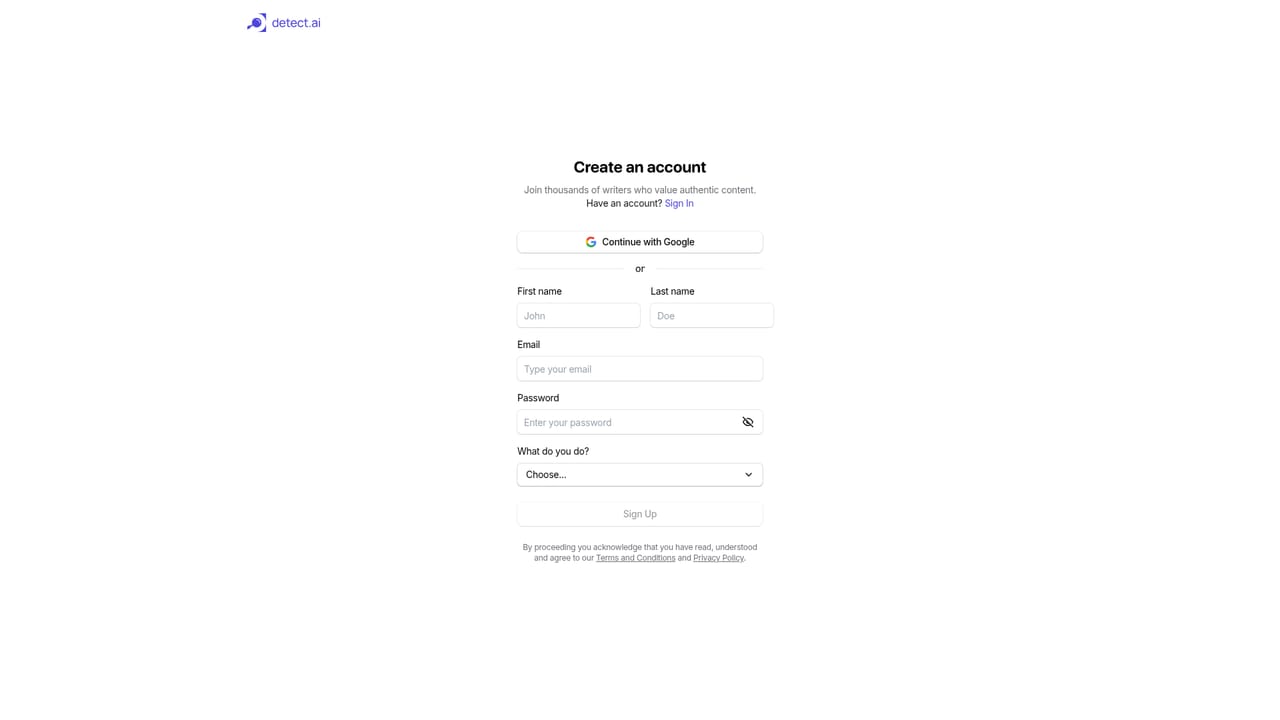

A free allowance of 10,000 words is offered without a credit card, covering both detection and humanizing.
Learn morePlans are metered by words, and every word processed counts toward the monthly limit whether it was detected or rewritten. The site advertises a free starting allowance of 10,000 words with no credit card, plus the ability to upgrade or downgrade at any time. Specific plan prices are not stated on the homepage.
Learn moreA contact page is available for support and unanswered questions, and the homepage FAQ covers security, word counting and bulk processing.
Learn moreCore features are an AI content detector with confidence scores and flagged-section reports, an AI humanizer that rewrites text to a chosen tone, and a text generator for starting drafts. The platform accepts PDFs, Word documents, emails and web copy, claims fast handling of large or bulk files, and adds free utilities for paraphrasing, translating, summarizing, grammar checking, readability and fact checking, plus iOS and Android apps.
Learn more AI Angels400+ customizable AI girlfriends for NSFW chat, voice calls, and roleplay
 Candy AIExperience the future of companionship with AI friends who chat, role-play, and connect with you on a human level.
 ourdream.aiA vast AI roleplay platform with millions of characters for chat, images, video and voiceAI Angels400+ customizable AI girlfriends for NSFW chat, voice calls, and roleplayCandy AIExperience the future of companionship with AI friends who chat, role-play, and connect with you on a human level.ourdream.aiA vast AI roleplay platform with millions of characters for chat, images, video and voice


